Before adding another connector to your AI agent, ask: does this workflow actually need it? Limit access to the task, test the boundaries, and expand only when there’s a clear business reason.
#Microsoft365#AIGovernance#AIAgents
The best AI workflow designs account for the work AI can’t finish. Give employees a clear way to review exceptions, correct the information, and return work to the process. That’s a practical step from pilot to everyday use.
#Microsoft365#AIAdoption#WorkflowAutomation
An AI workflow needs a fallback before it needs more users. For your next Microsoft 365 pilot, document who takes over and how work continues when AI is unavailable. Rehearse it before scaling. #Microsoft365#AIAdoption#WorkflowAutomation
Add a reason code whenever an AI workflow routes a case to human review: missing data, unclear output or policy check. Review the counts weekly to spot repeat issues and choose the next fix. #AI#Automation#Microsoft365
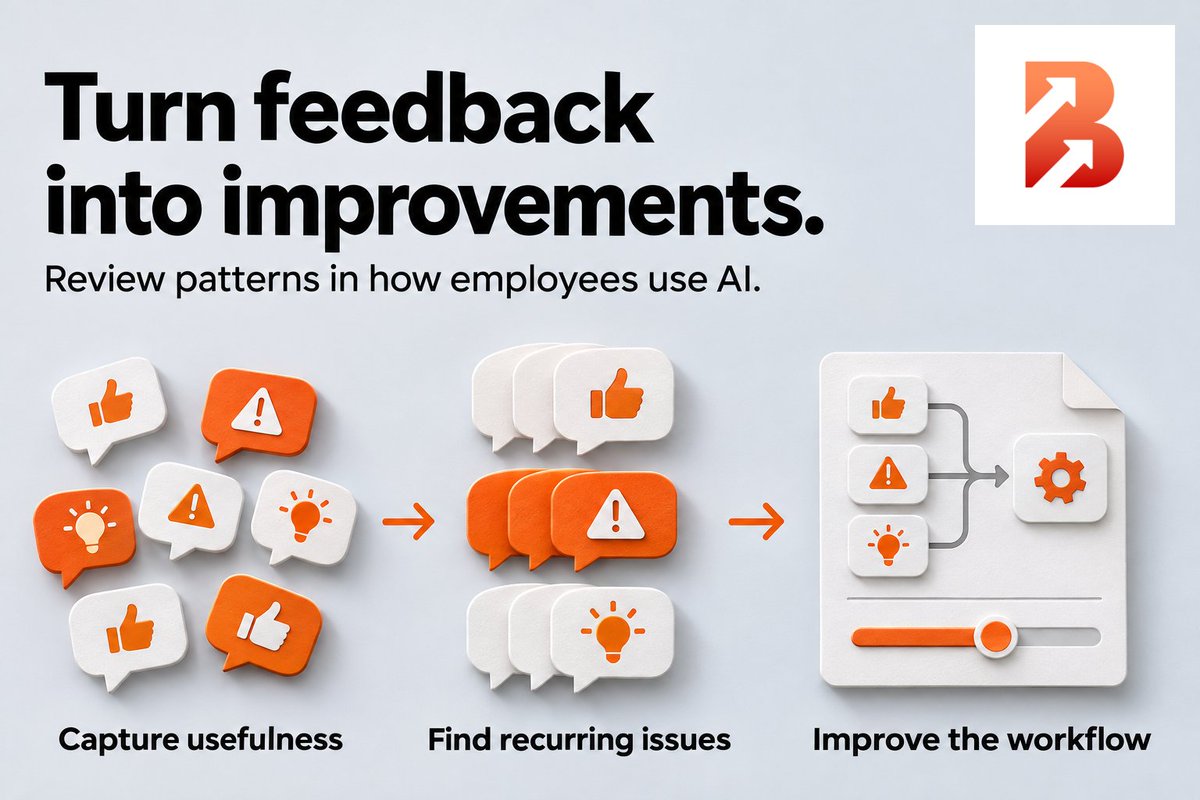
Your next AI improvement may be in employee feedback. Keep a shared log of what was useful and what needed fixing. Review patterns weekly, make changes and ask again before expanding the workflow. #Microsoft365#AI#Automation
Put a quality check on the AI rollout plan. Build a small test set that represents the workflow, including routine requests and difficult cases. Review output quality before adding more users or tasks. #AI#Microsoft365#AIAdoption
Does your AI step return a paragraph when the next step needs a date, category and amount? Define those fields and check their format at the handoff. Make the output fit the work that follows. #Microsoft365#AI#WorkflowAutomation
Put the manual fallback through a real test before scaling AI. Have a colleague complete one task without AI, document the steps and agree who switches the workflow to that fallback. #Microsoft365#AI#WorkflowAutomation
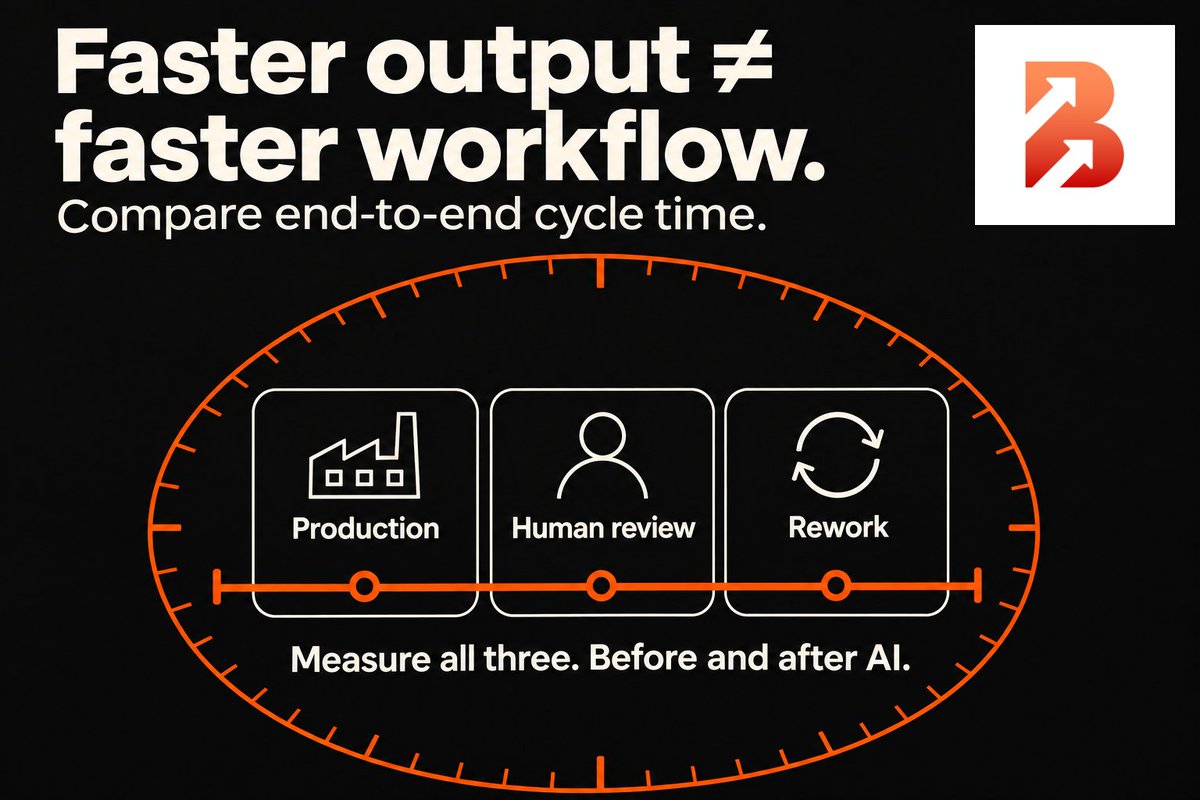
Does AI shorten the path from request to completed work? Compare baseline and AI-assisted cycle time on similar cases. Include waiting, review and rework, and keep the acceptance standard unchanged. #Microsoft365#AI#WorkflowAutomation
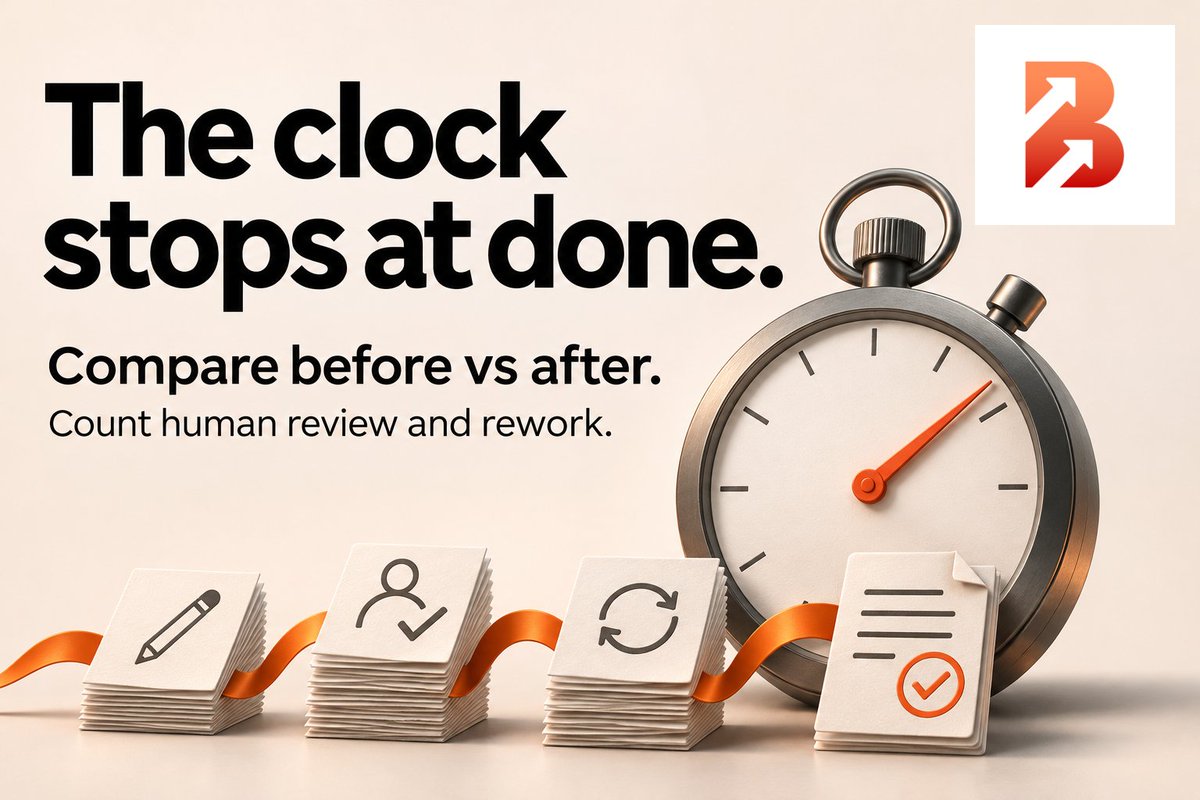
For your next AI pilot, agree where the workflow starts and what counts as done. Compare elapsed time before and after AI, including review and rework. Use similar cases and the same quality checks. #Microsoft365#AI#WorkflowAutomation
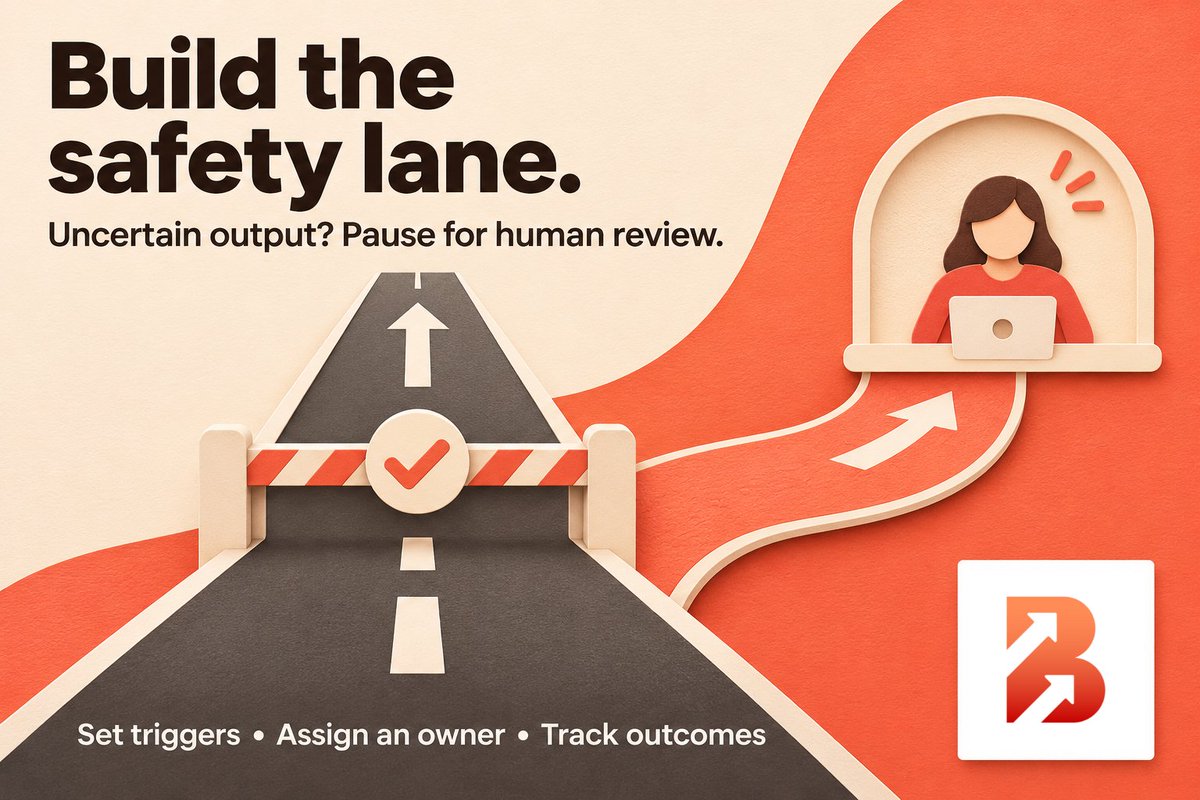
An exception queue can tell you where an AI workflow struggles. Set clear triggers for human review, then track the reasons and corrections. Resolve recurring issues before expanding the rollout. #Microsoft365#AI#WorkflowAutomation
A completed flow is only part of the story. For decisions worth reviewing, agree which inputs, rule and outcome to record, then test whether someone can reconstruct the decision. #Microsoft365#PowerAutomate#Governance
More context brings more information to govern. For a Copilot pilot, define the minimum data needed for one task and test with only that data before widening access. #Microsoft365#Copilot#DataGovernance
Still taking requests in the old spreadsheet after launching the new workflow? Set a transition date with the process owner and tell everyone which intake route to use from then on. #Microsoft365#ChangeManagement#ProcessImprovement
A new workflow can leave you supporting two processes. Before rolling out a Microsoft 365 solution, agree when the old inbox or spreadsheet stops accepting requests and where new work goes. #Microsoft365#ChangeManagement#ProcessImprovement
A request can reach the right inbox and still sit unanswered. Before automating approvals, name a backup decision-maker and document when waiting requests escalate to them. #Microsoft365#Automation#Governance
Before automating an approval in Microsoft 365, name a backup decision-maker and write down when an unanswered request escalates. Agree on the handoff before you build the workflow. #Microsoft365#Automation#Governance
Before expanding an M365 automation pilot, agree on a minimum accuracy rate and a maximum exception rate. Set both before reviewing results, and expand only when both are met. #Microsoft365#Automation#ITLeadership
Every required field asks someone to do work. Before adding one to a SharePoint intake form, name the decision it supports and who uses it. If nobody can, leave it out of the pilot. Start with the information needed to act. #Microsoft365#SharePoint#ProcessImprovement
Does this decision need real-time data? Before building a Microsoft 365 workflow, agree on how quickly people need to act. A daily summary may serve the business better than alerts that interrupt people all day. #Microsoft365#Automation#ProcessImprovement