Agenda puts you in control of the many things going on in your life and stay on top of everything important. We say Agenda is a date-focused note taking app. Let us show you what this means and how it helps you become better organized and more productive: https://t.co/eFcrLov782
Make Contact with Agenda 23!
Agenda 23 is all about making connections. To people through Contacts integration, to email, to your watch, and to Safari. It’s one of the biggest updates we have ever launched.
Download Agenda 23 on all of your Apple devices right now!
Agenda 22 powers your edits ⚡️
Drag & drop paragraphs, smarter tables (auto-sizing, draggable rows/columns, header rows), and search that even finds text inside PDFs & files.
Download Agenda 22 now 🚀
Check out the YouTube video we made that walks through the new search, smart overviews and everything else that is new in Agenda 19: https://t.co/BmzOHer8Rg
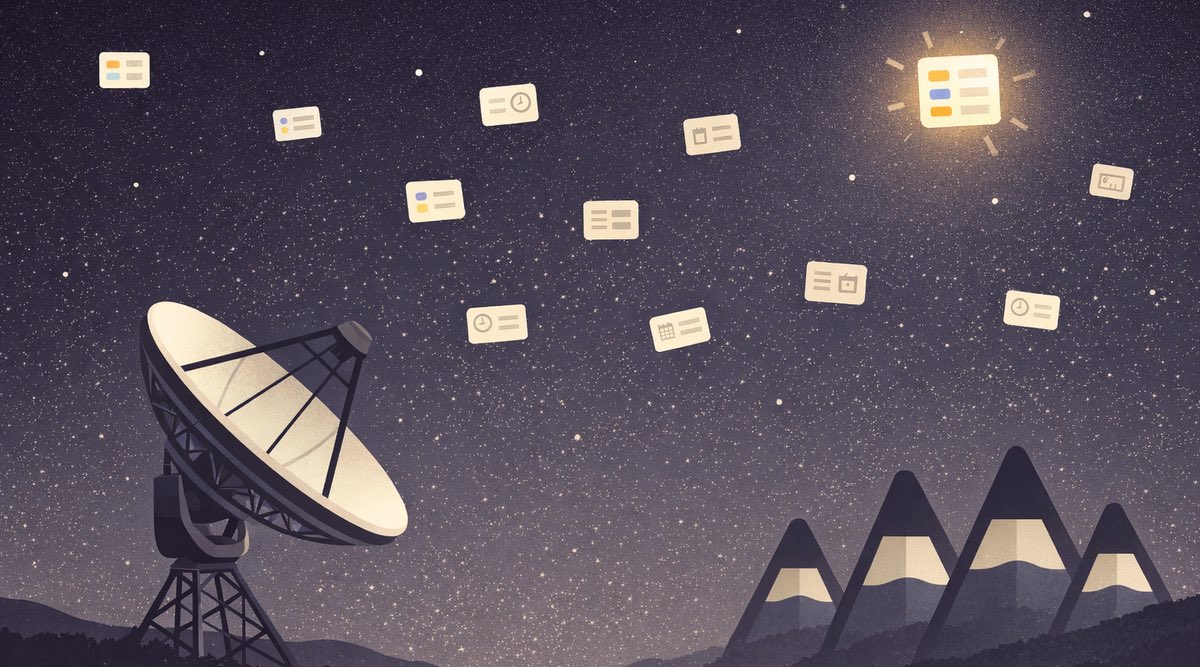
Agenda 19 takes search to the stars! 🔭🌌 We completely redesigned searching through your notes, making it simpler and faster, yet way more powerful. There's a new To Do overview and we've added integration with Spotlight. Be sure to take a look! 💫https://t.co/LPNsXuSV6S
With macOS Sonoma out, be sure to check Agenda's new widgets on the Desktop feature! Take Notes, Date Notes and organise your days with Agenda, download now from https://t.co/aebzA79eqV
Agenda 18.1 brings full support for iOS17 and macOS14, including interactive widgets (that also work beautifully in Standby mode on your phone and on the Desktop of your Mac). Plus, we added support for iCloud End-to-End encryption! Update now from https://t.co/ABbRjKf73b
Time for some privacy with Agenda 18! 🔒Now you can hide your most sensitive notes and projects, or even set a password for the entire app. Plus lots more, like improved sorting and grouping of notes, colors made much more powerful, and a people browser 🏝️https://t.co/aP2Y5BcsER
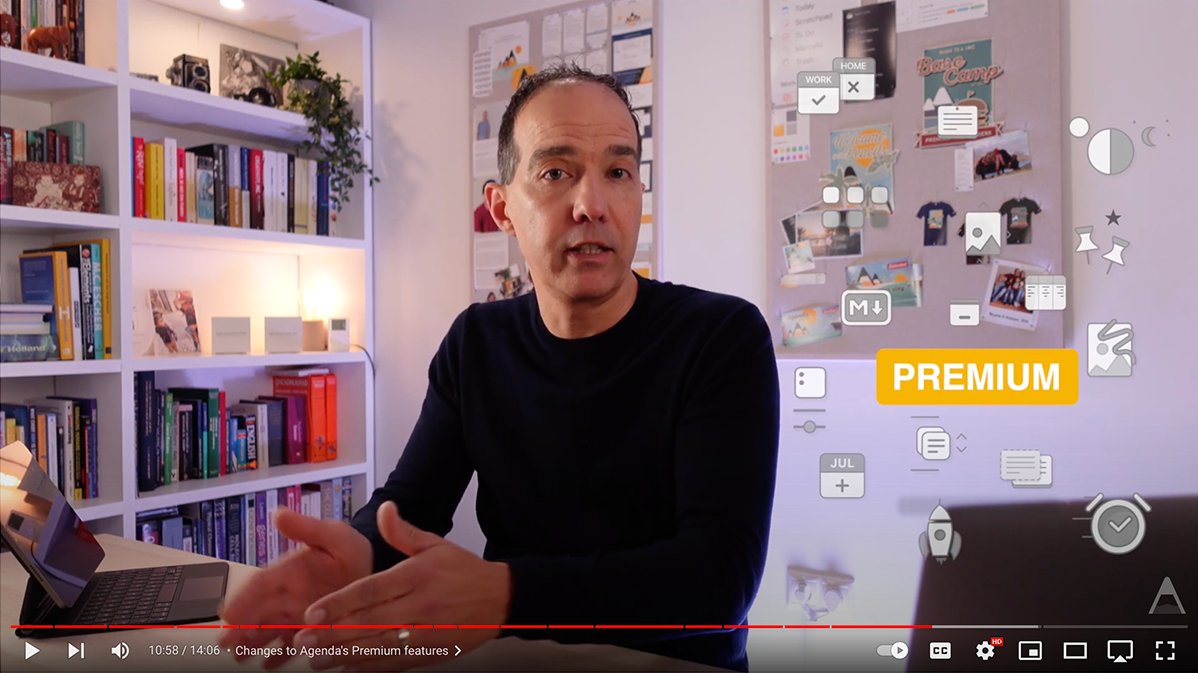
Last not but least, we simplified Agenda’s unique premium feature model and are also introducing a new Lifetime Premium option. Supercharge your note taking, and support a small team of independent app makers! @mekentosj tells you more about it here: https://t.co/WIPyLxwftL
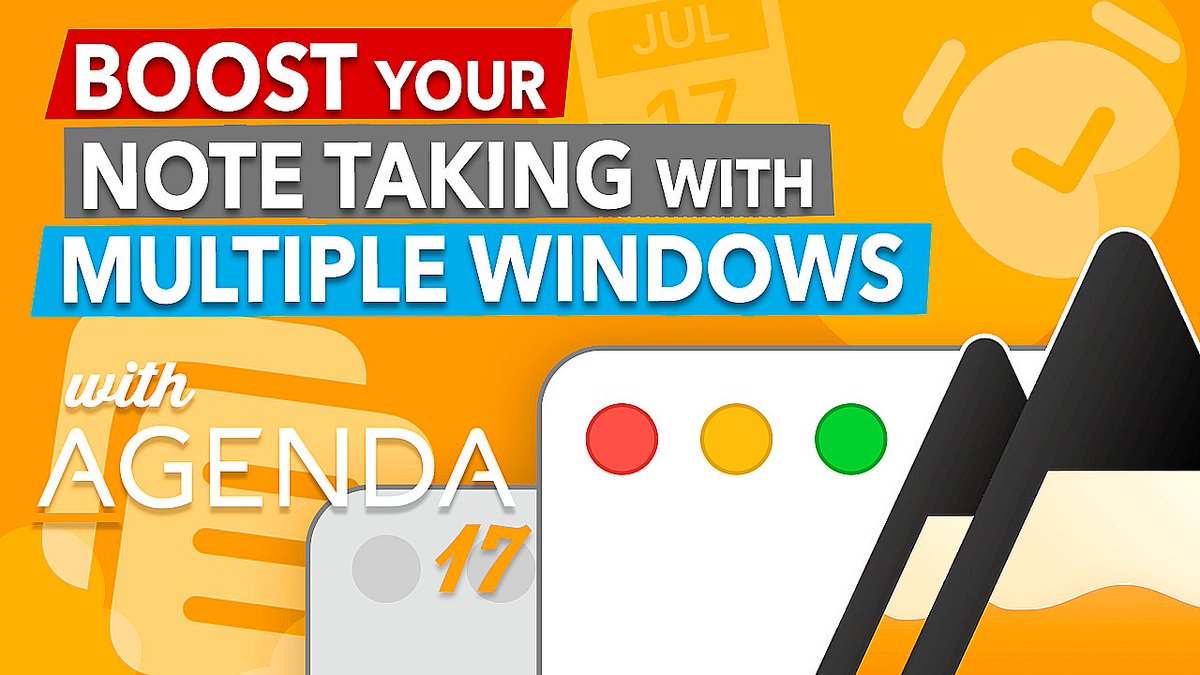
Agenda 17 is out! 🪄 It's time to open the windows and let a fresh breath of air in with this massive update. You can now open your notes and projects in a separate window, or jump straight into focus mode so you can organize your days even better! 💫 https://t.co/H9jq1qqmBc
Check out the YouTube video we made that walks through everything that's new in Agenda 17, showing the new multiple window feature in action:
https://t.co/eSZMpWyk7p
@pkm_one I forgot to mention @agenda ! Honestly, I bought it last year, 🎮 with it a bit and forgot it, I couldn’t grasp the potential of it. After trying every other app under the ☀️, I’ve come back to it and it’s really quite intuitive. Wish I realized it sooner. It’s a killer PM tool.
Praise for @agenda app from a joint customer https://t.co/AZXHCg3CYa "I can’t give enough praise for the Agenda app. It has ~6 years of evolving and never wavering from the original concept. The evolution of every new feature has been well thought out and"
@Patrick48158588 Do note that the Edit menu has a number of commands to make working with lists easier, like moving an item up or down quickly using a keyboard shortcut, or checking or unchecking all items in a list. See also https://t.co/DEKEf86eKD