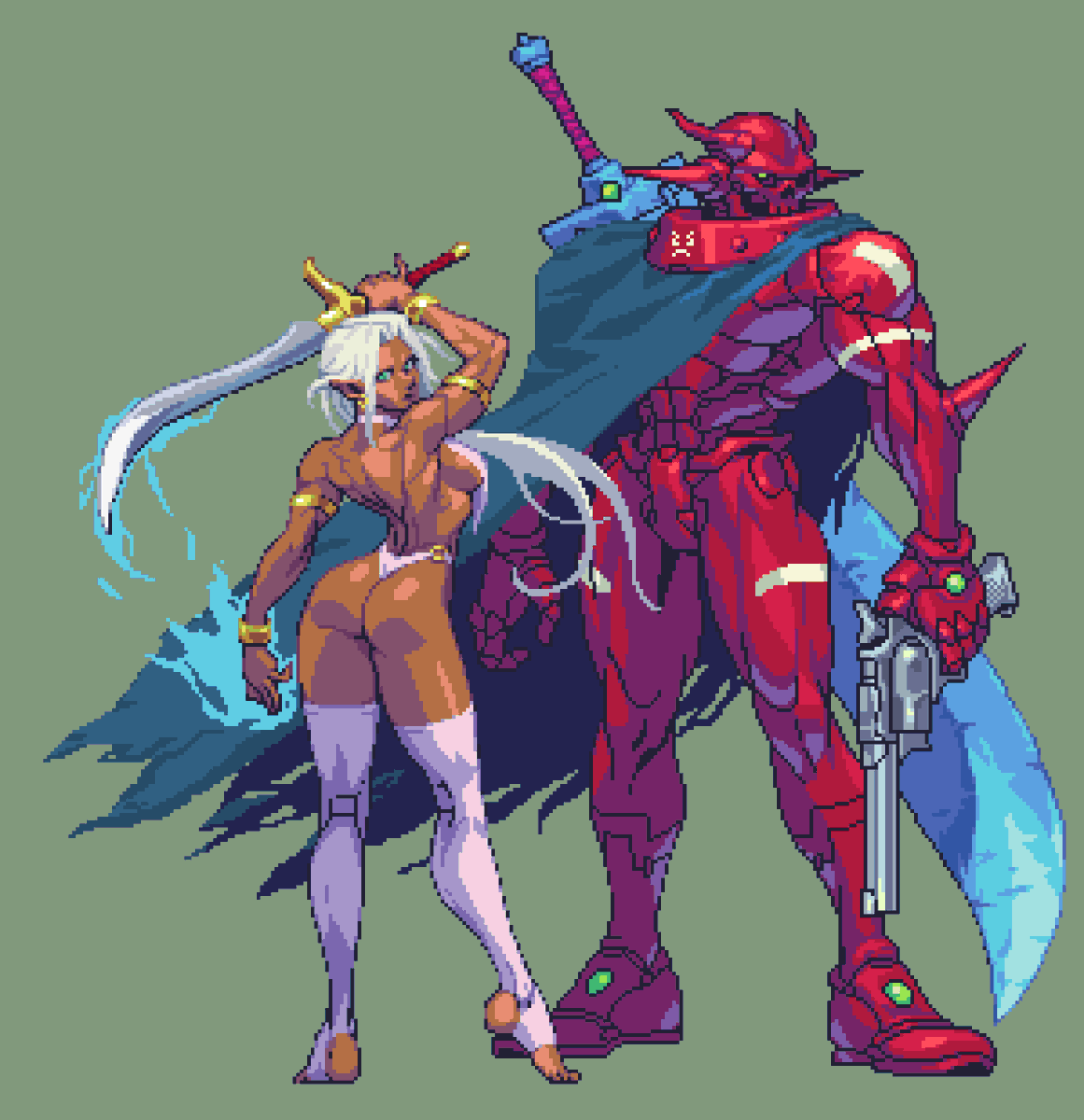
No AI. We made this using Aseprite and... a lot of frames 🥹 (and coffee of course)
Thanks to our amazing artist @MaxCreed122! Also our Kickstarter's coming 28th May, follow us there 😄
(And then make sure to have a pinned comment for the Kickstarter link)
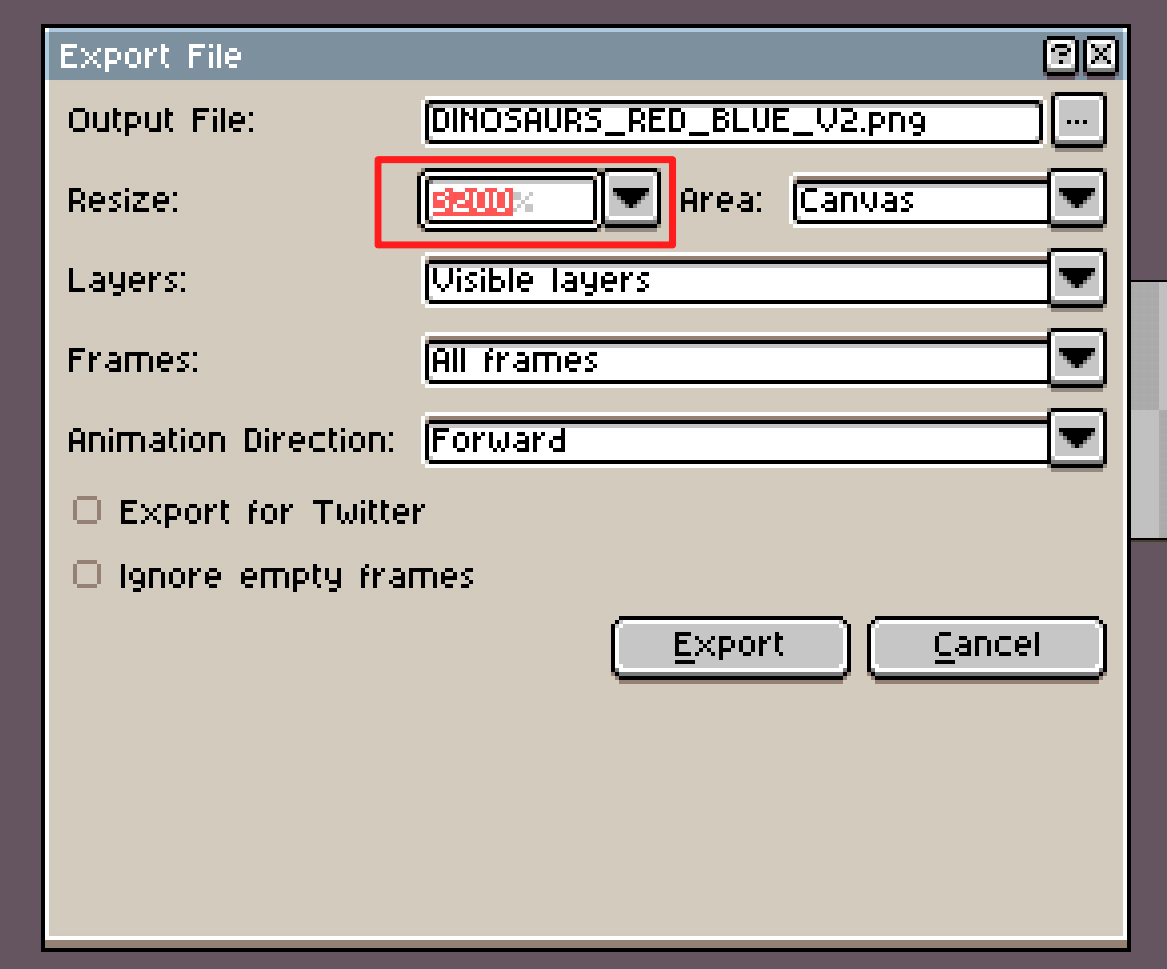
I don't know if Aseprite users know this yet. Now we can resize to export something by entering the number/% you need in the text box, instead of choosing a default value between 25% - 1000%.
Just in case you don't know about it! (because this is really nice!) Thanks @aseprite !
The best software in Pixel Art:
Aseprite.
Knowing how to use it can make or break your art.
Here's a part two of the thread with tips and tricks from someone with hundreds of hours in it:
(amazing art piece by @dr_smey )
🎉 picoCAD 2 is out! 🥳
Model, texture, and animate - in a single lo-fi, easy to use package.
GIF, GLTF, OBJ, and sprite sheet export.
Available now on Steam and Itch!
Check it out! https://t.co/iNochmDyb7
Thanks for boosting! ❤️ 🙏
Found a legendary add on to aseprite ^.^ ☘️💫 !
It is made by @DDMPlayer *
It lets you sync Aseprite's timeline with an audio file 🌟 !
@Aseprite#pixelart
@421Net@ZetaSole Y recordemos que el software pilar para los sprites de la mayoria de los juegos Pixel Art en ultimos años es argentino. Otra coronación por parte de @aseprite!
@todaymare hi there! actually I'm DRM-free, you can just copy and paste the files (or create a direct access to the Aseprite.exe to avoid opening Steam):
https://t.co/hNgCPkQyhE











![gif_not_jif's tweet photo. How To Sell Pixelart Online (Fast)
[ THREAD🧵 ] https://t.co/9iFsioRa9p](https://pbs.twimg.com/media/FJE-M5eWQAQ_4gF.jpg)