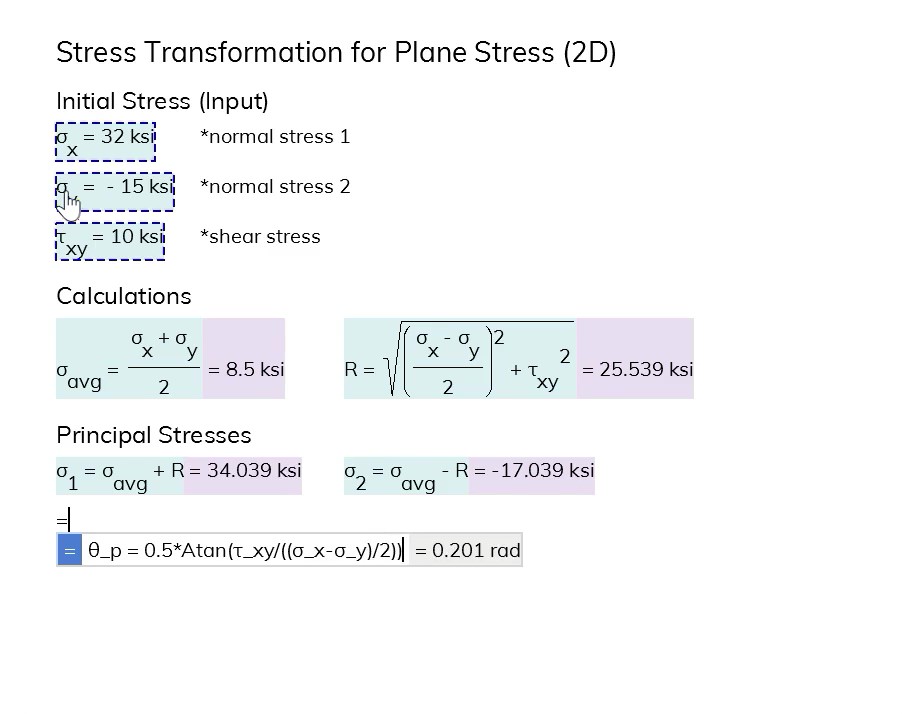
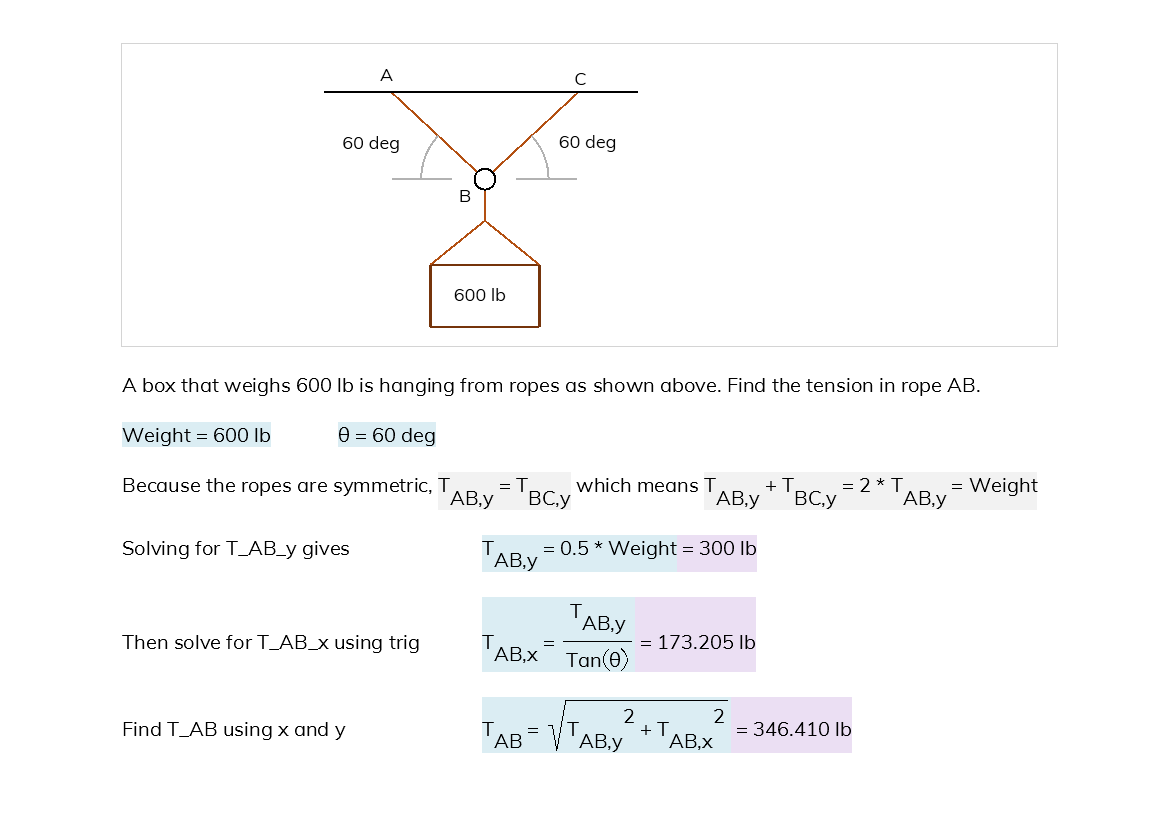
Use the Math Layout property to control how your equations are shown in Blockpad.
When used with styles, you can specify the appearance for all of the equations in your file.
Learn more:
https://t.co/n59LMtNVMb
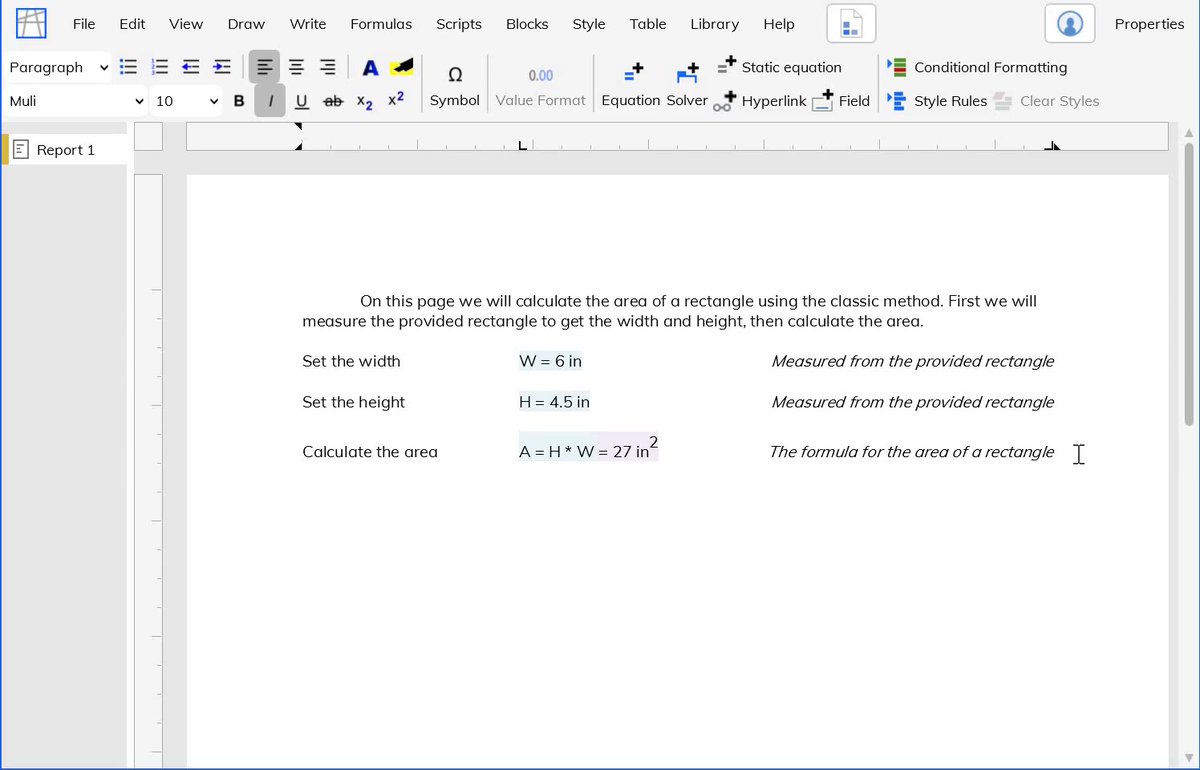
Blockpad has live math in a document style format, so you can make your calculations and present them well all in one place.
Learn more: https://t.co/uGTPbkpQSI
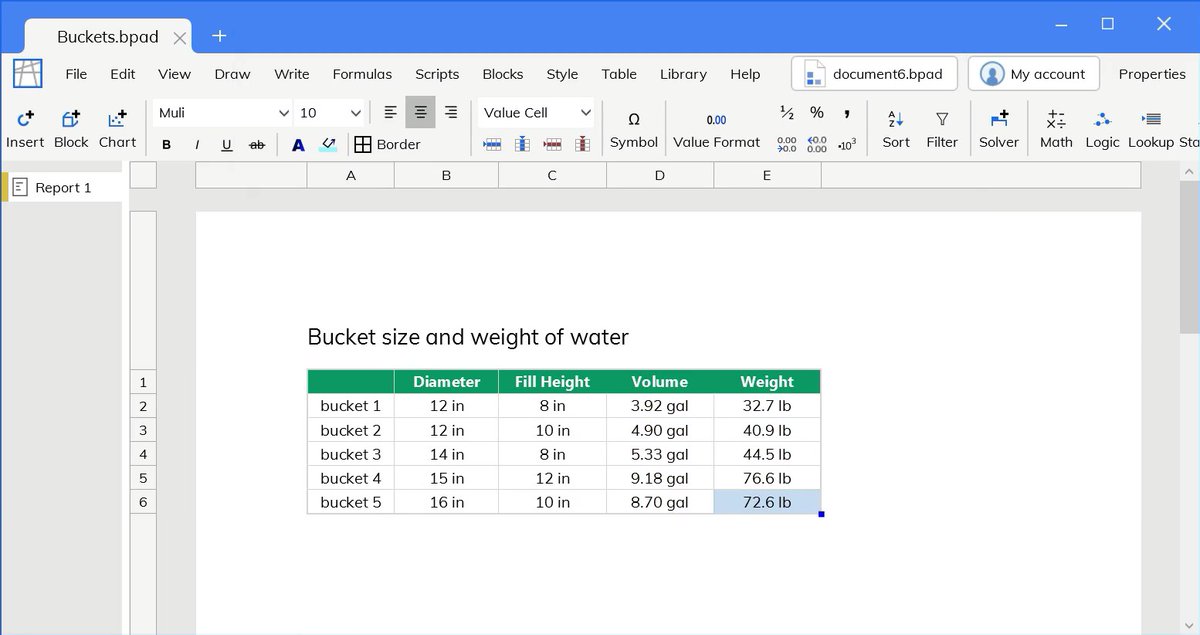
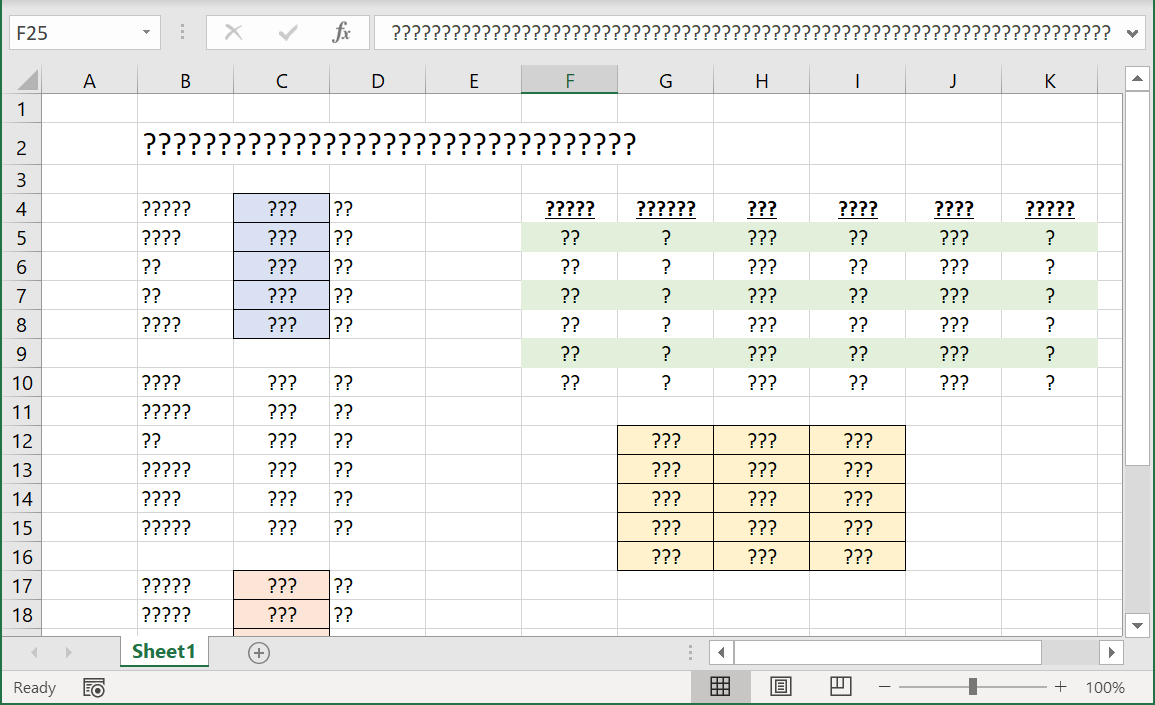
Blockpad tables can hold and calculate values just like in spreadsheets.
You can also format the tables to look presentable, along with the rest of your calculations.
Learn more in the tables quick start:
https://t.co/2WRz50JVsT
Blockpad gives you the option to hide the units in spreadsheet cells for when things start looking a little cluttered.
You still get all the benefits of units intelligence, just with a cleaner spreadsheet.
Read more about Blockpad's units intelligence:
https://t.co/NYyY9Pcc0X
When working with tables pasted into Blockpad, you need to adapt the values to work with units intelligence.
The fastest and most robust method is to use the console to assign units to the values.
Read more about scripts in Blockpad:
https://t.co/N8Lto7bIYa
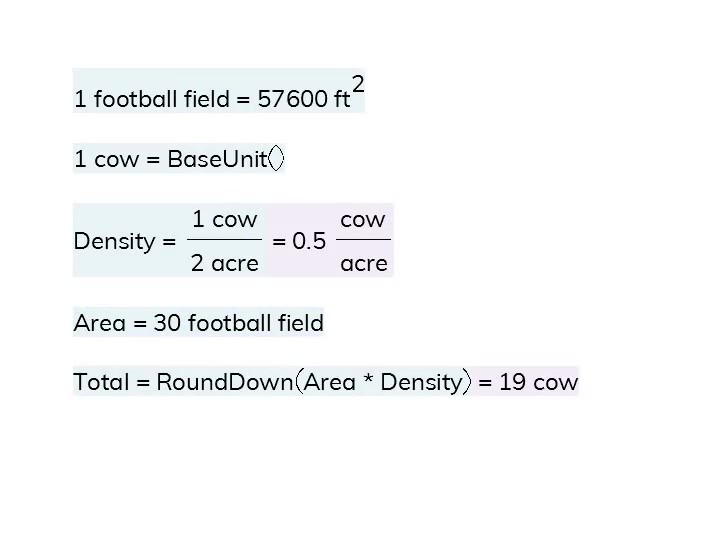
Blockpad supports degree-minute-second units natively as a combination unit (like foot-inch), no need for any special functions.
You can assign deg-min-sec units in a natural way, and then use them for calculations.
Learn more on the units page:
https://t.co/KExIlLao8P
Blockpad makes custom functions easy.
Create the function in your document, then use it again and again.
Custom functions work with units just like other Blockpad equations, and will catch unit errors in the calculation.
Learn more:
https://t.co/KjpOHUFLx2
Use Sections in Blockpad to conditionally hide parts of your document.
For example, you can make the calculations section of your text only show if your checks don't pass.
Learn more:
https://t.co/vmagQKEL9G
@aceslick911 Thanks Angelo!
You can do some basic date calculations in Blockpad (e.g. Date + Time = New Date; Date - Date = Time difference)
We don't have everything in there (e.g. no time zones), but it's pretty usable as-is.
https://t.co/uYLRp67v2s
With the latest update, Blockpad gives you even more control on how your equations are displayed.
The Show Steps property now gives the option to show function results and unit conversions, in addition to showing the reference values.
Learn more:
https://t.co/D5r5OyBV86
The latest update comes with tab stops for word processing, so you can format your calculation reports exactly how you want them.
Learn more in the deep dive:
https://t.co/2ctRJ1K8Zx
Blockpad version 1.3 is out, with a lot of great new features like custom units.
Also included:
- Tab stops
- New show steps options
- Number list formatting
- Item-by-item array calculations
- Improved Mathcad import
Read the release notes here:
https://t.co/n9mXuA3Akw
Legacy calculations are a great asset, but sometimes they're just a jumbled mess of hard-to-understand formulas.
Blockpad makes it easy to create understandable calculations that you feel confident reusing.
Read more:
https://t.co/bEbo0ZU2GW
Units intelligence in Blockpad is straightforward, and it makes engineering calculations much easier.
Blockpad units also help to catch conversion mistakes as you work, so you can feel better about the final result.
Learn more on our units page:
https://t.co/NYyY9Pcc0X
Sometimes little things make all the difference.
In Blockpad, you can click values to reference them in an equation, just like in spreadsheets.
Learn more Blockpad basics in the quick start guide:
https://t.co/uGTPbkqoIg
With Blockpad, you can show the steps of your equations, with values filled in where they're used.
You can also control what parts of an equation are shown, hiding the name for example or showing only the result.
Read more:
https://t.co/bxVT0xULbM
Blockpad provides tools for when you need to re-use the same name multiple times.
Besides using slightly different names like Diam_1 and Diam_2, you can use sections and step-by-step sections to use the same name again and again.
Read in the deep dive:
https://t.co/oxsFCywfiD