Introducing Brush: Our first vision-language model for design. 🖌️
Brush sees your design’s layout, layers and vibe the way you do, and edits alongside you. Fix one line of text, restyle a whole deck or build from a blank page.
See what Brush can do 👇
@ShaunesShowonX Hi Shaune, we don't have that yet, but we've logged it as a feature request. It's a good one. If you want, you can also share product ideas anytime here: https://t.co/Go6eLgNsiL. Send us a DM, or visit our Help Center at https://t.co/yKhR5Kpzat for more information. Thanks.
Hola Martin, entendemos lo preocupante que puede ser un cargo inesperado, especialmente cuando solo querías probar la prueba gratuita. ¿Podrías compartir la dirección de correo electrónico vinculada a tu cuenta de Canva por mensaje directo? Revisaremos tu suscripción y te asistiremos a partir de ahí.
Hi Daisy. We understand how frustrating it can be when your uploads take too long or don’t finish. Please check this article for troubleshooting steps: https://t.co/T9X5gFlLrn. If the issue continues, feel free to send us your active email address via DM so we can look into it further. Thanks.
@cayetANN Hi Cayetanna! Here’s a guide for different login issues: https://t.co/Ay2NTk9RSQ. Try clearing your cache, cookies, and browser history, then refresh the page. If it still doesn’t work, DM us your active email for more help. We’re here for you.
Hola, si la imagen se corta es porque al recortarla Canva oculta parte del contenido en lugar de estirarlo.
Si es una foto, haz doble clic para entrar al modo de recorte y luego mantén presionada la tecla Shift mientras arrastras una esquina para estirarla sin mantener la proporción.
Si es un gráfico de Canva, no se puede estirar libremente porque tiene una proporción fija.
Si quieres, cuéntanos si te pasa con una foto o con un elemento de Canva y te guiamos desde ahí.
@RudiRudela There are two new controls. One turns supported generative AI features on or off. The other shows you less AI-generated content in the Canva library. More details here: https://t.co/UUD6iahRdM
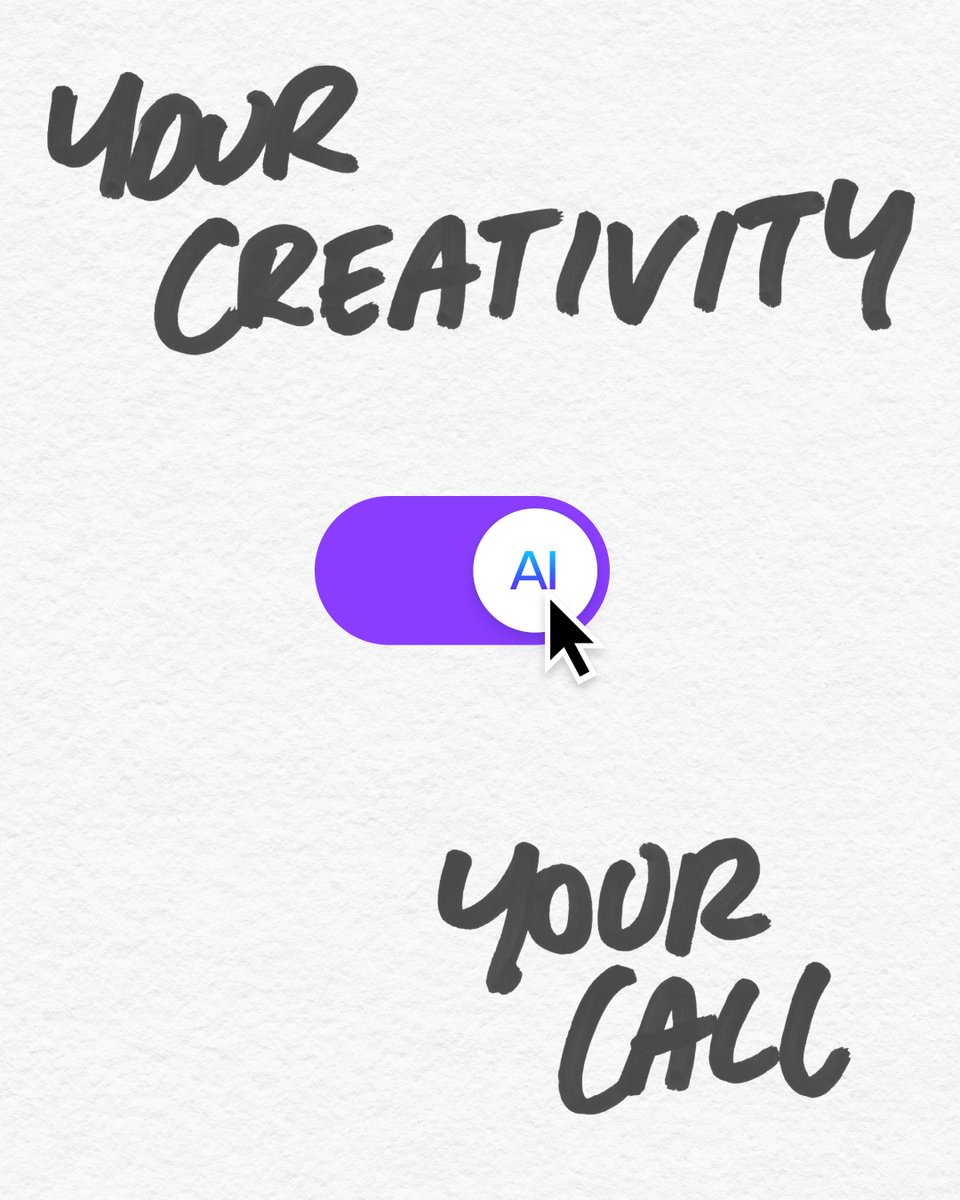
AI is everywhere. When and how you use it should always be your choice.
Starting today, you can switch generative AI features on or off and choose to limit AI-generated content in your Canva Settings. Let AI do some of the heavy lifting, handcraft every detail yourself, or do a bit of both.
Your creativity, your call.
#Canva #CanvaAI
@HalfAToken Background Remover is considered an assistive AI tool and will still be accessible when the generative AI control is set to off. Full list of supported features is here: https://t.co/UUD6iahRdM
Hi Chaya, not getting your verification code is enough to keep you stuck. Check your Spam, Junk, or Promotions folder for "Your Canva code", then request a new code and wait a few minutes before trying again, since sending too many requests close together can delay delivery.
If you're using a work email, your IT team may also need to allow emails from [email protected] and [email protected]. If you're still stuck, send us a DM and we'll help from there.
@RizqiAddy Halo, kami menghargai Anda melaporkan hal ini. Kami telah mengirimkan balasan atas permintaan Anda melalui DM. Mohon periksa kotak masuk email Anda, dan pastikan juga memeriksa folder sampah/spam. Kami akan menunggu pesan Anda.
We understand this is not an ideal situation for you, Andy. Slow-loading screens while using Canva might be due to your internet connection or browser. You can try some troubleshooting steps here: https://t.co/nqK2B9cKf6.
If something isn't working, let us know through DM, and we'll help from there.
@lullabycats2 Olá, tentar entrar em contato com o suporte humano e ser bloqueado no processo não é a experiência que queremos que você tenha. Envie-nos uma DM com alguns detalhes sobre o que está acontecendo, e daremos uma olhada mais de perto. Ficaremos de olho na sua mensagem. https://t.co/YbvBibapOi
@ShahdMohamedby Thanks so much for your interest, Shahd! You can check out open roles and apply directly at https://t.co/GOQm7Uenkj, where you can submit your resume as part of your application. Best of luck!
Hi Rowan! Yes. In a Canva Doc, you can set a dark page color. Open the Doc, select a blank area, choose Background color, and pick a dark shade. To learn more, check this link: https://t.co/VtM3IPYVD4. Send us a DM, or you may also visit our Help Center at https://t.co/zvsNWNCzNU for more information.
@raghavbrajwasi6 Hi Raghav, could you DM us more details about the video download issue, including a screenshot of the automatic cancellation, so we can look into it further?
Small, fluffy, marsupial-adjacent?
Hey Australia! 👋 You too can use Canva right inside @Muse, starting today.
Every design, template, and tool you love, on call.