Test and monitor your apps and APIs at scale!
A modern Monitoring as Code workflow for developers: programmable, fast, reliable.
status: @checklyHQstatus
Monitoring used to mean "can the public internet reach this?"
That's not enough. The services that matter to your business also need to be monitored: internal admin panels, partner portals, finance tools, the legacy app some intern built ten years ago... they never see the public internet.
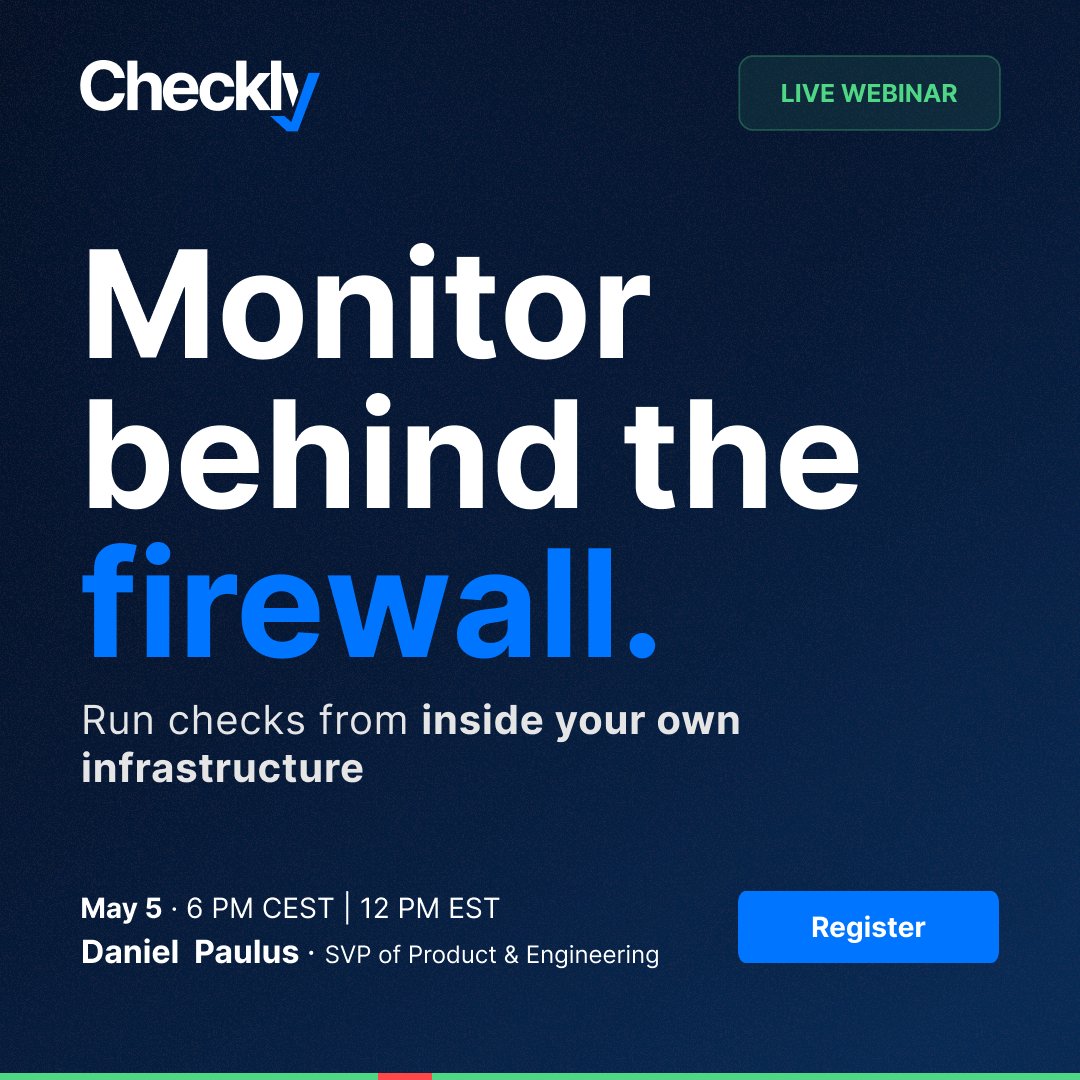
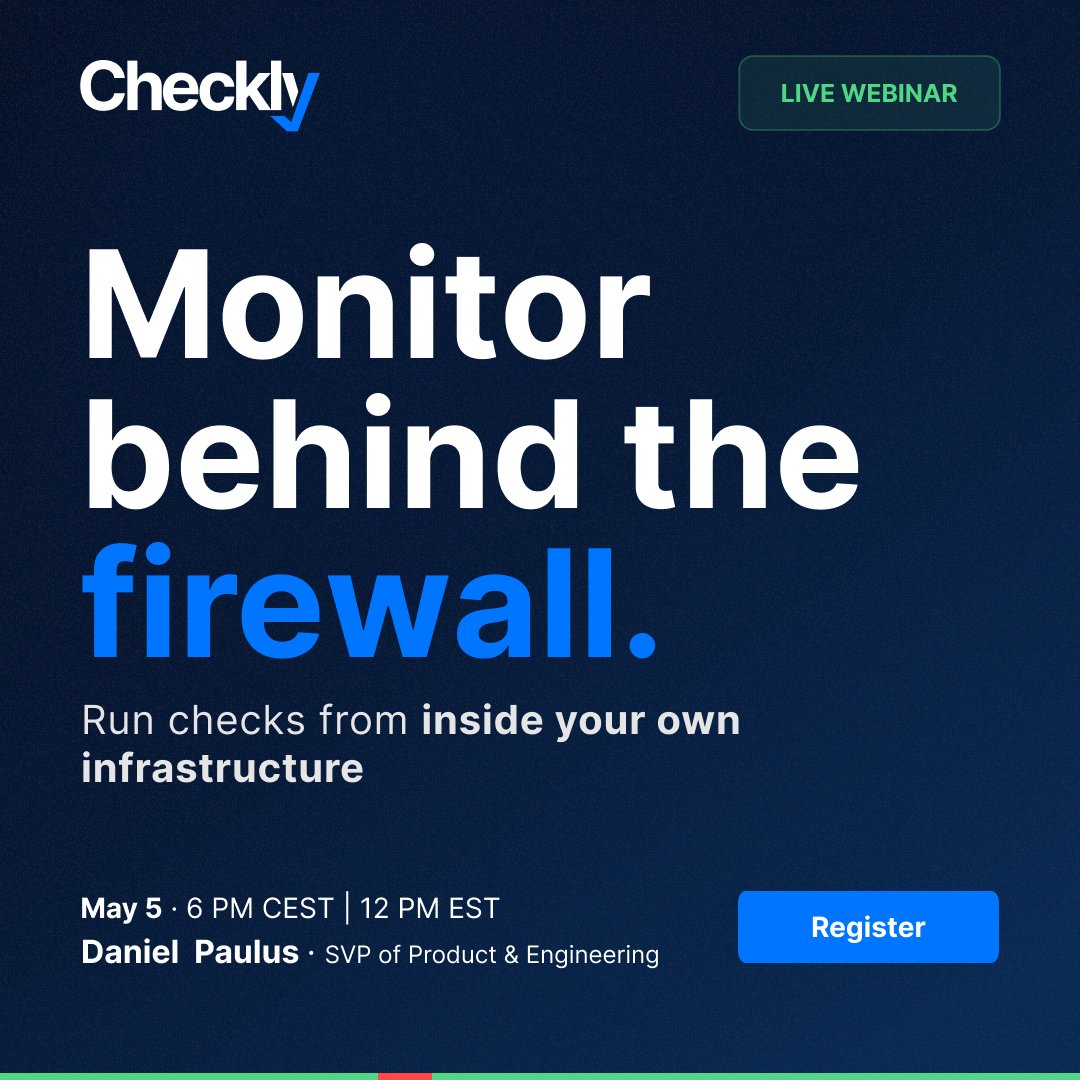
In our May 5 session, Daniel demo-ed Checkly Private Location.
"With Private Locations in Checkly, you can monitor things that are literally not possible to monitor any other way."
Recording here: https://t.co/fqInTMzqPp
Tomorrow we’re going live with our webinar on The AI-Native Playwright Reporter.
See how Playwright teams can use:
- Rocky AI analysis
- error grouping
- richer debugging context
- and a path to monitoring
to stop guessing and debug failures, flakiness, and trends. Register here: https://t.co/eU9aRflkMS
Your #Playwright test failed. Now what?
Most teams still jump between CI logs, traces, screenshots, and reruns.
On May 21, we’re showing how the AI-Native Playwright Reporter helps teams use Rocky AI, grouped errors, and richer debugging context to understand what broke and what keeps breaking.
Register: https://t.co/fHACpVB0uj
Every company has a few apps like this.
A legacy internal tool, half the team depends on it, nobody wants to touch it. Standalone EC2, no SSL, no API, never going to be public.
Most monitoring stops at the perimeter, so these apps are the biggest blind spot in your reliability stack. When they break, the first signal is usually a Slack message from someone furious it's down.
In our May 5 session, Paulus shows a check running from a Checkly Private Location. Same reliability layer you have on your public services.
Full demo: https://t.co/O5G1E0tW8x
Letting an agent open incidents and deploy monitoring sounds risky.
So we built the guardrails into the CLI, not the agent: `incidents create`, `deploy`, and `destroy` return exit code 2 with a confirmation envelope when an agent calls them. The Checkly skill teaches the agent to surface the diff and wait for human approval before retrying.
In the April 28 session, Stefan let Claude push a fix and open a status page incident. Both calls hit the confirmation gate. Both required a yes before going through. YOLO behavior is structurally blocked, not vibes-blocked.
Watch Stefan walk through it: https://t.co/DxsJr1Z4nM
Private status pages are now available in Checkly.
Password-protect status updates for internal teams, partners, or select customers, without heavyweight setup.
https://t.co/M3Fc9wgsKf
Most #Playwright teams still debug the hard way: CI logs, traces, screenshots, reruns, guesswork.
On May 21, we’re showing how the AI-native Playwright Reporter helps teams:
- analyze failures with Rocky AI
- track flaky/recurring issues over time
- debug faster with richer context
If you’re already running npx playwright test in CI/CD, GitHub Actions, or locally, this webinar is for you.
Register: https://t.co/LEVpbZunJ2
"With Private Locations in Checkly, you can monitor things that are literally not possible to monitor any other way."
Every company has its ACDC fan shop: a legacy internal app running on a standalone EC2, no SSL, no API, no public access.
Full recording here: https://t.co/1j9DZtPC0A
`npx checkly init` is now agent-first. Detects the agent, installs the Checkly skill, reuses your Playwright suite as a Check Suite.
Watch the recording → https://t.co/carjSXgeYp
Two AI agents, one incident, and no way for them to talk to each other.
Until now.
Rocky AI, Checkly's agent for root cause analysis, can now give your coding
agent the context it needs from the CLI or public API.
https://t.co/UX56avpv1i
Tomorrow: Daniel Paulus runs Checkly Private Locations in a short 20-minute session. Running checks, all from inside your infrastructure.
Last chance to register → https://t.co/TVMTakvh78
📅 Tuesday, May 5
🌐 6 PM CEST | 12 PM EST | 9 AM PST
What you can monitor in private locations with Checkly?
Live walkthrough next Tuesday, in a short 20-min session.
Register here: https://t.co/Oi0nZGgxTH
Synthetic monitoring breaks down the moment the target lives behind your firewall.
Tuesday May 5: Daniel Paulus shows how to run Checkly from inside your own infra using Private Locations.
Short 20 minutes session.
Register → https://t.co/CC7ycj4m2O
Recording is up. On Tuesday, we ran the full agentic monitoring loop end to end: agent scaffolds checks, breaks login in prod, Rocky AI + Claude triage, incident opened, fix pushed, resolved. All from the terminal.
Watch the recording: https://t.co/waPDKbheiE
Rocky AI analysis is now available in the terminal!
Your coding agent can pull the root cause, impact, evidence, and suggested fix without a dashboard hop.
Launch post: https://t.co/FnwOCTOf08
Tomorrow: Stefan Judis runs through a full agentic monitoring lifecycle, live. Detect, communicate, resolve -- one agent workflow, no dashboard.
Last chance to register → https://t.co/6eoRssP5e2
📅 Tuesday, April 28
🌐 6 PM CEST | 12 PM EST | 9 AM PST
50% of Checkly CLI users are agents.We just showed what that looks like: full monitoring setup + incident lifecycle, both handled by an agent through the terminal.
Watch the webinar here: https://t.co/D05eRB6zIT
Five things your agent can do with Checkly that it can't do with your current monitoring tool:
1️⃣ Generate checks using Checkly Skills
2️⃣ Set up checks at scale via the Playwright MCP or CLI
3️⃣ Manage incidents end-to-end from the terminal
4️⃣ Run Agentic Checks — where the agent is the check itself
5️⃣ Use Rocky AI for instant root cause analysis
All five, live, next week → https://t.co/McHGFTxRo2
Monitoring as Code was an infrastructure pattern. Now it's the agent layer.
When every monitor, check, and alert channel is defined in TypeScript files, agents can read, modify, and deploy them. Stefan Judis demonstrated exactly this: a coding agent analyzed an existing codebase, identified critical endpoints, created monitoring constructs, tested them against the Checkly infrastructure, and fixed its own mistakes. All from the terminal.
Watch our latest webinar: https://t.co/vnlYXV1l5k