Teams explain important processes in meetings, then lose the answer inside long recordings.
So the same questions come back again.
Cincopa turns meetings, workshops, training videos, and documents into a searchable knowledge hub.
Ask a question.
Get the answer.
Jump to the exact moment.
Make internal knowledge useful after the call ends.
Learn more at: https://t.co/mBGVv4Ue6j
Your video library has the answers but….Your users still cannot find them.
Long videos, scattered recordings, and disconnected support content make simple answers hard to reach.
With Cincopa VideoGPT, users can ask a question, get a direct answer, and jump to the exact moment in the video.
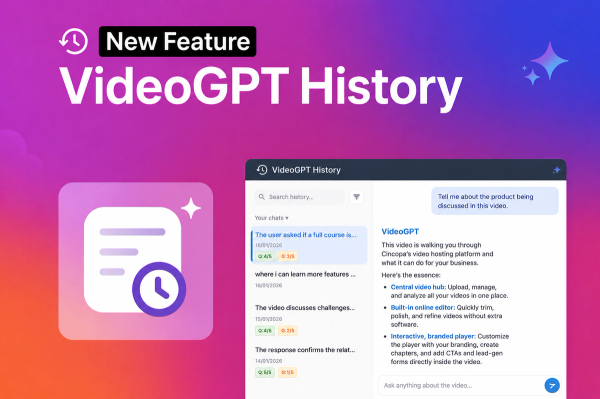
What’s more, VideoGPT History shows what users ask, which questions repeat, and where content may be unclear or missing.
That turns video interactions into feedback for improving training, support, onboarding, and internal knowledge.
https://t.co/ddg4Me645T
Your tutorials are sitting in a graveyard.
Support tickets keep piling up. You keep creating videos for support, but they keep piling up too… because they’re not easy to find, manage, or use when customers actually need answers.
The same questions keep coming back. Users still cannot find the answer.
Not because the content is bad but because no one wants to search through long videos for one solution.
Cincopa turns video libraries into something users can ask directly, get a text answer, and jump to the exact moment that solves it.
https://t.co/cYfMaJbcs6
Your product tutorial is 20 minutes. Users need answers in 20 seconds.
They won’t watch full walkthroughs, they search, ask support, and leave frustrated.
Cincopa lets users ask the video library, get instant answers, and jump to the right moment.
Learn more at: https://t.co/UAGa2Nsa6U
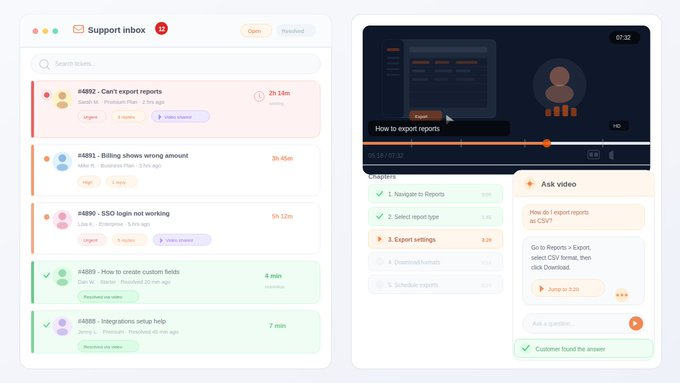
Support teams, you’ll relate: Ticket comes in. You send a long video.
Customer can’t find the answer, more back-and-forth.
With Cincopa, they ask, get answers, and jump to the exact moment. Faster resolution.
How well do you know your media assets? Accurate asset information helps with management and improves searchability.
📋 In this quick video, you’ll learn to maintain detailed asset info in Cicopa and how to update it effectively.
👉 Watch Full Video: https://t.co/eHE0Z8GGJ2
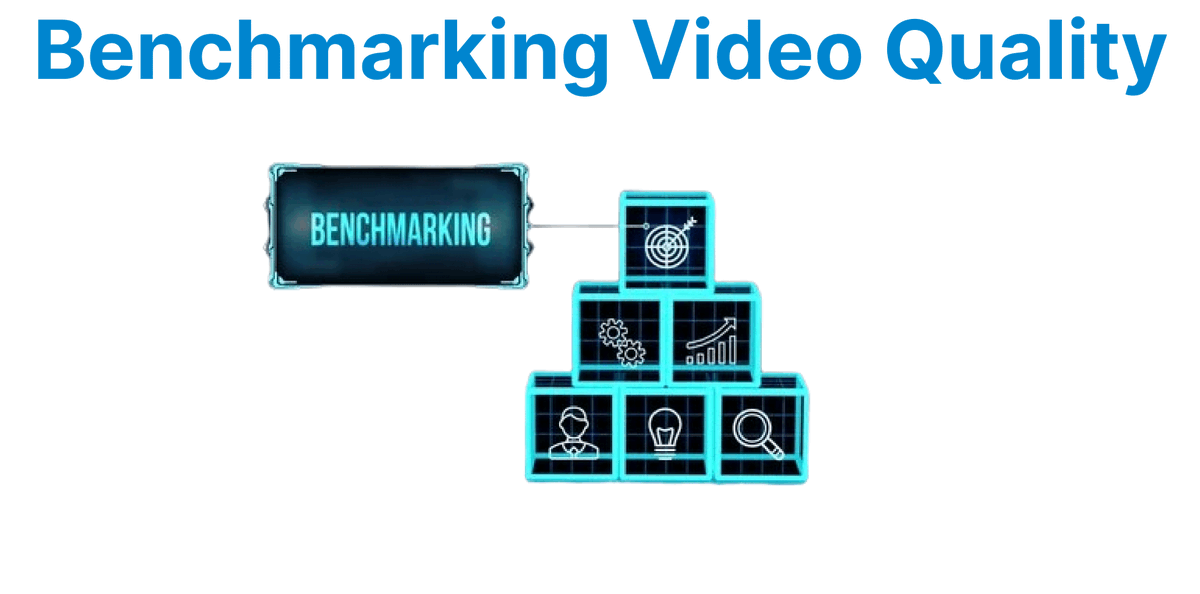
Ever watched two videos and wondered why one looks crisp while the other feels soft or noisy, even at the same resolution?
📖 Here’s a quick 3-minute read that guides you through the tools & methods for Benchmarking Video Quality.
👉 Read Full Article: https://t.co/unWQCnF4C8
Curious about how viewers interact with your videos?
📈 In this quick video, you’ll explore Cicopa’s analytics features and heatmaps to understand viewer behavior and optimize your video content for maximum impact.
👉 Watch the Full Video: https://t.co/fSpan572aw
Ever wonder why some NVIDIA GPUs breeze through video encoding while others struggle?
It comes down to architecture, parallelism, and codec support—factors that impact speed and quality.
📖 Here's a quick guide to benchmarking NVIDIA GPUs: https://t.co/bMuR0wxzcK
Want to take full control over your media content? Accessing on-asset options unlocks powerful settings to customize playback and appearance.
🔧 In this quick video, you’ll learn to navigate and use on-asset options in Cicopa to tailor your media exactly how you want it.
👉 Watch the Full Video: https://t.co/S9XMyL5wp9
🔒 Worried your media content could be accessed or stolen without your knowledge?
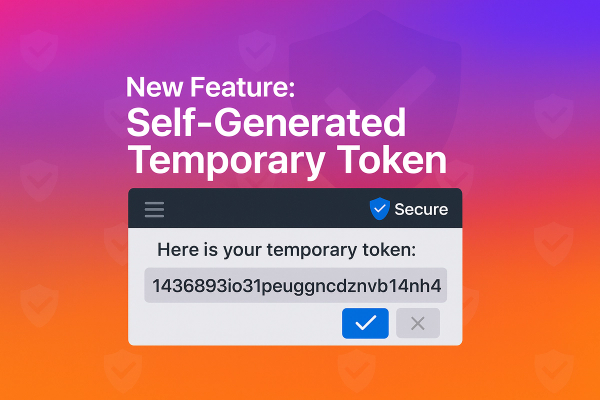
With Cincopa’s Self-Generated Temporary Tokens, keep your content secure, control access, and manage media safely; without exposing your main API Token.
👉 Know More: https://t.co/uUyDlwZRVf
Ever wondered how platforms like YouTube manage uploads, transcoding, delivery, and playback at massive scale?
Behind the scenes is a streamlined pipeline that turns raw video into a polished viewing experience.
👉 Read the Full Article: https://t.co/bR4w3Nd7gw
Struggling to get the perfect thumbnail for your videos? A compelling thumbnail can increase clicks and improve viewer attention.
📸 In this quick video, you’ll learn to set and customize thumbnails for your media assets in Cicopa.
👉 Watch Full Video: https://t.co/dUMpHkQnsq
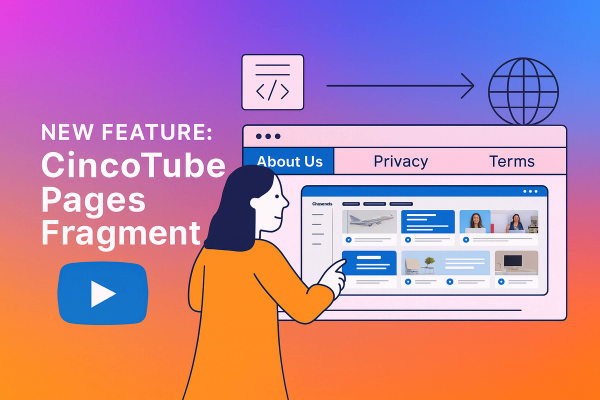
🔥 Want to add customized pages to your CincoTube site?
The "CincoTube Pages Fragment" feature allows you to add custom pages without writing a single line of code.
👉 Curious about this new feature? Check It out here:: https://t.co/e8cTNYbwwg
Designing a video player UI that feels uninterrupted on every mobile device?
It’s all about responsive layouts, touch-first controls, and performance that keeps playback smooth.
📖 Dive into this 3-minute guide packed with mobile-first best practices: https://t.co/U8fFJKXzXk
Want to make your videos more interactive and informative? Adding annotations can help highlight key moments and boost engagement.
🎯 In this quick video, you’ll learn to add annotations to your video assets in Cicopa and make your content stand out: https://t.co/uw0U0tfAuF
Struggling with e-commerce platforms that limit your speed & creativity?
Headless commerce lets you break free, decouple frontend & backend for faster builds, scalable experiences, and personalized, video-rich content.
📖 Quick guide to best practices: https://t.co/OdAdOPRZll
Need to reuse an existing gallery setup for a new project? Duplicating galleries saves time and effort without starting from scratch.
🔄 In this video, you’ll learn to create a copy of your gallery with a few clicks in CincoTube.
👉 Watch Full Video: https://t.co/POEsa5OZAl
Want to collaborate on your video galleries? Inviting others to upload content keeps your gallery fresh and engaging.
🤝 In this video, you’ll learn to send invites so others can contribute videos to your CincoTube gallery.
👉 Watch the Full Video: https://t.co/iCsNh2fBGW
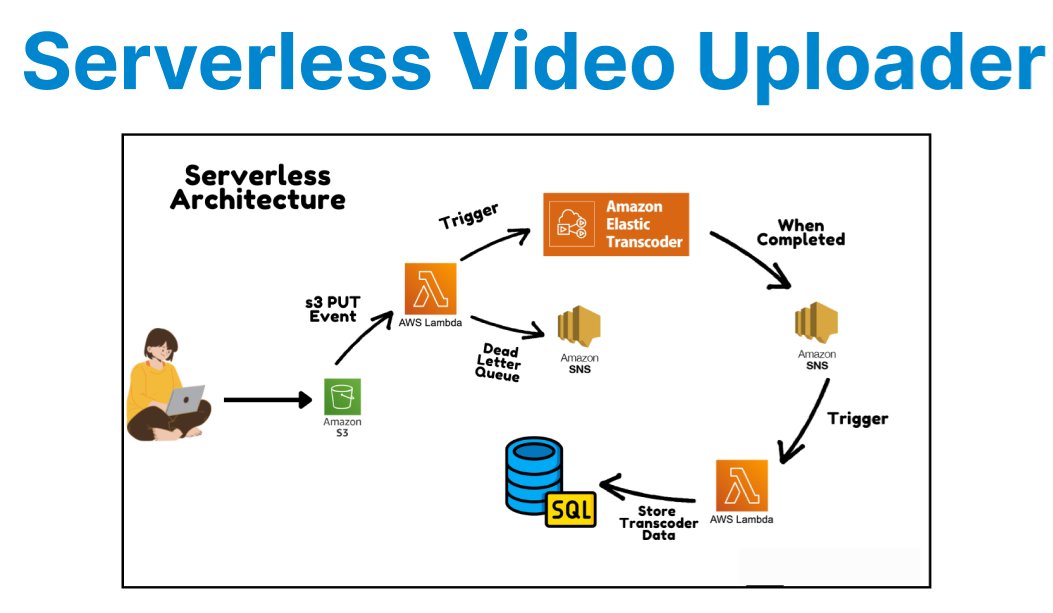
Handle video uploads at scale, no servers needed. Use API Gateway for ingest, Lambda for processing, DynamoDB for metadata, and S3 presigned URLs for direct uploads. Add automated post-upload steps + monitoring via CloudWatch & DLQs.
👉 Full Article: https://t.co/8srDtVXT2E