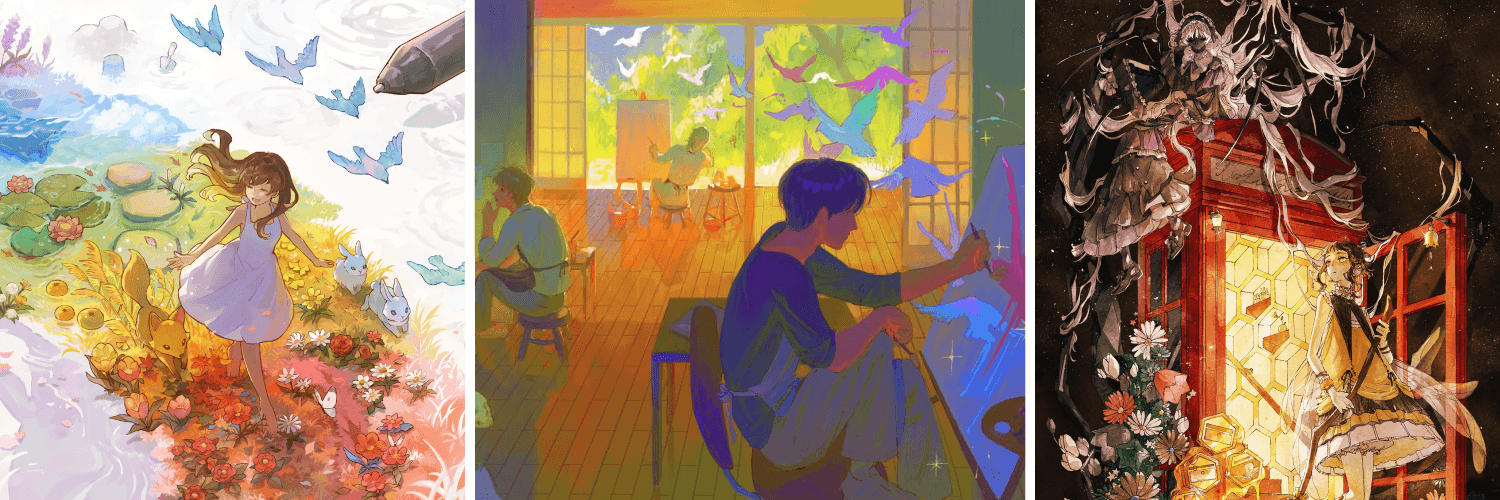
Learn the fundamentals of color theory with Ann Maulina! 🎨
From color harmony to mood and storytelling, understanding color can take your artwork to the next level!
🔗https://t.co/G3lsHoEHZr
Artist: Ann Maulina
We joined Anime Ottawa in Canada ✨
Over 12,000 anime and manga fans gathered here to celebrate pop culture.
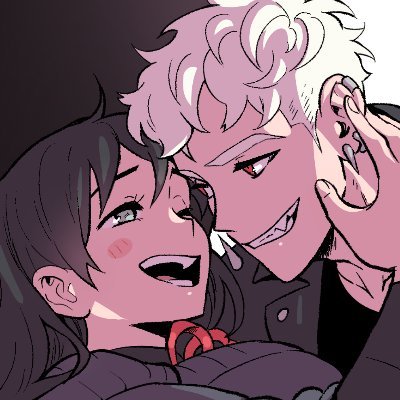
Thanks to @sabtastic for a great live drawing session on Clip Studio Paint!
Instagram: sabtastic
https://t.co/MWULfMaexf
POV: you just discovered the Lasso Tool has stabilization🤭
Thanks for sharing this Lasso Tool trick brunkeymunkey !
https://t.co/0ABLvLqNxG
#clipstudiopaint#digitalart
Learn practical posing tips with Elephantsyyyy and discover how small adjustments can make your characters feel more dynamic and expressive👀🔥
🔗https://t.co/DJwtiZykP9
Artist: https://t.co/dkmBr2gfNu
\ 📦 Missing default materials! /
I can't find the head or hand models
that should be included...😱
Don't worry!💪
You can restore the missing materials🔄
For detailed instructions, please see this FAQ👇
https://t.co/xIKppj2Z6i
Our Support site also features helpful info and FAQs regarding known issues shared by our users, so please be sure to check it out👍
#clipstudio
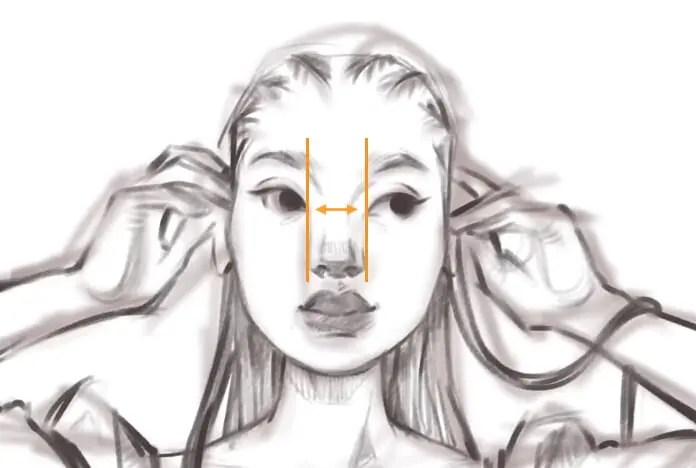
Want to improve your female face drawings?🎨
In this tutorial, Sara Tepes shares helpful tips for drawing and painting expressive female faces, from structure to rendering.
Video:https://t.co/sadHOnV0hW
Article: 🔗https://t.co/jk4I7ms35i
Sara Tepes: https://t.co/B6v69xZb4n
New video alert📺
✨CSP recommended feature✨
Personalize your lineart brushes to match your style!
https://t.co/c5F7XhWpak
Discover the various ways in which you can adjust and customize your lineart brushes in Clip Studio Paint. Watch to see how your lines change shape as the settings change.
By Simzart
Struggling with folds, wrinkles, or outfit details? 👕
These handy materials and assets can make drawing clothes a lot easier! Perfect for character art, fashion design, and practice studies 🧵
🔗https://t.co/Az7xG70fcV
🔗https://t.co/bUkhncEdQu
🔗https://t.co/jpCIP32mVh
#clipstudiopaint
Create and share materials for the latest Assets Challenge: “tea”!
Simply post your material using the challenge tags to Clip Studio Assets to enter the challenge.
Winning materials will be shared and win 20,000 Clippy tickets
More info here: https://t.co/DbTZ5HT42H
Deadline: July 7, 2026
#clipstudio #ASSETSChallenge
If you need to send comic or webtoon files in PSD format, you can export Clip Studio Paint text layers to PSD format without rasterizing them!✨
That way, you can easily edit text in Photoshop.
For detailed instructions, click here ↓
https://t.co/mGqx8GVUBA
#clipstudio
48th International Illustration Contest Giveaway🎉
3 randomly chosen winners who follow this account and RP this post by 6/26 will win a Clip Studio Paint PRO activation code (Dual-device plan, 1 year)!🎁
Winners will be notified by DM on 6/29.
▼Contest details
https://t.co/fUOARbszo6
#cspcontest48
#cspcontest48_timelapse
#cspcontest48_smartphone
The 48th International Illustration Contest is open!🎉
Theme: Moon & Stars🌙💫
Fly us to the moon, and let’s illustrate among the stars!
Enter with hashtags.
▼Details
https://t.co/9S7ilNYj4p
#cspcontest48#cspcontest48_timelapse#cspcontest48_smartphone
Want to add more detail to your artwork?
These texture brushes are a great to create rough, organic surfaces and bring unique visual interest to your illustrations✨
Check them out!
🔗https://t.co/wvdlkcyrpF
🔗https://t.co/vlVclUNyFU
🔗https://t.co/oSmSihN8Tt
🔗https://t.co/7uu3zIH07M