Making a video, previously:
One tab to animate a line.
One tab for titles and layouts.
One tab to find the clip you swear you imported.
One tab of prompts, pasted in like an incantation.
You can close a few of those now. https://t.co/7jqwRUah5R
For most of video’s history, the frame was final.
Expand the frame in Descript and that rule goes away. A vertical becomes a horizontal or a square, and the picture keeps going past where the camera stopped.
The clumsy crop can call it quits.
@aki_being Sorry - it's just a tool you can find in the app that connects to AI agents, and has a separate login portal.
What browser do you use, and can you try in another browser?
Claude can make animations now. Gorgeous ones. Then you sit there going “okay, cool… now what?”
Now you send it to Descript and add a voiceover, music, captions and stock footage.
Claude for the motion, Descript for the rest.
https://t.co/cloFnxmYlF
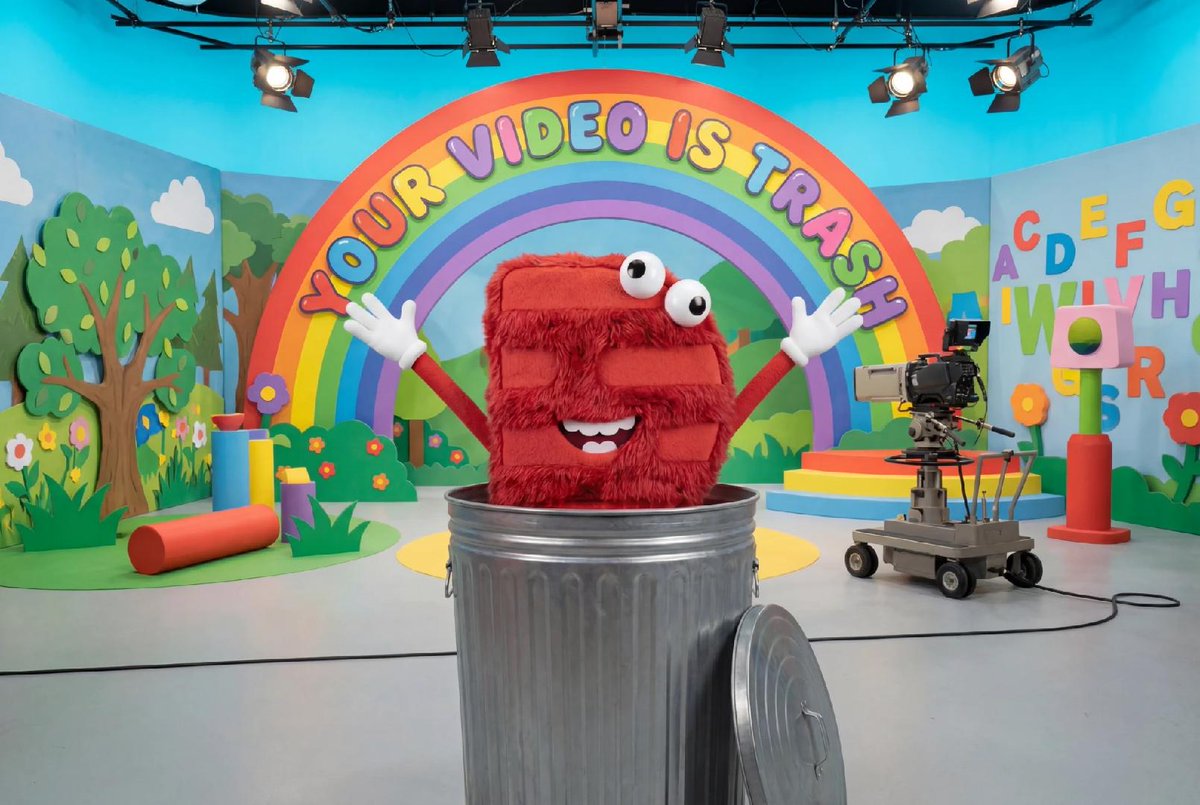
We don’t think your video is trash. You might, though.
Starting today, you can trash a project and change your mind for 30 days. Put it in. Take it out. Put it back in. We’re not judging.
A branded title screen, an animated infographic, a closing bumper - these “nice to haves” end up lending your content additional authority, making it look like you pay a team to make your videos even though it’s just lil old you. With Claude Motion (in beta on Team/ Enterprise), you can make those assets yourself and bring your motion artifacts directly into Descript to make your story more powerful.
(and totally 100% fr our creative director rocky is out sick today so I had to make my own digital assets for this last minute launch. Oh now, whatever shall I do? Thanks @claudeai!)
Just caught Descript CEO Laura Burkhauser’s opening at Make Content, Not Excuses. Clear, practical, and actually useful — not another “build in public” talk. Left wanting to ship a video before lunch. #SFTechWeek@descript