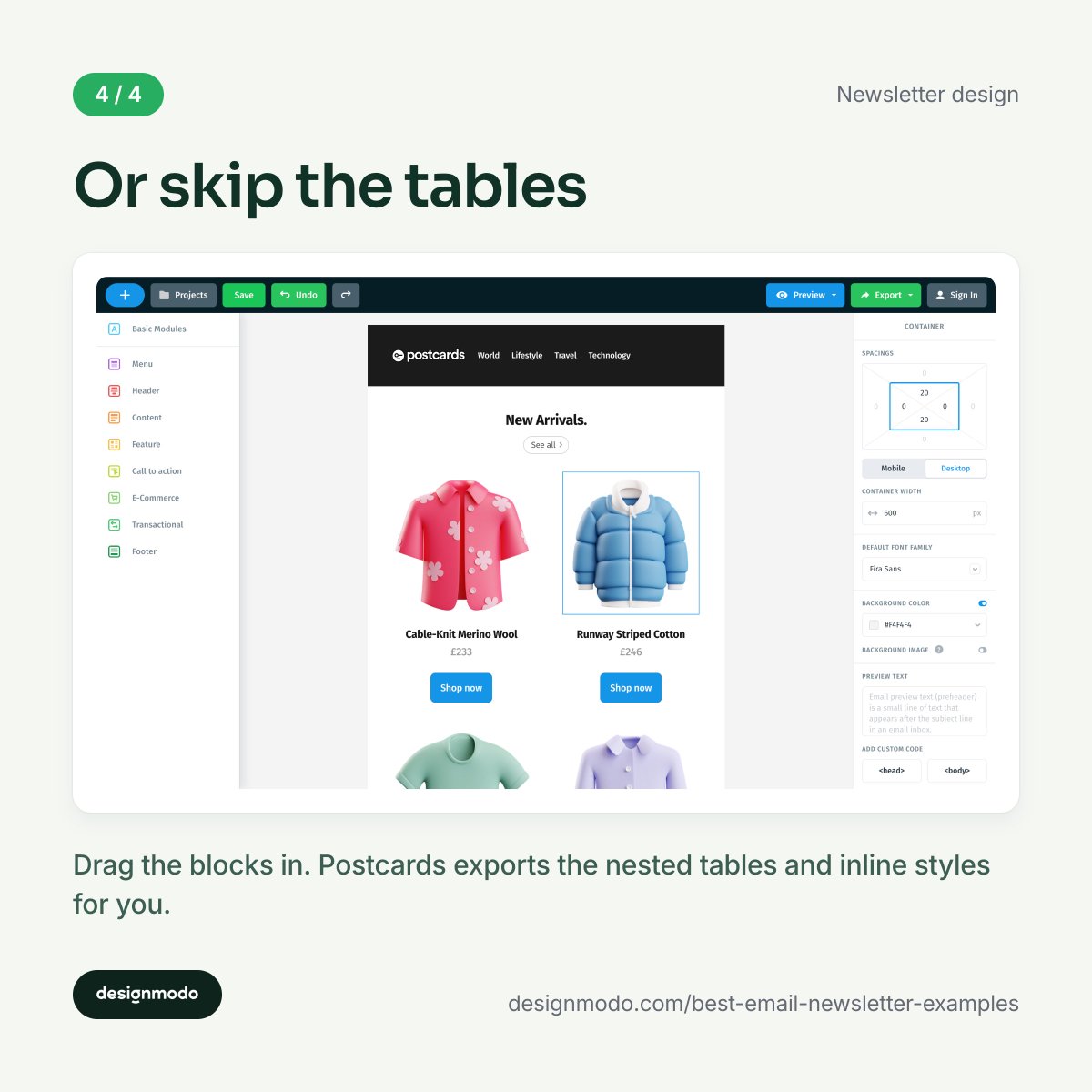
🚨 Big update from Postcards: our email builder just got smarter and faster.
Here’s what’s new 🧵
- Brand-new image gallery = cleaner + faster
- Edit images right in the builder
- Organize with folders (finally!)
- Bulk actions for uploads, renames & more
- Get deliverability warnings before sending
- Fixed bugs: Outlook cuts, mobile spacing, font issues & more
The pre-send check, nine lines:
- width 600–800px
- nested tables + inline CSS
- alt text on every image
- one column below 600px
- dark mode tested, not assumed
- custom preheader, 90 characters
- one CTA per content block
- file size optimised for mobile
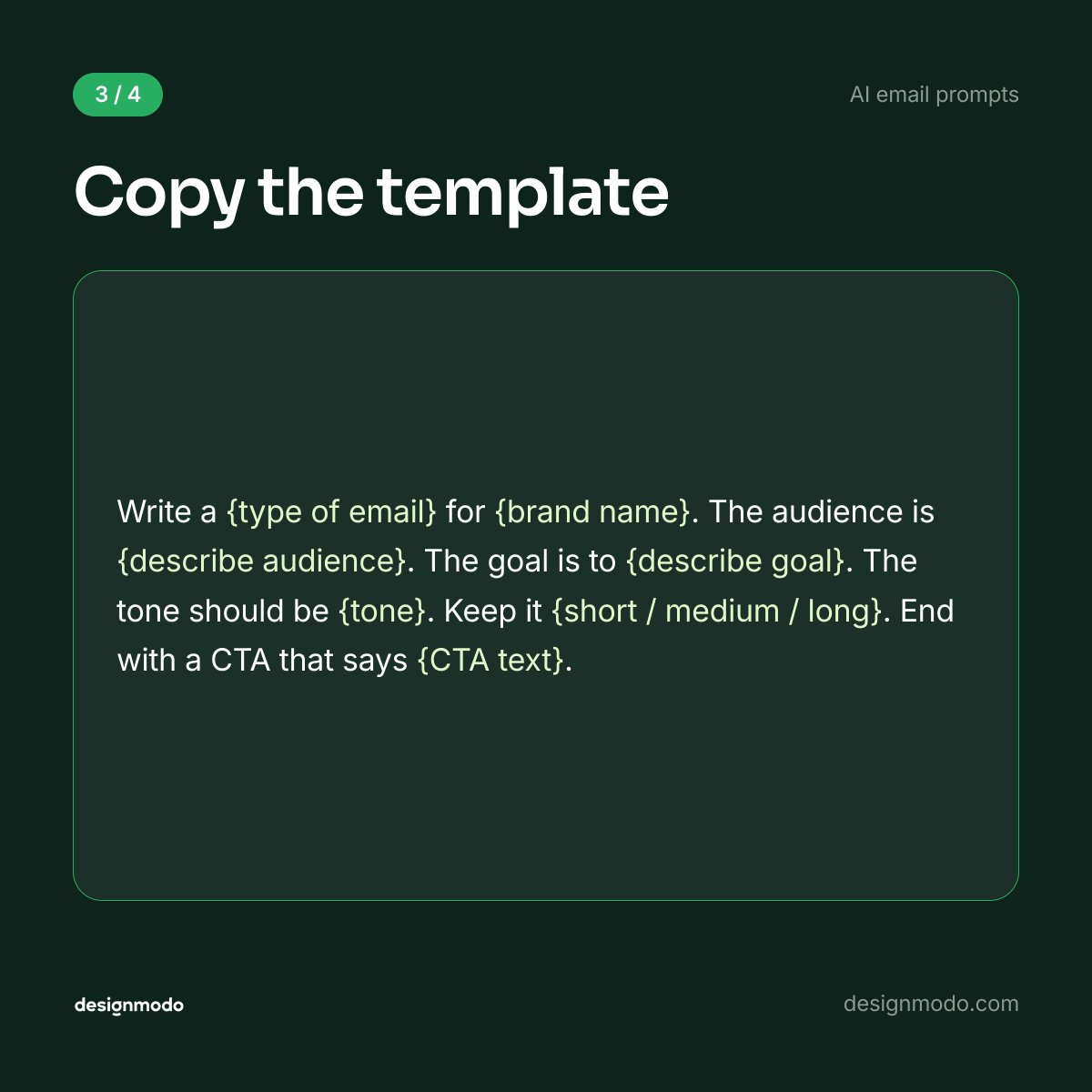
Most AI emails come out generic for one reason: the prompt was lazy.
"Write a sales email for my company" gives the AI nothing. So it guesses, and you get junk.
Here's the 6-part fix, plus 30+ ready prompts 🧵
The tip nobody uses: tell the AI what to AVOID.
"No exclamation marks. No spam trigger words. No clickbait."
Boundaries shape output as much as instructions do.
No more "not THAT button, the other one."
Team Comments are LIVE in Postcards email builder 🎉
- Pin feedback to the exact block
- Thread replies, mark resolved
- Tag in clients & copywriters
Feedback finally lives on the template, not in Slack 👇
https://t.co/pzABpq1acz
Workspaces just landed in the Postcards email builder 🎉
Each one gets its own projects, members & billing:
- Separate space for personal and each client
- Shared team Workspace, billed on its own
- Switch contexts from one login
- No more endless project sidebar
4 updates just landed in the Postcards email builder:
- Preview in Gmail, Outlook, Apple Mail & Yahoo before sending
- New API for your CRM and automations
- Gmail Promotions support
- Ask Claude or ChatGPT to find & export a template
Stop guessing how your email renders.
Now you can check Gmail, Outlook, Apple Mail, and Yahoo on iPhone, iPad, and desktop, right from the Preview screen.
No more exporting just to see if it looks right.