I thought my media query was broken.
It wasn't.
- The img never had it. hamburger class I was styling
- a missing } made two rules parse as nested, so both got dropped
CSS has no runtime errors. A rule that never matches looks the same as no rule.
Read the Styles panel first.
I thought centering was one instruction. It's three.
"Justify-around" and "justify-between" work on the main axis. items-center works on the cross axis. Centering text is separate again.
I was picking a class before deciding which one I wanted.
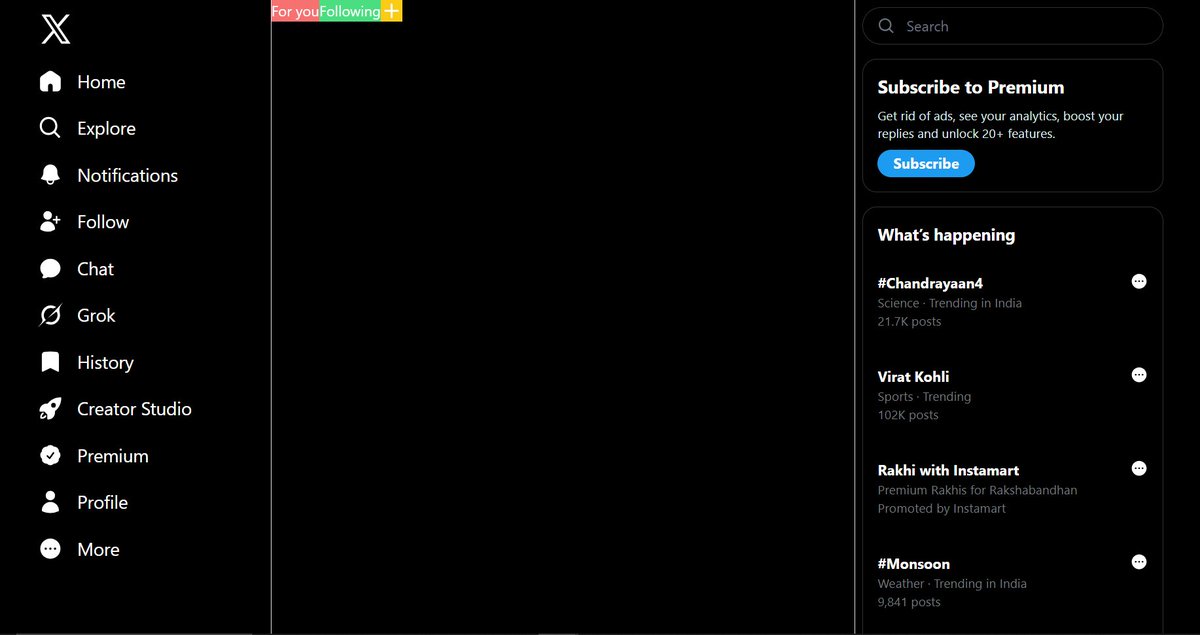
The "What's happening" section was the first part of my X clone HTML couldn't finish.
I wanted the topics to change on refresh. HTML can't do that. It shows what's typed in, every load.
Started the JavaScript that picks a topic at load. Not finished yet. Still static.
I expected Tailwind to make styling immediately easier. It changed the syntax, not the thinking.
Almost every time I changed something in my first card, something else would break.
The card works now. I'm still not fully comfortable with flexbox or SVG sizing.
MongoDB and Supabase sat in the same box in my head. Only one is a database.
Supabase is a backend platform. PostgreSQL, auth, APIs — the database is one piece.
Every vibe-coding tutorial I watched stopped at: paste the API key. I learned the step, not the tool.
My Netflix-style website is now live.
This is the first time I have taken this project from a local UI to a deployed, usable website.
GitHub: https://t.co/IXjZydzoHl
Live: https://t.co/Qes9MI8h8V
A responsive mobile demo is attached.
I was using CSS positioning before I had a clear mental model of it.
While building my Netflix clone today, relative, absolute, and inset started making more sense.
I have not mastered them. But I am starting to understand why elements appear where they do.
I reverted one commit. Four files disappeared from my project folder.
Revert doesn't undo an edit. It reverses an entire commit, and that commit was where those files were first added.
Still in history though:
git checkout 222db09 -- favicon.ico images svgs
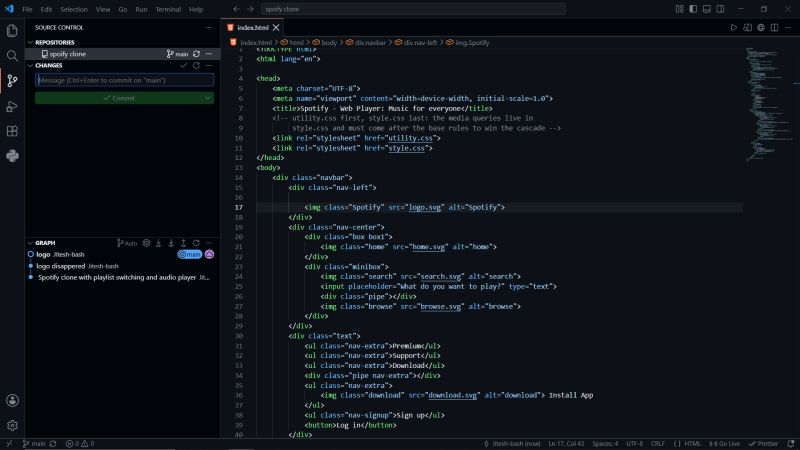
I practiced every Git command. Then I opened a real project and froze.
Spotify Clone, on my disk. I wanted it on GitHub.
Init again? Remote first? Commit, then push?
No idea which order was right, so I didn't push.
Knowing the commands isn't knowing the workflow.
Turned on hidden items in File Explorer and found a .git folder inside my project.
What the heck is this?
I'd been running:
git branch master
git branch ui
I assumed a branch meant Git copied my files somewhere. It doesn't.
Still working out what it actually does.