📢 Did you hear the news… We are so much more than video lessons now. 😎
What are you most excited to use? Tell us below! 👇
#Edpuzzle#EdpuzzleSummit#EdTech
For me it’s maintaining active engagement during segmenting and blending. “Tapping and blending” has become old hat.
I started picking one STAR that was fully engaged. They can change my mouse to any color/pattern they want until the next STAR is chosen.
This works. For now.
@MsInnerfield Oof, yes 😅 that time of year engagement shift is so real. Love that you found a low-lift way to keep students engaged. We hope it keeps working for a good long while !🤞
🎥 You asked. We answered.
Today’s question from the community: “How can I use @Edpuzzle to support student projects?” @WendyHedeen
Here’s the truth: @edpuzzle isn’t just a tool for watching videos — it’s a launchpad for student creativity. From research checkpoints to reflection prompts to project‑based learning workflows, you can use Edpuzzle to scaffold thinking, track progress, and give students space to shine.
When students create, revise, and explain their thinking, they’re not just completing a project — they’re building mastery. And we’re here to help you make that happen.
Because every idea you share reminds us: the community is U. @mabohassan781@laproffisa@MannyDiscoTech
The Community Is U!
🎥 Community Question Alert!
One of the questions you sent in was: “How do I make my classroom more engaging?”
We love when these questions come straight from the educators in this space — it keeps this series rooted in real classroom needs.
✨ Engagement isn’t about adding more noise — it’s about designing learning that feels meaningful, clear, and student‑driven. When students understand the purpose, move at their own pace, and see themselves in the work, engagement becomes the natural outcome.
🔥In today’s video, we’re sharing simple, high‑impact ways to use @Edpuzzle to spark curiosity, build ownership, and create learning experiences students lean into.
And as always, we’re building this with you — because the community is U. 💛
@Mabohassan781@laproffisa @MannyDiscoTec @EdTechOscar
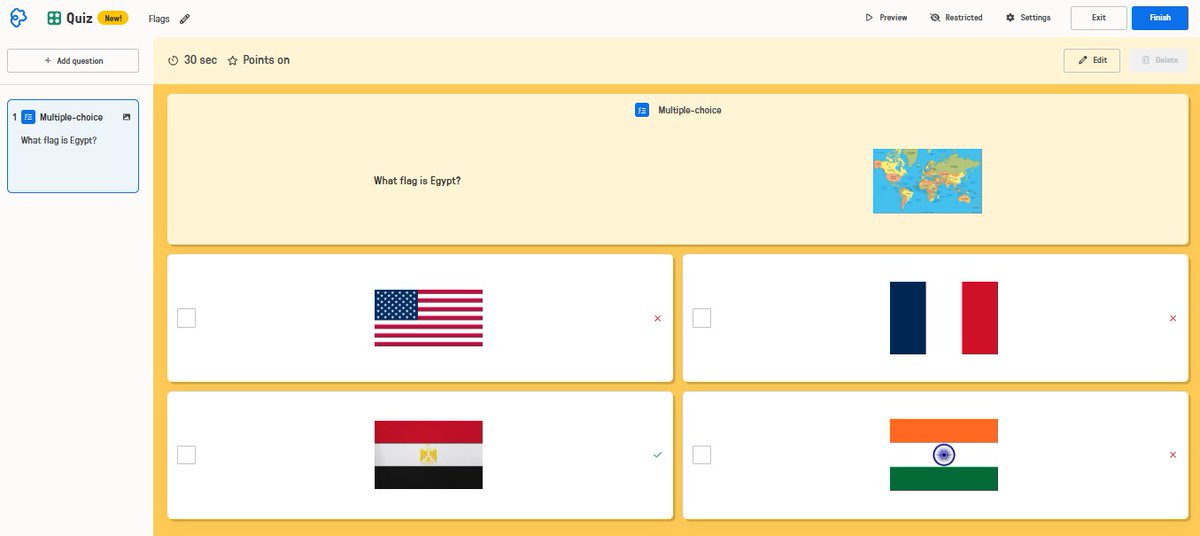
Let's make our presentations interactive & student-centered!
Today, I used Edpuzzle Slides as the main presentation for my lesson & the difference in student engagement was amazing! I embedded interactive questions between slides, turning passive listening into active learning.
✅You want a project students actually care about.
✅You do not want to reinvent project-based learning from scratch.
This post shares 7️⃣ ways to use Student Projects with #Edpuzzle that feel more engaging for students without becoming a huge planning lift for you. 💪
https://t.co/G9UwQCMLIc
#Teachers
Teachers: Something shifts around this time of year…what used to work in your classroom just… doesn’t anymore 😅what’s not working for you right now?
#teacherlife
Add your personal touch to make learning fun!
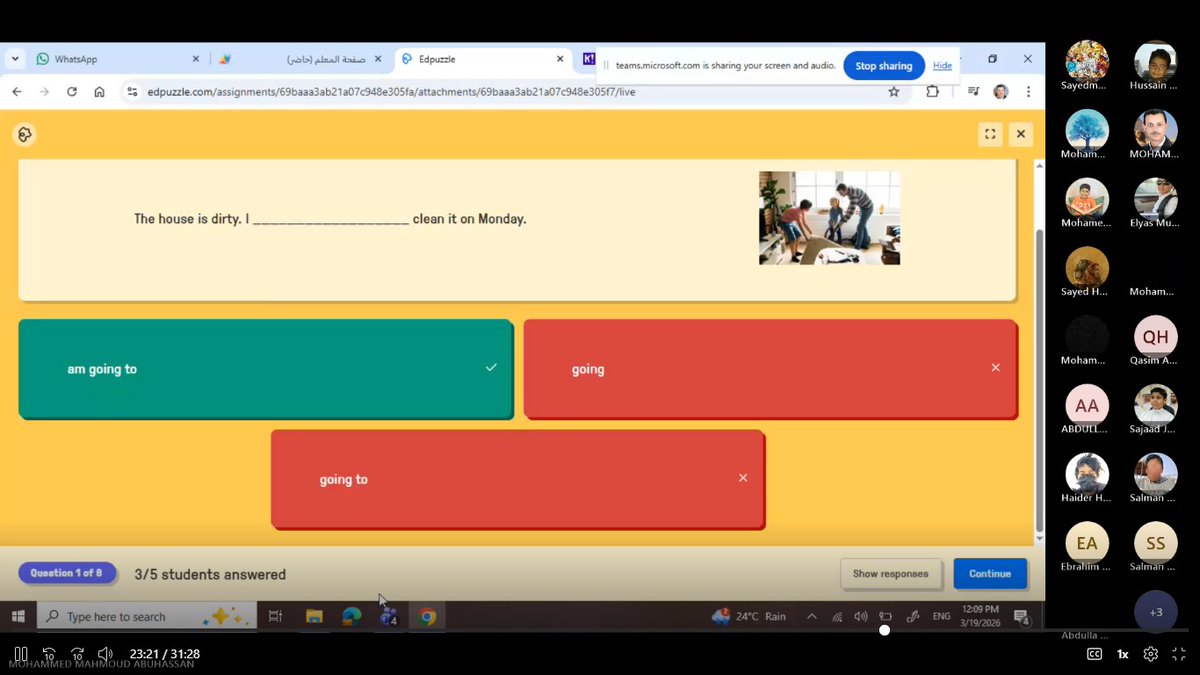
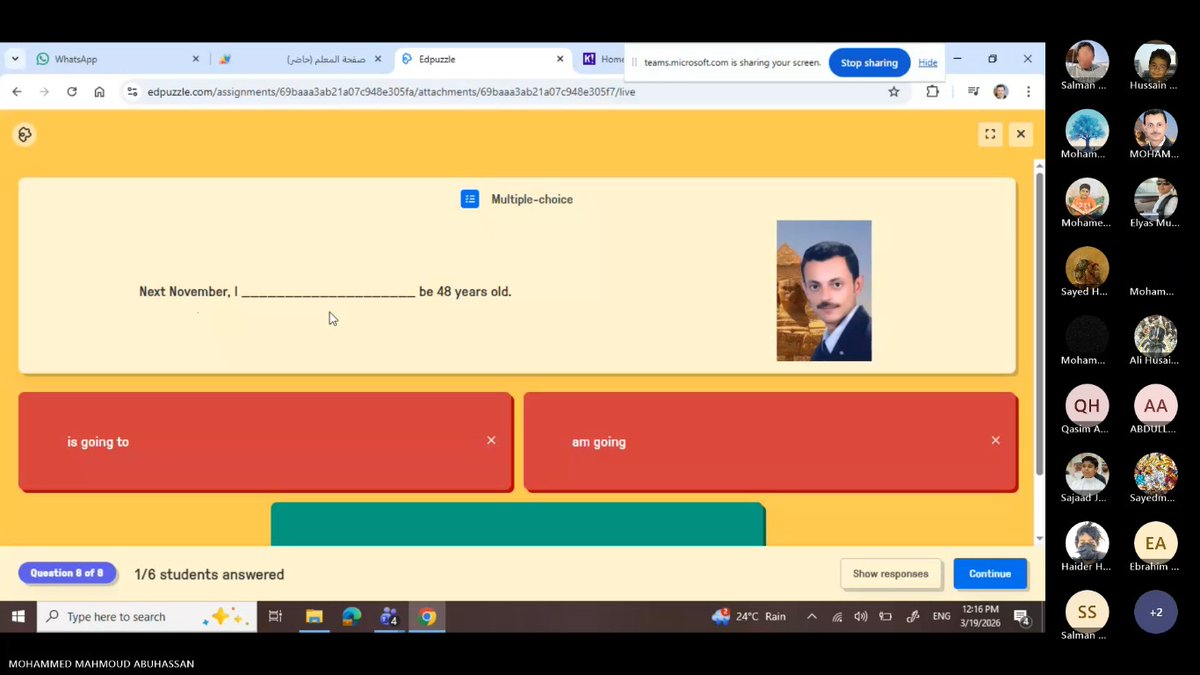
Today, I added something simple but powerful to my Edpuzzle lesson, my own picture inside a question!
That small touch completely changed the atmosphere of our online session. Students immediately smiled & became more engaged!
Want to turn your online session into an interactive learning experience?
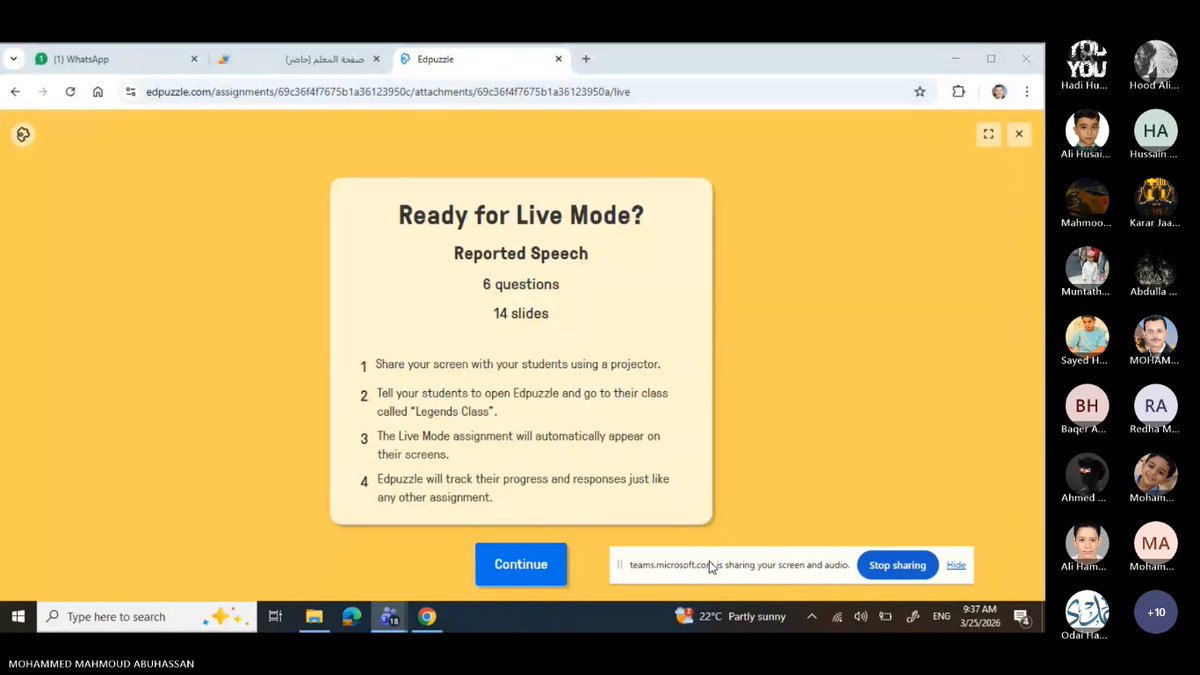
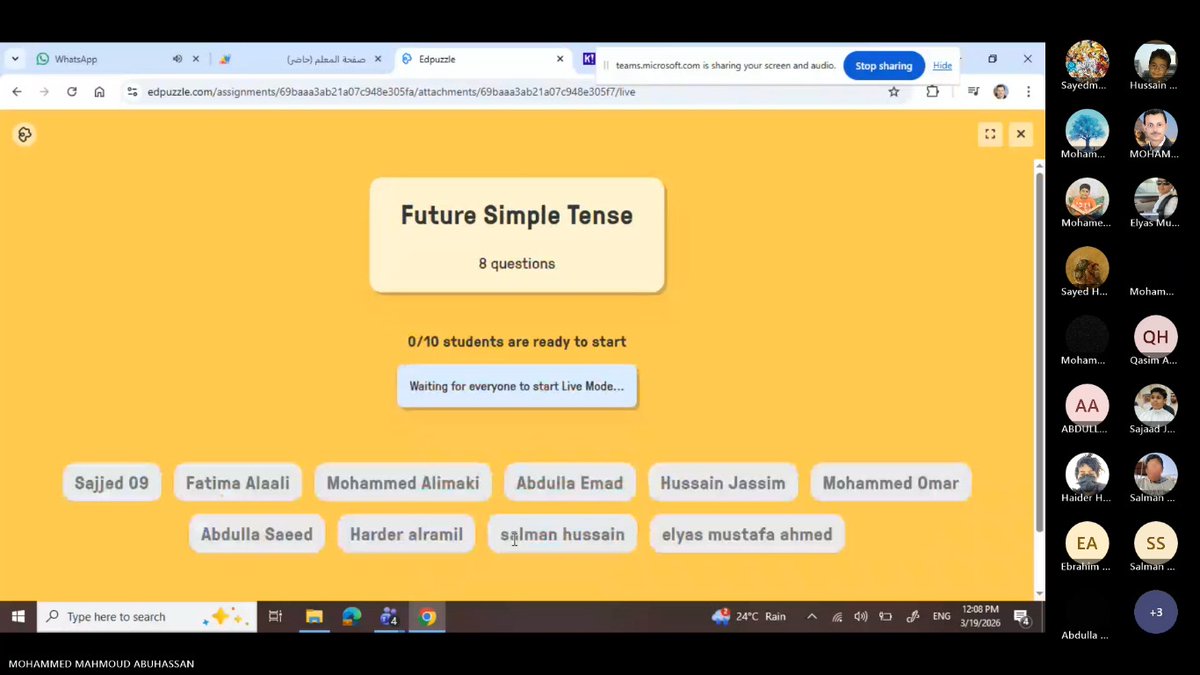
Try Edpuzzle Live Mode!
Why Live Mode works so well:
✅ Keeps all students focused & learning at the same pace
✅ Encourages participation & real-time discussion
✅ Allows teachers to check understanding!
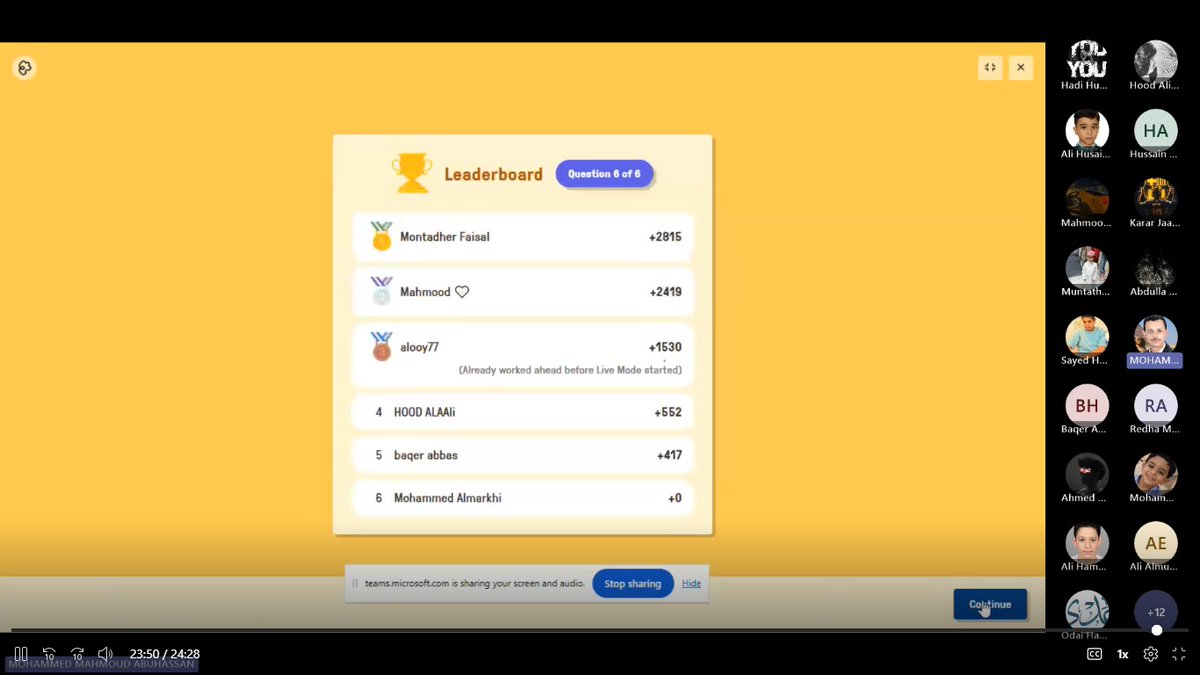
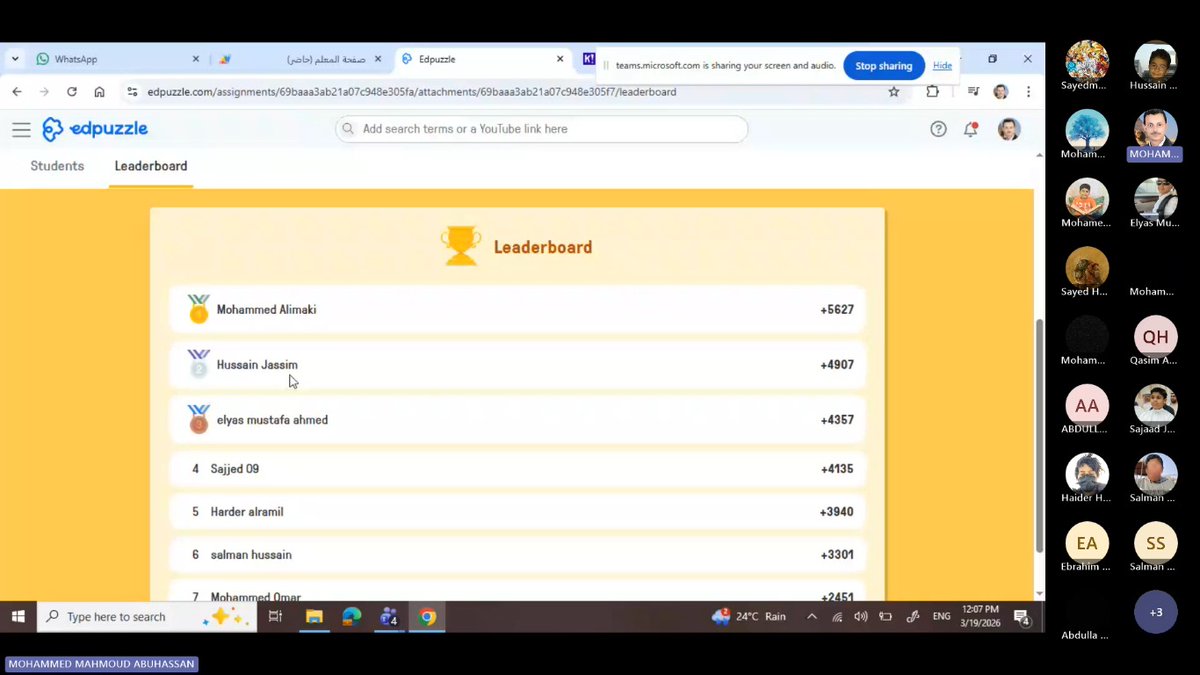
Celebrate Growth with the Leaderboard!
The leaderboard wasn’t just about scores; it became a moment to build Social-Emotional Learning (SEL) in our classroom. We celebrated effort and improvement, encouraging students to recognize that learning is a journey, not a competition.
Our @edpuzzle Ambassadors Collab+2 was MIND-BLOWING!
Huge THANK YOU to the INCREDIBLE Edpuzzle Ambassadors, Ms. Stormy & Ms. Claudia for making it happen!
Honestly, our Edpuzzle Live is🚀On Air AND On Fire! 🔥
Here's the answer to your question, Ms. Wendy 👇
#EdpuzzleAmbassadors