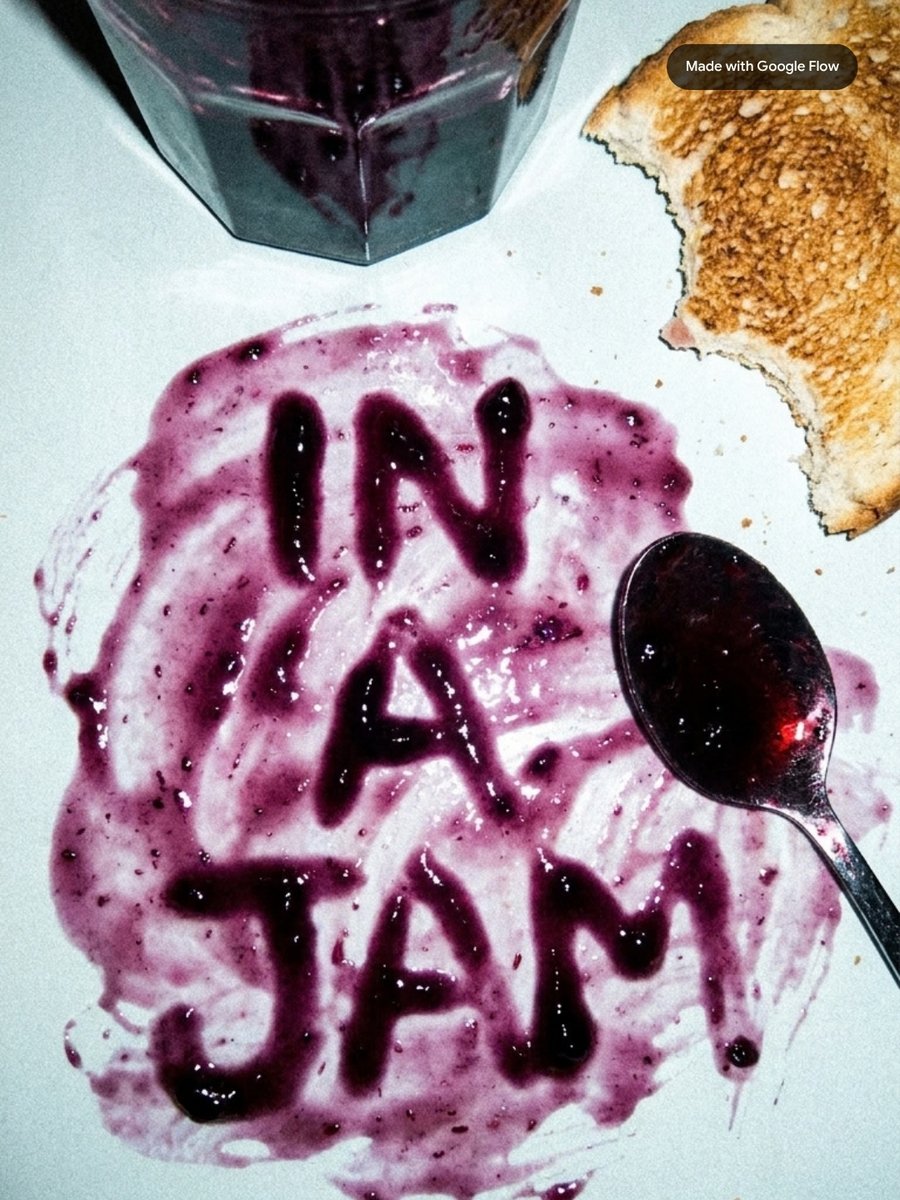
Whether you're directing a cinematic thriller (or just cooking a pizza), sometimes you need a little more time to get to the good part.
Well now with Omni 1.2 Flash rolling out today in Google Flow, you’re in luck!
Here’s what’s new:
→ Quality improvements: For all users, experience stronger visual consistency, fewer jump cuts, better reference adherence, and more natural speech.
→ Longer continuous shots: Up to 10s for all users, with 11 to 15s available for Google AI subscribers.
→ Extend, also now with ingredients: Lengthen clips and steer what happens next using reference images, available for Google AI subscribers.
→ Per-second pricing: With Omni 1.2 Flash, we’re introducing per-second pricing which means you’ll be charged for the duration of the content you generate, edit, extend, or upscale.
Rolling out today, go create at https://t.co/XaWC3S9Hd2 🍕
5 cinematic camera motion prompts to level up your storytelling in Google Flow 🎥
When you want to prompt camera motion, match the move to your scene's goal:
1. Need a comedic or dramatic punch? Use a crash zoom.
2. Building a B-roll montage or showing time pass? Use a hyperlapse.
3. Freezing a hero moment or showing off an outfit? Use bullet time.
4. Revealing an epic world from behind a character? Use a fly over.
5. Following a subject running or jumping? Use a tracking shot.
Give these a try in Google Flow and share what you create!
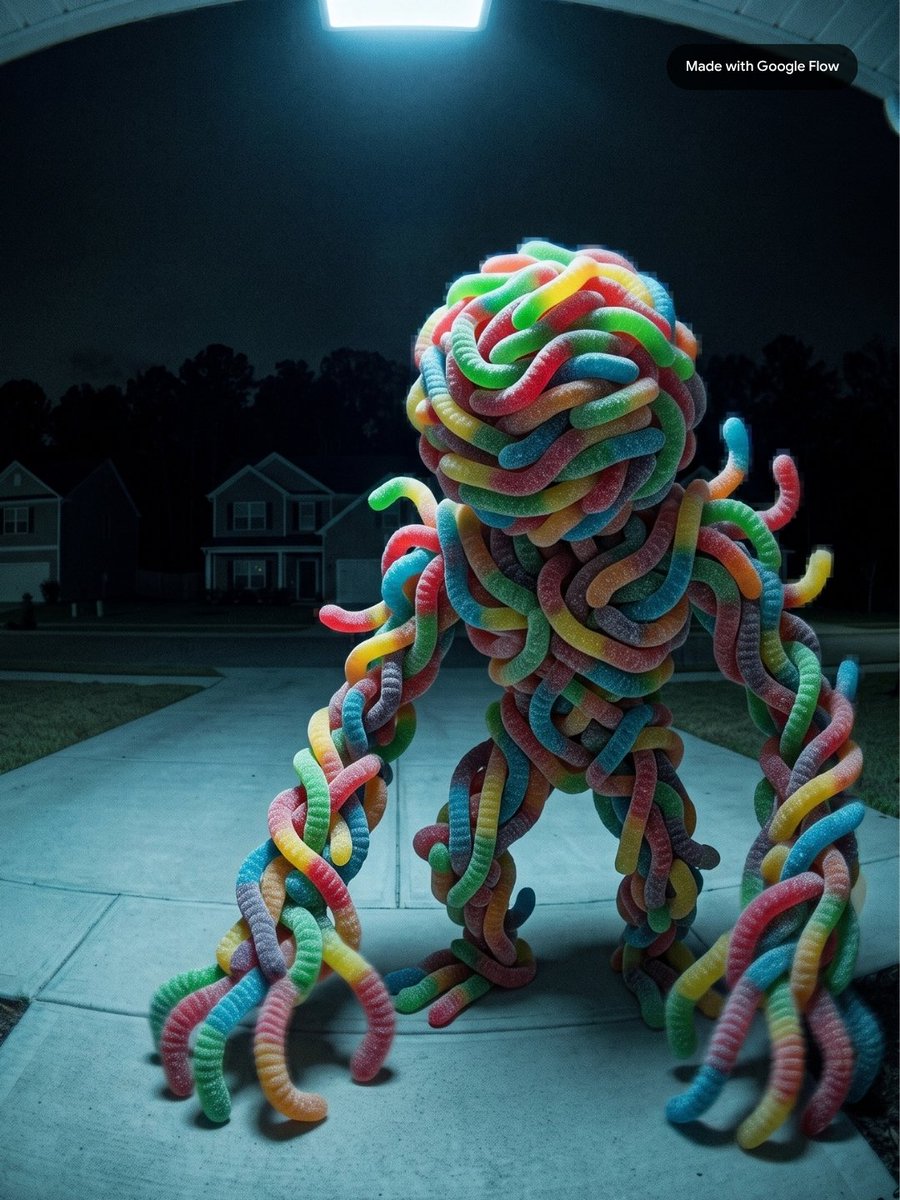
Trick or treat? Both!
Create your own candy visitor using Nano Banana in Google Flow. Upload a candy image as an ingredient and use this prompt:
Doorbell camera image at night, low-res, heavy compression, motion blur. Wide view from front door. Foreground: lawn/pavement with a surreal, whimsical candy monster sculpture. Creature is playful yet uncanny, with exaggerated limbs and an asymmetrical, polished body made entirely from the referenced candy. Background: empty houses, black treeline.
A Halloween treat: Poppy & Pepper take a trip to Granada ✈️
Help us finish the story! Take our character ingredients and create your own generation. Do they just go back home? Do they celebrate belated? It’s up to you…
Use the link below to get the character ingredients for Poppy and Pepper. Then tag us in your creations so we can share them!
Want to keep your characters consistent across scenes? Here is how to use Google Flow's character feature:
1️⃣ Click the Character button, prompt their look (or upload a reference photo), and give them a name.
2️⃣ Pick or customize a pre-built voice.
3️⃣ Type @ in the prompt box (or drag them in) to add them to your scene.
4️⃣ Select Omni 1.1 Flash and describe the action, like walking, jumping, or a dynamic camera sweep!
Pro Tip: Generate a full-body shot including clothing and surroundings! This provides helpful context for consistent generation across images and videos.
Head over to Google Flow and try the characters feature today!
For creative technologist Nishith Dayal, bringing the historic world of Chanakya to life meant blending deep historical research with cutting-edge tools.
To choreograph massive battle sequences, Eleventh Door Studio turned to Google Flow to help them out.
But technology alone didn't make the movie. Nishith leaned on historians, PhDs, veteran DOPs, and his own filmmaking practices, editing, lensing, and sound design, to shape the vision. AI didn't replace the process; it demanded even more dedication to get it right.
Long Live the Process.
Great work doesn't always come from a single lucky prompt. It comes from the notebooks, the pivots, and the iterations in between.
Sanchit Sawaria, Design Generalist on the Google Flow team, opens up his sketchbook and his Google Flow canvas to show how he creates.
Long live the process.
"The real emotion, who needs to perform, what to say... this is all human given details."
Director Gijo Uthuppu captured the authentic movements of Kalaripayattu for his film, Chekavar. His team brought those physical human movements into Google Flow.
The result? A massive, historical epic built on a true collaborative partnership. AI can make magic with scale, but the soul of the story, the lensing, the emotion, comes entirely from the creator.
Long Live the Process.
Bring your craft.
Only a few more days until our Google Flow for Designers digital workshop on Oct. 26 @ 9AM PT. Led by Google Labs Design Generalist Sanchit Sawaria, this session investigates generative AI as an engine for true visual invention.
RSVP here: https://t.co/dIovfD3eXa
Guide your visual styles with images in Google Flow. Here’s how:
First, upload or generate a video using Omni 1.1 Flash (landscapes and environments work best). Then, upload or generate a color reference image that has the palette you want.
Match the style: Drag both your video and reference image into your prompt and write: "Adapt this video into the same color style of this image," using the @ symbol to directly tag your reference asset.
Lock the details: To keep your scene consistent, add "keep camera motion and environment the same.”
Give style-transferring a spin in Google Flow!
Have you experimented with the newest Nano Banana 2.1 model yet?
It creates more natural-looking imagery, with significant improvements in visual design, editing and subject consistency.
Image generation costs 0 credits in Google Flow. Try it out!
Bring your wildest ideas.
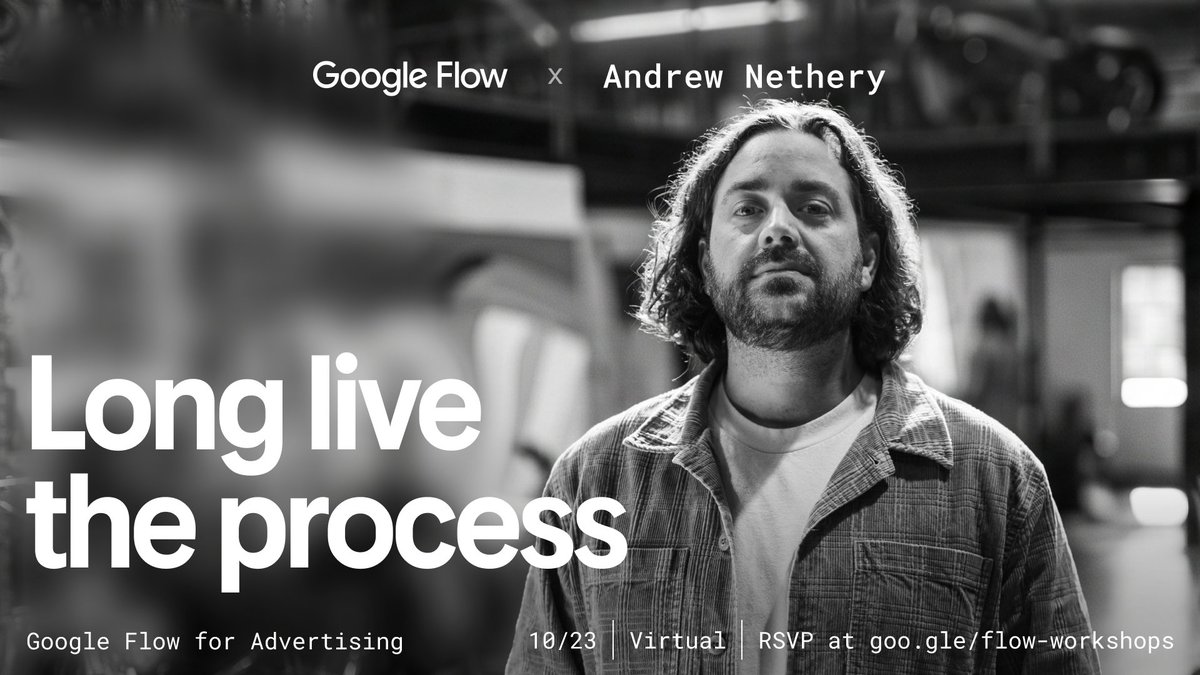
Join our Hybrid Production | Filmmaking & Advertising digital workshop on Oct. 23 @ 9AM PT. In this session, Creative Director and Filmmaker Andrew Nethery shares how he pairs traditional live-action production with experimental, hybrid AI workflows for his latest short film, Nothin' Beats a Cheeseburger.
RSVP here: https://t.co/dIovfD3eXa
Halloween prep is officially underway.
We’re reimagining the mundane chores that iconic spooky characters have to tackle leading up to the big night, all created with Nano Banana in Google Flow.
Create your own and share them with us!
Create cinematic transitions in Google Flow. Here’s the workflow:
Step 1: Prompt a scene detailing your character, environment, and movement. Once you find your favorite, ask your agent to bulk-generate 4 to 6 new images from different angles, like close-ups or low ground angles.
Step 2: Switch the model to Omni 1.1 Flash. Type a prompt describing the action, then add a second sentence specifically detailing your transition style (like a fade, light blur, glitch, or fast zoom).
Jump into Google Flow, test out your favorite transition style, and tag us in your creations!