Your all-day productivity buddy that is quiet, reliable, and ready 24/7 for AI agents and everyday automation. 🤖⚡
GEEKOM A5 2027 Edition👇
https://t.co/gaIGP0Ca1u
Code: A510GKX
#pcsetup#technology#aiagent#homeoffice#minipc#GEEKOM
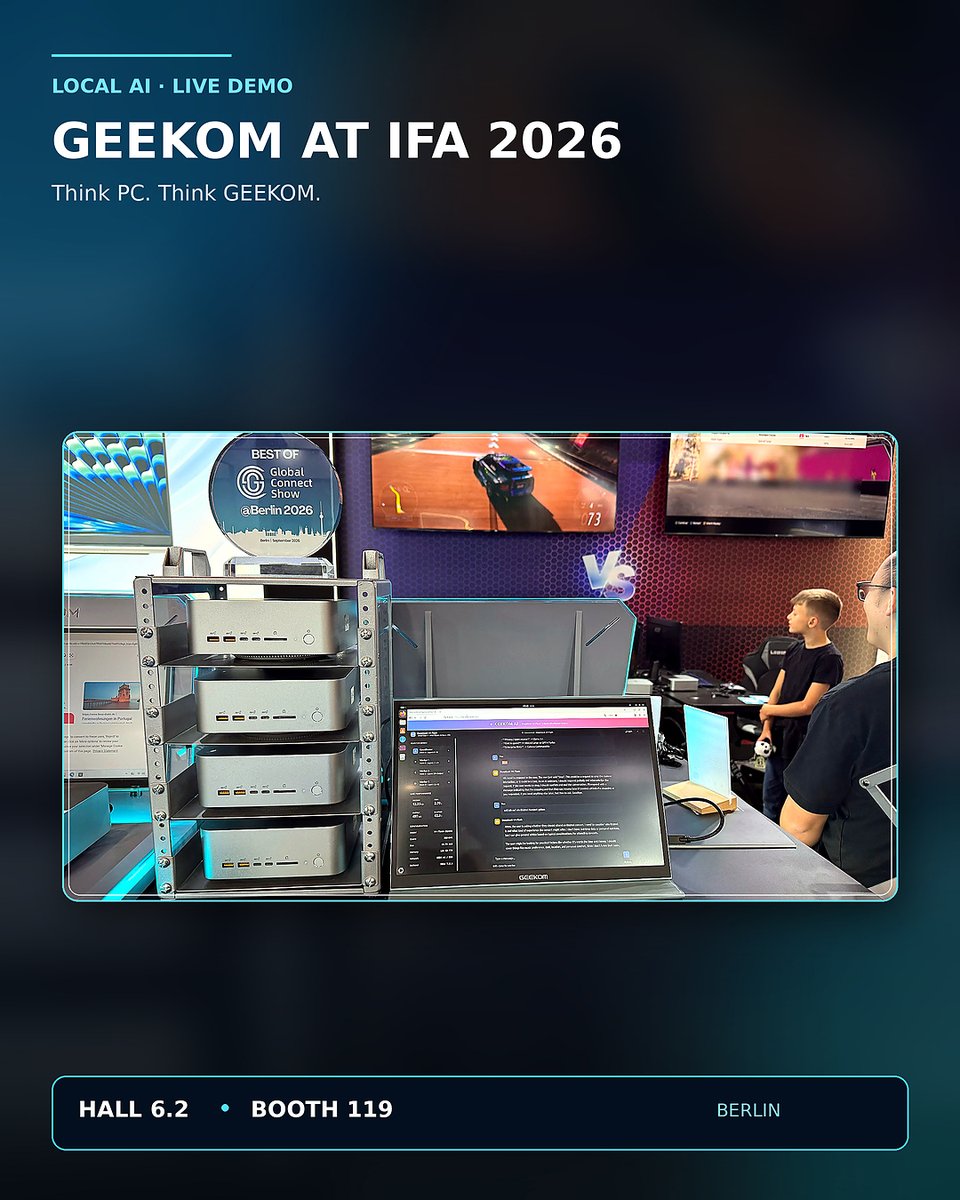
GEEKOM at the AMD Embedded Computing Summit!🔥
GEEKOM is showcasing its AI Cluster, built from four GEEKOM A9 Mega systems powered by AMD Ryzen AI Max+ 395 processors and connected via Thunderbolt / USB4. The demonstration shows how compact, connected hardware can give developers flexible computing resources for AI workloads.
We’re proud to share this solution with the embedded computing community and highlight what GEEKOM hardware can achieve with AMD technology.
-----
💙Follow GEEKOM for more tech solutions
#AMD #summit #AI #innovation #tech #MiniPC #GEEKOM
What does your day on a computer look like?
Browsing social media? Tackling professional projects? Handling everyday office tasks, do it all with one compact PC.
🔗https://t.co/gaIGP0Ca1u
Code: A510GKX
#pcsetup#computer#minipc#GEEKOM#technology
The Resident Evil? 👀🧟♂️
Do you think it is a successful video game adaptation or a horror movie ?
Team Movies or Team Games? 🍿🎮
Drop your views👇
#ResidentEvil#pov#minipc#GEEKOM#meme#GamerLife
HELLO! It’s GEEKOM DUO DUO! 👋
Why not Double "DUO"? 😏
One seriously smart local AI solution.
More performance. More privacy. Less waiting on the cloud. 🧠
#duo#LocalAI#MiniPC#pcsetup#GEEKOM#technew
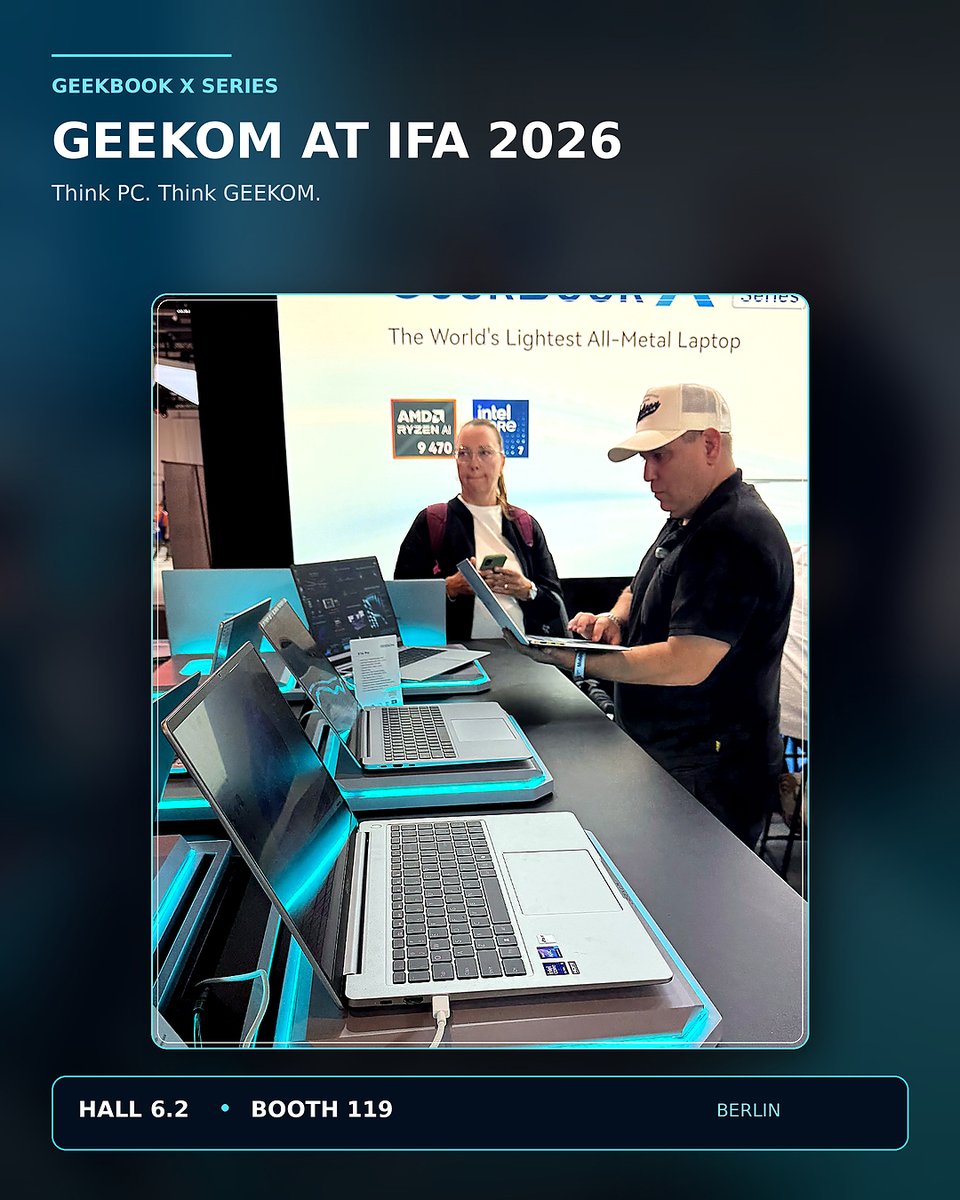
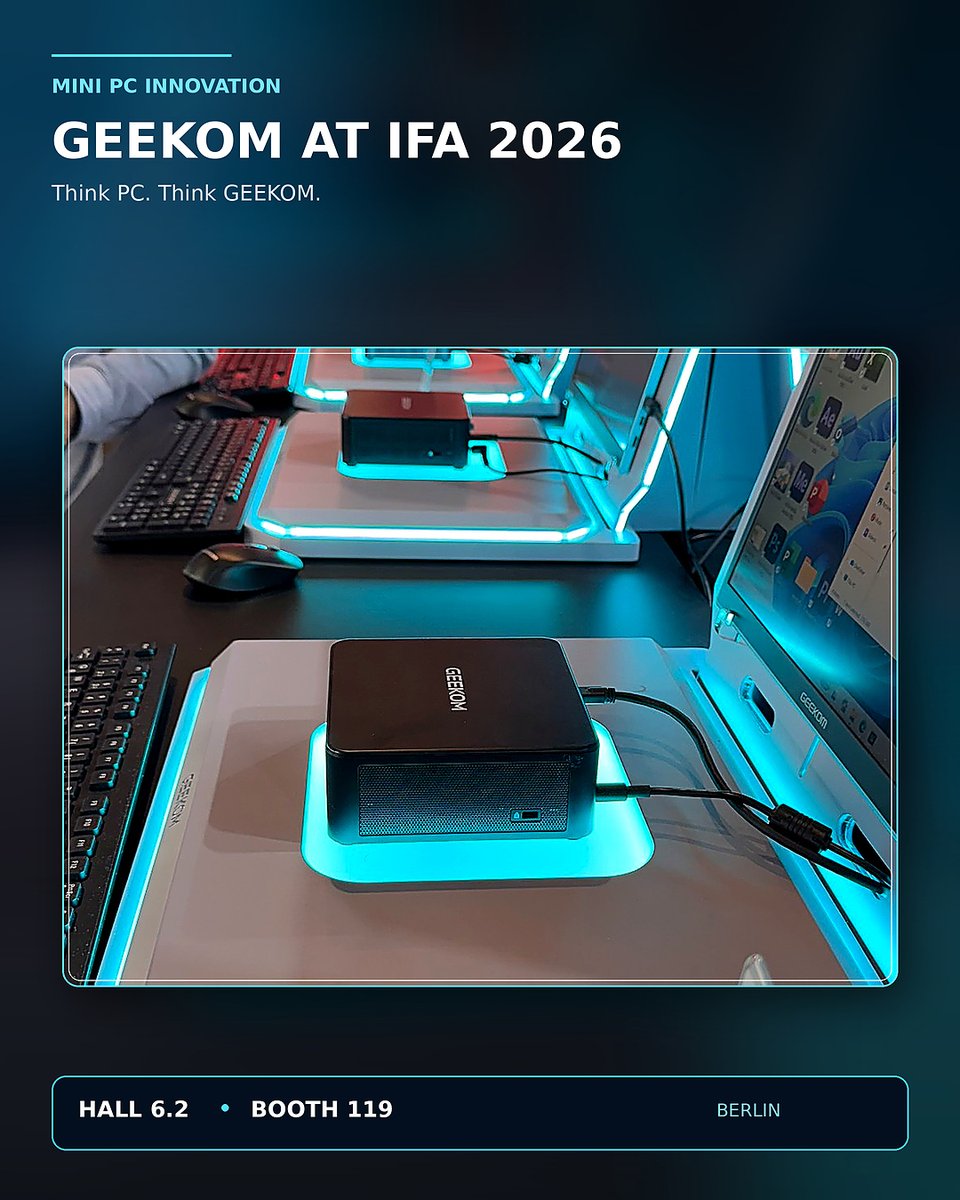
A Closer Look at GEEKOM at IFA 2026 🚀
GEEKOM brought its latest innovations to Berlin again.
Thanks for joinning and witnessing GEEKOM at #IFA2026!
A look back at some unforgettable moments.
Think PC. Think GEEKOM.💙
#innovation#technews#ifa#techfeast#MiniPC#laptop #GEEKOM #localai
Unbox time...
GEEKOM A5 2027 Edition, the best all prodictivity minipc!
https://t.co/gaIGP0BCbW
Save 10% during GEEKOM Anniversary
Code: A510GKX
---
#unboxing#pcsetup#desksetup#MiniPC#GEEKOM
GEEKOM A5 2027 Edition, the Best All-Day Productivity Mini PC.
🤖 Ready for everyday cloud-based AI agents
❄️ Quiet IceBlast 3.0 cooling
🔧 Up to 64GB RAM and 7TB storage
🖥️ Supports up to four 4K displays
🛡️ 3 Years Warranty
Cool・Silent・Stable.
Power ypur productivity all day, every day.
Save 10% during GEEKOM Anniversary
Code: A510GKX
https://t.co/XjEm3AvHdh
#pcsetup #new #minipc #GEEKOM #homeoffice #productivity
Innovation for all! Berlin, here we are!
Discover GEEKOM’s latest innovations at IFA 2026, from powerful AI solutions and next-generation Mini PCs to all-new laptops.
Experience the future of computing—live at IFA!
📍 Hall 6.2 | Booth 119
#tech#IFA2026#berlin#innovation #minipc #GEEKOM
Your AI. Your Data. Your Control.
No cloud dependency.
Keep sensitive data local
Run AI closer to your workflow
A new way to think about enterprise AI is coming.
See what’s next from GEEKOM at #IFA2026. 👀
🗓️ Berlin | Sept. 4–8
📍 Hall 6.2 | Booth 119
#GEEKOM#LocalAI #AIInnovation #MiniPC #dataprivacy #pcsetup
GEEKOM's new laptop is coming soon.
Powered by the AMD Ryzen™ AI 9 HX 470.
Engineered for exceptional performance and ready for IFA.
See you at IFA Berlin.
---
#tech#ifa#MiniPC#pcsetup#ifaberlin
✨Less clutter. More possibilities.
🖥️GEEKOM IT13 Max is compact enough to keep your desk clean, powerful enough to handle everything!
🎉 Save 8% now with coupon code: IT13MXGK8
🔗Click the link in bio to the GEEKOM Shop
#desksetup#setup#desktop#MiniPC#GEEKOM
6天
GEEKOM Security Update 🔒
We’re aware that a legacy GEEKOM driver file has recently been flagged by several security scanners. We take this seriously and have taken steps to address the issue.
Our review confirmed that the flagged file is limited to an outdated resource on legacy pages and does not affect GEEKOM hardware or the operating system pre-installed on our devices.
If You Have Already Downloaded the File or if you previously downloaded the affected LAN driver package, we recommend these precautionary steps:
1. Do not run the installer
If the file is still on your device, do not open or install it. Delete any saved copies.
2. Run a security scan
Use Windows Security (Microsoft Defender) or another trusted anti-malware solution to perform a full system scan.
3. Reinstall your network driver
Download and install the latest driver from a trusted source, such as:
Windows Update / Official Realtek website / Updated driver package on the official GEEKOM website
4. For additional peace of mind
If you would like to take extra precautions, you may perform a clean installation of Windows using Microsoft's official installation image.
For future downloads:
Please get GEEKOM drivers through the SUPPORT section of our official website rather than older links that may still appear in search results.
🔗https://t.co/8Cy2dfFNBA
If you need assistance, please contact GEEKOM Support and our team will be happy to help.
We’re also strengthening our resource review and management processes to help prevent similar issues in the future.
Thank you for your vigilance and continued trust.
Your security remains our priority.
— GEEKOM Team
#notice #MiniPC #GEEKOM #techsolutions