We’re officially out of beta.
Introducing GenseeAI: your own private cloud for AI agents
Run powerful agents without local setup Secure and private by design
In real agent systems, security has to be layered, real-time, and applied before risky actions are executed.
We’re now turning that experience into a solution for businesses.
📮Contact us for a customized solution for your business.
Microsoft’s latest AI agent security push is another strong signal that the conversation is moving beyond prompt injection.
Containment, policy-based controls, identity, observability, and runtime boundaries. This is much closer to the real problem in agent systems
We’ve seen the same thing firsthand while serving 10,000+ GenseeAI users:
Once agents touch tools, browsers, files, and workflows, the real question becomes what they are allowed to do before execution.
This doesn’t map 1:1 to agent security, but it does reflect the same broader shift: AI security is increasingly being treated as a real cyber and infrastructure problem, not just a model-output problem.
President Donald Trump signed a long-awaited executive order directing US agencies to work with artificial intelligence companies to protect networks from AI-enabled cyber attacks https://t.co/SxQg3NK97D
This incident strongly aligns with what we’ve learned over the past 2.5 months serving 10,000+ GenseeAI users:
In real agent systems, security means defense in depth, real-time safeguards, mitigation, and protections tailored to how agents behave on each platform.
Meta’s Instagram incident is a reminder that AI agent security cannot start at the final response.
AI agents' security has to start before actions, side effects, and account state changes. That means proactive, real-time prevention instead of detection after damage is done.
Also:
• GPT 5.5 + more frontier models
• public URLs open in the built-in browser
• paste images from clipboard directly into chat
A mix of bigger upgrades and smaller workflow wins.😀
Weekend shipping update from GenseeAI 👀
We made Hermes instances more reliable and stable, improved connector support, added scheduled tasks, and now let users choose a different model per request instead of being stuck with one global setting.
We want to keep GenseeAI reliable and sustainable for the people who actively use it.
We’ll be offering:
• discounted upgrades to paid plans
• file download options if you choose not to continue
More details are shared directly by email.
An important update from GenseeAI:
We’ll be discontinuing the Free Plan on June 6, 2026.
This was not an easy decision. Supporting always-on instances and model serving for a large free user base has become too expensive for a small startup like ours to sustain.
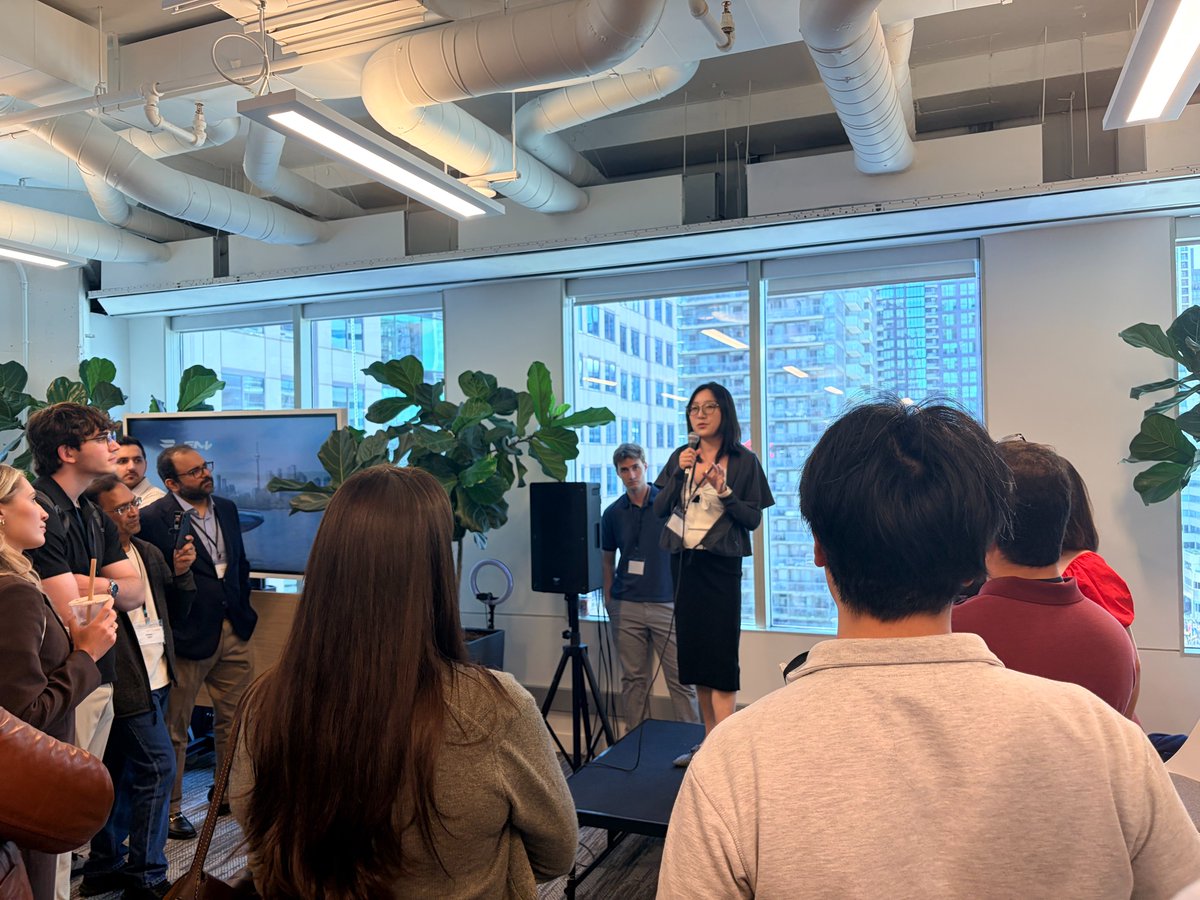
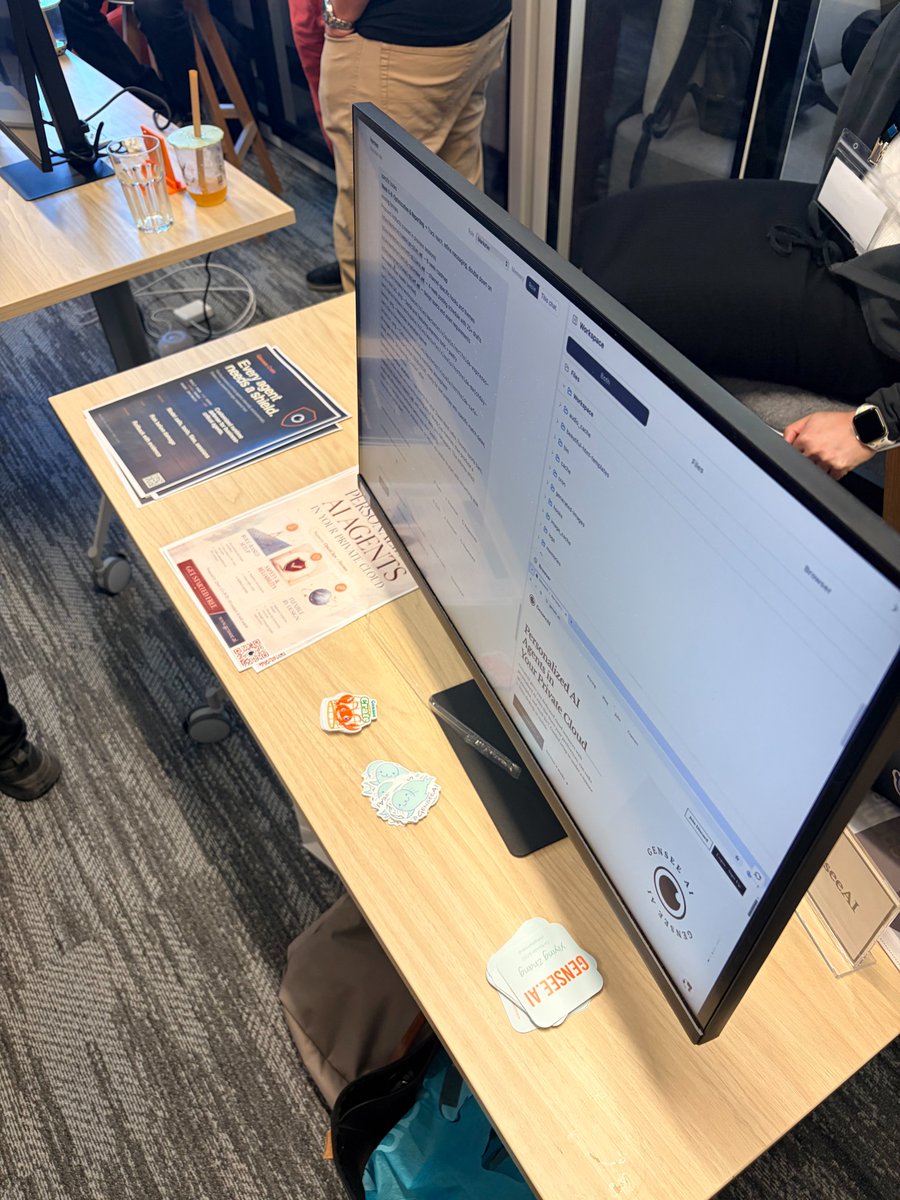
So great to meet some GenseeAI users in person at Toronto Tech Week.
We got to hear product feedback face-to-face, met many new friends, and had lots of good conversations about AI agents, real-world use cases, and security.
Exciting to see deep tech AI startups booming.
Guided Mode now gives you a much more workable workspace.
File + browser panels on the right for easy previews
Terminal at the bottom
→ easier to manage chat, files, browser, and terminal at the same time
We also added more instance controls in Guided Mode:
- Import an existing OpenClaw instance's data and skills into Hermes
- Rename / snapshot / rollback / clone / pause / resume / delete instances
https://t.co/iDevaUl09Z
Want to use image generation on GenseeAI? Here’s the setup:
1. Go to Models in the left sidebar
2. Add your own image model API key
3. Click Continue
4. Go back to Chat and start Image Mode
Image generation becomes much more useful when it’s part of the workflow.
For example:
• create a deck for your company
• create post images for your social media
Not just generate → save → leave.
Generate, preview, and keep building in the same flow.
Try it on GenseeAI
Image generation becomes much more useful when it’s part of the workflow.
For example:
• create a deck for your company
• create post images for your social media
Not just generate → save → leave.
Generate, preview, and keep building in the same flow.
Try it on GenseeAI
Especially useful for:
- slide creation
- social media posting
- website building
- research report figures
and plenty of other workflows you build for yourself.
Works in both OpenClaw and Hermes instances, on desktop and mobile.
https://t.co/iDevaUl09Z
We’ve added image generation to GenseeAI.
Bring your own API, preview images instantly, choose model/size/quality, and keep using the output in the same workflow. It also keeps the history and context of the task.