🐶 Looking for a fun coding activity for CSEdWeek?
Join the fun with the Puppy Adventure Hour of Code lesson from Tynker! Students can explore block-based coding while building problem-solving skills through a fun, interactive adventure.
💻 Explore Puppy Adventure and more FREE Hour of Code activities at https://t.co/LgshS3LrT6
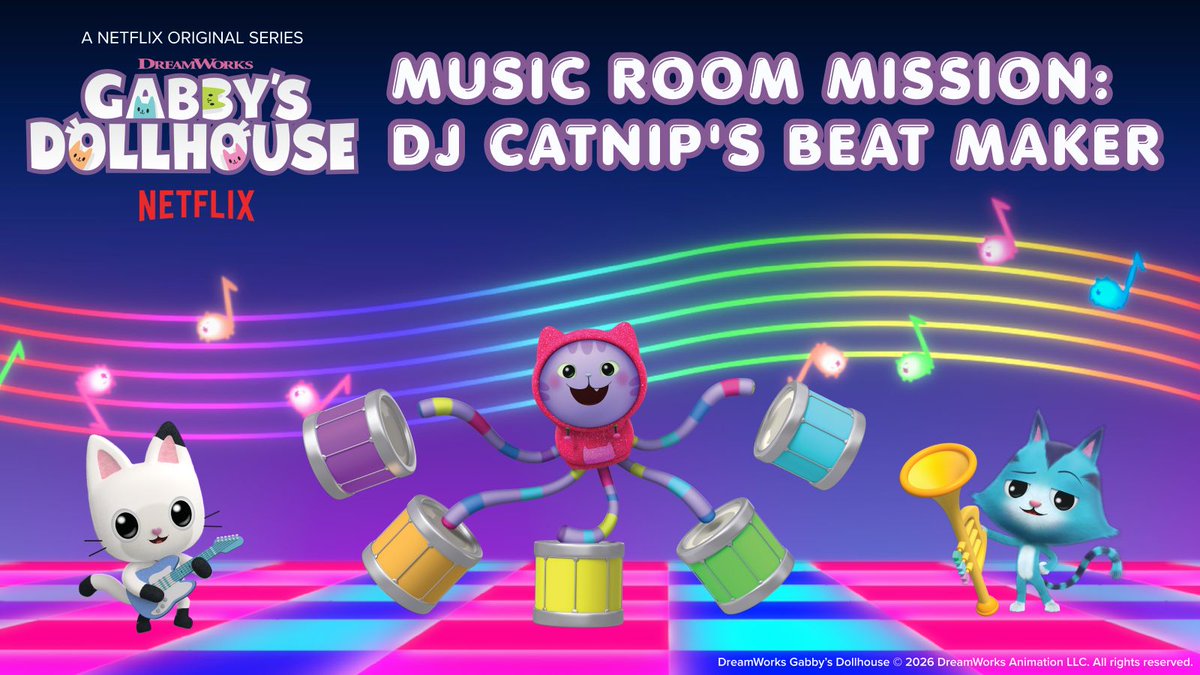
Check out another @GabbysDollhouse project on Tynker! #DreamWorks_Partner
In this project, students work with DJ Catnip, Pandy, and CatRat to create sound patterns and click the actors in the correct order to match them. Explore this project at https://t.co/Xj2ZTZAdlf.
#GabbysDollhouse #CodingFun #STEM #CodingForKids
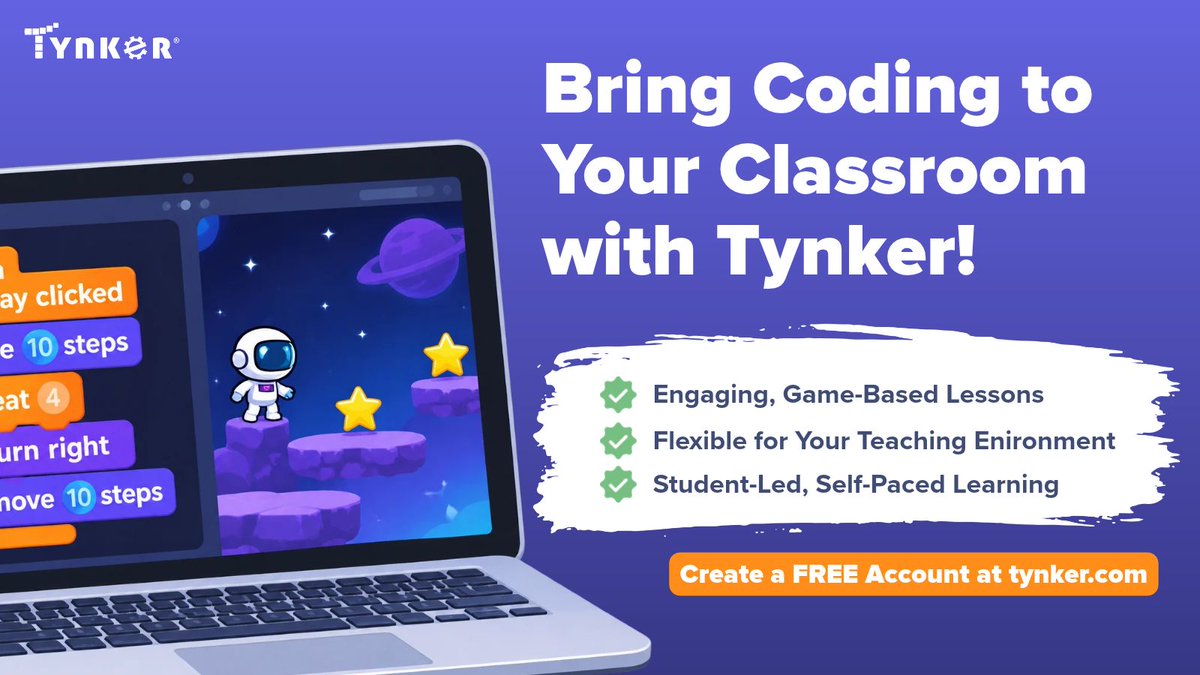
Bring coding to your classroom with Tynker! 💻
Explore engaging, game-based coding lessons that make learning fun! With flexible teaching options and self-paced activities, Tynker makes it easy to introduce computer science to your students.
🚀 Create your FREE account today at https://t.co/U7vAuINqpf
#Coding #ComputerScience
Want CodeHS to visit your school for CSEdWeek 2026? 💻
Our team will be visiting schools across the country from November 30th to December 11th to celebrate computer science with students and teachers!
📅 Request a visit by November 16th!
Submit your request at https://t.co/l7Qnx6ZkHr
Celebrate CSEdWeek 2026 with CodeHS! 🎉
From November 30 to December 11, CodeHS team members will be visiting schools across the country to celebrate Computer Science Education Week!
Want CodeHS to visit your school? Request a visit at https://t.co/PgM3OBCJII
Get ready for CSEdWeek with CodeHS! 💻
We're hosting four free webinars to help you feel confident leading an Hour of Code or Hour of AI activity with your students. Whether you're using CodeHS, CodeHop, or Tynker, there's a session for you!
Explore the webinars and save your spot at https://t.co/0JSj9oZShX
#CSEdWeek #SchoolVisit #ComputerScience
🕷️ Get into the Halloween spirit with Tynker’s Spider Spin Project of the Week! Students can practice coding concepts like coordinates, functions, and conditionals while creating colorful spider webs of their own. 🕸️
Try Spider Spin with your students this week!
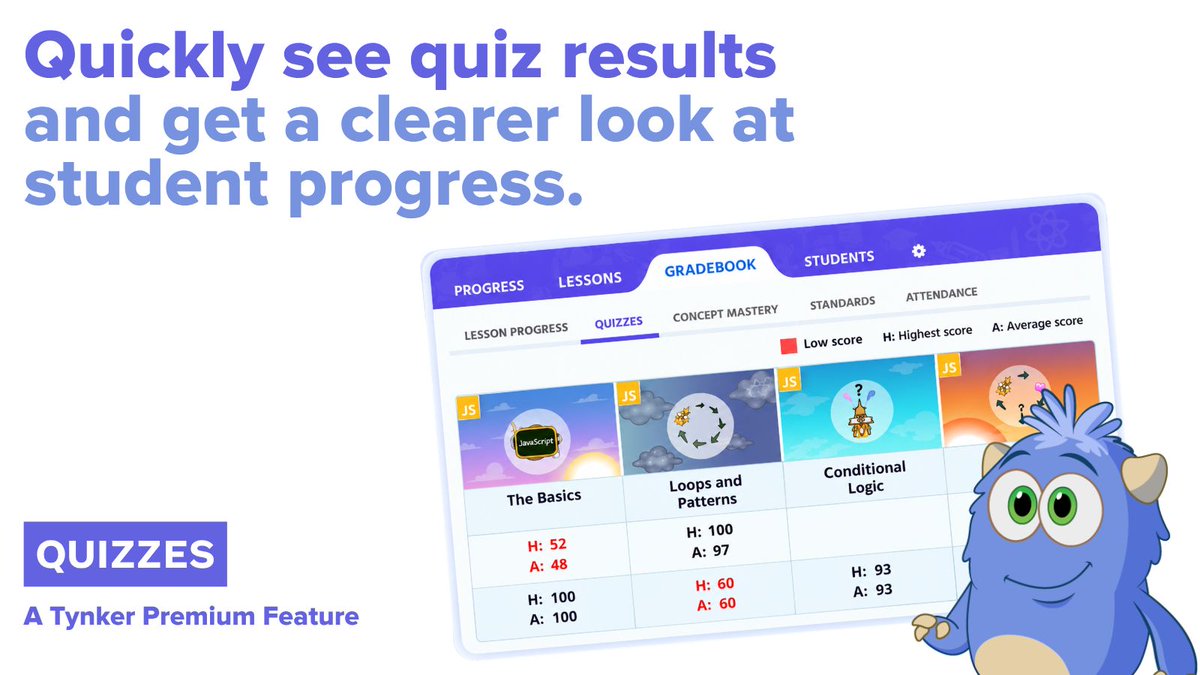
See student progress beyond the final score with Tynker Quizzes! View quiz results, including students’ highest and average scores, right from the Gradebook.
🔓 Unlock Quizzes and other premium features at https://t.co/Z4MSsRJYfq.
🎨 Get students moving and coding with Tynker’s Ribbon Dance Project of the Week! Students explore AI and hand tracking to create colorful ribbons that follow their movements, all while practicing core coding concepts.
Try Ribbon Dance with your students this week!
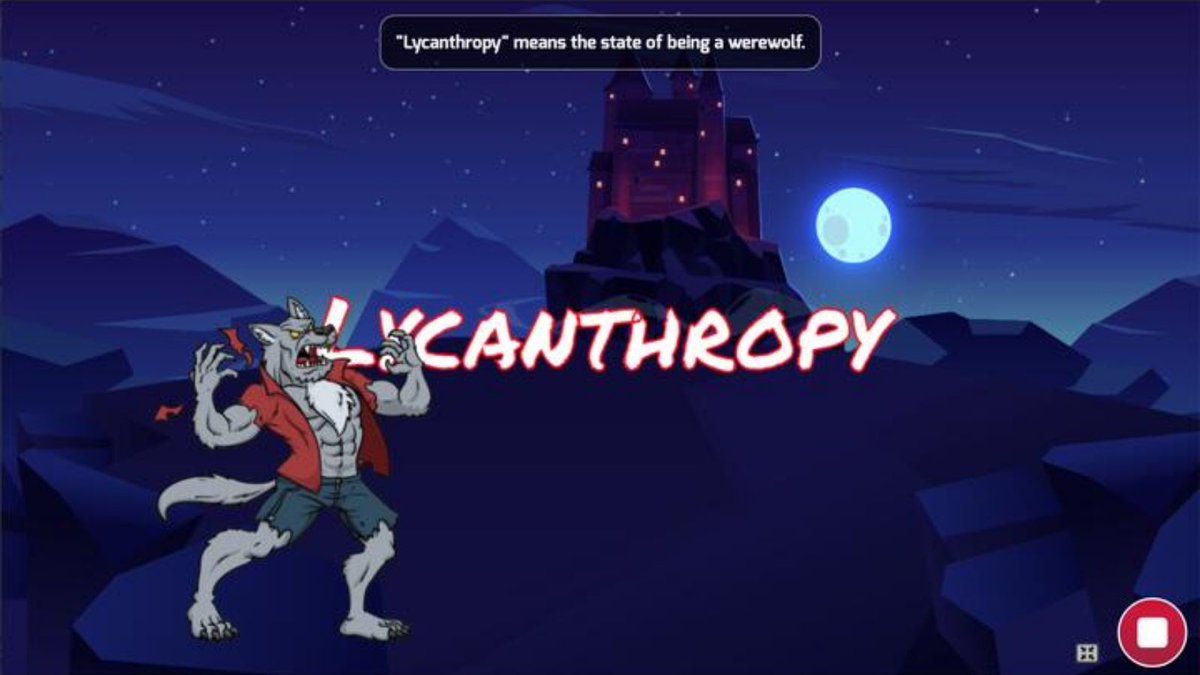
✨ Turn words into code with Word Magic!
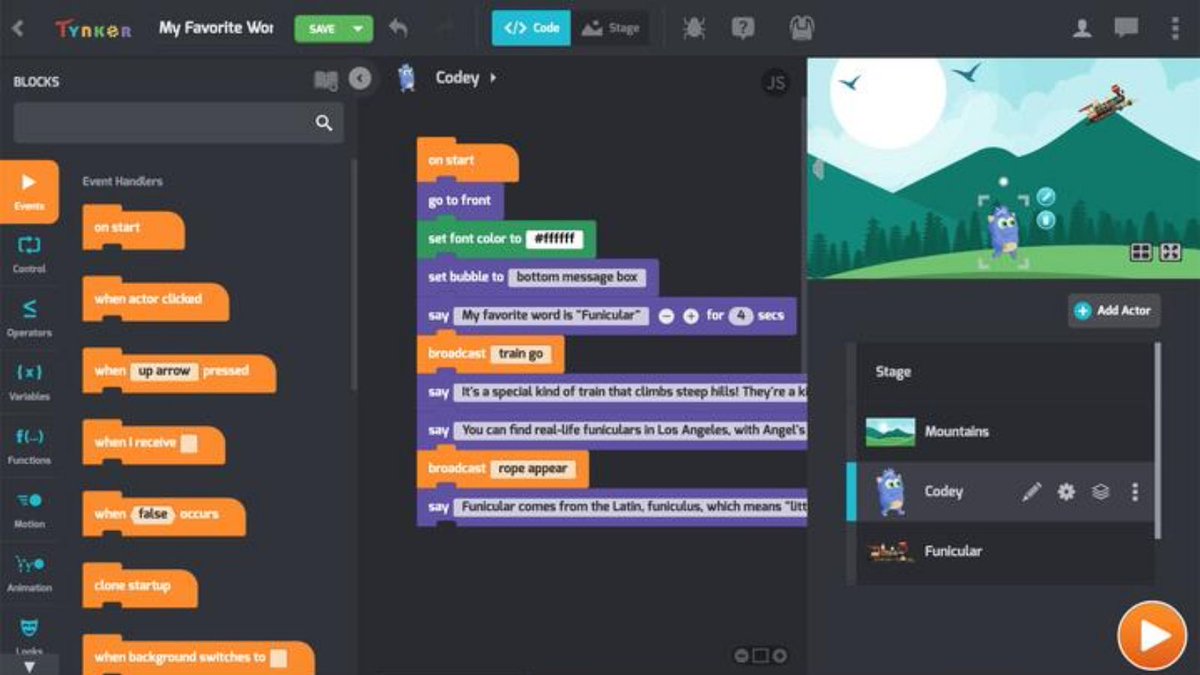
In this Hour of Code project, students choose a word that inspires them, explore its meaning and origin, then use Tynker’s block coding tools to bring it to life with animations, sounds, and creative effects.
👉 Explore Word Magic and more Hour of Code activities with Tynker!
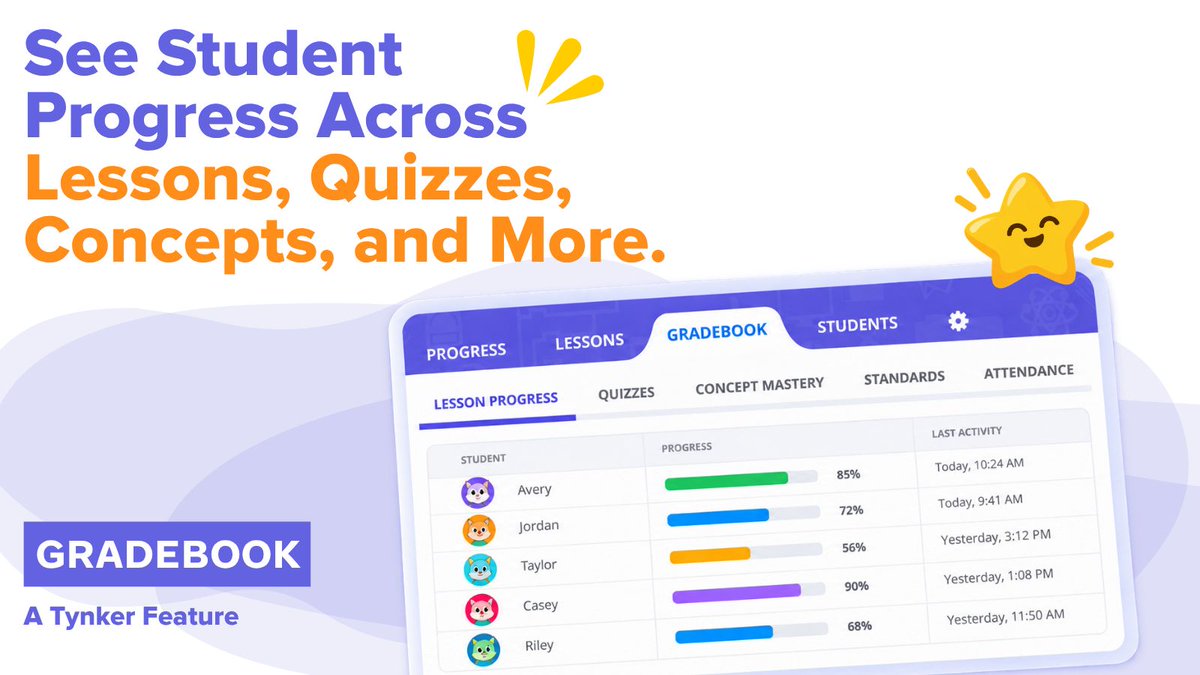
The Tynker Gradebook brings student progress all into one place! ⭐ Within the Gradebook, you can view lesson progress, quiz results, concept mastery, standards, attendance, and more.
Learn how to unlock all these tools at https://t.co/Z4MSsRJYfq.
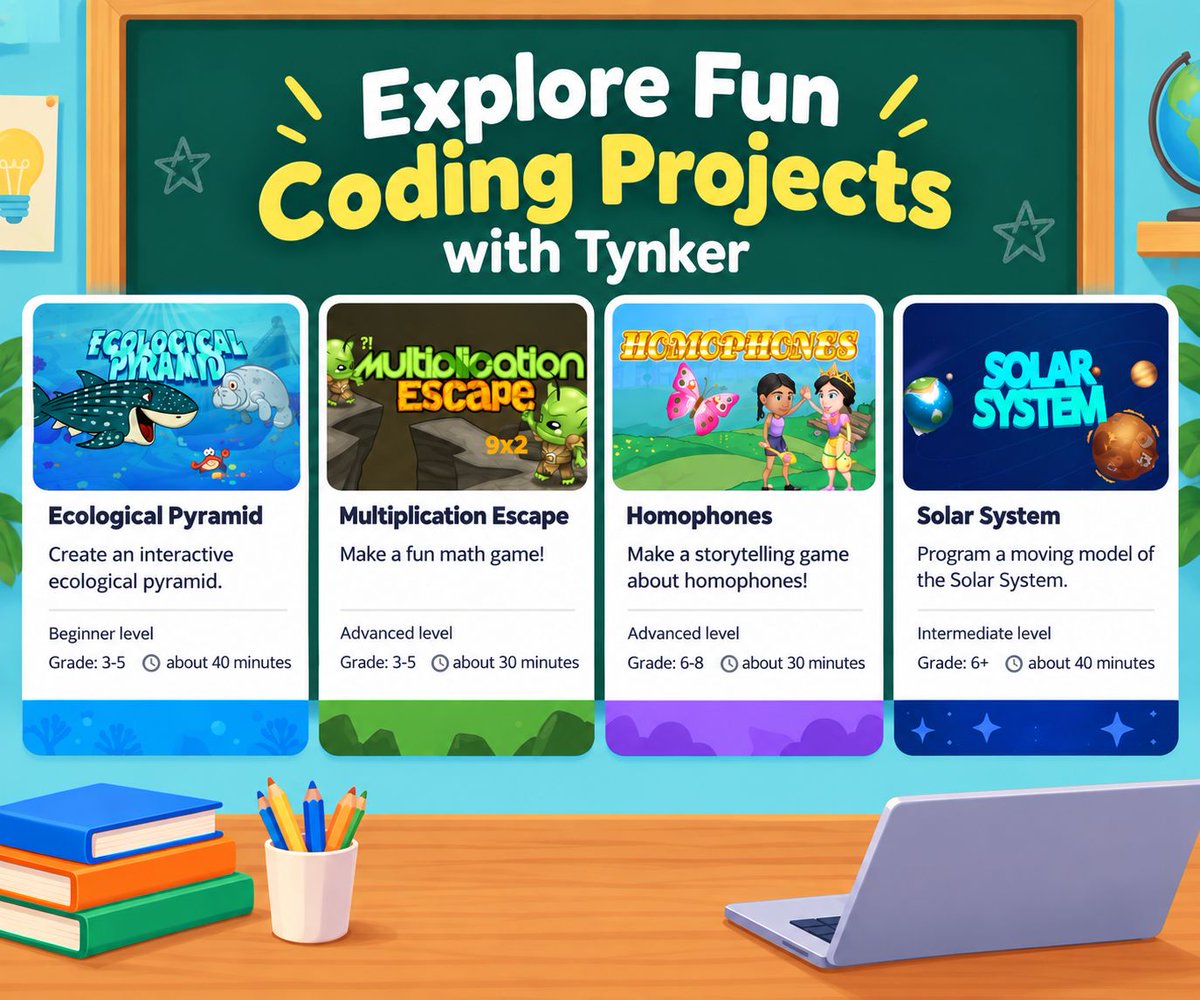
Bring learning to life with Tynker Coding Projects! 💻✨
Students can build interactive projects while exploring subjects across the curriculum, from science and math to language arts and space.
🌊 Create an ecological pyramid
✖️ Build a multiplication escape game
📚 Tell a story with homophones
🪐 Program a moving model of the Solar System
With projects for different grade levels and experience levels, there’s something for every classroom.
Learn more: https://t.co/DHpVejIUi8
#Tynker #CodingForKids #ComputerScience #STEMEducation #EdTech #CodingProjects
🧩 Turn coding practice into an adventure with Tynker’s Coding Puzzles!
Students can build programming and problem-solving skills as they work through fun, interactive challenges:
🍬 Candy Quest — Grades K–4
🚀 Space Quest — Grades 1+
🐉 Dragon Blast — Grades 3+
With options for different grade levels and skill levels, there’s a puzzle for every learner. 💻✨
Learn more: https://t.co/DHpVejIUi8
#CodingForKids #ComputerScience #EdTech #STEMEducation #Tynker
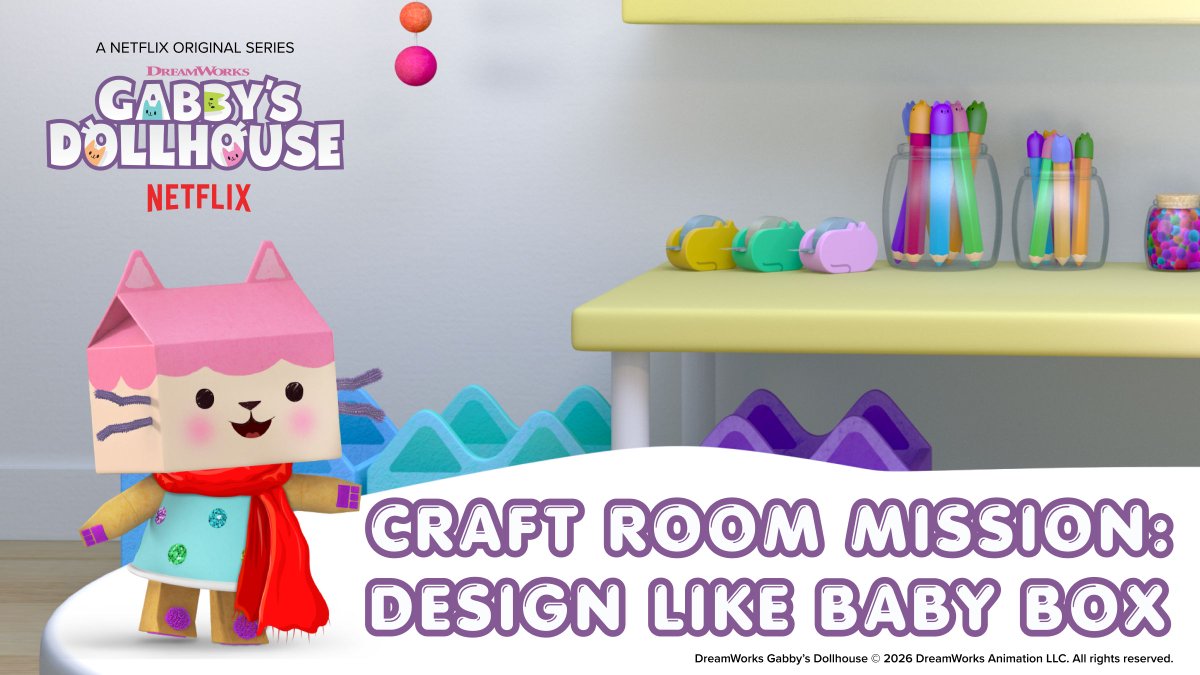
We’ve got another @GabbysDollhouse project on Tynker, this time with Baby Box! #DreamWorks_Partner
In Craft Room Mission: Design Like Baby Box, students design their own box character friend with Baby Box. Complete the project today at https://t.co/j5oMDBslXz
#GabbysDollhouse #CodingFun #STEM #CodingForKids
🎒 Start the school year strong with Tynker!
Use our back-to-school checklist to get your classrooms set up, choose courses, plan engaging first-week activities, and explore professional development.
https://t.co/0skP0c7mTi
#BackToSchool#ComputerScience#CodingForKids#EdTech #Tynker
🎓 Give your teachers professional development that fits their schedule.
With the Tynker PD Membership, educators get year-round access to on-demand training designed to help them build confidence and get more from Tynker in the classroom.
Educators can:
✅ Learn at their own pace with short, engaging videos
✅ Personalize their learning journey based on their interests and goals
✅ Earn certificates and rewards as they complete learning tracks
Support your teachers with professional learning they can return to throughout the school year.
📩 Request a quote to bring the Tynker PD Membership to your school or district: https://t.co/g1r4PWQrAB
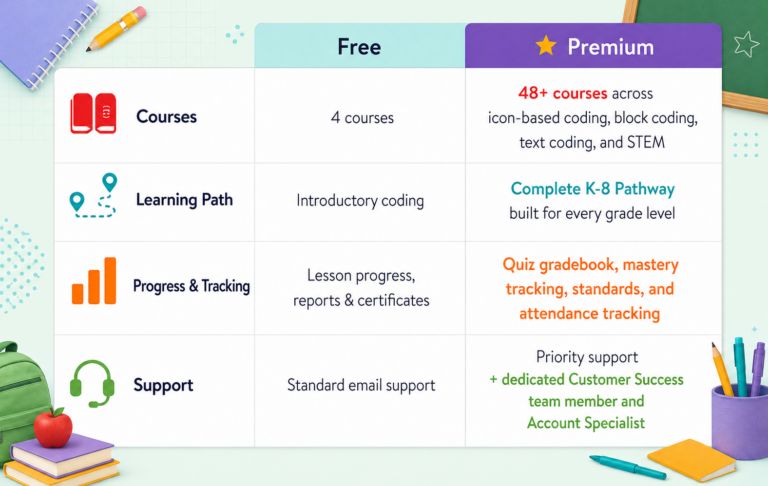
Tynker is available with both Free and Premium teacher accounts. The premium plan adds the full curriculum, lesson plans, and the teacher tools that give you time back in your day.
If you’re ready to bring a complete K-8 computer science curriculum to your school, request a quote to learn more about Premium.
https://t.co/X5CU7AdskL
#BackToSchool #Teachers #ComputerScience #Tynker
🔔 Before the first bell rings, get your Tynker classroom ready to code!
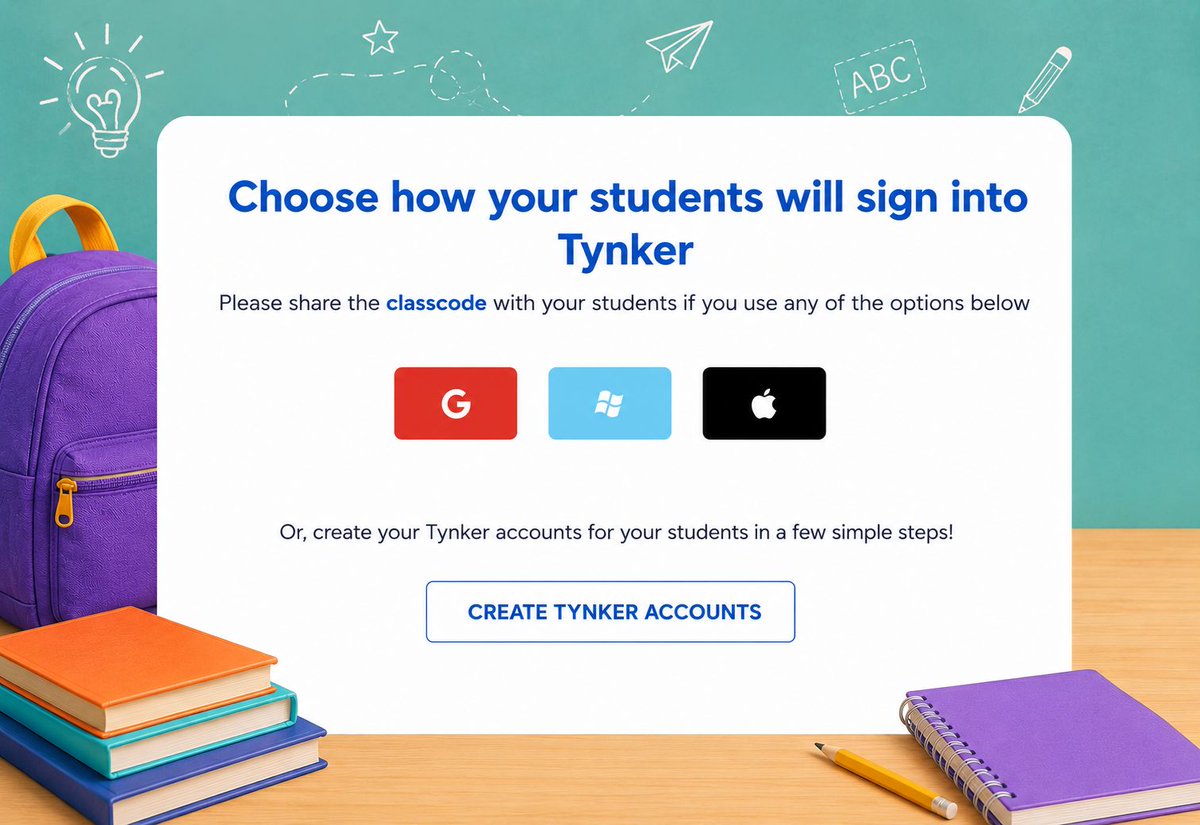
Students can join in seconds with a class code or sign in with Google, Clever, or ClassLink. Teachers can also bulk-import rosters or create Tynker usernames and passwords.
Learn more about getting started: https://t.co/dKuVy7JqdR
#BackToSchool #Teachers #CodingClassroom #ComputerScience #Tynker
🍎 Back-to-school is here! Ready to kick off a great year of coding?
Start the school year strong with Tynker’s 4-step back-to-school checklist:
✅ Set up your classrooms
✅ Choose the right courses
✅ Plan engaging first-week activities
✅ Explore professional development opportunities
Check out the blog for tips and resources to help you get your coding classroom ready for day one. 💻🚀
https://t.co/ubTcCY6oQz
#BackToSchool #ComputerScience #CodingForKids #EdTech #Tynker