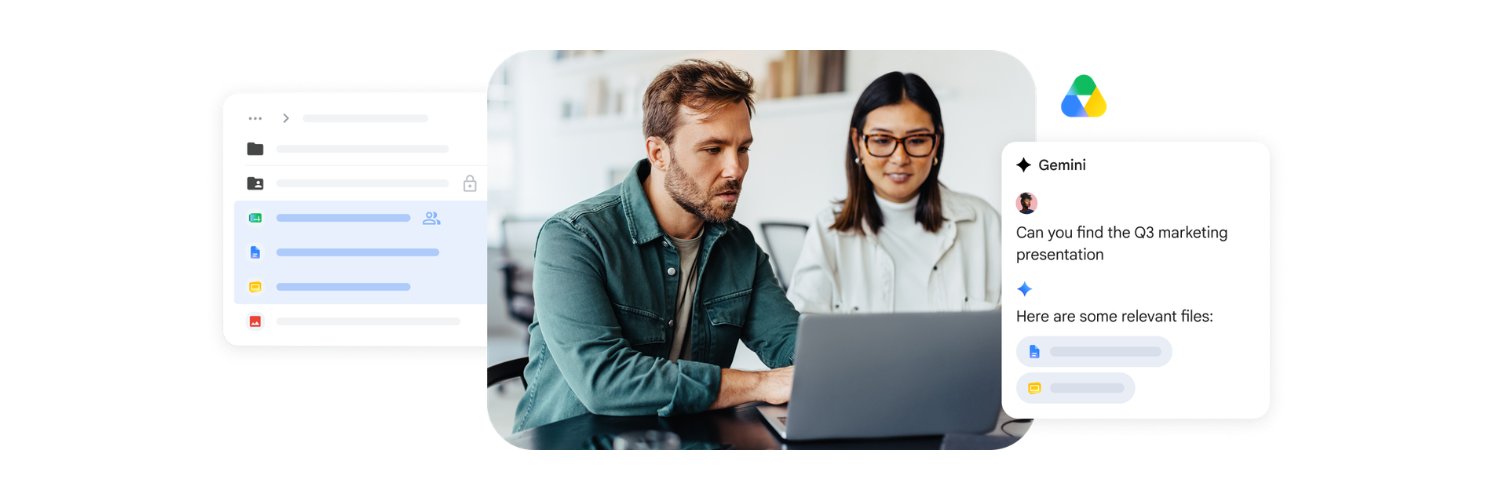
Work smarter with Gemini in Google Drive.
When starting a conversation in the side panel, click Add sources (or drag + drop files) to guide Gemini with the right context. More control, better answers. → https://t.co/CqWMPpvHw1
How many tabs do you currently have open just to cross-reference information across different files? 📂👇
Instead of opening dozens of documents to find what you need, Gemini in @GoogleDrive does the heavy lifting for you—scanning your files to deliver clear, reliable summaries delivered right from your search bar. https://t.co/1V4JwWxUkK
@altf4andrei Hi Andrei. Thanks for reaching out. Check out this article to learn more about uploading files from iPhone to Google Drive: https://t.co/x7ibpH56NX. Let us know if that helps.
@MassimoMen98216 Hi Massimo. Let's connect you with our Support Team for help. Follow the link to get some help: https://t.co/uM7F5NR6tj. Keep us posted.
Scanning documents from a phone is a pain!
Glad to see the new document scanning experience in Google Drive on Android is rolling out now.
📄 Smart Batch Scanning: Scan multiple pages at once, automatically splits them into separate docs.
🚫 Duplicate Detection: Hovering over a page you already scanned? The system instantly catches it.
📸 Auto-Best Frame: We automatically swap out blurry scans for the highest-quality frame available.
🔒 100% On-Device Processing: Lightning-fast performance, offline availability, and total data privacy.
Rolling out now on Android; Works on devices with 8GB+ of memory.
@RichP Hello, Rich. thank you for notifying us of this issue. Our spam folder already catches and stops almost all spam on Drive, but sometimes a file slips through the cracks. Please report this file as "Spam or fraud," and we will use these signals to help prevent this abusive spammer from sharing it with other Google Drive users. To learn more, please visit this link: https://t.co/ZtecxMsMCm. Hope this info helps!
@DanielBallarin5 Hi Daniel. Could you try uninstalling and then reinstalling the Drive app itself? If this doesn't help, please visit our Community Forum for any additional assistance: https://t.co/Qv1IpHJier. Thanks.
@JustinSzcz2094 Hi Justin. Let's connect you with our Support Team for help. Follow the link to get some help: https://t.co/zf8he4NIr5. Hope this helps.
@welles@welles Hi Shaun. Could you try uninstalling and then reinstalling the Drive app itself? If this doesn't help, please visit our Community Forum for any additional assistance: https://t.co/Qv1IpHJier. Thanks.
With Ask Gemini in Drive, you can now ask complex questions across your files, calendar, and @Gmail all at once.
Try: "What should I ask my tax advisor based on these files?" and get a detailed breakdown based on your actual data. ⏱️✨ https://t.co/02SxfRyMag
Finding what you need just got a whole lot faster. 🚀
Ask a question in plain English, and AI Overviews in Drive will summarize the key info from your files—citations included—right at the top of your search. https://t.co/02SxfRyMag
Stop digging, start discovering. Ask Gemini in Drive lets you dive deeper by grounding answers directly in your chosen files and work context. Whether you're studying, researching, or something in between, get deeper, more relevant answers to your complex questions. https://t.co/8y1NIXKG7K
No more digging through files to find what you’re looking for. AI Overviews in Drive give you the answers you need, with citations, at the top of your search results.
This feature is rolling out for Gemini Alpha customers and Google AI Pro and Ultra subscribers in the US. https://t.co/8y1NIXKG7K