Synactive, Inc. provides tools to simplify any SAP transaction/module (eg. SAP PM, MM, SD), and extend the optimized user experience to mobile or desktop users.
The inventory moved. The SAP update happens later.
When updates wait for a terminal, SAP can lag behind the physical operation.
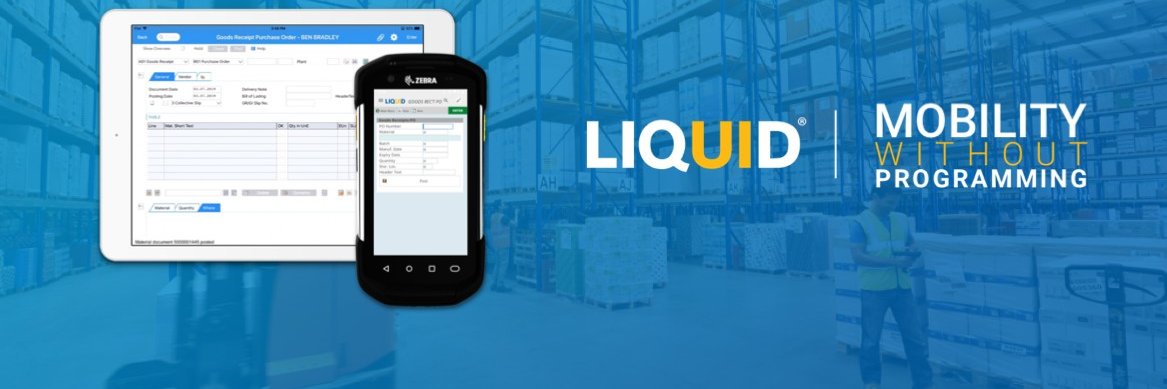
Bring SAP to the point of warehouse activity and capture the movement where it happens.
Update SAP when the work happens, not after.
A few extra SAP steps don't sound expensive.
Multiply them across thousands of transactions, and they are.
Every unnecessary click, repeated entry, and correction adds time.
Measure the work around the transaction, not just the transaction itself.
https://t.co/nSSdpxinpD
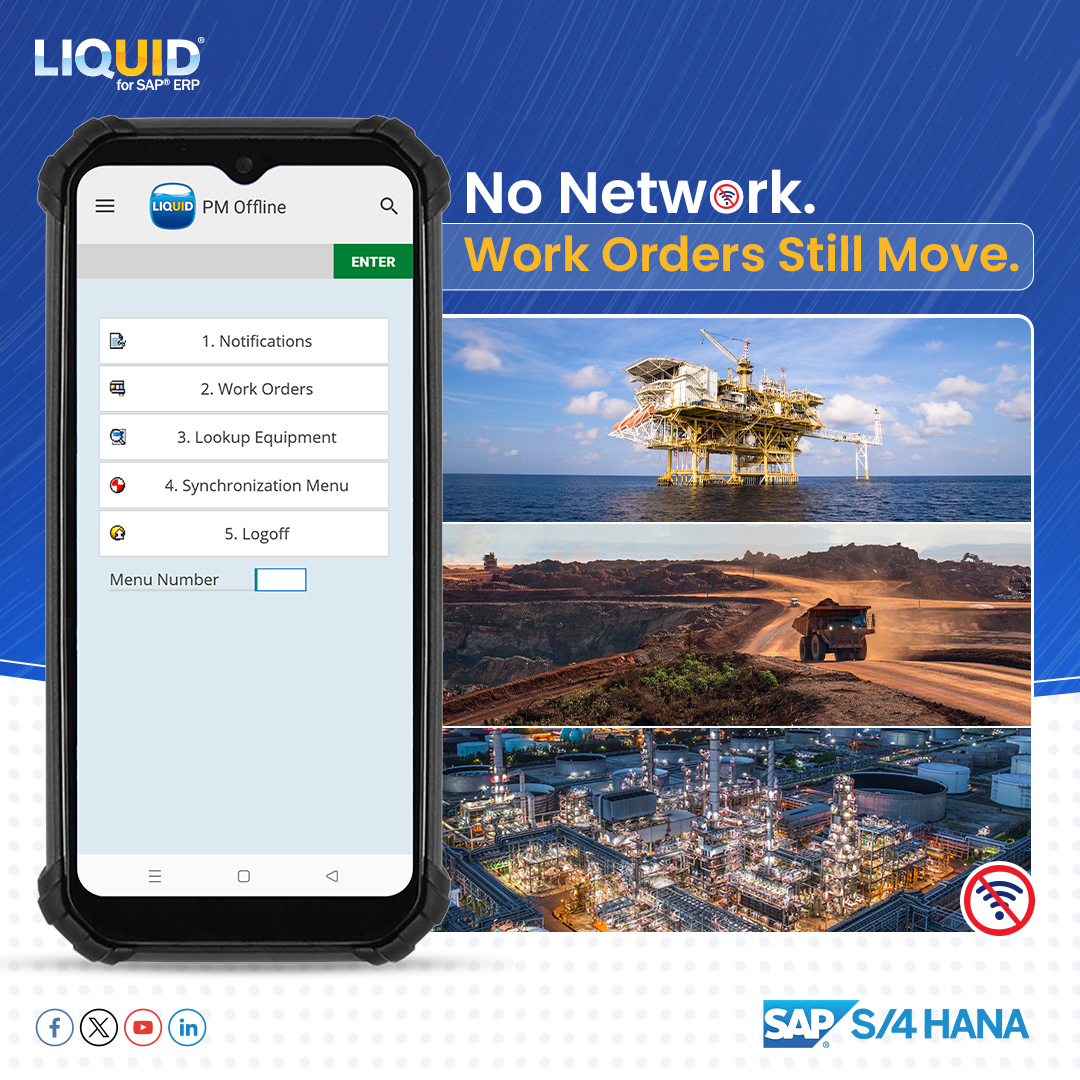
No network. The work still needs to continue.
Liquid UI Offline lets users execute supported SAP work orders without connectivity and sync the work with SAP when the connection returns.
Keep working when the network cannot.
Get the Datsheet: https://t.co/zAs4nriz1u
What happens when logging a maintenance order takes 15 minutes?
At Amcor, technicians had to work through multiple SAP PM transactions and fields.
A focused workflow, barcode scanning, and iPad access brought SAP PM closer to the work.
15 minutes → 15 seconds.
A laptop, tablet, or phone goes missing. The first IT question may be: what SAP data was stored on it?
Liquid UI is designed so that, by default, no SAP data is stored on end-user devices. SAP screens render from server w/o local databases, cached credentials, or offline stores.
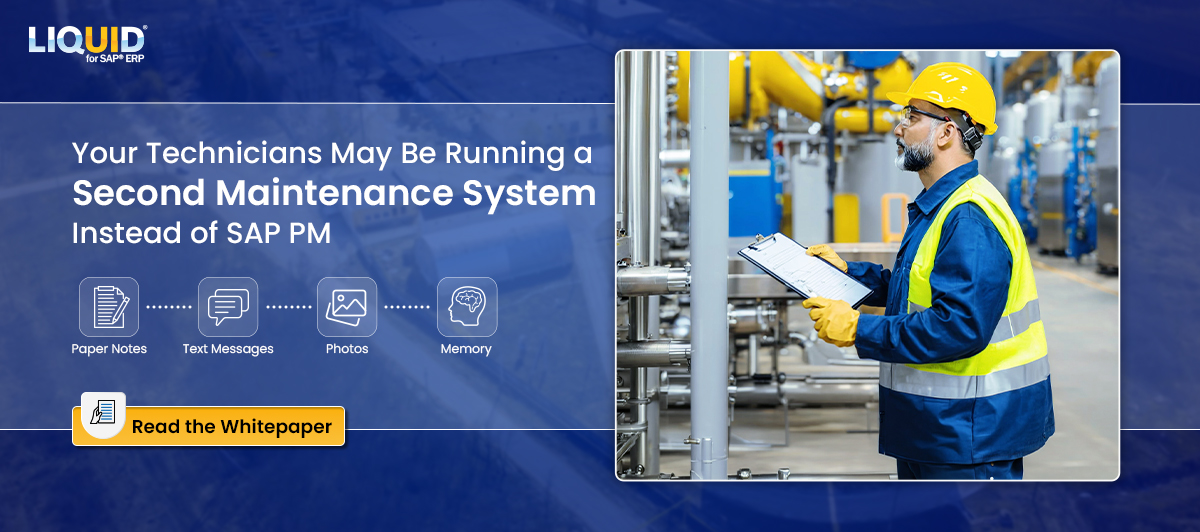
Paper notes. Text messages. Photos on a phone. Memory. End-of-shift SAP entry.
These are not random workarounds. They can be signs that the SAP PM workflow does not fit the way technicians work.
See how to overcome:
https://t.co/sKJJUTtNQG
A document contains information needed to create an SAP transaction. But entering it field by field takes time.
Liquid UI Intelligence uses AI to extract data, such as handwritten information, and map it to SAP fields.
Upload → Extract → Review → Create
https://t.co/AVKEUU9eas
A temperature reading is taken on production floor. Then someone has to enter into SAP.
Liquid UI connects devices and sensors to SAP workflows, so information can be captured where work happens and SAP stays updated as the process happens.
Learn more: https://t.co/4As0BHzQbb
RFID, barcode scanners, and mobile devices capture warehouse data where work happens. But connecting that data to SAP can mean complex customization.
Our whitepaper explores practical ways to connect warehouse hardware with SAP workflows.
Access: https://t.co/dMoSWnjmqR
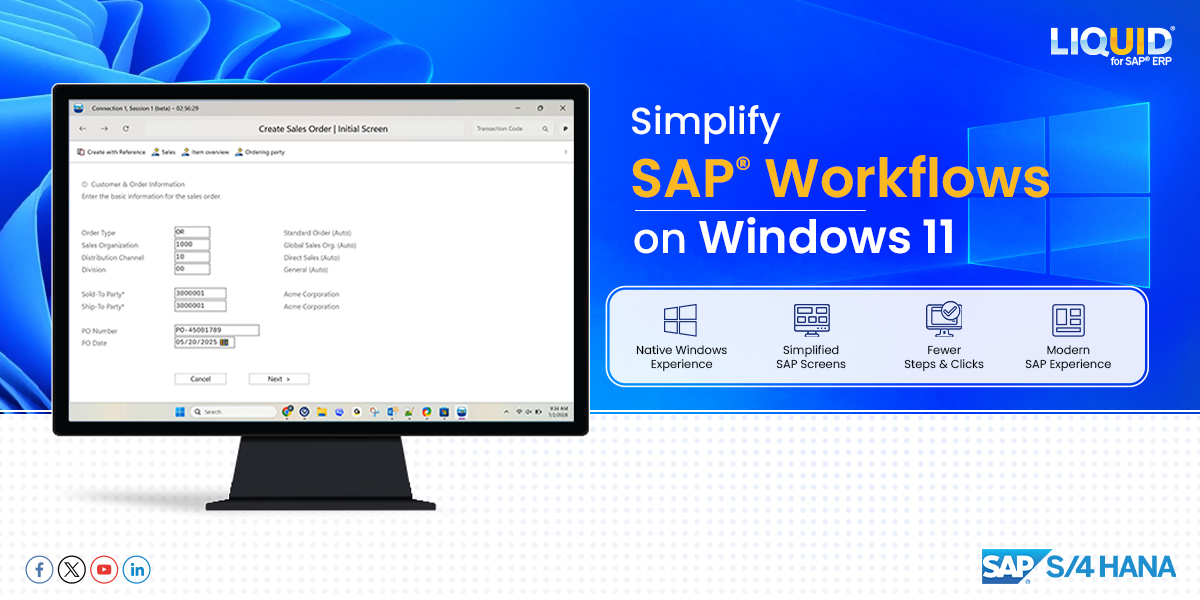
Liquid UI for Windows 11 provides a native Windows experience while simplifying SAP screens, fields, and steps around the task at hand.
Keep your existing SAP workflows.
Reduce unnecessary interaction.
Give users a more modern way to work with SAP.
A sales rep switches between 6–10 SAP screens to complete one order.
Liquid UI consolidates related tabs and fields into one focused screen.
Result: 70% less user time across SAP SD operations.
6–10 screens → 1
70% less time
https://t.co/JQ9X1qpndp
Modern warehousing requires modern SAP: today’s warehouse workers need to move quickly, work from mobile devices, scan barcodes, and use RFID, not stop to navigate complex SAP screens.
Liquid UI brings SAP EWM/WM into the modern warehouse.
See how: https://t.co/SVGqPVQlpl
A PO is ready for release. The buyer still has multiple SAP steps to complete before approving it.
Liquid UI brings the relevant release information and approval action into a focused workflow.
The buyer still makes the decision. The workflow makes the task easier to complete.
59 SAP actions for one quality inspection.
At L3, inspectors needed multiple SAP screens to complete a QA02 inspection.
A focused workflow reduced:
59 → 23 actions
14 → 6.5 minutes
The SAP process stayed intact. The workflow changed.
Read the story: https://t.co/RYn8swkhO2
The quote is already in Salesforce. Why enter into SAP again?
At AAF, sales teams had to manually re-enter Salesforce quote info into SAP to create orders.
Liquid UI connected two workflows so quote data could flow from Salesforce into SAP with one click.
https://t.co/OPBytSdmWk
From document to SAP sales order, without typing everything manually.
Liquid UI Intelligence uses AI to extract printed and handwritten data, lets users review it, and helps complete the transaction.
Capture. Review. Create.
See the Workflow : https://t.co/AVKEUU9M00
Field teams often need photos to document equipment, deliveries, or completed work.
Capture and attach photos directly in SAP without switching between apps.
Less app switching. More complete records.
See it in action: https://t.co/hmL0UF3Gs5
An SAP screen shouldn't make users search for what they need.
Show the fields that matter.
Group related actions.
Match the screen to the task.
Better screen design can reduce navigation without changing SAP functionality.
Learn more: https://t.co/FBD3qaWvWX
A warehouse task shouldn’t require navigating eight SAP screens.
Bring related activities into one task-focused interface to reduce navigation and keep users focused on the work.
Explore how SAP warehouse screens can be redesigned: https://t.co/FBD3qaWvWX
Complex SAP screens can slow maintenance work and make warranty claims harder to manage.
Tyson Foods brought work orders, repairs, and warranty management into one SAP screen.
The result:
$4.3M recovered
$75K+ saved
8,000+ users supported
Read story here: https://t.co/lSwJJAtYSB