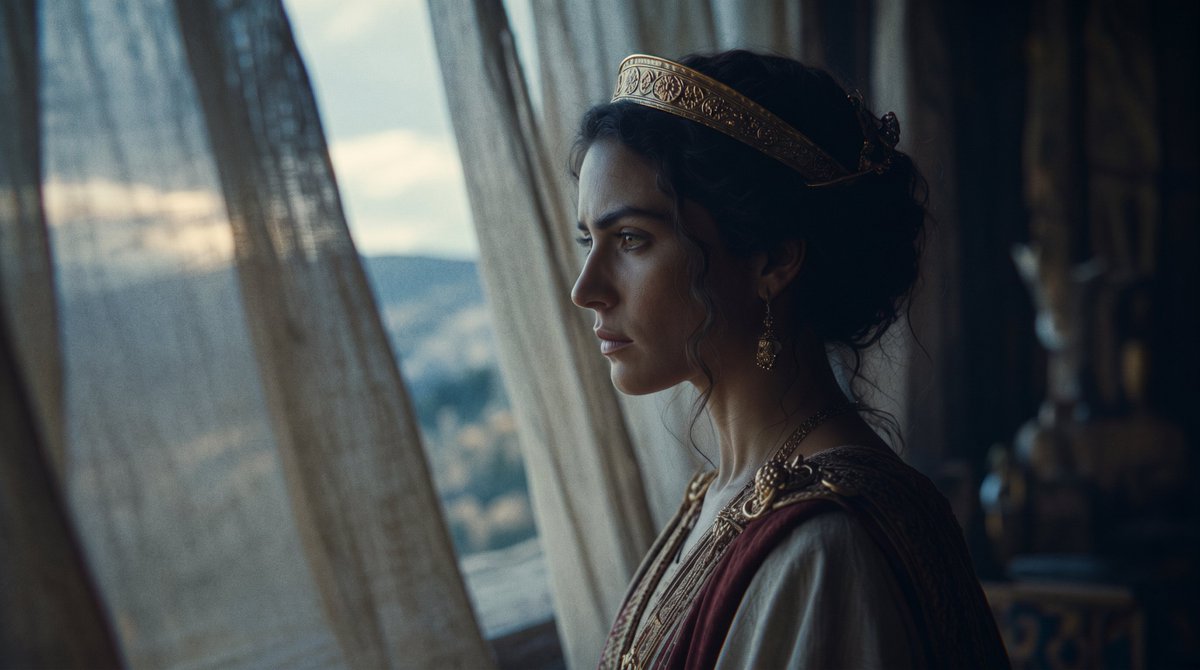
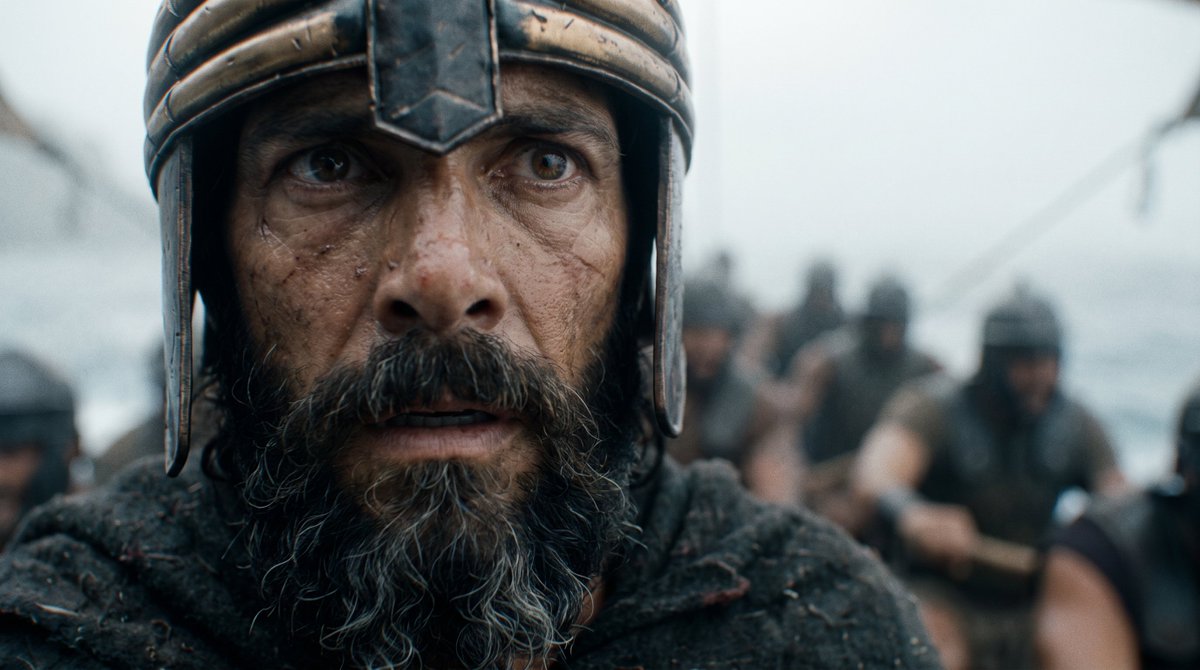
No cameras. No sets. Just two filmmakers with a mission:
Push @imagine's cinematic capabilities to their limits and make a pilot of Homer’s Odyssey.
@WonderStudiosX, an AI-native creative studio who partnered with us on this, delivered the pilot in 15 days, using 2,070 images and 1,558 videos.
Here’s a thread on the best tips from creative lead Dev Walker 🧵
No cameras. No sets. Just two filmmakers with a mission:
Push @imagine's cinematic capabilities to their limits and make a pilot of Homer’s Odyssey.
@WonderStudiosX, an AI-native creative studio who partnered with us on this, delivered the pilot in 15 days, using 2,070 images and 1,558 videos.
Here’s a thread on the best tips from creative lead Dev Walker 🧵
We’re working on short episodes of the Odyssey, made with Grok Imagine. Coming soon.
In the meantime, create your own film scene at https://t.co/8Ymu31HTQM
When a shot keeps drifting, more words rarely fix it.
Cut words that are open to interpretation, like a character “crossing” a scene.
Instead, spell out exactly how things should move: “enters left, exits right.”
@JulianGoldieSEO@PJaccetturo It's the cost of the generations (video + image), not production. You have to add the labor costs of a couple people working on the scene.
Hollywood would spend 7 figures on this Odyssey scene.
@PJaccetturo and his studio made this pilot in 9 days, with 3,627 images, 3,043 videos, and generations costing $2,677.
Here’s their breakdown of how they did it 🧵
Start your edit while you’re still prompting.
For this pilot scene, Genre AI’s editor had access to their Grok Imagine canvas and would edit daily to see how things are coming together.
This is the part amateurs skip because it feels like they haven’t “finished generating.”
But the beauty of AI video is that you can just re-generate scenes as you go. So it’s good to start editing early and piecing things together instead of waiting for all generations to be done.
Make your own film scene on https://t.co/ZZx08cft1C
Spend money where quality counts.
Grok Imagine video at 1080p is cheaper and generates faster than other models.
But use the lower video resolutions to your advantage.
Generate scenes at 480p or 720p strategically, to save even more, until you know your prompt is working. Then buy 1080p once your prompt is perfect.
When making this scene, Genre AI kept their prompts short and used natural language.
30 to 60 words: one subject, one action, one named camera move.
Here’s an example:
“Silent, no music. [Subject does an action]. [Camera move]. He says: "[line]". Maintain the reference image's exact lighting, color and grain. Environmental sound only: [two or three sounds].”
If you’re having trouble describing the scene you want, let Grok write the prompt for you. It will know the film-related language you may be missing.
Video prompts cannot rescue a bad reference image or bad starting frame.
If that frame is wrong, every second after it is a negotiation with a mistake.
Before generating videos, take time to brainstorm by generating varied images, varied styles, or using references.
You can also generate many images of the same character/item/place but change one single thing: e.g., the style of armor, the shape of an island, the scar on a character’s face.
Most people hit the generate button like a slot machine… but fail to organize.
Organize your Grok canvas like a film strip.
Titled columns for each scene: Scene 1A, 1B, 1C.
Generations should live under the beat they belong to.
Place your character and location references next to the section header of each scene so you never have to hunt for them around your canvas.
Just dropped Episode 1 of my Grok Imagine for Beginners series.
This one covers Text to Image and the simple FRAME method I use to build prompts:
If you’re new to @imagine, this is a good place to start.
Full video in the comments 👇
Shape your video scene, start to finish.
Choose your first and last frames, or create seamless loops.
With improved instruction following and higher video quality.