Real-time media processing APIs and Digital Asset Management to help tech, marketing & creative teams to deliver, manage & collaborate on media assets at scale.
Happy 4th work anniversary, Rajat 🎉
For the past four years, Rajat has led paid marketing at ImageKit with sharp execution and a performance-first mindset. From scaling campaigns to improving efficiency, his work has consistently helped drive steady, measurable growth.
Thank you for the impact, Rajat. Here’s to many more wins ahead 🚀
Welcome to the team, Ravi 👋
Ravi joins ImageKit as an SDR, bringing a strong sales and GTM background, along with experience working with growth-stage B2B teams to convert inbound interest into a real pipeline.
Outside of work, he enjoys traveling and reading literature on mysticism and philosophy.
Glad to have you with us, Ravi 🚀
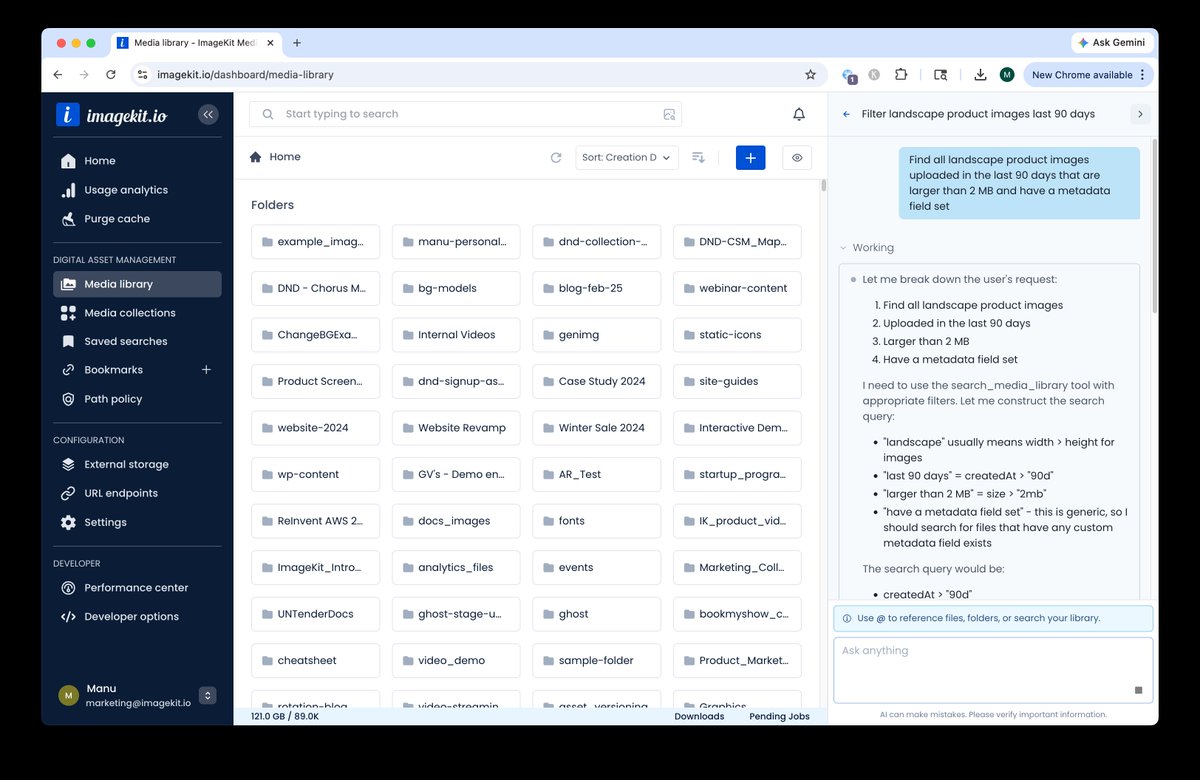
What if managing your DAM felt like chatting instead of configuring?
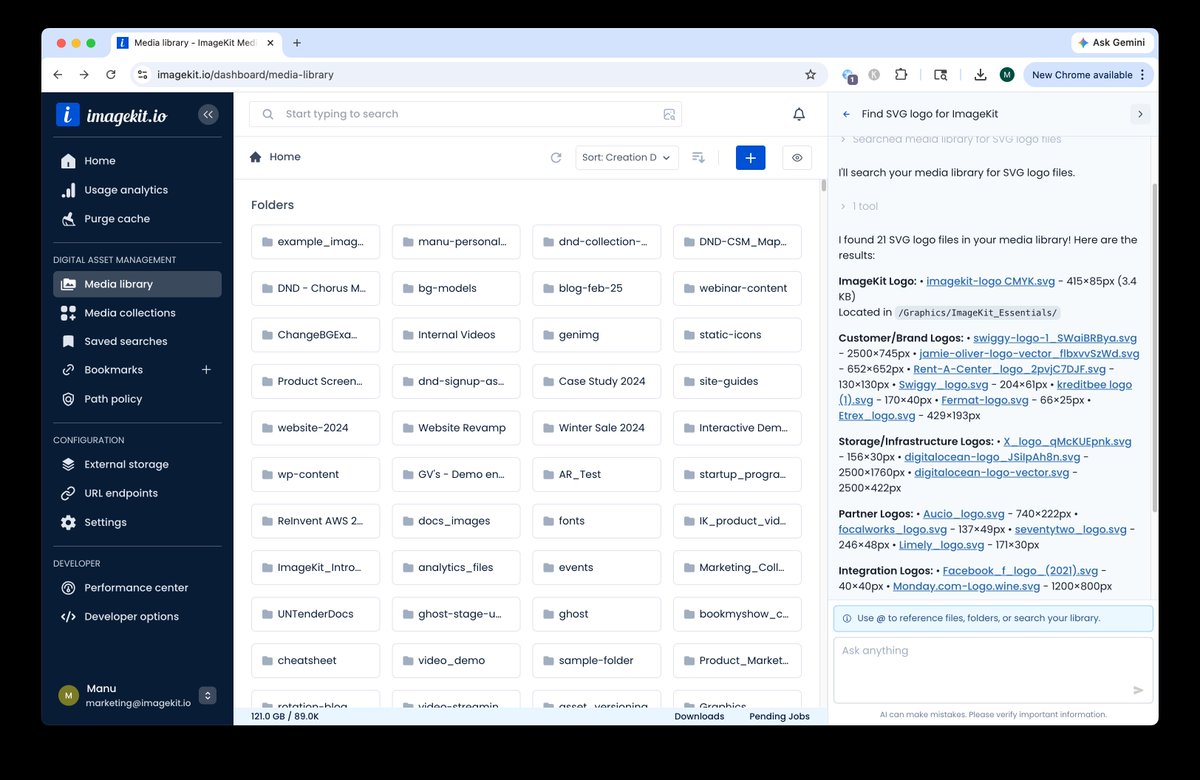
Introducing DAM Agent by ImageKit — an AI assistant that lets you control your entire media workflow using plain English.
Instead of switching between docs, dashboards, and forms, just ask:
🔍 “Find all product images with blue backgrounds”
🏷️ “Tag these assets using AI”
🔗 “Create a transformation URL for this image”
⚙️ “Apply this policy across folders”
🎨 “Generate a new version of this asset”
Everything runs securely within your existing permissions — and it’s already available to all ImageKit users for free.
Full announcement in thread 👇
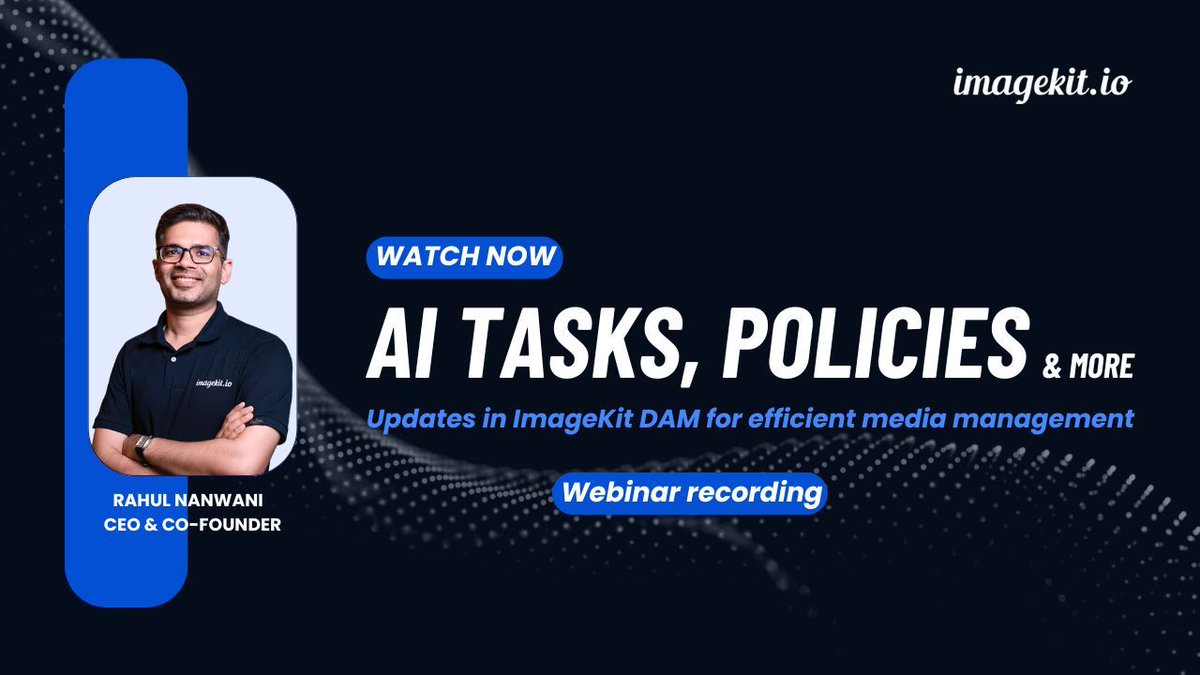
Missed our latest webinar on updates in ImageKit DAM? If you are managing a lot of images and videos, this is for you. The recording is now available 👇️
Here's everything we covered in this webinar:
✅️ Latest UX updates for easier navigation in ImageKit DAM.
✅️ Using LLMs in ImageKit to automate media management and apply custom vocabulary tags and metadata.
✅️ Finding images faster with AI-powered search.
✅️ Using Path Policies for asset governance.
✅️ Handling last-minute edits using the ImageKit editor.
👉 Watch the recording: https://t.co/Cr0vADjo5X
🤝 Implement asset governance at a folder level in your ImageKit DAM with Path Policies.
💡 With ImageKit’s Path Policy, you can implement 3 types of rules: upload rules, validation rules, and custom metadata rules.
Here are some sample use cases on how you can use these:
🔸 Automate transformations on upload.
🔸 Restrict uploads to specific users based on their email addresses.
🔸 Protect AI tags by preventing specific tags from being removed.
🔸 Enforce version history so that file or folder copies always include previous versions.
🔸 Control asset movement by blocking files or folders from being moved or copied out of a specific location.
Read more: https://t.co/mxFjUkrFx2
🚨 SDK update alert 🚨
The ImageKit Angular SDK is now updated for Angular 14+ and standalone directives. It is lightweight, TypeScript-first, and integrates image and video optimization, responsive images, lazy loading, and uploads. Just add ikSrc to your <img> and <video> elements.
Check out the Github repo in comments: https://t.co/d0MZJHk3V4
✨ImageKit now integrates natively with Sanity CMS.
Bring your entire media workflow into Sanity Studio. Here’s what you can do:
✅ Browse images and videos.
✅ Preview thumbnails.
✅ View metadata like dimensions and file size.
✅ Insert ImageKit optimized assets without switching tools.
No more context switching between your DAM and CMS.
This plugin brings complete media management and delivery directly inside your content workflow.
Read more: https://t.co/qjA2D016bF
Happy 5th work anniversary, Abhinav 🎉
Thank you for the consistency, ownership, and impact you’ve brought to ImageKit over the last five years. Wishing you continued growth and many more milestones ahead 🚀
🤔 Need an asymmetric styling for your images?
Use ImageKit’s per-corner radius transformation and specify four underscore-separated values to control each corner individually.
Read more about this effect: https://t.co/AvBo9o1yfL
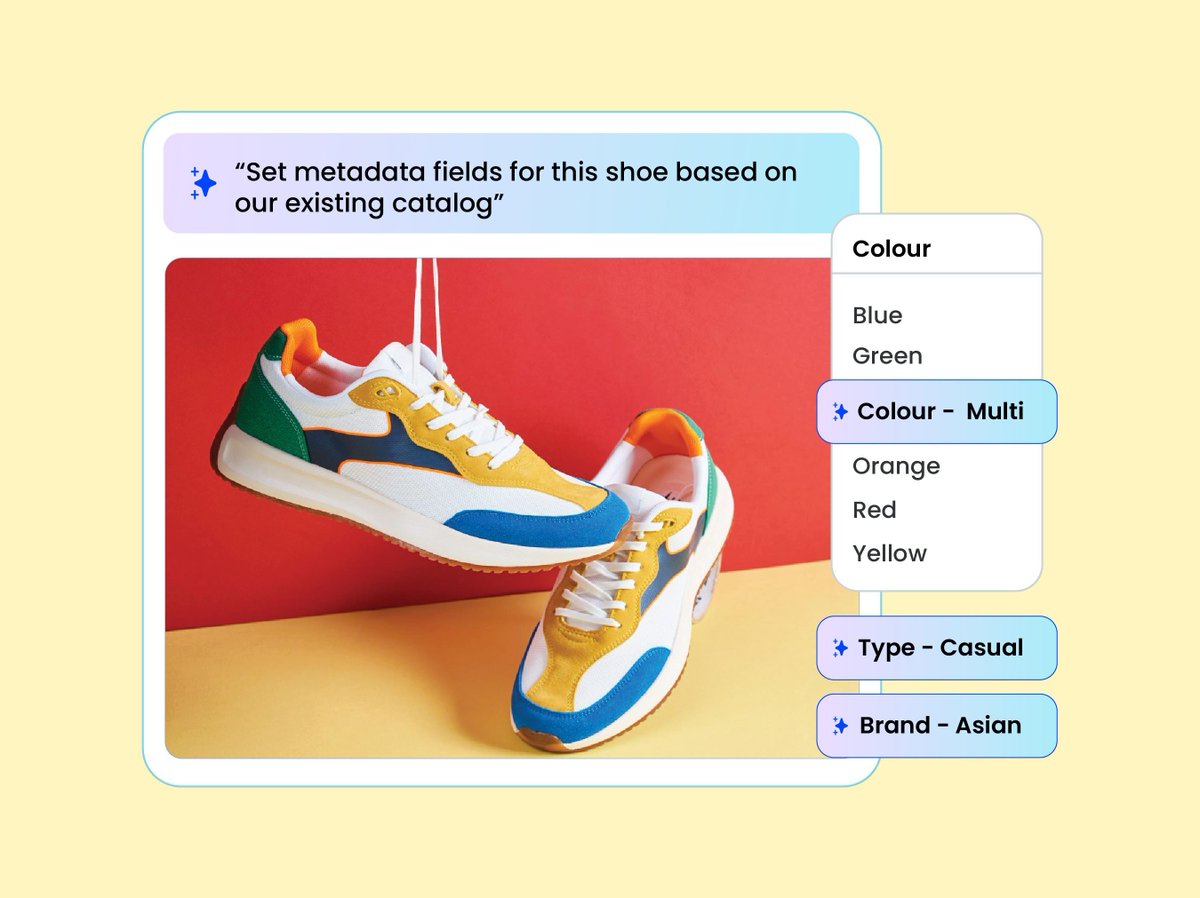
You can now organize assets in ImageKit DAM using modern LLMs - in your custom vocabulary. 🤖
Use AI tasks to analyze your image assets and generate consistent, business-specific, schema-safe metadata and tags.
✅ Write instructions in plain English.
✅ Restrict outputs to your approved vocabulary.
✅ Automatically apply tags or custom metadata fields at the time of upload or to existing assets.
No more inconsistent tagging or manual cleanup in your media library.
Built for structured DAM organization, scalable QC, and workflow automation.
Learn more in the docs: https://t.co/DRihC5nvLK
Happy Birthday to Rahul Nanwani and Kumar Ashish 🎉🎂
Wishing you both a great year ahead filled with good health, big wins, and lots of celebrations. Have an amazing birthday month! ✨
Happy work anniversary, Vivek and Shreyas 🎉
Vivek has been a driving force behind our outbound motion, bringing sharp execution and consistent pipeline momentum.
Shreyas continues to strengthen our partnerships with a relationship-first approach, clear alignment, and long-term value focus.
Thank you both for the impact you create every day 🚀
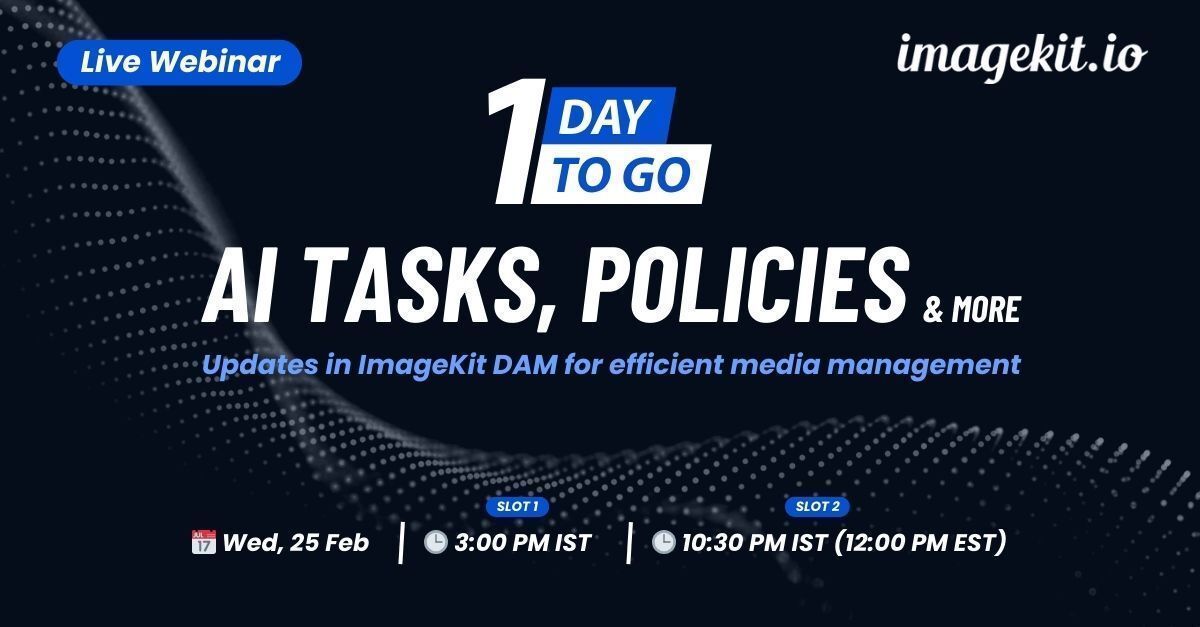
🚨 Join us tomorrow for our live webinar. 💡 Learn how to use LLMs in ImageKit to organize assets in your own way, AI search to find assets, Path Policies for asset governance, new UX updates in ImageKit DAM, and the ImageKit editor for last-minute edits.
Register here: https://t.co/r9gCNkp2BI
🚀 Live Webinar: Updates in ImageKit DAM for efficient media management
💡 AI tasks for content organization, Path Policies, and new UX updates in ImageKit DAM
📅 Wed, 25 Feb
🕒 3:00 PM IST / 10:30 PM IST (12:00 PM EST)
Register here: https://t.co/Y7AViVjiFO
Happy 7-year work anniversary, Dhiren 🎉
Thank you for being such a strong force behind sales at ImageKit. Your energy, ownership, and consistency have made a real impact on the team and the business. Onward and upward 🚀