@nateliason@usemonologue Most of the time I play podcasts, YouTube or music over speakers not headphones. So duck & pause is essential. Rather than overlap the same keyboard shortcut it just watches the default mic and when it starts to record auto pauses / unpauses when done.
@nateliason@usemonologue Codex built my personal one as I wanted duck for first 10s and then pause if dictating longer. Also uses fades to make it smooth. Problem I had with most built in mutes was too abrupt, just ducked but didn’t pause, or that it didn’t work with AirPlay speakers for example.
Cursor iOS would be good if it could save prompts when offline like a pending tasks list.
Also - right now if network connection fails to send it - you loose it.
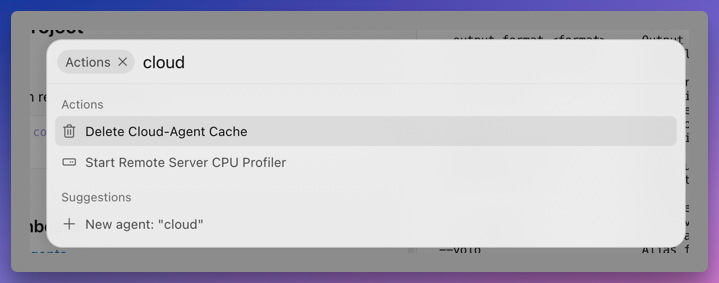
And is it possible to setup new project as cloud agents straight away.
Eg on mobile, web & desktop?
Right now i think i have to:
1. start workspace locally
2. enable git
3. setup repo on github
4. push
5. login to cursor web to enable repo permissions
Cursor cloud is great for moving agent history & chat from my mini to my macbook
I move it to cursor cloud before you set off.
Or use tailscale to ssh from MacBook into Mac mini and run cursor worker start to make the folder/repo available in cursor remotely
took a bit of looking around but finally figured out how to get cursor on mac mini to show on cursor ios
0. make sure cursor desktop is >=3.8
1. get ios app via testflight & login
2. in cursor web enable self hosted pool
3. open terminal in workspace you want to manage remotely
4. login to agent
5. make sure agent is up to date
6. run: agent worker start
took a bit of looking around but finally figured out how to get cursor on mac mini to show on cursor ios
0. make sure cursor desktop is >=3.8
1. get ios app via testflight & login
2. in cursor web enable self hosted pool
3. open terminal in workspace you want to manage remotely
4. login to agent
5. make sure agent is up to date
6. run: agent worker start