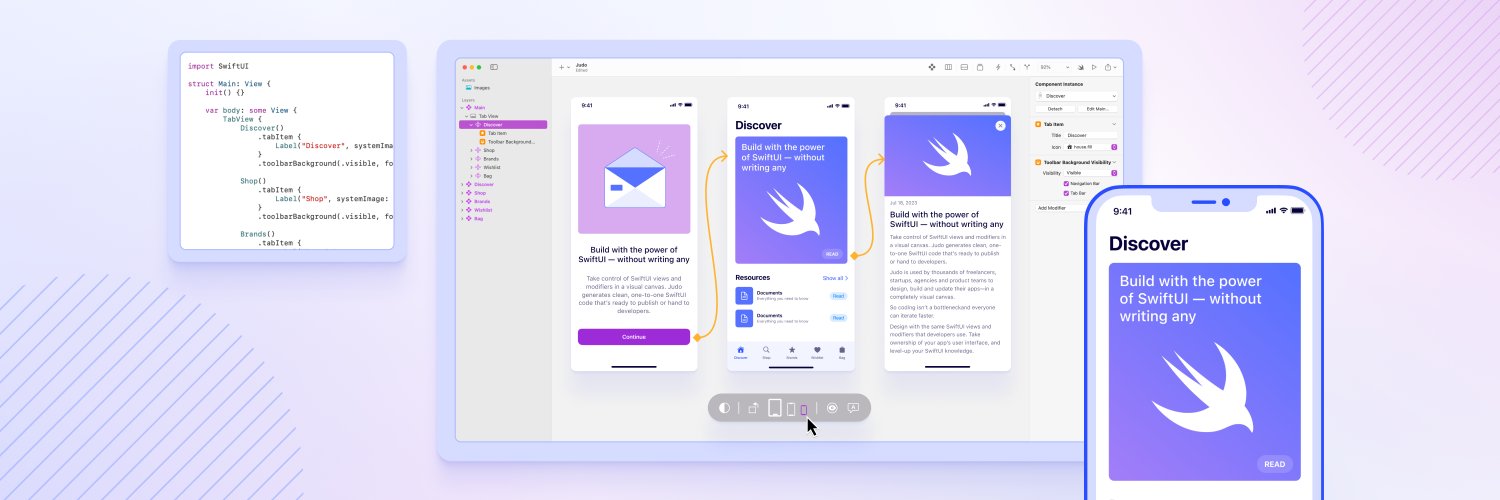
New to Judo? Check out this quick video introducing some of the main features of the app, and get hands-on practice with an example Judo file.
Learn the essentials in less than 10 minutes 👉 https://t.co/7F6vv7tMd0
#BuildWithJudo#SwiftUI
In SwiftUI, Conditional Views appear only when certain conditions are true, allowing you to build dynamic and responsive UI components 📲
Watch our latest video to learn how you can create a scrollable tab bar in Judo using Conditionals.
https://t.co/LGPBi6C59V
Want to make the layers in your horizontal ScrollView snap in place like the games featured in the App Store?
👉 Learn how you can do this in Judo by checking out our latest video! https://t.co/sA2fmSHgCx
New week, new video! https://t.co/hx4Ljy1tg1
If you haven't subscribed to our YouTube channel yet, here’s your reminder to check out our latest video on accessibility in #SwiftUI.
Here's a little preview where we explore a modifier that can be incredibly useful for those who use Apple's VoiceOver rotor.
With the #SwiftUI Font modifier, you can control the Font Family, Style, and Design of your Text layers.
Check out our latest YouTube video to find out how you can customize Text layers using the System Font Family, and you how can embed custom Fonts to your Judo design for further personalization 🪄
https://t.co/m8OSvi28xD
Have you seen our latest video? Watch to learn how you can preview localizations directly in the Judo Mac app, so you can see how your #SwiftUI design will look in different languages 👇
https://t.co/rabYufz8Jj
💡 Judo tip of the day
Artboards make designing for specific screen sizes effortless and provide a great visual of how your designs will adapt to various device settings simultaneously!
Use Computed Properties when you want to add simple arithmetic expressions to your design! You can define the property using numbers, Number Properties, or both 🧮
We’ve been busy writing ✍️ Now, every #SwiftUI layer and modifier featured in Judo links directly to a doc.
If you haven't already, check out our Docs! https://t.co/2Obf1yz1Vm
Judo tip of the day 💡 As you know, embedding content within a Scroll View container will display that content within a scrollable area. However, only the content above the fold will be visible on the Judo canvas.
Watch this video to find out the best way to build your scrollable content in Judo 👉 https://t.co/0tqa7s33to
We used a variety of #SwiftUI Controls, Conditionals, and Properties (including the recently added Computed Property) to build this Payment Calculator 🧾
Check out this video to find out how we made it! https://t.co/Rm6rkSV9qd
#BuiltWithJudo
#SwiftUI has the ability to combine multiple Text views with the + operator. This results in a single Text view that flows naturally and adapts to the layout.
Judo 7 adds this feature with a new layer called Combined Text 👇
You can now inject custom views from #Xcode into a Judo design! Here’s a 1 minute walkthrough where we replace a placeholder map component in Judo with a #SwiftUI map in Xcode.
To watch the full tutorial, check out this YouTube video: https://t.co/yHd5lT2diH
We recently introduced #Artboards, which brings a powerful new workflow for building a #designsystem! Easily preview how changes in layout, color, and typography react to multiple scenarios at the same time.
Watch our full tutorial on YouTube 👉 https://t.co/UsiDC3Vhna
on the latest @judoapp update, we've added support for custom views, which is a feature I like the most! basically, what it does is let a designer make a "placeholder" view while in a design flow, and later replace it with a SwiftUI view provided with a source code.
a great feature to quickly fill the gaps of missing components that may need more sophisticated treatment, which we may not provide out of the box in the UI editor yet.
let me know what do you think?
details:
https://t.co/z1EWJpDjWF
To demonstrate how to create a navigation hierarchy and how to customize the Navigation Bar for each screen in #SwiftUI, we released a new video recreating parts of the navigation hierarchy in Apple’s Contacts app!
Check it out on YouTube: https://t.co/xyPogHGZuT
Recreated parts of Apple's Shortcuts app for our latest YouTube video on Modal Presentation!
Watch our step-by-step tutorial to learn how you can build and customize modal presentations for your SwiftUI app: https://t.co/xqAt55hNDl
#BuiltWithJudo