Amazing first day of the year! Planning to celebrate things I can do now! Thankfully, God has relieved me of that hellacious burn in my legs! Still healing, but so much better off!
Looking for a great end of year assignment? We have you covered! Create art, create music to represent that art, and make it into an expressive movie! Check it out! https://t.co/rhAF9iMobA #everyonecancreate#ADE2021
Download the latest versions of #Pages, #Numbers, and #Keynote to take advantage of new features in #iWork 11.0 and get creative and productive in class!
Attending #SpringCUE? Join Denise and I tomorrow as we look at great ways to use Art, Music and Movies in the classroom! SEL, Creativity...It’s so good!#WeAreCUE#SpringCUE20
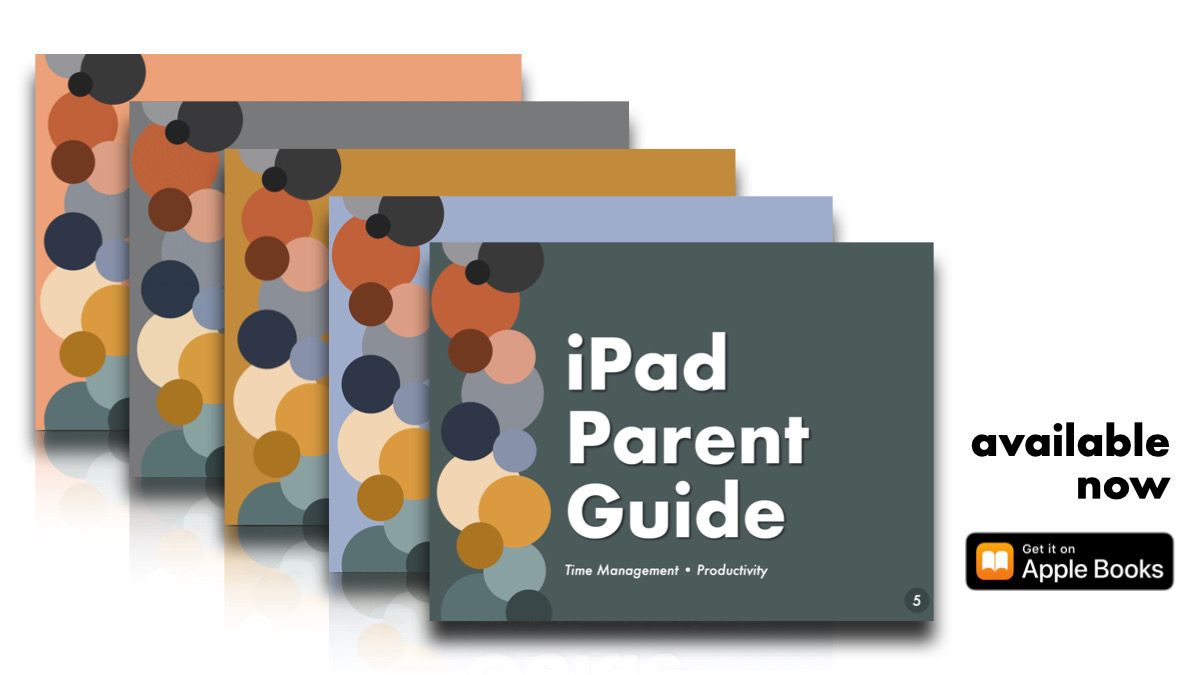
⏲️ iPad Parent Guide Volume 5, created by the global #ADE community, is now available. Filled with short tutorials, this guide provides solutions to managing time and increasing productivity using #iPad.
➡️https://t.co/Py1aKWwvaF
#AppleEDULeaderChat#AppleEDUChat#ADE2020
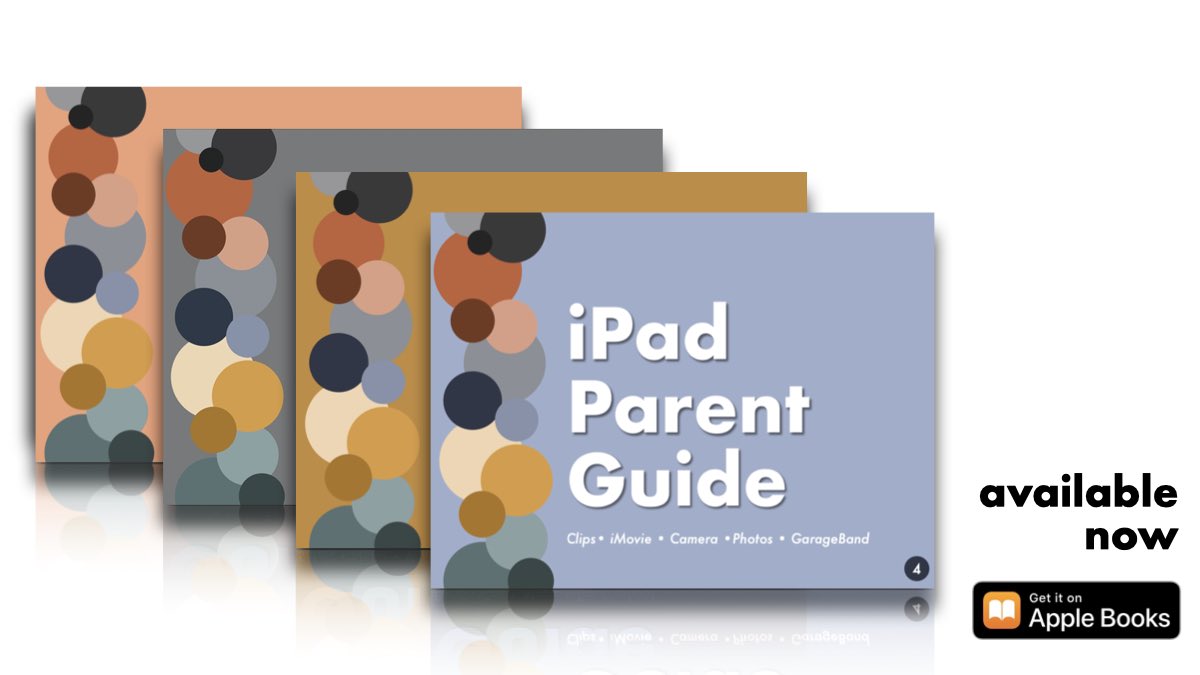
Within 2 weeks time ADE’s from around the 🌎🌍🌏 have contributed to the iPad Parent Guides - resources to support parents and caregivers as they navigate learning with the #iPad at 🏡!
Download yours today ➡️ https://t.co/hNKZPLMOCO
#AppleEDUchat#ADE2020
Within 2 weeks time ADE’s from around the 🌎🌍🌏 have contributed to the iPad Parent Guides - resources to support parents and caregivers as they navigate learning with the #iPad at 🏡!
Download yours today ➡️ https://t.co/hNKZPLMOCO
#AppleEDUchat#ADE2020
Let's support our parents during this time of distance learning! Great job team!!! There are two volumes in the book store already more to come! #ADE2020
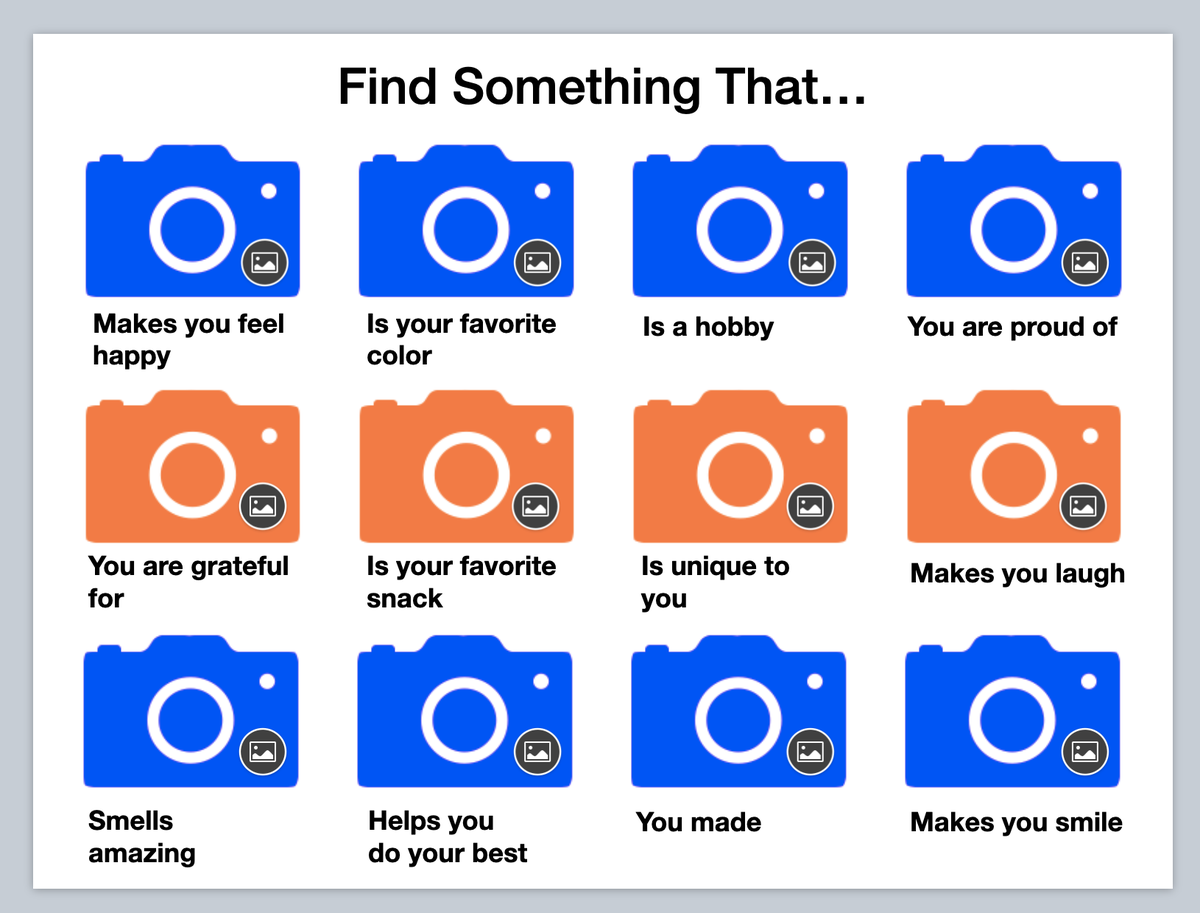
I created a beginning of the year iPad Keynote photo scavenger hunt. The text boxes are locked in the master slide. Feel free to change as you see fit. Students could also record their voice to explain their photos. Here is the link: https://t.co/nUWsB7yisa #AppleEDUchat
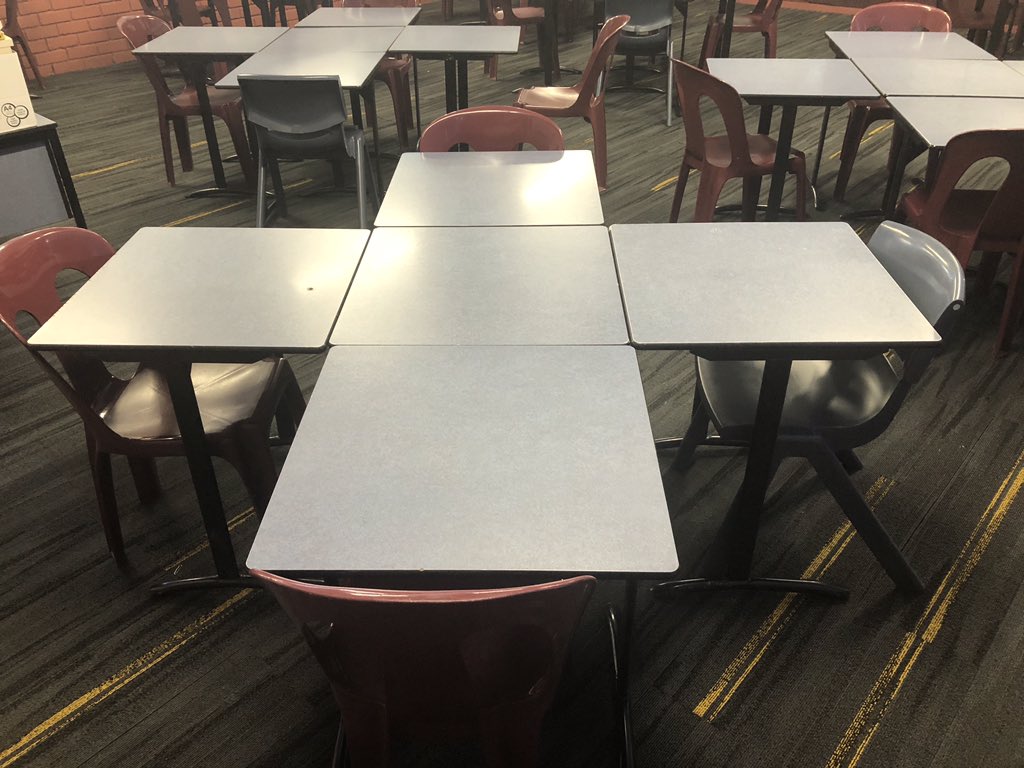
Desks separated in rows were not working.
I wanted the kids to be safe in their own space in the classroom but I needed them to to still be able to connect with their peers. I couldn’t easily make my way around the room with bags & desks everywhere.
Came up with this.
30 Must-Follow #K12#EdTech Influencers: @TeacherCast's podcast and YouTube channel are vehicles for curating resources for teachers and students to help them learn how to use educational technology in their classrooms.
https://t.co/BisuzN1WC5
NEW - We put together a collection of over 100 helpful #makerspace resources for schools and libraries. This guide is FREE and were looking to add to it. Submit a link at the bottom of the post -https://t.co/dNtSWjlH8z #makerED#makerspaces