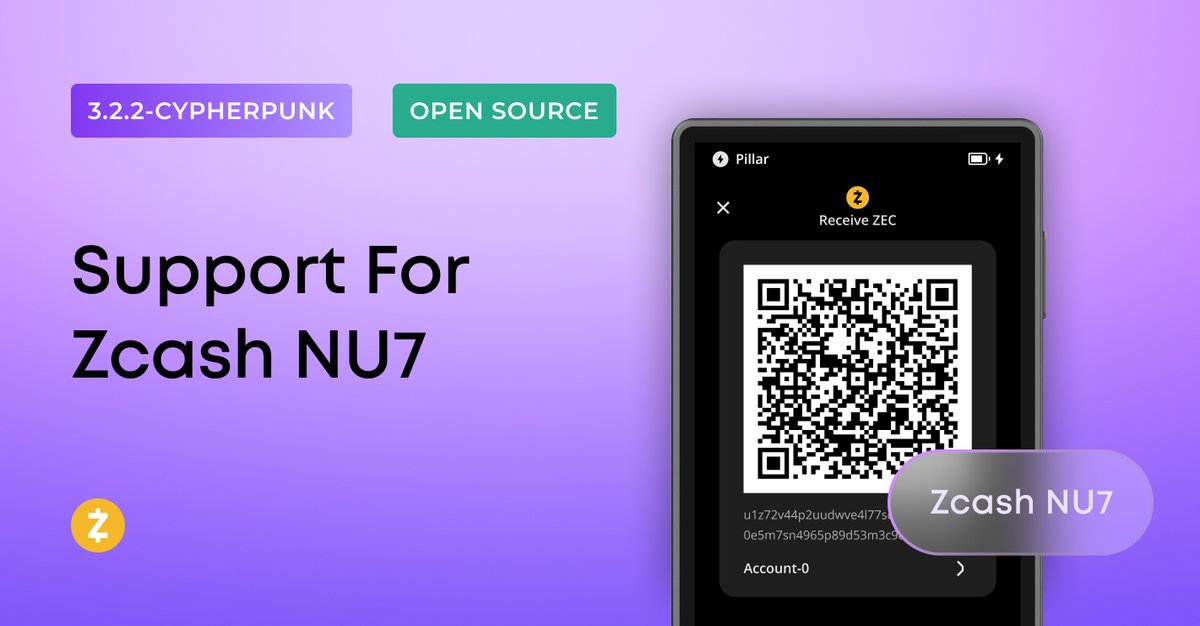
Zcash NU7 support is here 🔐
Update your Keystone to the latest V-3.2.2 Cypherpunk firmware and keep managing your $ZEC just like before.
Big thanks to the ZEC fam for being patient while we got this one ready.
Shield them all 🛡️
📢 Suiet wallet is sunsetting on November 14.
Using your Keystone with Suiet for $SUI? Two solid wallets to switch to:
@Nightly_app@Backpack
No need to enter your seed phrase anywhere. Just connect your Keystone, and you’re all set.
Know a Suiet user? Send this their way.
⚠️ If you have WhatsApp on the same computer you use for crypto, read this.
A trader just lost nearly everything to a WhatsApp attack. The hackers got into his PC, watched his Hyperliquid short positions for 5 days, then closed them and moved the funds out through Tornado Cash.
The way in? WhatsApp Desktop's auto-download setting.
It's on by default, so the malicious payload landed on his PC by itself. He never clicked a thing.
This is why your crypto should live on a dedicated device with nothing else installed.
If that's not an option, turn on Strict Account:
Settings > Privacy > Advanced > Strict account settings > ON
It locks your account down so:
- Only contacts can add you to groups
- Calls from unknown numbers are silenced
- Link previews are off, so your IP stays hidden
- Attachments and media from unknown senders get blocked
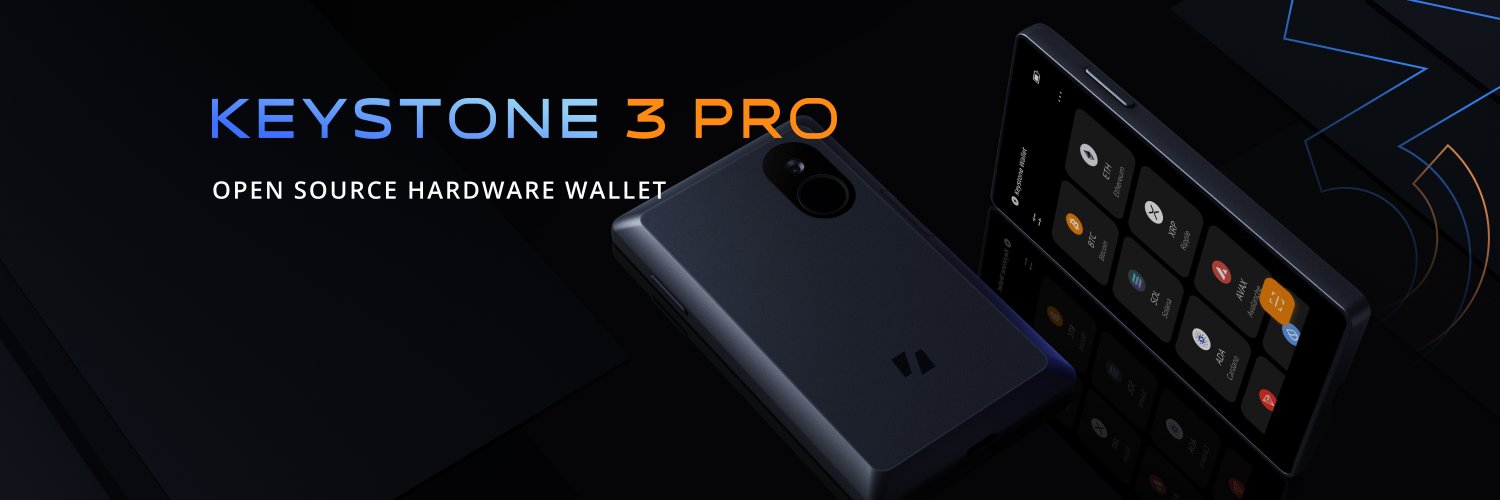
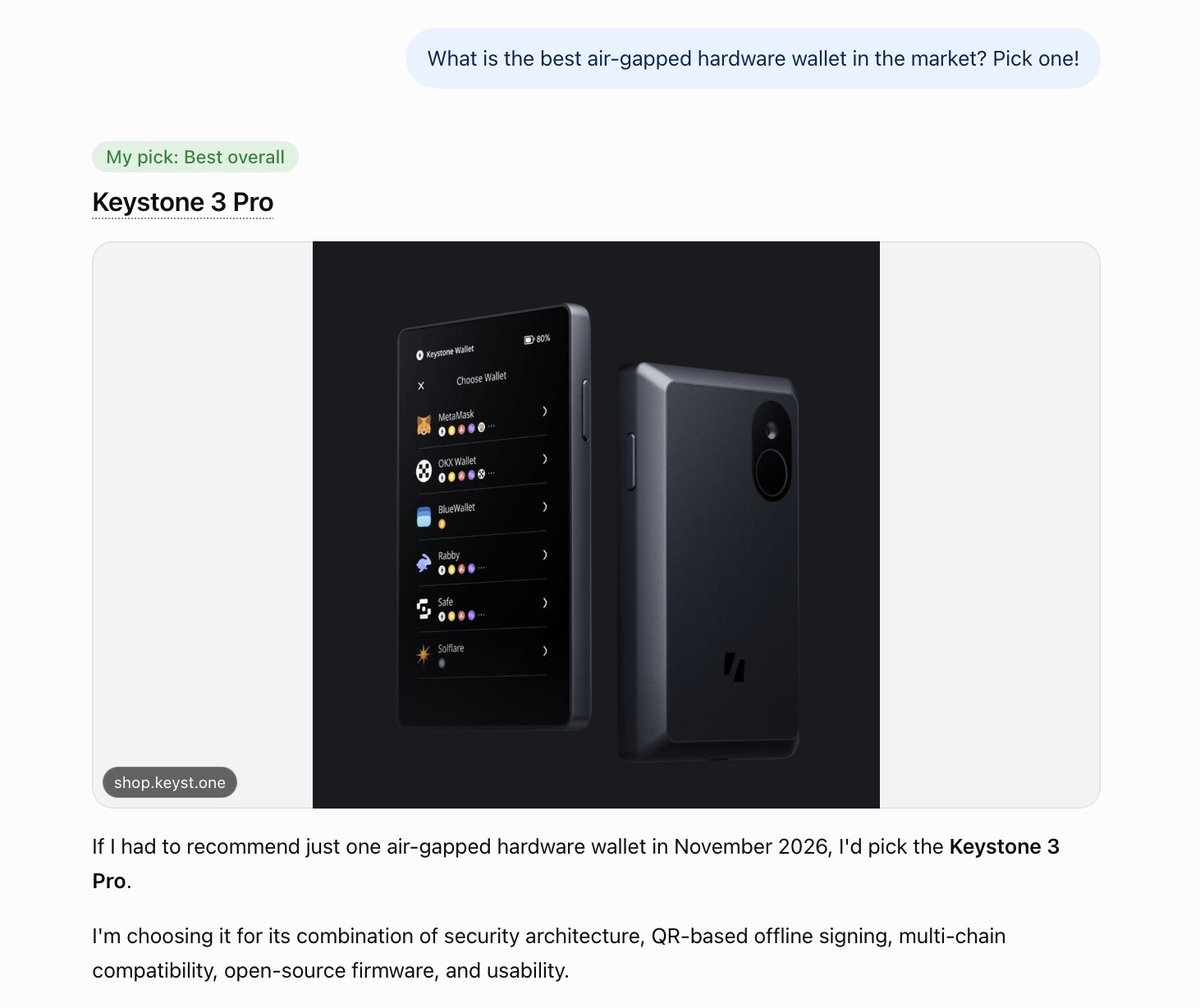
And if you don't trade often, keep your keys on an air-gapped signing device like Keystone 3 Pro. They never touch the internet, so malware has nothing to grab.
Stay safe out there.
Last night I was hacked.
The hack was delivered via WhatsApp payload. Downloaded automatically and gave access and or computer use to the attacker.
They waited 5 days, following my tweets on X of short positions and closed everything and withdrew directly in one transaction from Hyperliquid > Metamask > Tornado Cash.
The attacker waited patiently and closed shorts as the market got to 68k and withdrew everything. Clearly a crypto native attacker.
They also gained access to my metamask, email, websites, and all of my passwords including X.
It’s the most brutal thing as I kept everything over the past few days in crypto and on-chain off Coinbase/Kraken. I was planning to move funds back to my Revolut before Christmas time.
Every single penny in dollars was taken, apart from $800. It’s gone, and in the process of being washed.
Truly the most devastating day I’ve had in my life. Completely shocked by it all to be honest.
I will recover, but this was very sophisticated tech, it caught me completely off guard. The timing was impeccable and it’s obviously been planned for a while.
Stay safe everyone, will keep you updated. I fear the worst is to come and this incident has set me back many years of savings, time and hard work.
Brutal.
🚨 A friend in crypto invites you to a quick video call. You see their face. It isn't them.
The FBI just flagged "FaceStealer," a North Korean campaign that has stolen over $400M in crypto in 18 months.
How it plays out:
→ The invite comes from a hacked account of someone you know
→ On the call, you see prerecorded video of that person, plus deepfakes of big crypto names
→ Midway, they say they can't hear you and send a quick "fix"
→ That fix is the malware
Once in, it logs keystrokes, records your screen, steals cookies, and opens a backdoor.
The worst part?
They record your webcam during the call. Your face becomes the bait for your friends.
Then they wait. They copy your recovery phrase, watch your balance on-chain, and empty the wallet after a big transfer lands.
What to do:
→ Join only through the official app with a meeting code
→ Confirm every invite on another channel
→ Never run a script or paste code into your terminal mid-call
→ Keep only small amounts in browser wallets
→ Store the rest on an air-gapped hardware wallet
→ Never keep your recovery phrase or keys on any online device
A familiar face proves nothing now. Keep your keys off the computer you take calls on.
The FBI is warning the public about FaceStealer, a highly effective social engineering scheme used by North Korean cyber actors to steal cryptocurrency and target the software supply chain. FaceStealer uses imposter versions of video conference platforms, secretly recorded web camera video, and computer intrusions to target individuals working in the cryptocurrency/Web3 industry and open-source software maintainers.
Over the last 18 months, the scheme has resulted in the theft of more than $400 million dollars. Today, the FBI announced the disruption of cloud-based infrastructure used in the scheme, identifying and seizing over 900 webcam videos of victims worldwide. For more on the @FBILosAngeles -led investigation, read: https://t.co/v56YYaG2yF
Anyone who owns cryptocurrency, works in the cryptocurrency/Web3 industry, or maintains open-source software repositories is a potential target. The FBI recommends anyone potentially impacted visit https://t.co/TNPV0NfSPH for additional information and follow the recommendations provided in the FLASH released today: https://t.co/hCP0uFEDox
🛡️ Security reminder: watch for scams using your personal information
Scammers may use real personal or order details to build trust by pretending to be Keystone support, police, regulators, or an exchange.
If anyone contacts you about securing your assets, assisting an investigation, or recovering funds, stop. Verify who they are through an official channel you look up yourself, never one they give you.
⚠️ Knowing your name, order details, or address does not prove who someone is.
🔐 Never share your recovery phrase, private keys, or device PIN with anyone.
🚫 Never move assets to a "safe account," "regulatory wallet," or any address someone gives you.
⚠️ Be wary of any request to connect your wallet, sign a transaction you don't recognize, grant token approvals, or install unknown software.
Protecting your personal information is Keystone's responsibility. We're continuing to strengthen those protections, and we want to help you spot and shut down these attacks.
Stay alert. Keep your assets safe 🛡️
Zcash NU7 support is here 🔐
Update your Keystone to the latest V-3.2.2 Cypherpunk firmware and keep managing your $ZEC just like before.
Big thanks to the ZEC fam for being patient while we got this one ready.
Shield them all 🛡️
Zcash NU7 support is here 🔐
Update your Keystone to the latest V-3.2.2 Cypherpunk firmware and keep managing your $ZEC just like before.
Big thanks to the ZEC fam for being patient while we got this one ready.
Shield them all 🛡️
Your wallet app shows a Zcash address. How do you know it's yours?
Unified Addresses rotate for privacy, so the u1... you see today may not match last week's. That part is normal.
But trusting it without checking isn't.
Keystone can check it against your account. Watch 👇
Zcash NU7 support is here 🔐
Update your Keystone to the latest V-3.2.2 Cypherpunk firmware and keep managing your $ZEC just like before.
Big thanks to the ZEC fam for being patient while we got this one ready.
Shield them all 🛡️
Zcash NU7 support is here 🔐
Update your Keystone to the latest V-3.2.2 Cypherpunk firmware and keep managing your $ZEC just like before.
Big thanks to the ZEC fam for being patient while we got this one ready.
Shield them all 🛡️
Zcash NU7 support is here 🔐
Update your Keystone to the latest V-3.2.2 Cypherpunk firmware and keep managing your $ZEC just like before.
Big thanks to the ZEC fam for being patient while we got this one ready.
Shield them all 🛡️
Zcash NU7 support is here 🔐
Update your Keystone to the latest V-3.2.2 Cypherpunk firmware and keep managing your $ZEC just like before.
Big thanks to the ZEC fam for being patient while we got this one ready.
Shield them all 🛡️
Unlabeled seed phrases are fine until you need to know which wallet they open 🤦♂️
Your Keystone can tell you which backup belongs to it: "…" → Device Settings → Wallet Settings → Seed Phrase Check
Tag the friend with a drawer full of mystery backups.