Your digital wealth: crypto, stocks, commodities, collectibles. Encrypted notes and tools to earn, borrow, trade. Private, tamperproof. Invisible if you need it
Sometimes someone's looking over your shoulder. Double-click your balance in OISY and every amount turns to dots. Double-click again and they're back. On desktop, the P key does the same.
It's called privacy mode, and it hides what's on your screen.
Convert Bitcoin to ckBTC in OISY, and your transactions on the Internet Computer are faster and cheaper.
You can even tip in ckBTC, ckETH or ckUSDC, and pay with ckBTC at participating stores.
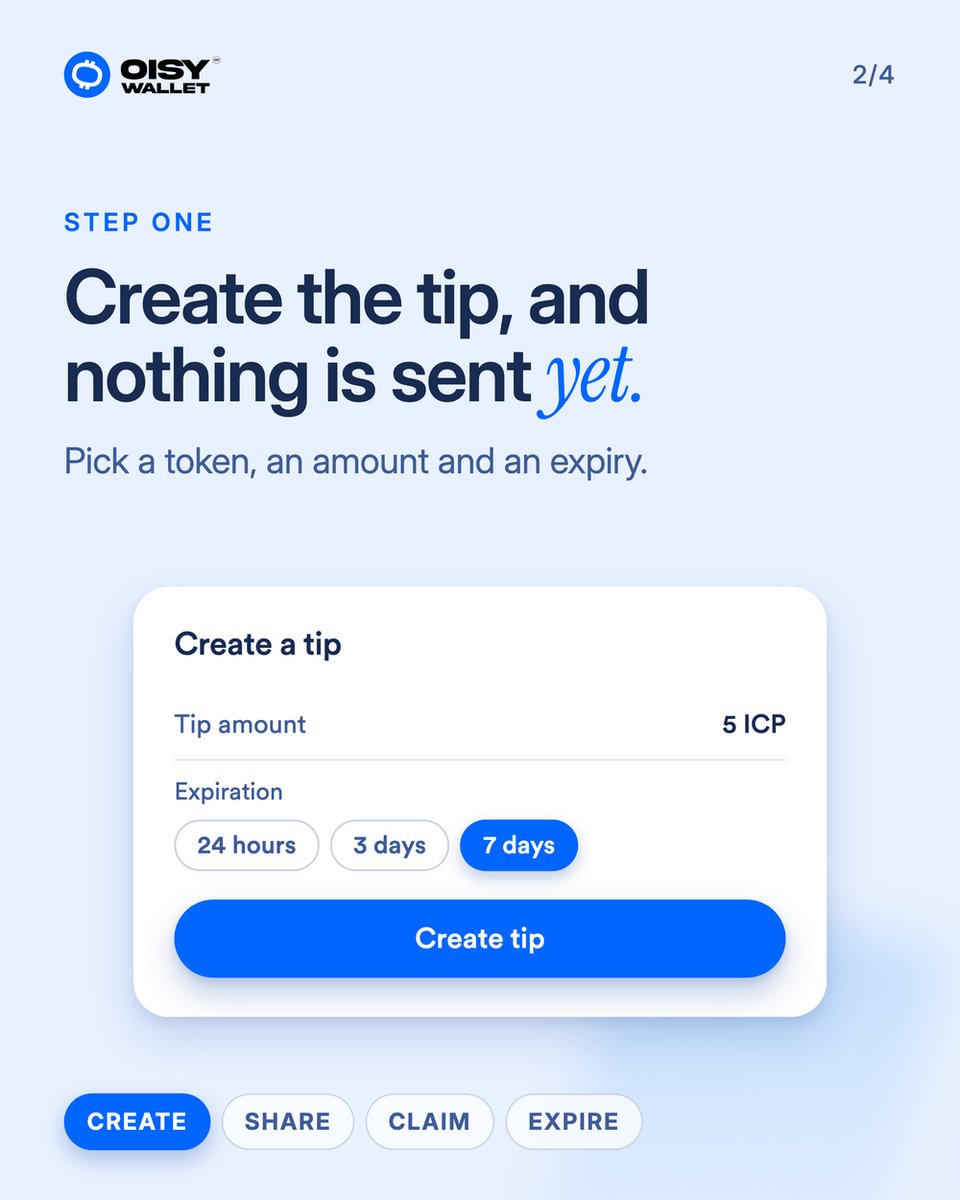
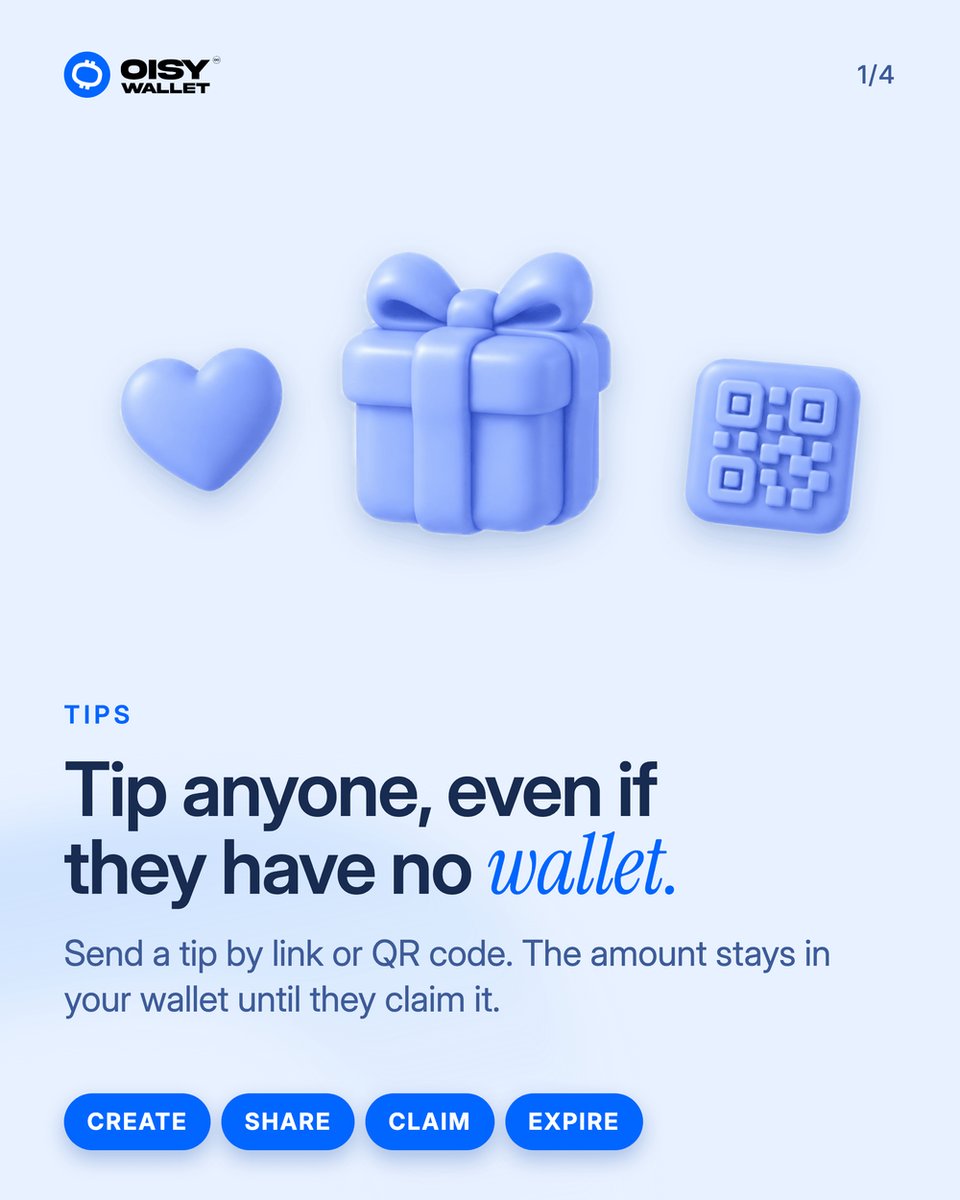
Want to send someone ICP or ckBTC, even if they've never had a wallet? Create a tip in OISY and send them the link.
They sign in to claim it, and OISY sets up a wallet for them if they don't have one.
Bitcoin has a fixed supply of 21 million. Hold your share of it in OISY.
To move anything, you approve using your Internet Identity, meaning nothing moves unless you say so.
Here's everything new in OISY 2.6.5
- ckSOL: convert between SOL and ckSOL on the Internet Computer, right inside OISY
- Buy and sell now includes the tokens you added yourself
- OISY can now fully validate Liquidium transactions coming in via WalletConnect, before requesting your approval
- The AI assistant now asks you to confirm an address you haven't sent to before
- The swap token picker greys out tokens you can't pay with
(Buying and selling depends on your region and the provider.)
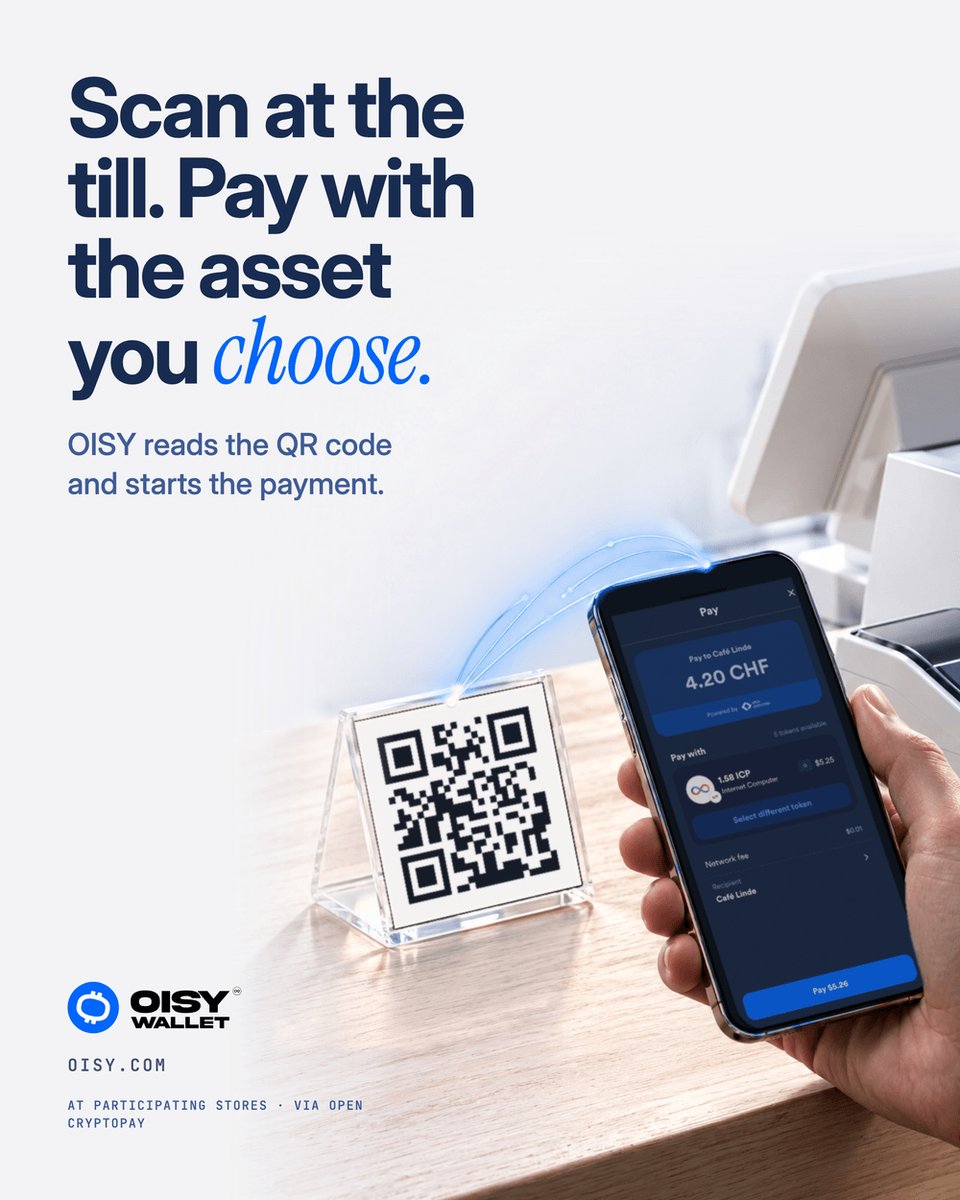
Paying at a café that takes crypto? Scan the QR code by the till with OISY, and the payment opens on your phone.
Pick from the assets the store accepts, and confirm.
(At participating stores only.)
A tip works even if the other person has never used OISY.
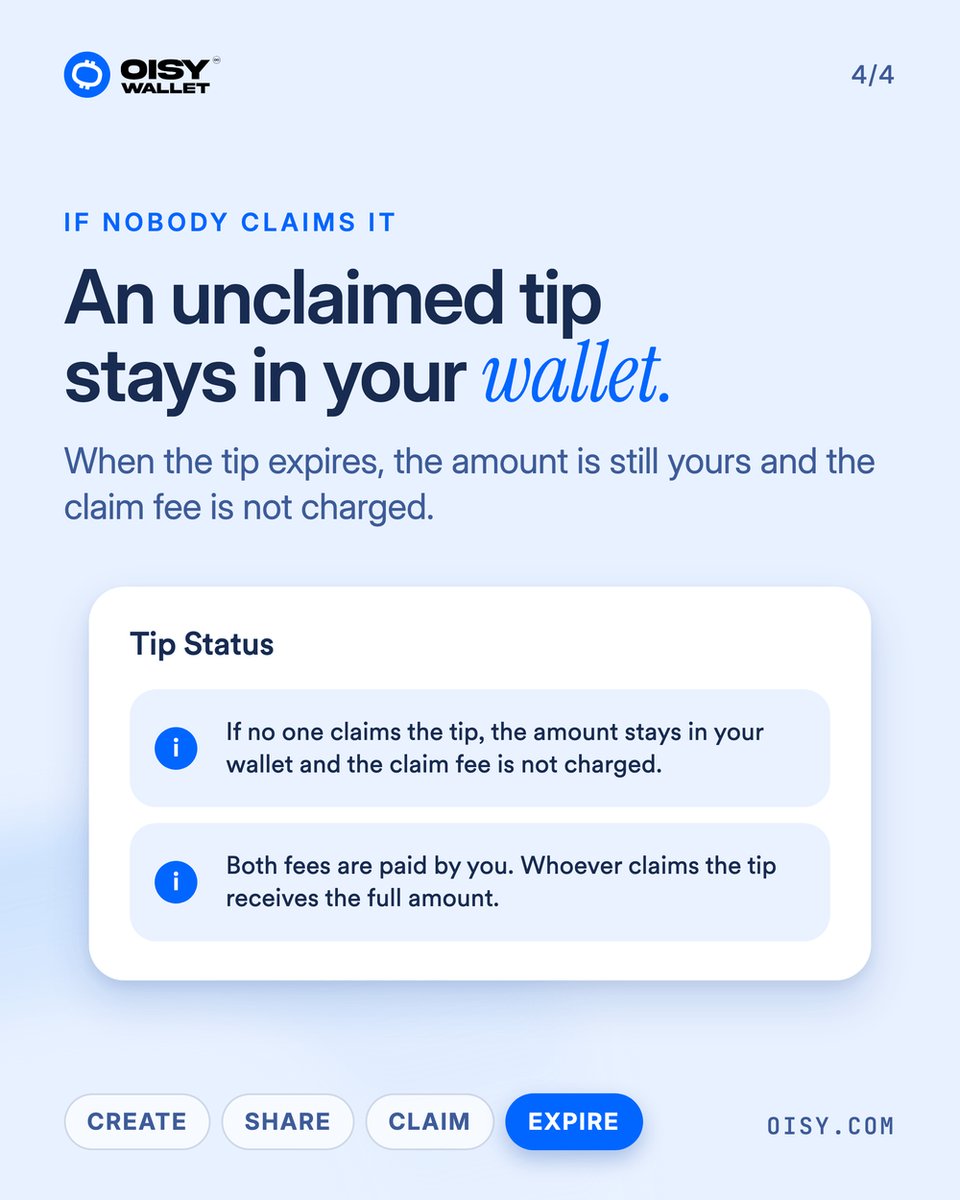
Set an amount and an expiry, then share the link or QR code. They sign in to claim it, and OISY creates a wallet for them if they're new. Until then, the money stays in your wallet.
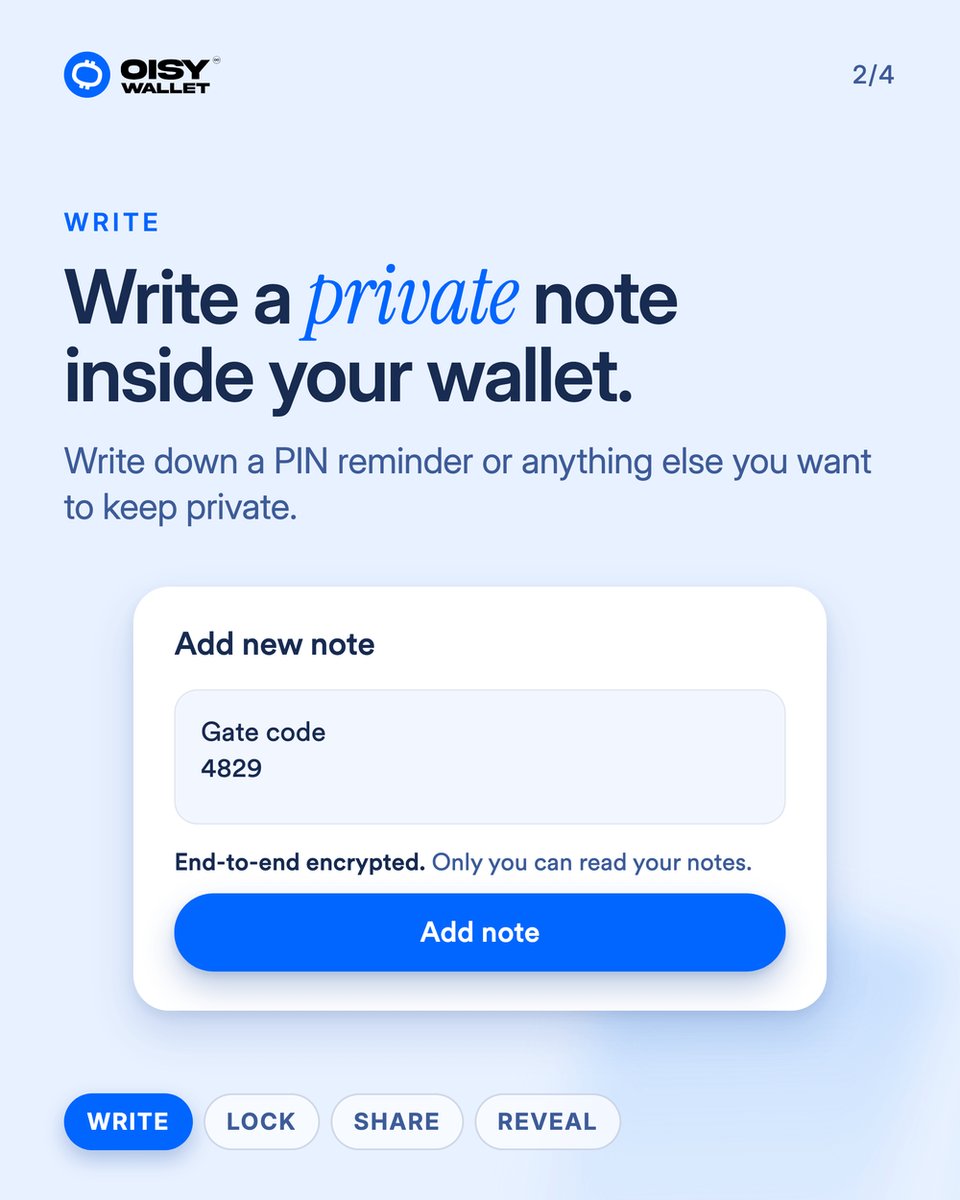
You can keep a PIN or a gate code in OISY Notes, encrypted so only you can read it.
Need to share that gate code with a friend? Share a note as a link that expires, and make it single-use if you like.
And just like that, you've shared that information safe in the knowledge that it can't be reshared.
Your OISY key is split into pieces across a network, so no single place holds all of it. That includes OISY.
When you approve something, the pieces sign together.
A wallet with ten networks in it can get crowded. In OISY you can filter down to one. Pick Solana and the other networks step aside, and the total shows only what you hold there.
Tap All networks and everything comes back.
What's new in OISY 2.6.4:
- Smart Swap: OISY compares the swap providers in real time and picks the best offer for you
- Buy and sell crypto, right inside OISY
- LI.FI offers now show up when you swap from a Solana token
- A new Tools page, with the canister top-up and the data export
- Requests from connected apps are easier to understand before you approve them
(Buying and selling depends on your region and the provider.)
You type the amount and OISY Smart Swap gets the best rate.
OISY Swap compares the swap providers' offers in real time and picks the best one for you.
All you have to do is review it and confirm it.
Try it on oisy.com
Most logins want a password you have to remember, and one somebody else could steal. OISY asks for your face or fingerprint instead, through Internet Identity, the same way you unlock your phone.
When you're finished, log out and the session clears.
Gold and crypto usually live in different places. In OISY they sit in the same list.
PAXG is a gold-backed token, and you'll find it under Commodities next to everything else you hold.