Score big with Opera this football season! ⚽️
In the spirit of staying in the moment, Opera for Android is introducing:
• A fresh new design
• A dedicated football hub with live scores and more all in one place
More below:
The football hub gives you one place to stay close to the action, even when you can’t watch every match live.
Check scores, follow key moments and keep up with the latest football happenings, all from Opera for Android.
In light of the big football tournament coming up, the new football hub brings live match updates directly into the browser. You can now follow the tournament, from anywhere in the world with:
• live scores
• match notifications
• AI powered football news feed
• and notifications for key moments like kickoffs, goals, red cards, and final results.
Opera for Android is getting a dynamic new look, with a sleeker, and more personal start page.
Speed Dial icons now come in round, square, or squircle, a new weather widget shows real-time conditions, and new shortcuts let you jump straight into AI Mode or Private browsing.
AI models are already good enough.
The workflow isn’t.
Opera Neon changes that forever.
— Native MCP + CLI connectors
— Agents inside your browser session
— Real page context + live tabs
— Every major model in one place, for one price
— Tasks that run while you’re away
No screenshots.
No copy pasting.
No broken thread.
The browser finally caught up to the models.
Start browsing without getting interrupted!
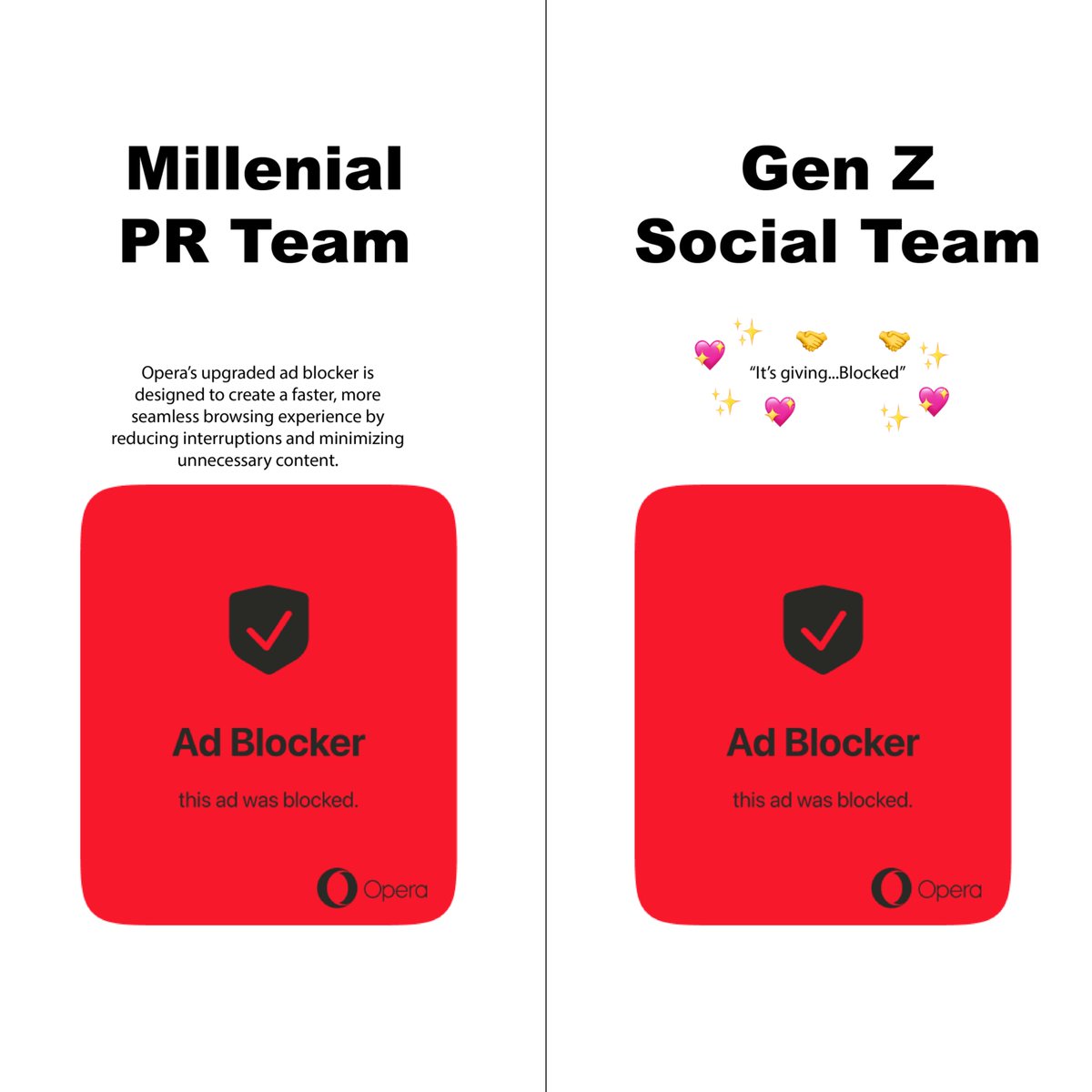
Opera’s Ad Blocker is upgraded:
• Rebuilt engine
• uBlock compatibility
• Fully Native
• No extensions needed
With this upgrade, Opera gets even better for Video Streaming.
So why do you need to use an Ad Blocker? We’ll tell you:
• Better video streaming experience
• Faster page loading
• Fewer annoyances
• Better privacy
Start your day with Opera, turn on Ad Blocker, and browse without annoying distractions.
Our Ad Blocker is native. This means you get an ad blocker that requires no installation, no extensions, and no prior knowledge. All you have to do is turn it on and start browsing!
We want video streaming in Opera to feel easy, so that you can, for example, show your friend a funny video without having to sit through ads. That’s why our upgraded Ad Blocker was rebuilt, so that it works better than ever.
Opera Browser CLI is live!
A command line that lets your local AI agent drive Opera Neon.
Works with Claude Code, Codex, Cursor, and any other CLI agent.
One npm install. No extension. No OAuth.
Open tabs, click, fill forms and take screenshots.
More use cases below: