Version 6 of the app (alpha_20) is most definitely nearing the end of this stage of development. Huge improvements in features, speed and UI to name but a few.
https://t.co/j1s3KacBQ0
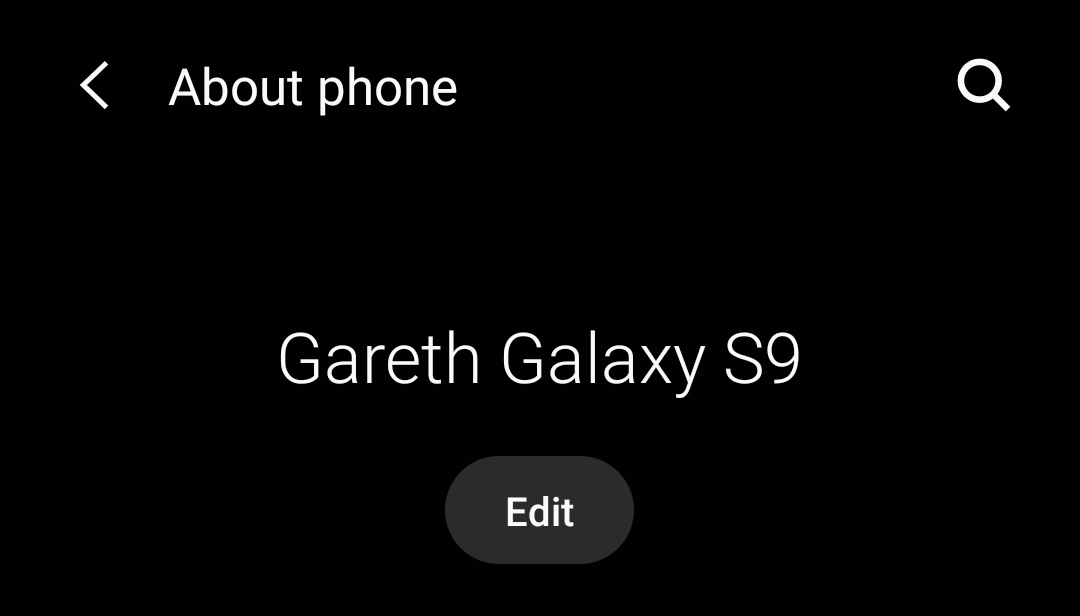
@RemedialBand100 The device name is taken from your Bluetooth name. Depending on your device, you can change this in Android Bluetooth settings or 'About phone/device'
@Fiarflyz1 No. It is a different app, but if you synchronise your OpenSong folder (instructions on my website) you can edit songs on thr PC and have them sync to your tablet. The desktop program is designed for managing and projecting songs, whereas my app just uses the same song format.
@deberney Nothing to do with OnSong. That's for iOS. OpenSongApp is free Android software that is used to allow musicians who use OpenSong (e.g. churches to present words) to sync the songs and chords on their tablets.
Thanks for the fair review!
If you've updated recently and think the app has deleted your songs..... Think again! You just haven't set your storage location properly (required to allow new Android storage permissions)
Check out the short video
https://t.co/JJoS0hGbTW
@gushie Good call on the Google group - forgot about that, although not too many members. Yeah no issues reading the filesystem, but not writing/deleting without user set location permissions. App is allowed access to write to files/folders that are children of the chosen location.
V5.0.1 released today!!!!
All users will need to reset their storage location on first run (to allow new Android security permissions on storage access). This won't delete your songs! You won't be able to start the app until you do this.
https://t.co/j1s3KacBQ0
@Bzzrrk Try opening the folder chooser (top of the song list), selecting the folder again and then selecting the song. Failing that, go to Android>Settings>Apps>OpenSongApp and delete the cache/data. You won't lose your songs, etc, but your settings will be reset when you open the app.
@heavyWAT I'll fix the theme bug in the next update (today or tomorrow hopefully). Profiles are disabled for now due to the settings being rewritten in the app. They will be available soon
@gushie Click on change storage location. Navigate to the OpenSong folder. User the folder selector to set the location. Unfortunately the 'find previous' will show you where they were, but won't automatically open the (Android restriction). You can use the left settings to get there.
Finally released the updated beta V4.8.8!!! Hopefully it all works (including fixes for SongSelect and Ultimate Guitar). Testers welcome...
#firstweekofholidaygone
https://t.co/c8nI6YEuef