Create, edit & publish your research - all from your browser. Our real-time collaborative LaTeX editor automatically produces & displays your typeset document.
You asked for it! Overleaf's new project-wide search is here: you can now find any text across all the files in your project. No more manual digging through chapters or sections!
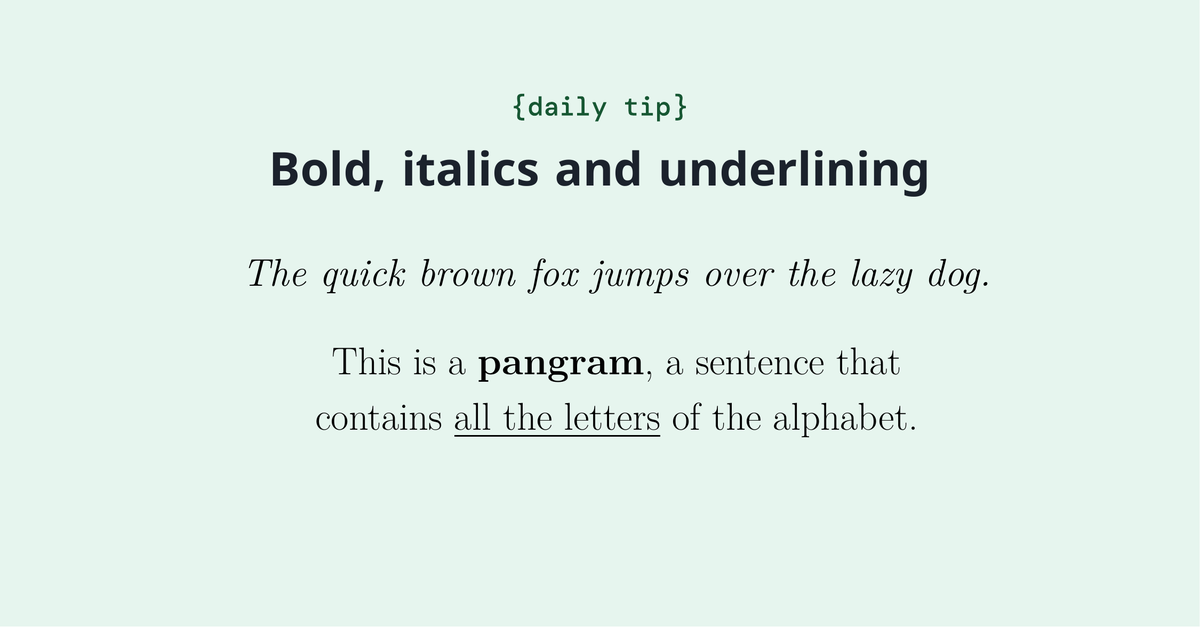
You easily make your text italic, bold or underlined, highlighting important concepts of your documents. Check it out how to do it. https://t.co/6etvEQrjtC
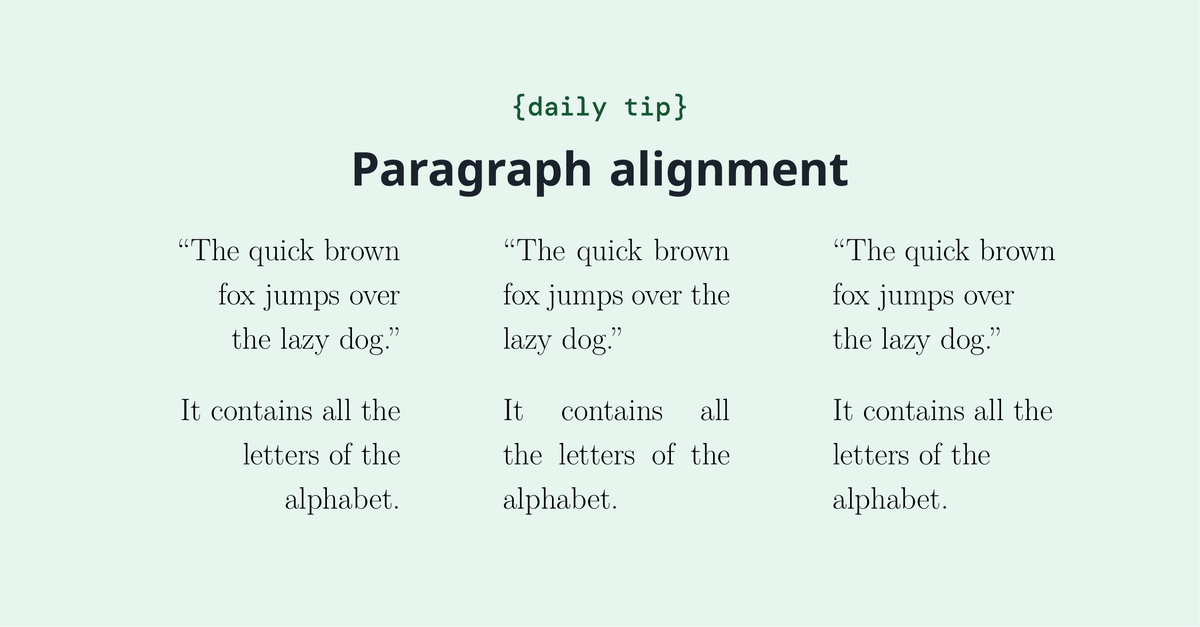
Did you know that paragraphs in LaTeX are fully justified? You can easily change the alignment and formatting by using the right commands. https://t.co/5kM1WEgy64
Do you know how to set up your Overleaf project to produce accessible PDFs for manuscript submissions or teaching materials? Find out more on our blog. https://t.co/kQvYCTMMIm #accessibility#accessible
An attribute value matrix is a tabular representation that organizes and displays data by listing attributes in rows and their corresponding values in columns. https://t.co/XxwWIrk9UK
A Feynman diagram is a very compact and intuitive way of representing interactions between particles. And you can draw it in LaTeX too! Check out this article and learn now. https://t.co/OxtzxrCk14
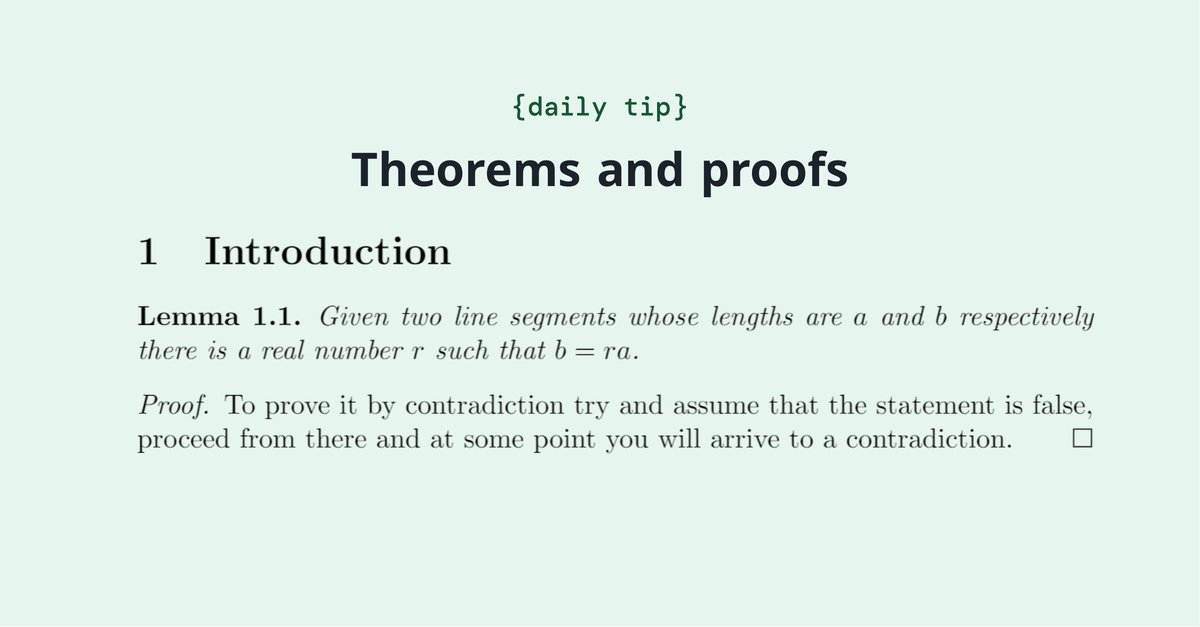
Do you write theorems, definitions, propositions, etc. in your documents? This article explains how to define these environments in LaTeX. https://t.co/WnwSfDSW0y
Do you typically share information about your research at conferences or presentations? Then you'll love this article that explains the basics of typesetting a poster in LaTeX. https://t.co/Zl4TJSranv