Learn the right way to use #Photoshop's #Gemini5👇
In our new FREE tutorial, you'll learn: ✔ To navigate the new credit system ✔ Layer mask secrets for seamless blends ✔ Upgraded Remove Tool shortcuts ✔ A Camera Raw trick to make AI look real
https://t.co/AuqeRzCHTw
Say goodbye to distracting #glare on your portraits! 📸
Removing window and glass reflections from faces used to take hours. In our new FREE tutorial, learn how to fix it in minutes using the brand-new features in #Photoshop 2026.
https://t.co/K26a9PofoD
#portraitediting
Clean up messy cutout edges instantly!
Ever drop a new background behind a selection only to have ugly edge fringing ruin the shot? This new FREE tutorial has the solution👇
https://t.co/Ms9S9wSxym
#photoediting#selectsubject#cutout
PRO Alert! The Ultimate Guide to Graphic Photography is here👇
Learn how to blend clean graphic design with portrait photography to build unique visual stories that stand out.
https://t.co/CxpaLR93Ik
#photoediting#graphicdesign
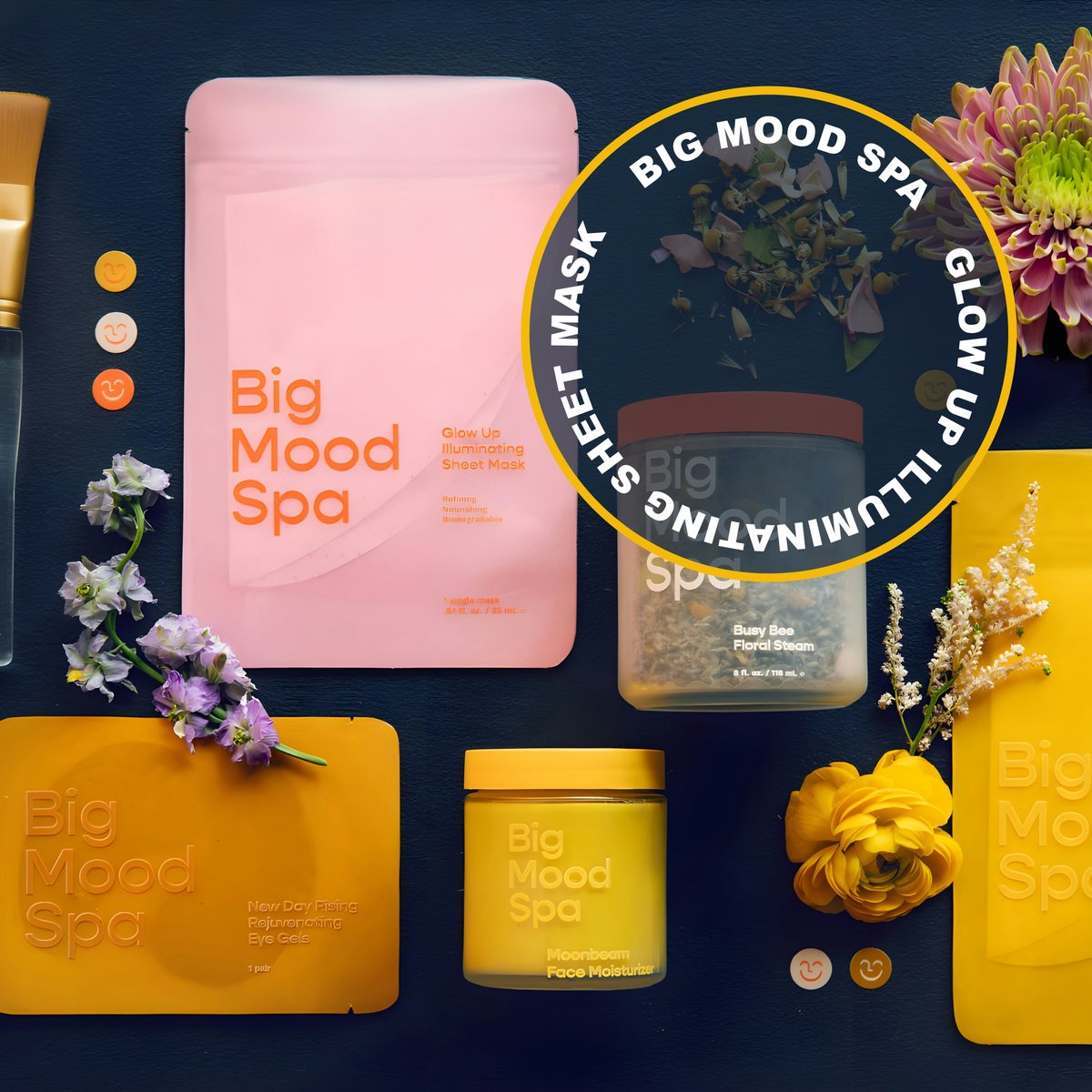
Learn how to use #Photoshop’s #DynamicText tool to build an awesome 3D poster layout in minutes, all while keeping your type 100% editable!
Tap below to watch our new FREE tutorial⤵
https://t.co/7kw72hiOC7
If you’re still editing your entire photo all at once, you’re doing it wrong!👇
In our new FREE tutorial, we'll show you how to isolate your subject from the background using Depth Masking in #Photoshop.
https://t.co/t1tfV9jpMP
The Photoshop effect you didn't know you needed!👇
Master the "in-camera" look with this FREE tutorial:
✅ Pro Path Blur tricks
✅ Non-destructive Smart Objects
✅ Matching light & color
✅ Keeping eyes tack-sharp
https://t.co/EnzQ7X3hYD
#Photoshop’s updated Remove Tool finds and selects ALL distractions automatically so you don’t have to.
You'll learn: ✔ One-click cleanup ✔ Pro non-destructive workflow ✔ Staying organized with Cleanup Layers
https://t.co/oPnDPpyJOG
Master Color Theory & Composition in #Photoshop.
In this new PRO tutorial we'll cover: ✅ Composition frameworks ✅ Color theory & harmony ✅ Depth mapping & light ✅ Pro post-production
🔗 https://t.co/YAmqP6eDRW
#photoediting#colortheory#composition
Your colors should be a choice, not an accident.
We’re diving into the "hidden" power of the Camera Raw Filter inside #Photoshop to help you dial in amazing tones fast.
✔ Target shadows, midtones, & highlights ✔ Non-destructive workflow
https://t.co/KgOJAdVBAx
Learn the secret to realistic film borders in Photoshop!👇
✔ Natural Masking
✔ The "Unlink" Trick
✔ Authentic Grit & Texture
Watch the full tutorial & grab your FREE drag-and-drop template here⤵
https://t.co/q4sYAQdIjg https://t.co/y3vQeJnbZp
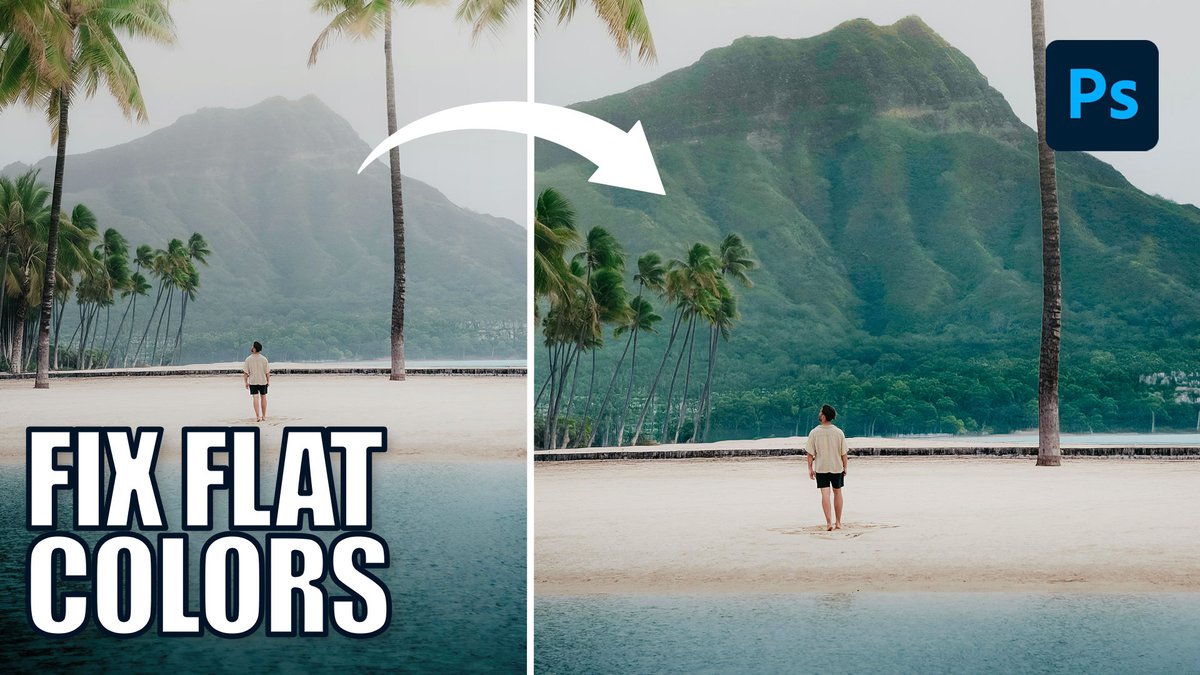
Rescue background detail and colors in 3 clicks!
In this new FREE you'll learn how to:
✔ Cut haze with the new Clarity & Dehaze tool
✔ Target areas with Object Selection
✔ Copy masks instantly
✔ Make colors pop
https://t.co/DzjG7AZTmB
#photoediting#photoshop
Forget overlays! We’re building atmospheric depth from scratch.
Learn how to add textures to your images 100% non-destructively. PSD template included!
https://t.co/0Ck7iEc61a
#photoshoptutorial#photoediting
Learn how to create a #doubleexposure in #Photoshop 2026!👇
In this new FREE tutorial, we’ll show you how to blend two high-contrast images using the Screen blending mode for an instant artistic effect.
🔗 https://t.co/r3MRXJaHVU
Stop ruining your photos trying to change one color! 🤨
Learn how to use the Point Color tool in #Photoshop to easily fix or change ANY color in your images.
Watch the full tutorial here⤵️
https://t.co/g8OuI8IXkl
#photoediting#colorgrading
Discover the power of clarity and contrast in #Photoshop! In our latest FREE tutorial, we'll show you how to make your images pop with this simple Photoshop workflow.
https://t.co/wvIU2EQhJF
Stop struggling with circular text!👇
#PhotoshopBeta's update to the #DynamicText tool lets you instantly snap words into circles, arches, and blocks. In this new FREE tutorial we'll show you how to use these pro, flexible layouts in seconds!
🔗 https://t.co/LyPfI95wJ5
#Photoshop just stole Lightroom’s best features! 🚀
The new update adds Color & Vibrance, Clarity & Dehaze, and Grain layers directly to your workflow.
✔ Fix color in 1 click ✔ Punch up mid-tones ✔ Pro film texture ✔ 100% nondestructive
https://t.co/ORiVTRFJjm