So much of the work involved in creating a great presentation happens after the first draft: gathering input from the team, getting reviewers aligned, and addressing feedback.
Copilot in PowerPoint can now write and manage comments across your deck, working more like a coworker right inside your presentation, where collaboration already happens.
One use case I’m excited about: ask Copilot to review a deck and flag what needs polish directly in the comments.
Give it a try in PowerPoint and let us know what you think!
The PowerPoint Agent is sooo good! You should try it out. I have 0 clue how to use PowerPoint, but now I shine in all my corporate presentations with my sleek AI-generated slides haha! It's such a lifesaver. I don't know how many hours I would have spent creating average slides otherwise.
Last week we started rolling out interactive slides in PowerPoint, and I wanted to share more about why I think it will transform your presentations when you can explore ideas together with your audience.
With interactive slides, you can use Copilot to synthesize context and data to create dashboards, timelines, or other slides you can click through to highlight insights and tell your story.
Read more in my blog update: https://t.co/t3akPBWs3j
Paste slides without the extra baggage. When you paste slides with Keep Source Formatting, PowerPoint brings over only what those slides need, helping your presentation stay clean, fast, and easy to collaborate on.
Need the previous setting? You can now choose your preferred paste experience, including the option to continue importing all designs from the source presentation.
We're making PowerPoint work better and smarter for you. What else would you like to see?
Transform your storytelling with interactive slides in PowerPoint, starting today and rolling out over the next few days to general availability. Copilot takes your idea and creates an engaging, interactive slide so you can elevate key insights and guide the discussion in the moment.
A dashboard that brings critical data forward. A map that reveals regional highlights. A product diagram that lets you explore each innovation. Communicate ideas more effectively with interactive slides and Copilot in PowerPoint.
Earn a 1-on-1 dinner with a finance legend. Visit https://t.co/XFlxCiSRrW.
No purchase necessary. Legal residents of greater NYC metro area (NY, NJ & CT), 21+ & employed as a financial professional at time of Entry who utilizes Microsoft Excel & Copilot as part of their work as of 10/16/26. Ends 10/20/26.
Rules/elig.: https://t.co/XFlxCiSRrW.
The spreadsheet is broken and we need you to fix it. Can you help us?
Visit https://t.co/XFlxCiSjCo for your chance at a private dinner with a finance legend.
No purchase necessary. Legal residents of greater NYC metro area (NY, NJ & CT), 21+ & employed as a financial professional at time of Entry who utilizes Microsoft Excel & Copilot as part of their work as of 10/16/26. Ends 10/20/26. Rules/elig.: https://t.co/XFlxCiSjCo
Your PowerPoint skills are already a work of art. Now you have the font to match. Michelangelus is coming to PowerPoint, and available as a download to try today. https://t.co/0dqKwsRHkw
If Michelangelo was around today, how would he design a contemporary typeface?
Introducing Michelangelus, a contemporary serif shaped by the artist’s manuscripts, gestures, and monumental artwork.
Read more: https://t.co/epYpVfjNfc
We recently made improvements to copy and paste in PowerPoint. Each of these updates helps you get to the right content for your presentations faster. Less time fixing formatting. More time focusing on your story.
These experience improvements are designed to make it easier to match your presentation's style, stay in flow, and get more done in fewer steps.
See how Microsoft Copilot in PowerPoint helps you create polished, on-brand presentations faster.
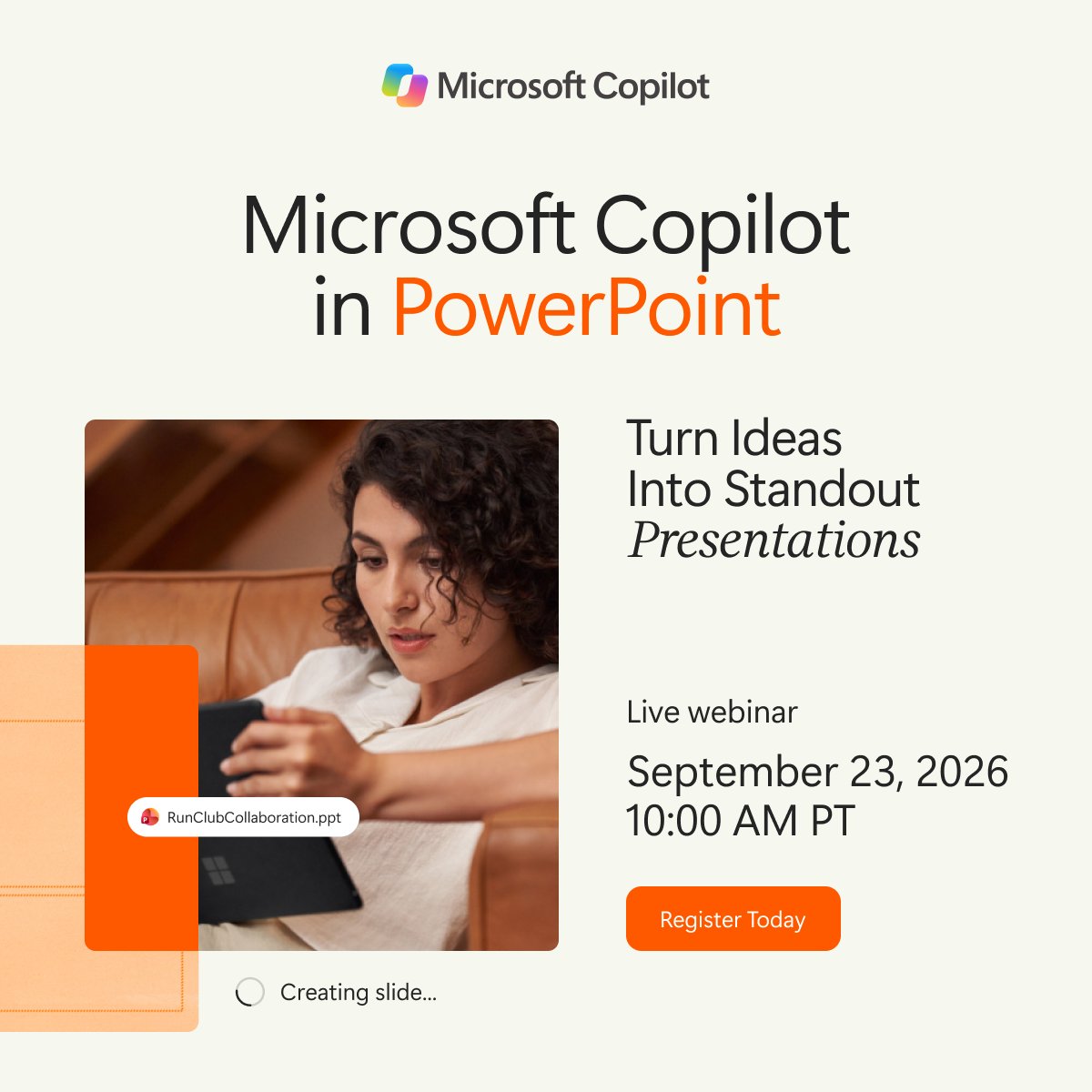
Join our demo-led webinar, with CVP @DerekJohnsonSV, for practical ways to use Copilot, Brand Kit, and reusable Skills in PowerPoint to:
• Create and edit presentations for real-world scenarios
• Keep slides aligned with your company brand
• Reuse instructions to cut repetitive prompting
• Turn your work and data into clear, compelling slides
Plus bring your questions for a live Q&A with Copilot and PowerPoint experts.
📅 September 23
Register today: https://t.co/00JGXee0He
Join me and my colleagues for a live webinar on the latest PowerPoint innovations.
Register today! https://t.co/qojbdq09Ec
September 23, 10:00-11:00 AM PDT.
Every team has a different way of building slides, but yours shouldn’t.
Now available: Brand Kit and Skills in Copilot in PowerPoint help teams create on-brand presentations faster, reducing repetitive formatting, eliminating the hunt for the right template, and making it easier to scale approved designs.
• Brand Kit brings approved templates, colors, fonts, and brand assets directly into the creation process with Copilot.
• Skills help streamline common PowerPoint tasks people do repeatedly to speed up presentation creation with Copilot.
Less time on slide styles. More time on what those slides are trying to say. Learn more: https://t.co/qCPl6xllUg
💡 SmartArt in PowerPoint is becoming more accessible.
PowerPoint can now automatically generate meaningful accessibility descriptions for SmartArt, helping screen reader users better understand processes, hierarchies, relationships, and more.
Learn how it works in our new blog: https://t.co/Sqq361D12Z
#Microsoft365 #PowerPoint #InclusiveDesign
Hi, I'm Derek, and I lead PowerPoint at Microsoft.
PowerPoint shows up on the days that matter most, whether that's the pitch, the board review, the first day of class, or the project that's been weeks in the making. It's also where much of that work happens long before the day arrives, while an idea is still being shaped and rewritten.
Both parts are important, which is why we're making it think with you, and move as fast as you do.
I'll keep sharing here as we make PowerPoint better for you. Let me know what you'd like to see.
August is bringing even more Copilot-powered experiences to PowerPoint on iOS and iPad. 📱
Whether you're creating, refining, or building on an existing presentation, Copilot helps you move from idea to polished content faster, right from the device you're using.
Meet Aleta, one of our designers on the PowerPoint team. One of her go-to Copilot workflows is image generation. Copilot helps her create visually consistent images that work together across an entire presentation, making her decks look more polished, cohesive, and professional with less effort.
Give it a try in your next presentation and discover how Copilot can help you create professional, visually consistent slides in minutes.
Enterprise AI is entering a new chapter.
Organizations are moving beyond experimentation and deploying AI at enterprise scale. Microsoft 365 Copilot has now surpassed 30M+ paid seats, with customers expanding deployments across entire workforces and reaching high usage faster than ever before.
But the bigger story isn’t adoption. It’s transformation.
From procurement and manufacturing to HR, organizations are using AI and agents to reimagine how work gets done.
See how customers across industries are putting Copilot and agents to work: https://t.co/D1fs9BWzkX
MAI-Image-2.5 is now available in Copilot in PowerPoint! You can choose Microsoft's latest image model to create and modify presentation-ready visuals directly where you work.
MAI-Image-2.5 delivers a new level of quality and control, with stronger prompt adherence, more detailed image generation, and precise editing capabilities. Whether you're generating a new visual, refining an existing image, updating text, or making targeted changes, the model is designed to preserve the details that matter while giving you greater creative control.
Great partnership with @mustafasuleyman and @MicrosoftAI!