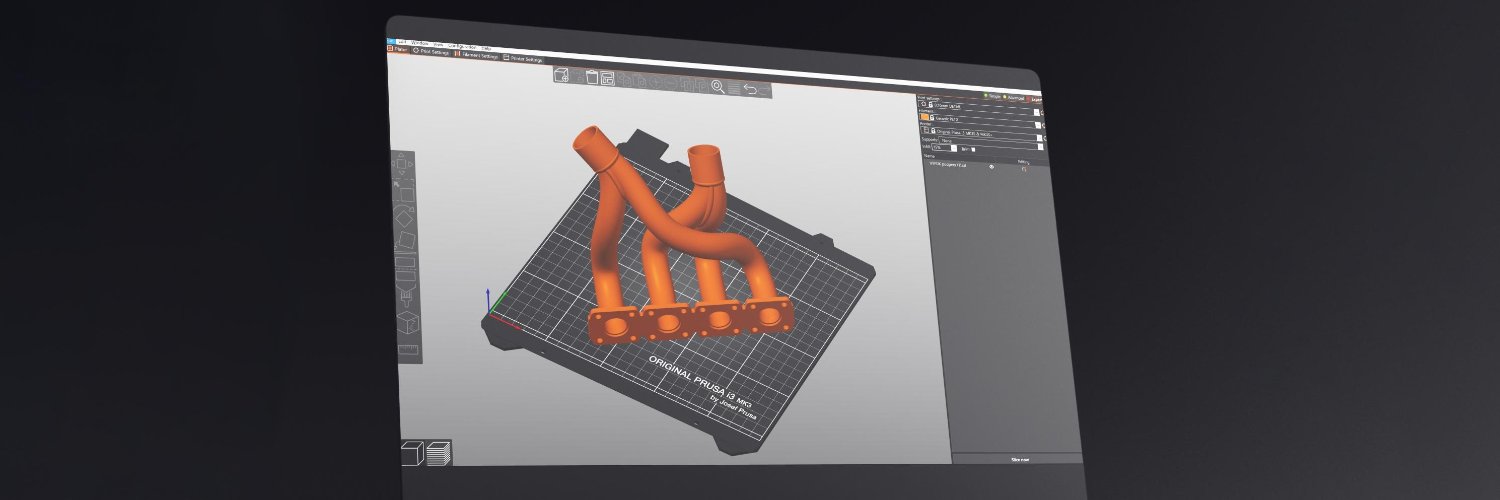
PrusaSlicer Tip #6 Sequential Printing. 🔢 Did you know you don’t have to print multiple models layer by layer at the same time? With Sequential printing, each object is printed from start to finish, before the printer moves to the next one. 1/3
This greatly reduces nozzle travel, stringing, and oozing between objects, while also improving layer adhesion. Learn more here: https://t.co/pvWNnohKtu 2/3 https://t.co/pvWNnohKtu
PrusaSlicer Tip #5 – Multiple Print Beds
Got a project with too many parts for one plate? Since v2.9.0, you can split it across up to 9 beds in a single scene! ↔️ Just drag objects off the plate to create a new one – or click Arrange and let PrusaSlicer do it for you.
PrusaSlicer Tip #4 – Embossing. You can easily customize any model with text or icons!️ Just right-click the object, go to "Add" then choose "Text" to label your print, or "SVG" to add your design. P.S. Check the "Use surface" + "Per glyph" options to emboss on a curved surface.
PrusaSlicer Tip #3 – Material interlocking. 🦾
When printing with materials that don’t bond well together, try enabling “Use Beam Interlocking” in the Multiple Extruders settings. It adds a cross-hatch pattern between materials to strengthen the connection.
Just note Ironing isn’t suitable for all filaments, so check out Prusa Help before printing: https://t.co/AMtG2b59WB.
P.S. Don’t forget to switch to Normal/Expert mode to use this feature. 2/2 https://t.co/AMtG2b59WB
PrusaSlicer Tip #2 – Ironing.💡 There’s a way to make the top of your prints smooth – no sanding needed! The printer takes a little extra time to gently pass over the top surface multiple times with tiny offsets; the nozzle 'irons' the print into a smooth, flat finish. 1/2
One standout is the "Lightning" infill, which can use up to 95% less material than the default Grid. If you need sturdier options, try Support or Adaptive Cubic: they still use minimal filament while offering better internal strength. You'll find them all in the "Infill" tab. 2/2
PrusaSlicer Tip #1 – Material-Saving Infills. Choosing the right infill is a great way to reduce material usage. Decorative models, for example, don’t need a tough internal structure. Luckily, our slicer offers many infill options – some designed specifically to save filament.1/2
Packed with practical, step-by-step projects, interactive quizzes, and actionable tips on features like fuzzy skin, modifiers, and smart sequential printing, this course helps you optimize your prints, save filament, and get the most out of your slicer. 🦾
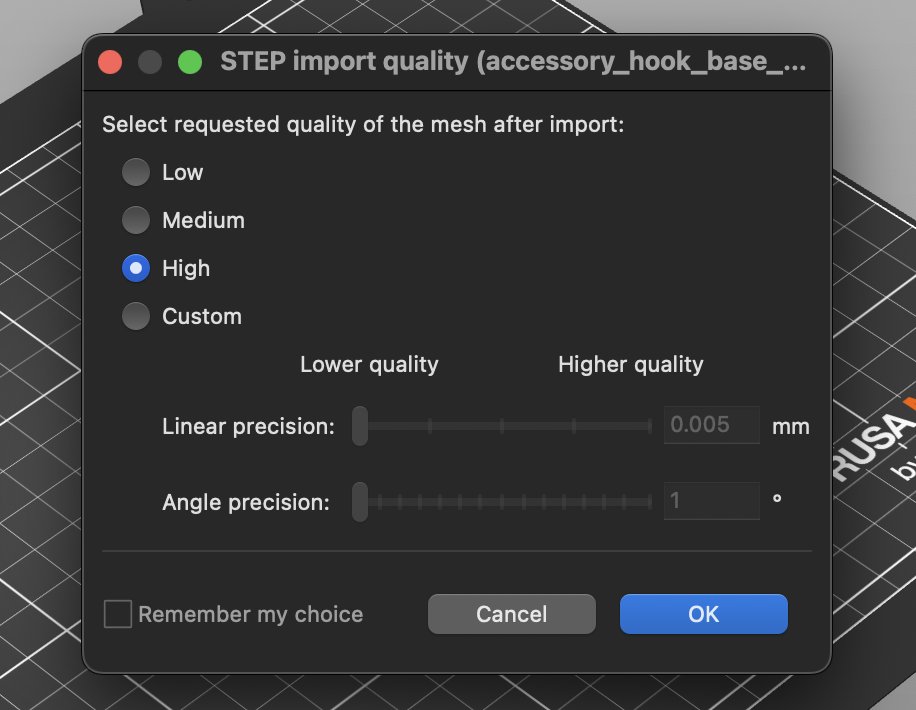
PrusaSlicer 2.9.2-RC1 is out! While it is mainly a small bugfix release, it features one very useful new feature - STEP file import quality picker. The work on this was inspired by a Reddit post by u/popson, thanks for sharing your insights!
https://t.co/yBJyFZs3Hv
Egg-citing news! 🐣 💥 The @3D_mon designers have prepared some cool PrusaSlicer modifiers with eight unique Easter egg decor patterns, adding a festive traditional motifs to your 3D prints. ✨
📣Prusaslicer 2.9.1 is ready for download! 📣
Overhauled sequential printing algorithm and a new multi-material interlocking feature are just some of the awesome features to look forward to in this latest version.
You can download it here: https://t.co/wbXUiW3Uxm
PrusaSlicer 2.9.1-rc1 is now ready for download 😎
Just a tweak in this release candidate over the beta1 version which adds an improvement for Linux users to mitigate some issues with dedicated GPU cards.
You can find all the details here: https://t.co/uE5rHILSA4
📣 Prusaslicer 2.9.1-beta1 is ready for download!
Along with the new sequential printing algorithm and Multi-Material interlocking feature introduced in the alpha, this beta version includes a new SLA support point generator and bug fixes.
More info: https://t.co/O2j2fFBsGB
🚨Just in time for a pre-Christmas slicing session 🎅
Prusaslicer 2.9.0 is out! 📣
Introducing new features like multiple bed support, Scarf seam, @printablescom integration, multiple nozzle diameter support and much more!
Download it here: https://t.co/wbXUiW3Uxm
📣Prusaslicer 2.9.0-rc1 is out!
This is the first release candidate of PrusaSlicer 2.9.0 which fixes a few bugs found in 2.9.0-beta1.
As a release candidate, this version saves its profiles into regular PrusaSlicer configuration directory. Enjoy! 😎
https://t.co/WcM71VWwMD