Ever wonder which local servers are still running?
Room Service shows active dev ports in one place, with quick actions to open, stop, or jump back to the project folder.
Useful when yesterday’s localhost tab is still holding onto a port.
Do you ever test a local dev build from your phone?
Room Service can detect LAN-reachable dev servers and generate a QR code for the local URL.
Scan it from another device on the same network and open the build without copying IPs or typing ports.
Room Service 1.6.0 is out. 📦
New: AI Apps cleanup.🤖
Room Service now has a dedicated AI Apps category for ChatGPT, Claude, Gemini, Perplexity, Msty, Jan, Open WebUI, and AnythingLLM.
It focuses on cache, logs, and temporary data, while keeping conversations, models, credentials, workspaces, and settings out of scope.
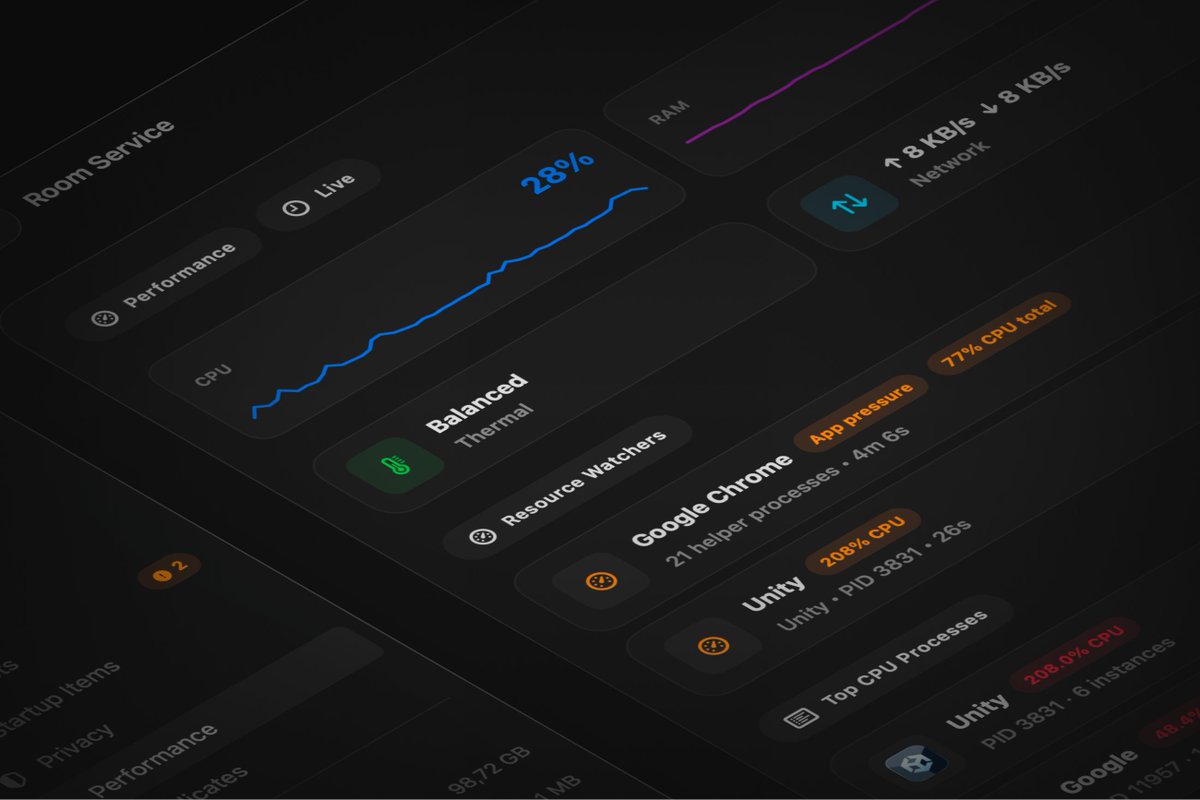
1.6.0 also brings a fully redesigned Performance workspace.📊
Richer live CPU, memory, Disk I/O, thermal, network, battery, Resource Watcher, and process-list views, all in a cleaner monitoring surface that fits the rest of Room Service.
Room Service 1.5.0 is out. ⚡️
New: Resource Watchers. 👀
Room Service can now surface developer apps that keep CPU, memory, render, or disk pressure high in the background, right from the title bar and menu bar.
Useful when your Mac feels busy but the cause is not obvious.
1.5.0 also adds new cleanup coverage:
• @lmstudio support under AI Storage
• Desktop Screenshots as a new review-first cleanup category
It also improves Disk I/O sampling and reduces Room Service’s own startup / live Performance overhead.
Room Service 1.4.0 is out. ⚡️
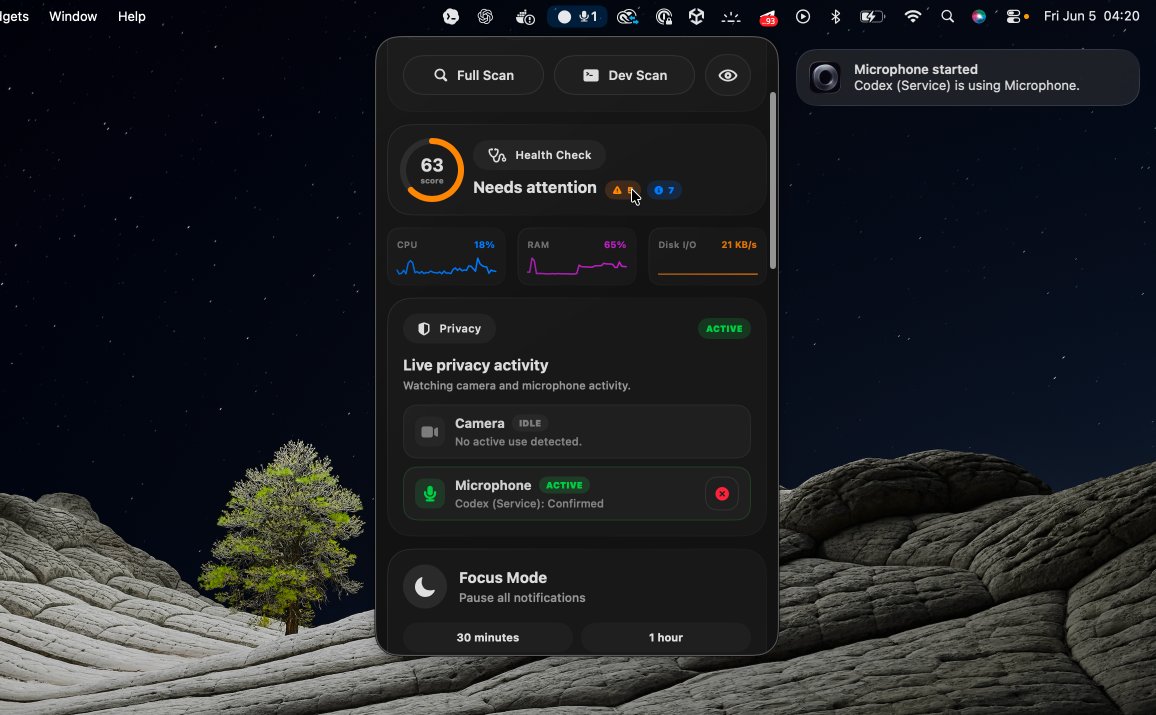
New: Privacy Watch. 📷🎤
Camera and microphone activity now shows up where you already monitor your Mac:
Settings > Privacy, Health Check, the menu bar, title bar, notifications, and Ops Feed.
You can also get notified when camera or mic activity starts.
1.4.0 also adds native Sparkle-powered updates for direct-download builds. 💾
Supported Room Service builds can now check for updates and install them through the standard macOS update flow, with the existing update badge opening Sparkle’s native update window.
Room Service can be protected with Touch ID or a 🔒 password.
A small feature, but an important one.
Many developers work in shared spaces.
Coffee shops.
Co-working offices.
Open offices.
Sometimes you step away from your Mac for a minute.
Room Service contains project folders, hidden directories, duplicate-file locations, scan logs, cleanup history, and where your disk space is going. Information that you may not want someone casually browsing through.
A quick Touch ID check keeps that information protected.
Small feature.
Big peace of mind 🧘
Room Service 1.3.0 is out ⚡️
New in this release:
🩻 Health Check: one place for app and system status
🧭 Space Map: a visual map of what’s taking up disk space
Plus menu-bar health visibility, better CPU reporting, localization updates, and improved screen recording detection.
New: Space Map.
A visual treemap for your disk usage, so you can quickly see which categories take the most space and where large items are located.
1.3.0 also improves CPU reporting, localization coverage, screen recording detection, and menu-bar health visibility.