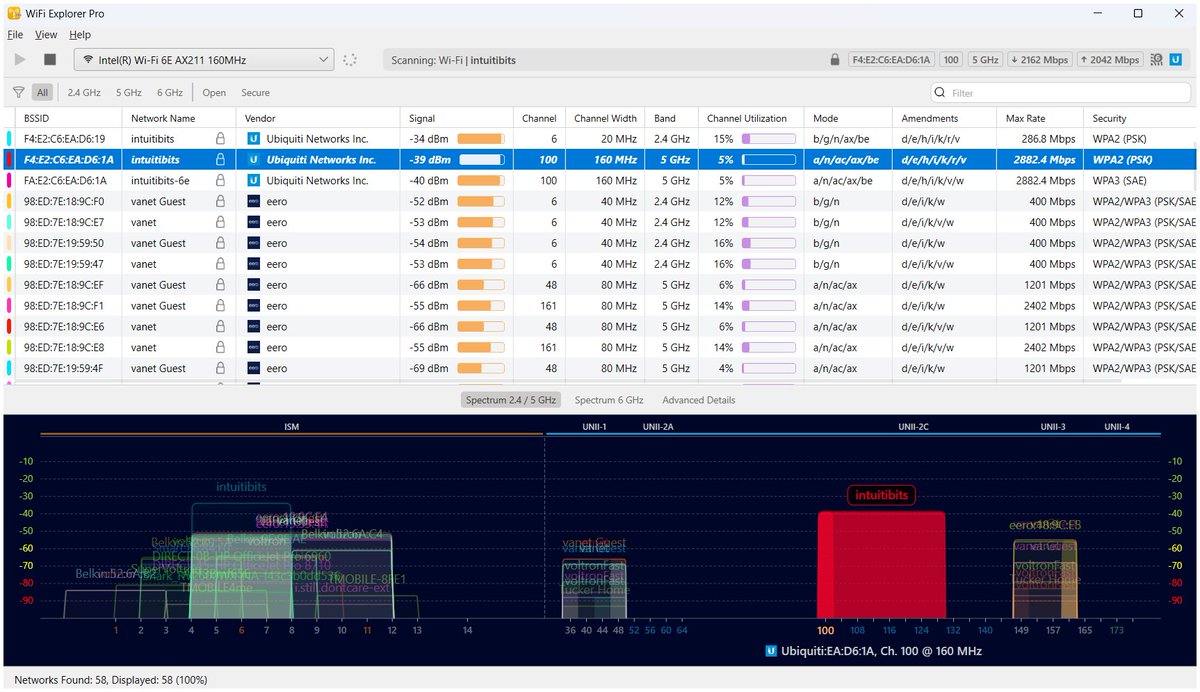
WiFi Explorer Pro 3.7.2 is now available. It resolves critical performance issues affecting the waterfall and density views. Performance is restored and is now significantly better than ever!
⬇️ Download: https://t.co/0XgH0PDHhc
📝 Release Notes: https://t.co/L2F4hO9URa
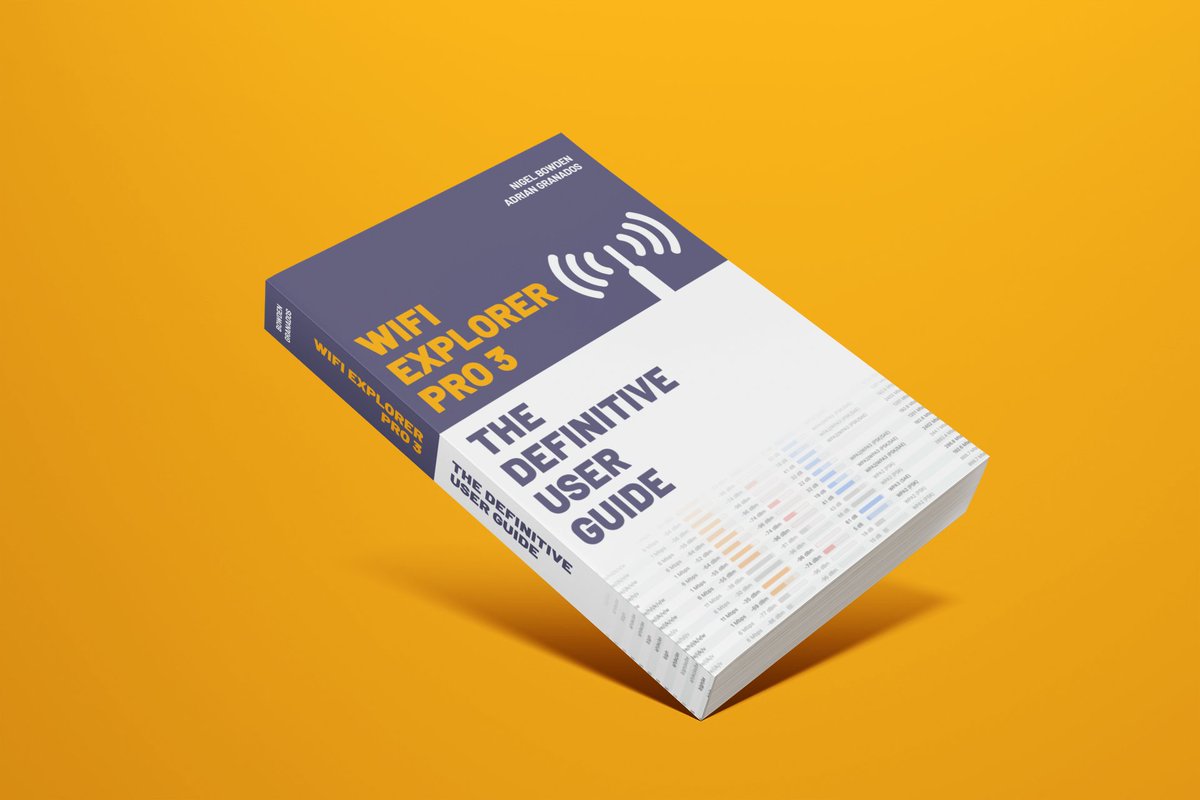
@WifiNigel and I are excited to launch "WiFi Explorer Pro 3: The Definitive User Guide"! This book will help you dive into every WiFi Explorer Pro 3 feature, master advanced options, and enhance your Wi-Fi analysis and troubleshooting skills. https://t.co/axRYsfvAOL #WiFi#WLPC
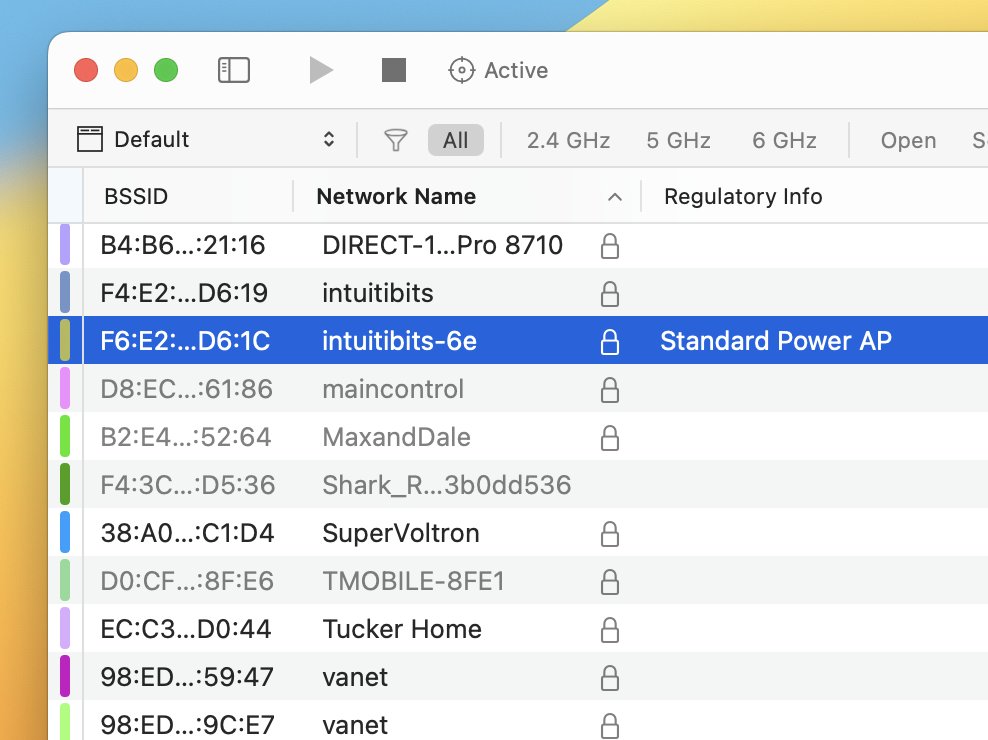
If using WiFi Explorer Pro for Windows, first select a Wi-Fi 6E AP from the scan results, then go to Advanced Details, navigate to Extension: HE Operation > 6 GHz Operation Information > Control, right-click "Regulatory Info" and select Apply as Column.
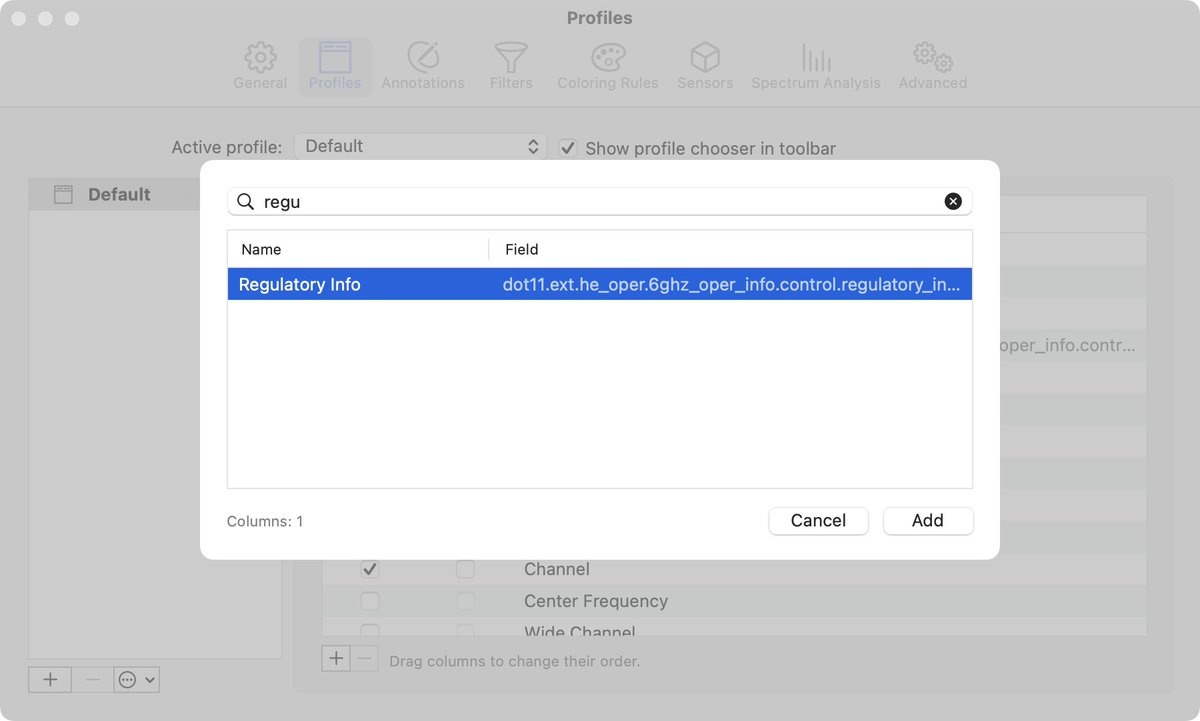
Pro tip: If you quickly need to check the regulatory type of an AP (indoor, standard power, etc.) in WiFi Explorer Pro 3, go to Settings > Profiles and click the + button to add a new column. Then, search for "regulatory," select the "Regulatory Info" field, & click Add. #WiFi6E
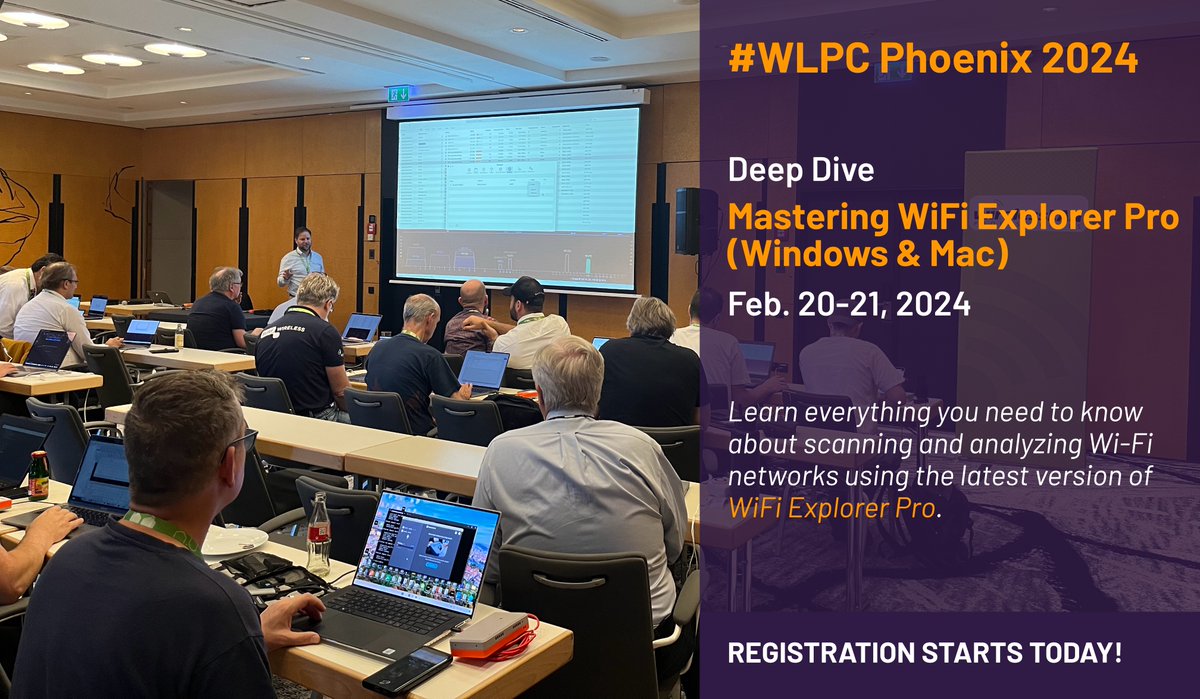
Registration for #WLPC Phoenix 2024 is live! Sign up today and join @adriangranados for a deep dive on WiFi Explorer Pro (Windows & Mac). https://t.co/h37PmfOmQP
For a limited time, save 32% when you buy WiFi Explorer Pro 3 and Airtool 2 together. Use code: BF2023 https://t.co/GGM69S7qfG #BlackFriday#CyberMonday
Upgrading to macOS Sonoma? Please be aware that an issue in this new macOS version affects WiFi Explorer (standard and Pro 3): macOS doesn't provide VHT Capabilities, EHT Operation, EHT Capabilities, and Multi-Link elements as part of the scan results.
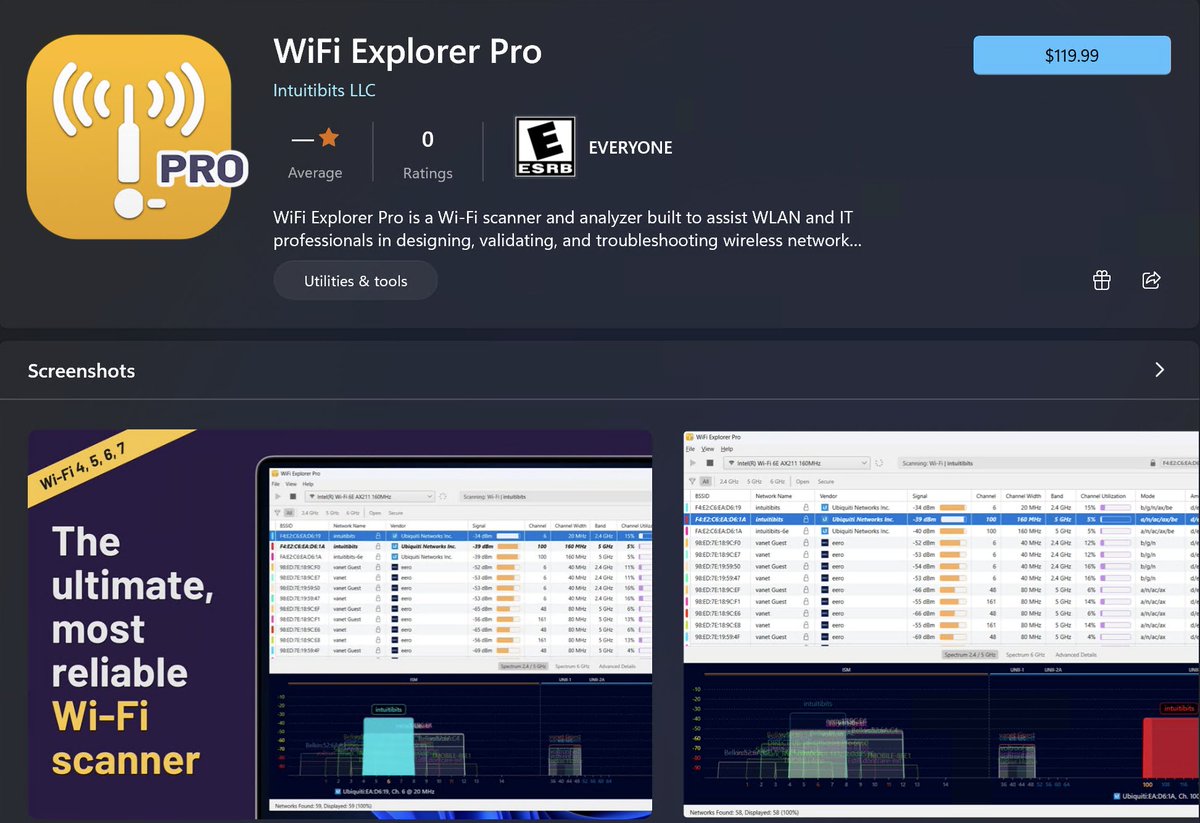
@mrTeigen@byte86@Windows@windowsstore Visibility is an issue on the Windows Store at the moment. You can only find the app using the keywords "wifi explorer." This is part of the stuff we're fine-tuning, but here's the link: https://t.co/JO3HnIqLMw
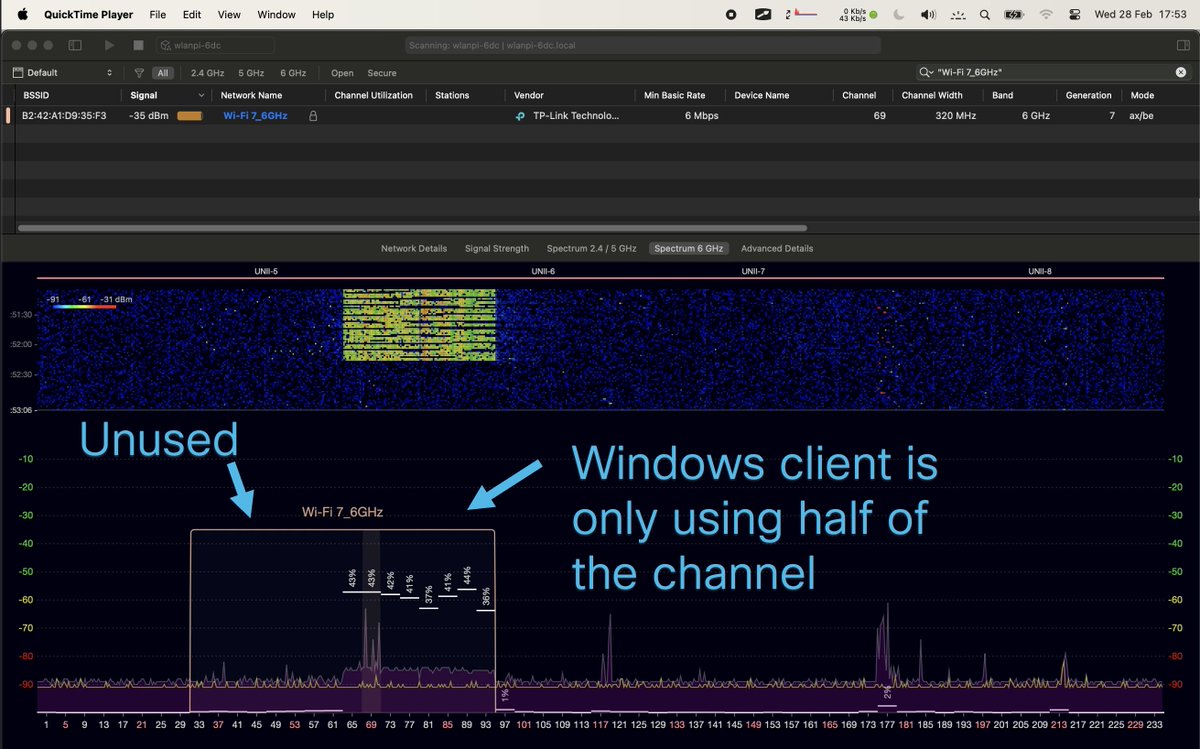
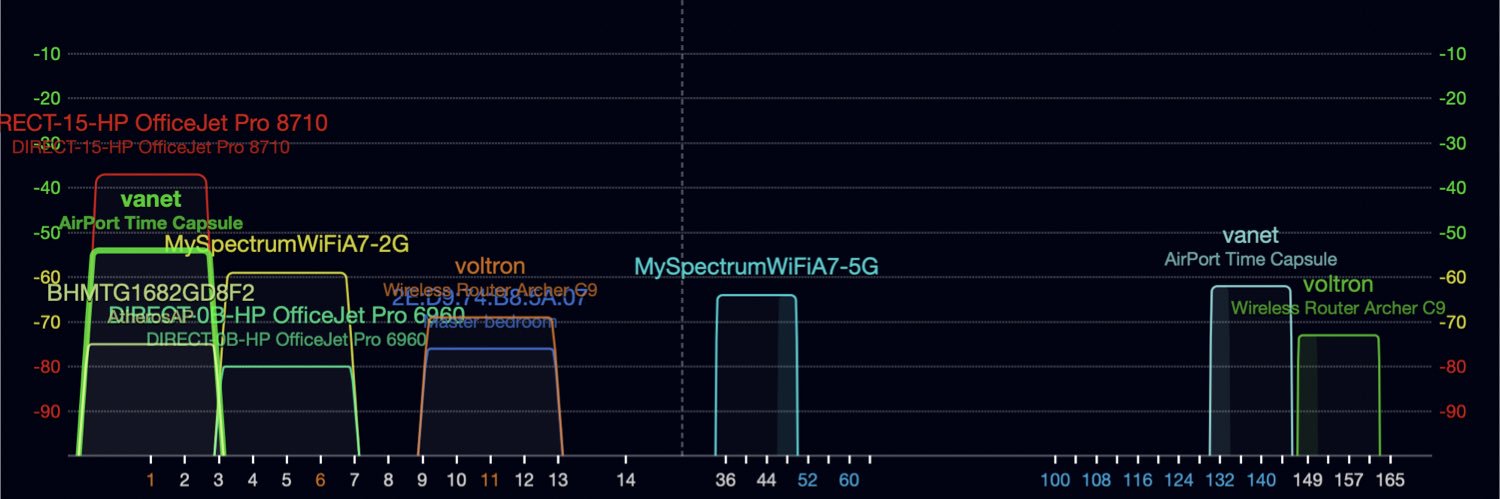
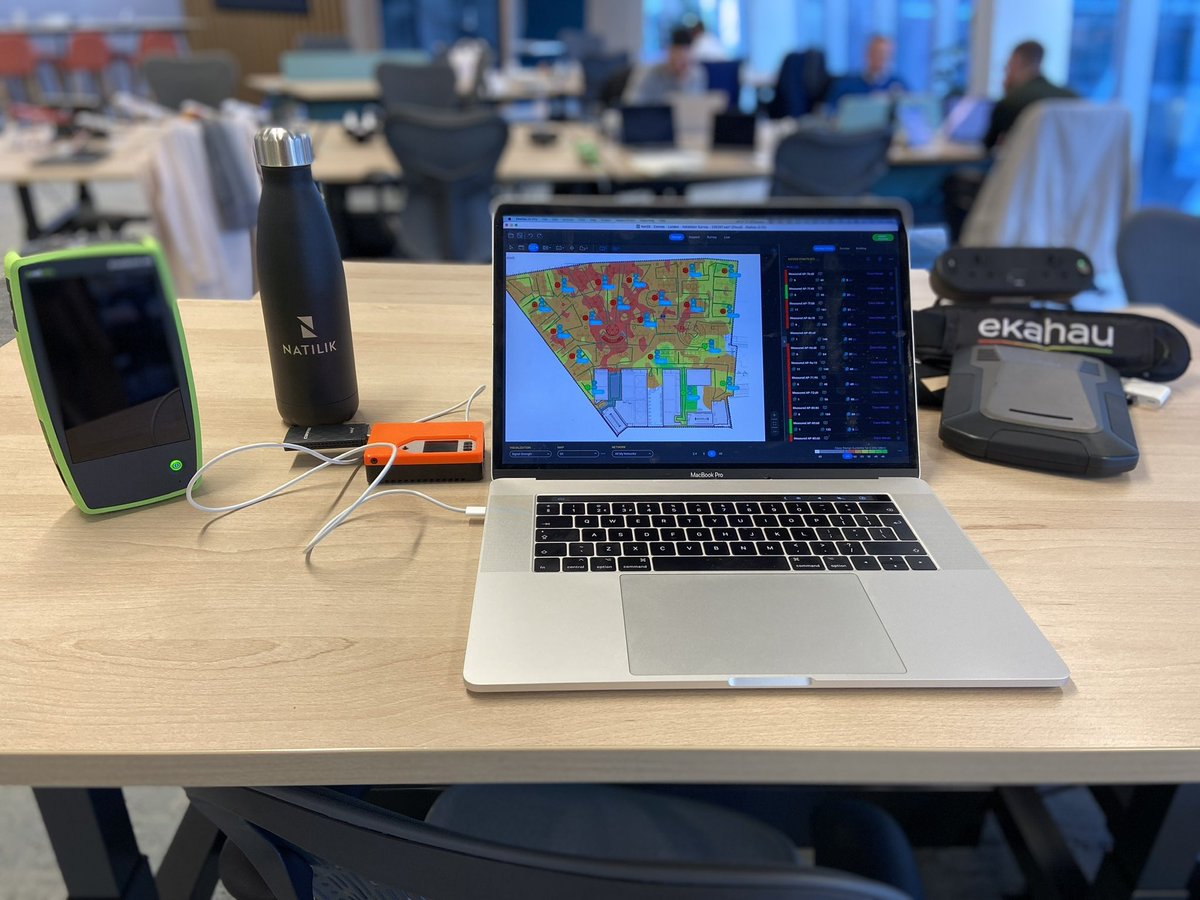
Exciting day validating my first @meraki Wi-Fi 6E network! Their 9166 AP is fantastic! These are the tools I needed to capture all data. @NetAlly@wlanpi@ekahau. I also captured roaming data using @nOversightApp with the M2 iPad Pro and spectrum analysis using @wifiexplorer Pro3
@WiFivomFranMan Hi Kevin. That’s version 2 of WiFi Explorer Pro, which we stopped supporting on November 2021. To properly display 6E networks you need version 3.
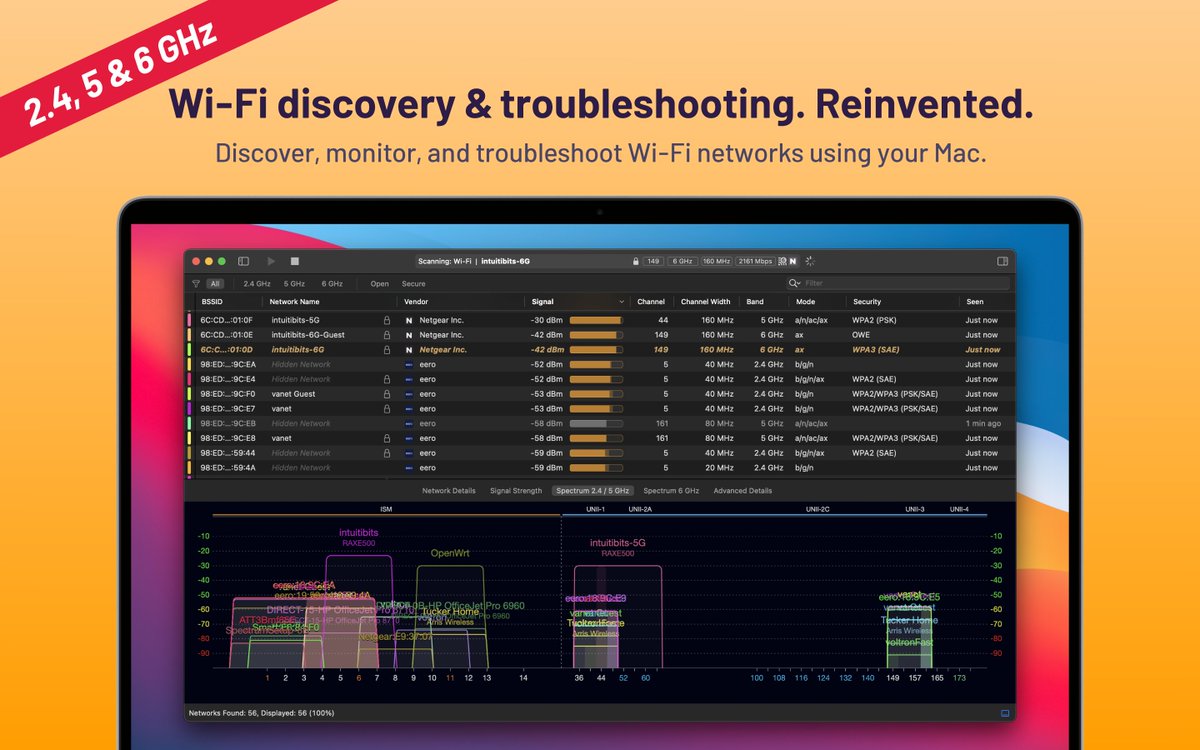
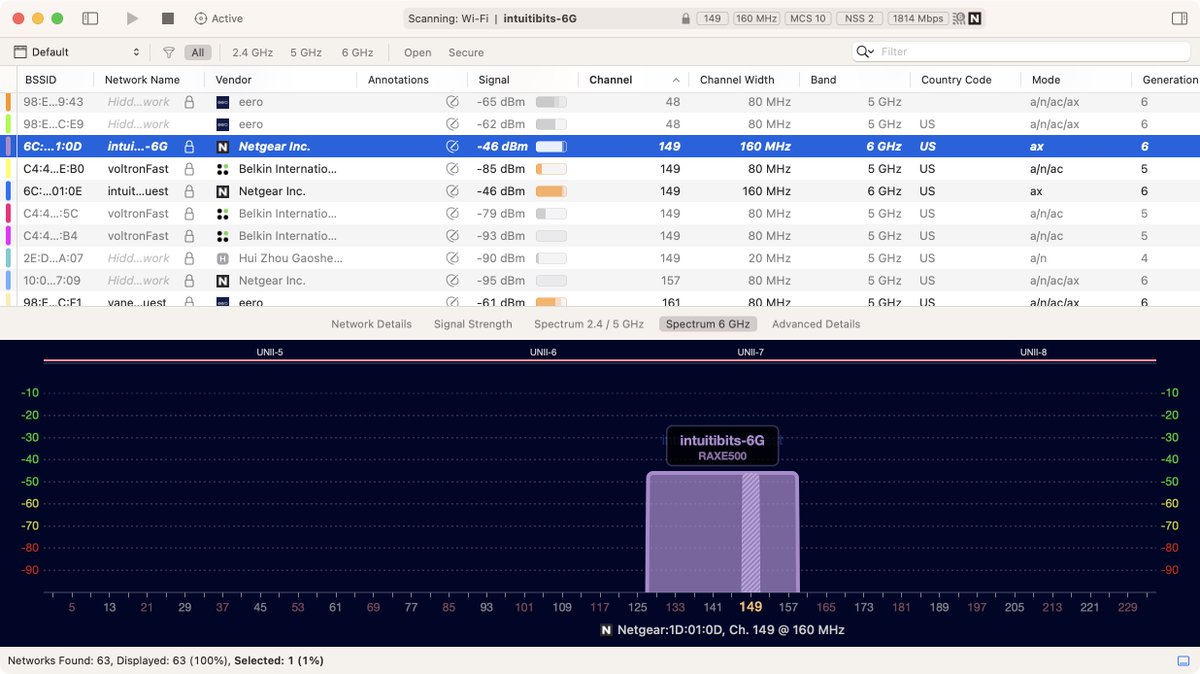
Did you get the new M2 MacBook Pro with 6E? We're happy to announce that WiFi Explorer (standard) and WiFi Explorer Pro 3 support scanning for 6 GHz networks out of the box. #wifi6e#apple