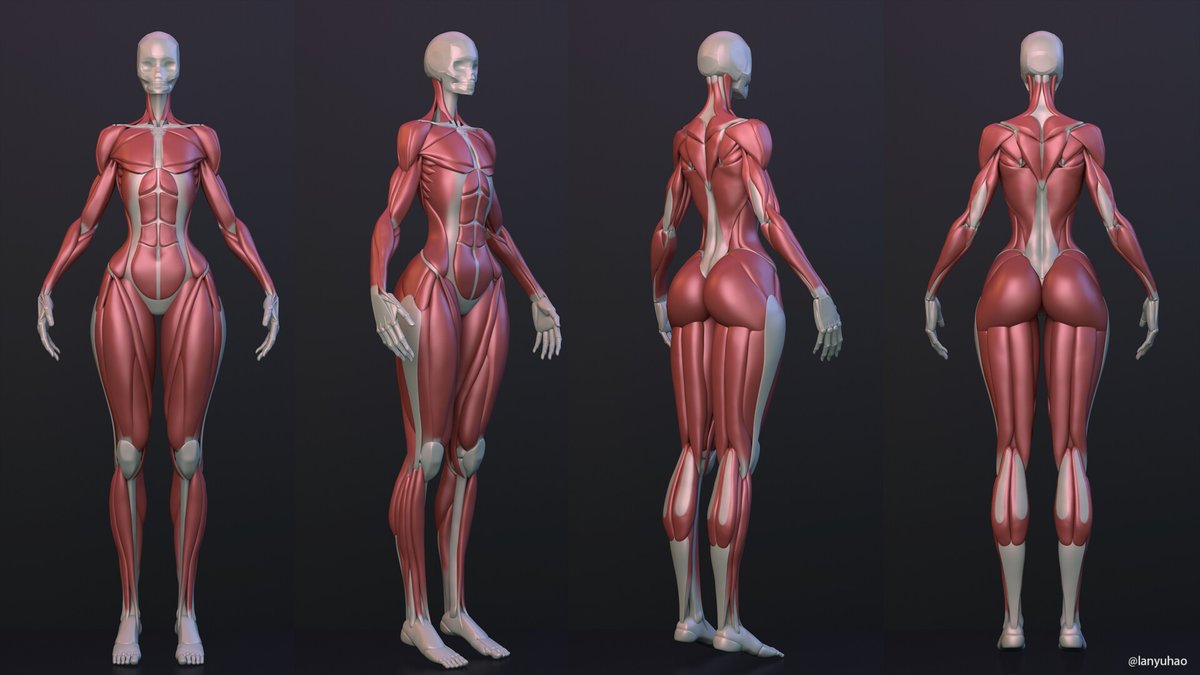
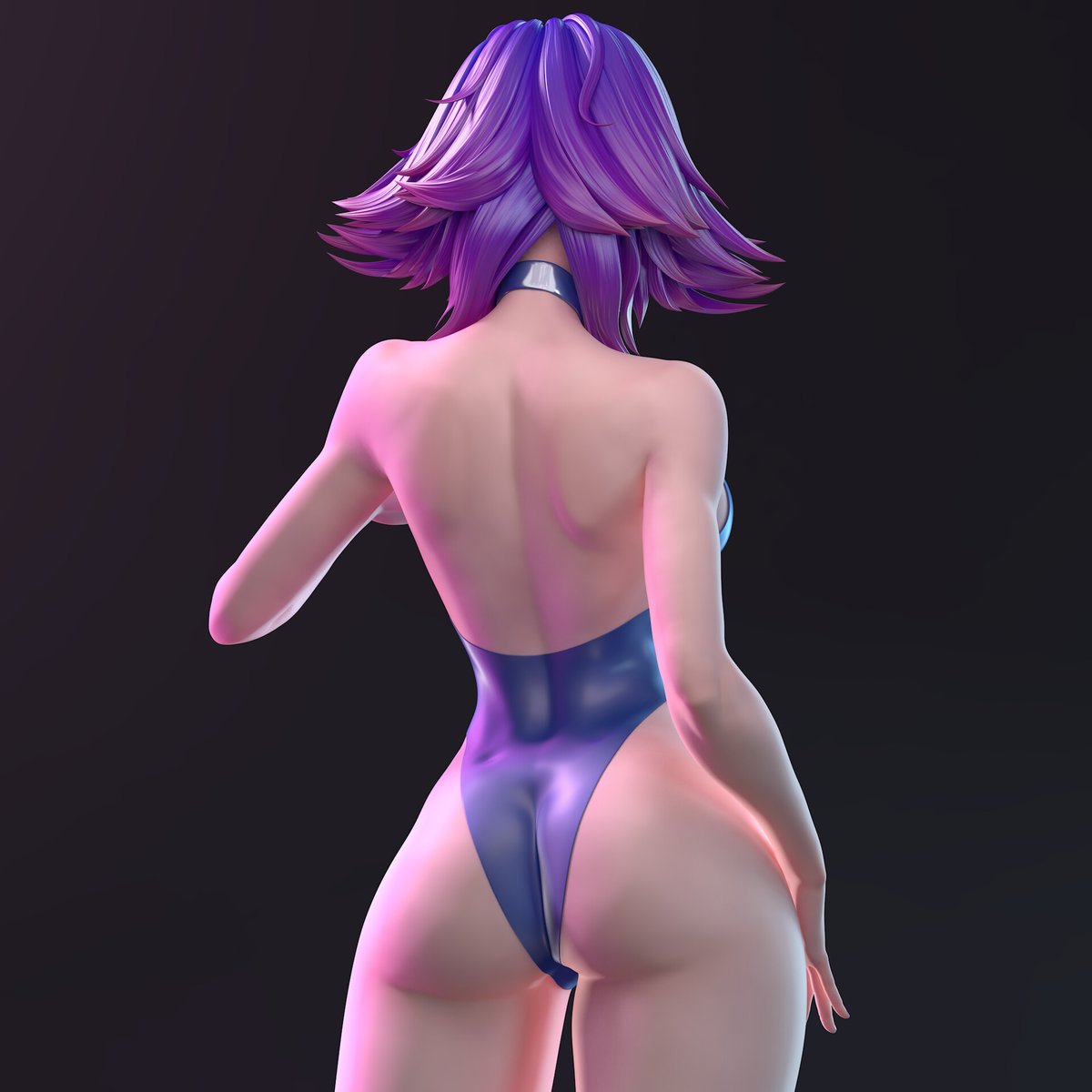
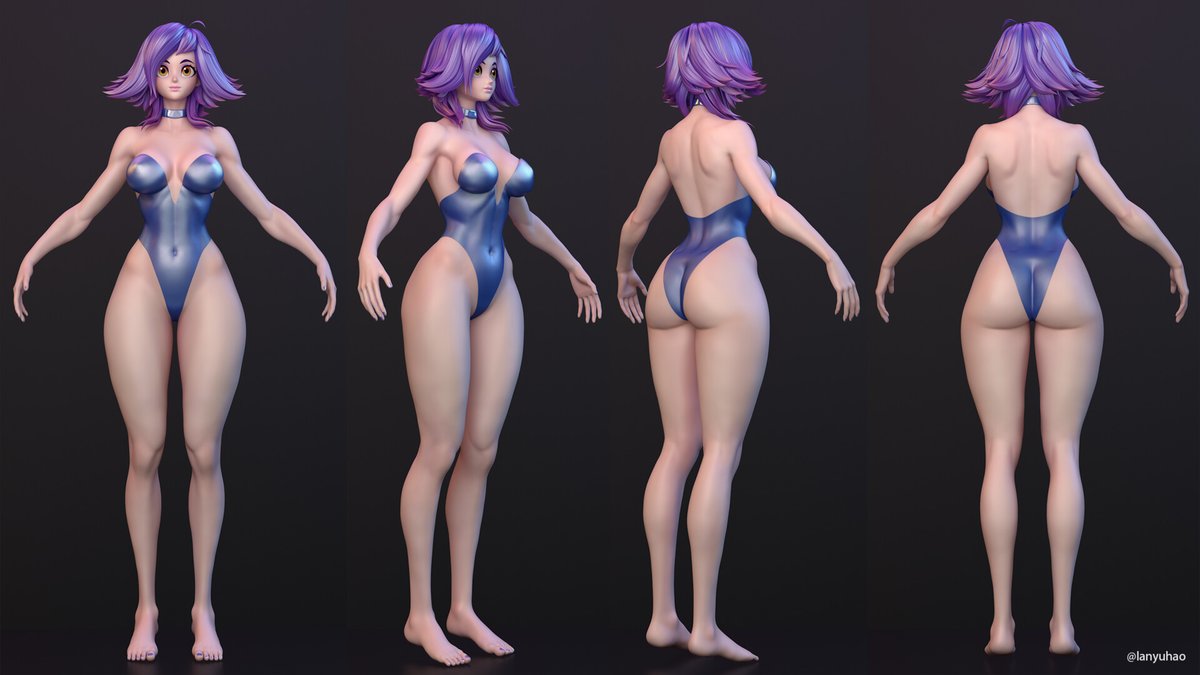
I've been practicing female sculpture, starting from a sphere and building muscle forms and characters. As someone with a technical background, creating art has been a challenge, but after investing a lot of time, I’ve made some progress. https://t.co/Yb1ub2xRtY
@willdontmiss Thank you for your appreciation of me!☺️
Maya does have a huge advantage in character animation, and because Maya's node ization gives rig a huge advantage. My main focus is also on Maya's rig.Although Maya is bulky.
Animating in Maya and rendering in c4d is a very cool thing.
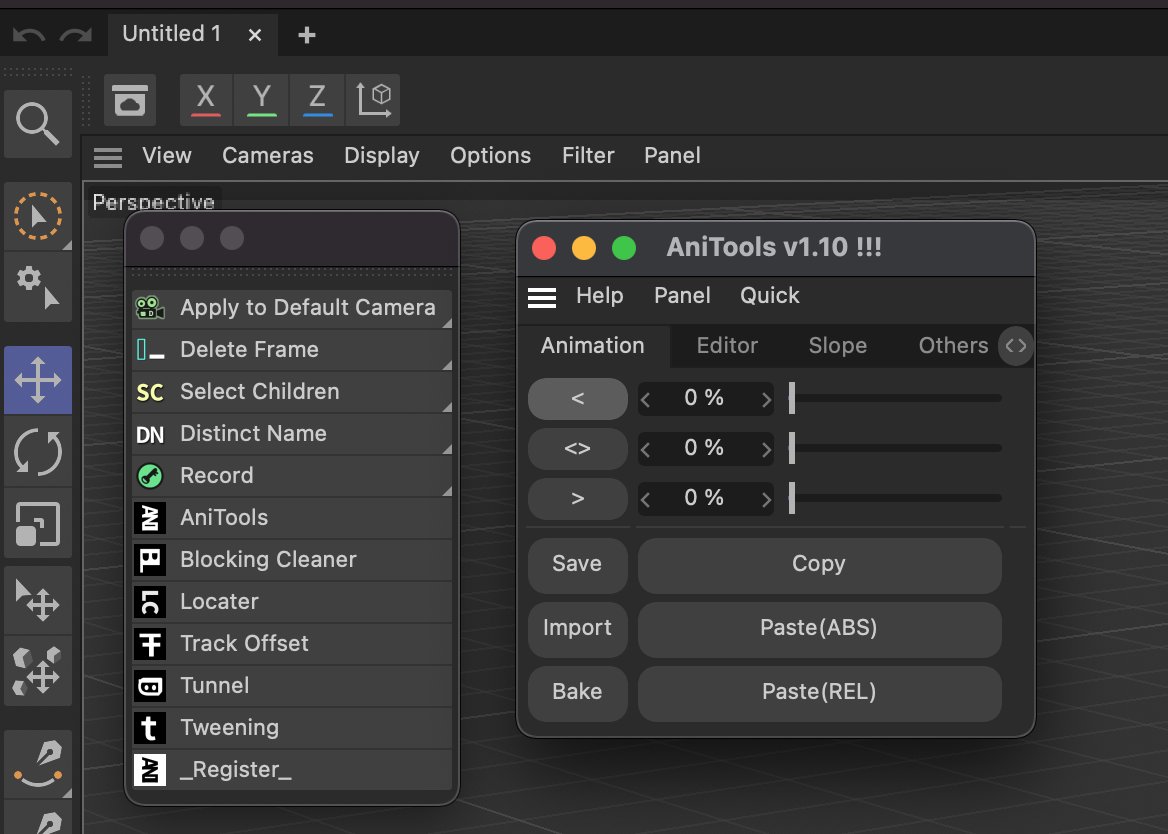
@ManelBello3 Anitools version 1.10 also supports the latest version, 2024. The license is through machine certification, one license per computer, and three licenses are obtained by purchasing once. There are currently no plans to update the plugin.
Anitools v1.10 has dozens of useful functions for character animation and motion graphics, which can save you a lot of animation work time.
#C4D#cinema4d
I made Control Rig, animation system and physical effects manually in UE5.
(Animation Retarget, Animation Blueprint, Control Rig, Physics Asset...)
I also did character rendering and the like. .
(Skinned the character with my own Maya rigging system)
#UE5
C4D Tip 2: Get great deformation animations with skinned FFD.✨
The joints rig is very free, we can design the corresponding controller and control logic according to our needs, and we can also get the different deformations we need at various stages of the animation.
#C4D
Note that the above method toggles the on/off for each subdivision object individually.Their original switches are not uniform most of the time.😌
If you need a quick and overall switch, then there is my free SwitchSDS plugin.😊
https://t.co/pR4mK0JMFH
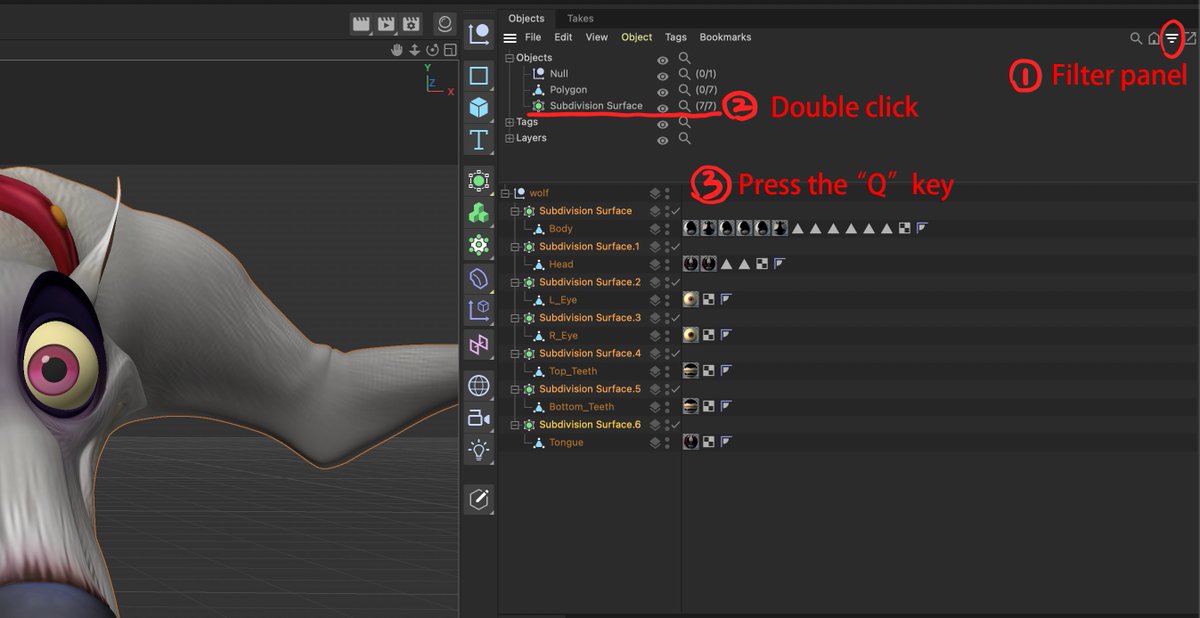
C4D Tip 1: Toggle the on/off for all subdivision surfaces.✨
First open the Filter panel and double-click SDS to select all SDS objects, then press the "Q" key on the keyboard to toggle the SDS.
If you repeat the above, the SDS objects will toggle again.
#C4D#cinema4d
I improved the algorithm of my AGhost plug-in, and solved the priority problem in a situation I discovered a few days ago. Everything is fine in the new version.😌
https://t.co/a7bSH42cBk
Please note this: C4D R25 cancels the Timeline, Timeline(2) identification.
The original Timeline is actually hidden near the far left side of the time slider.
Shift+F3 changed from the original Timeline to Timeline(2).
@jeremydave3d I found out that it can still be used normally in R25 Anitools. But that R25 cancels the Timeline, Timeline(2) identification. And only the Timeline opened by right-clicking in the property bar is the original Timeline. Shift+F3 changed from the original Timeline to Timeline(2).