On Grvt, every dollar does more.
We’re building a platform where capital can trade, earn yield from real-world assets, and work harder through capital-efficient products.
Together with @BinanceWallet, we’re launching a Booster Campaign.
🗓 10 July 2026, 07:00 UTC - 17 July 2026, 23:59 UTC
💰 1,500,000 $GRVT token, distributed on TGE day
No trading required. No deposits required.
How to join 👇
1️⃣ Open Binance Wallet → Discover → Booster
2️⃣ Complete the missions
3️⃣ Rewards unlock on TGE day
#Grvt $GRVT
Exclusively on Binance Wallet: the Catapult Trade campaign is now live
🎁 Join to earn your share of a 1,666,667 PULT token reward pool
📜 Campaign Period: June 24th 15:00 UTC – July 1st 23:59 UTC
Details in comment!
1,666,667 $PULT up for grabs
Catapult Trade x @BinanceWallet are running a 7-day social airdrop campaign open to Binance Wallet users. 10,000 participants will be selected to share the full reward pool, with each winner receiving an equal cut.
To qualify, you need to complete social campaign tasks.
Selection is based on Binance Chain Hash Value, so the process is transparent and on-chain.
$PULT tokens will be distributed to winners by Binance shortly after token launch.
Campaign window: June 24th 2026 - July 1st 2026
Full details on participation: https://t.co/m92wgWg4lm
Nesa × @BinanceWallet Booster Campaign is here!
Entry: Binance Wallet App -> Homepage Banner OR Discover -> Booster -> Nesa Booster Campaign
Rewards: 1,000,000 NES for 50,000 Winners
Start: June 23 04:00 UTC+0
End: June 24 03:59 UTC+0
Eligibility: Binance Keyless Wallet users with at least 2 Alpha Points
Join Nesa as it powers the largest decentralized AI ecosystem backed by a privacy-first Layer 1 serving the Fortune 500.
😱 How to Build & Launch Your @base Mini App in 10Mins.
■ Investment: 0$ ( Free of Cost )
■ Potential: $BASE
■ Exprience: No coding experience needed ( anyone can build )
👀 Just watch full video & follow my simple 9 steps & Boom :
Tools :
1.) Create V0 account :- https://t.co/ZktY7KgOLE
2.) Create @farcaster_xyz Account :- https://t.co/MXjSi96mw6
3.) Create @baseapp Account :- https://t.co/AC6VkAIJF5
•• Must link your farcaster account in base app
Step 1 :
Create the Calculator Application
- Built a functional calculator with add, subtract, multiply, and divide operations
-
- Creat `/components/calculator.tsx` with full calculator logic and UI
-
- Creat `/app/page.tsx` as the main entry point
-
- Use React hooks (useState) for state management
-
- Designe with a modern dark theme using Tailwind CSS
-
Step 2 :
Deploy the project & copy the url & save it .
Step 3 : Create the Farcaster Manifest File
- Created `/public/.well-known/farcaster.json` - This file tells Base about our app
- Configured app metadata:
My project name :
My url link :
{
"accountAssociation": {
"header": "",
"payload": "",
"signature": ""
},
"miniapp": {
"version": "1",
"name": "My project name",
"subtitle": "Fast & Easy Math",
"description": "A simple calculator for basic arithmetic operations",
"homeUrl": "https://t.co/K6nBOvvctb",
"iconUrl": "https://t.co/MbaXvJULIe",
"splashImageUrl": "https://t.co/s5epJugVvb",
"splashBackgroundColor": "#1a1a1a",
"screenshotUrls": [
"https://t.co/jUFOglVZQP",
"https://t.co/cvJhOBsKSV"
],
"primaryCategory": "utility",
"tags": ["calculator", "math", "utility"],
"tagline": "Calculate Instantly",
"heroImageUrl": "https://t.co/G6Hysm287W",
"ogTitle": "Calculator",
"ogDescription": "A simple calculator for basic math",
"ogImageUrl": "https://t.co/wTaD3vrEsQ",
"noindex": false
}
}
Step 4 :
Added Required Images
- i attach a image , so convert that image as required ratio and attach the same image in our mini app for all 3 forms .
`● icon.png` (300×300px) - A small icon of your app
● splash.png (200×200px) - A splash screen image
● screenshot.png (1284×2778px) - A screenshot showing how the app looks
Step 5
Added Embed Metadata
- Add `fc:miniapp` meta tag to layout.tsx metadata
- Configure embed preview with:
- Image URL for the 3:2 aspect ratio preview
- Button configuration ("Open Calculator")
- Launch frame settings
- Splash image and background color
Step 6: Added Farcaster Miniapp SDK Integration
- Install `@farcaster/miniapp-sdk` package (automatically included)
- Update `/app/page.tsx` to import and use the SDK
- Call `sdk.actions.ready()` when the app loads
- This is the **critical step** that tells Base to hide the splash screen and display your calculator
Step 7: Update Next.js Configuration
- Update `/next.config.mjs` to work with Next.js 16's Turbopack
- Add `turbopack: {}` config to ensure clean builds
- Remove webpack-specific configurations
Step8 :
•• Now for one time , click on deploy & deploy again
•• Then Open Farcaster in Pc/Laptop
•• Enable Developer Mode
•• go to Developer section then & click on Mini app manifest tools
•• then paste url ( check vidoe )
•• then click on fetch & then click on Genrate account association
•• scan qr code and verify your farcaster account
��• Now copy everything and paste in V0 ( add prompt )
Add this as account association
•• then Reverify and Submit .
Step9 :
● Download Base App : https://t.co/AC6VkAIJF5
•• Create Account with email
•• then connect same farcaster account
● Then Visit : https://t.co/Fk1eLHQYmA
•• signin with same base app email .
•• and follow video process
📌📌 Join Our TG for More Alpha:- https://t.co/Gx8FaHesUY
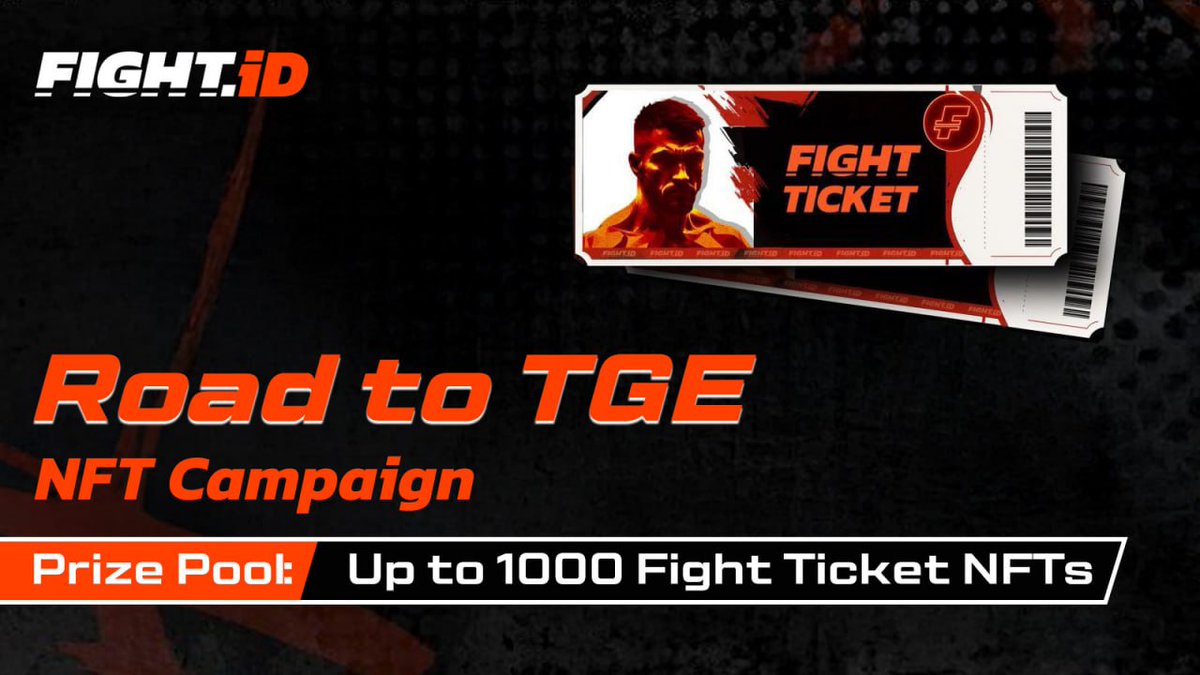
🥊 FightID Road to TGE
Fight Ticket NFT Campaign is LIVE. Put your city on the map, pass the quiz, and help the community unlock more rewards — before the bell rings.
Step into the FightID arena and join the global fight fandom as we power up the next era of Web3 fighting entertainment.
How to Join:
✅ Reply: City, Country | How I watch fights: ____
✅ Take the quiz + submit your reply link: https://t.co/e4pW4s1sXf
✅ RT + Like this tweet to power the unlocks
Rewards (Up to 1,000 Fight Ticket NFTs)
Base Pool: 500 NFTs
Raffle from all eligible entries (valid reply + form submission + quiz passed)
Retweet to Reveal: up to +500 NFTs
Every 1,000 RTs unlocks +100 NFT spots
Milestones: 1,500 / 2,500 / 3,500 / 4,500 RT
Ends Jan 20, 2026
How do I create a MINI app on @Baseapp without using coding?
I just created a MINI app called “Mood Tracker”
Built it in 2 minutes.
Try it on @Baseapp 👇
https://t.co/P5cGKu06Yz
I know it’s not perfect but this was just a quick example
Step-by-step guide below 🧵