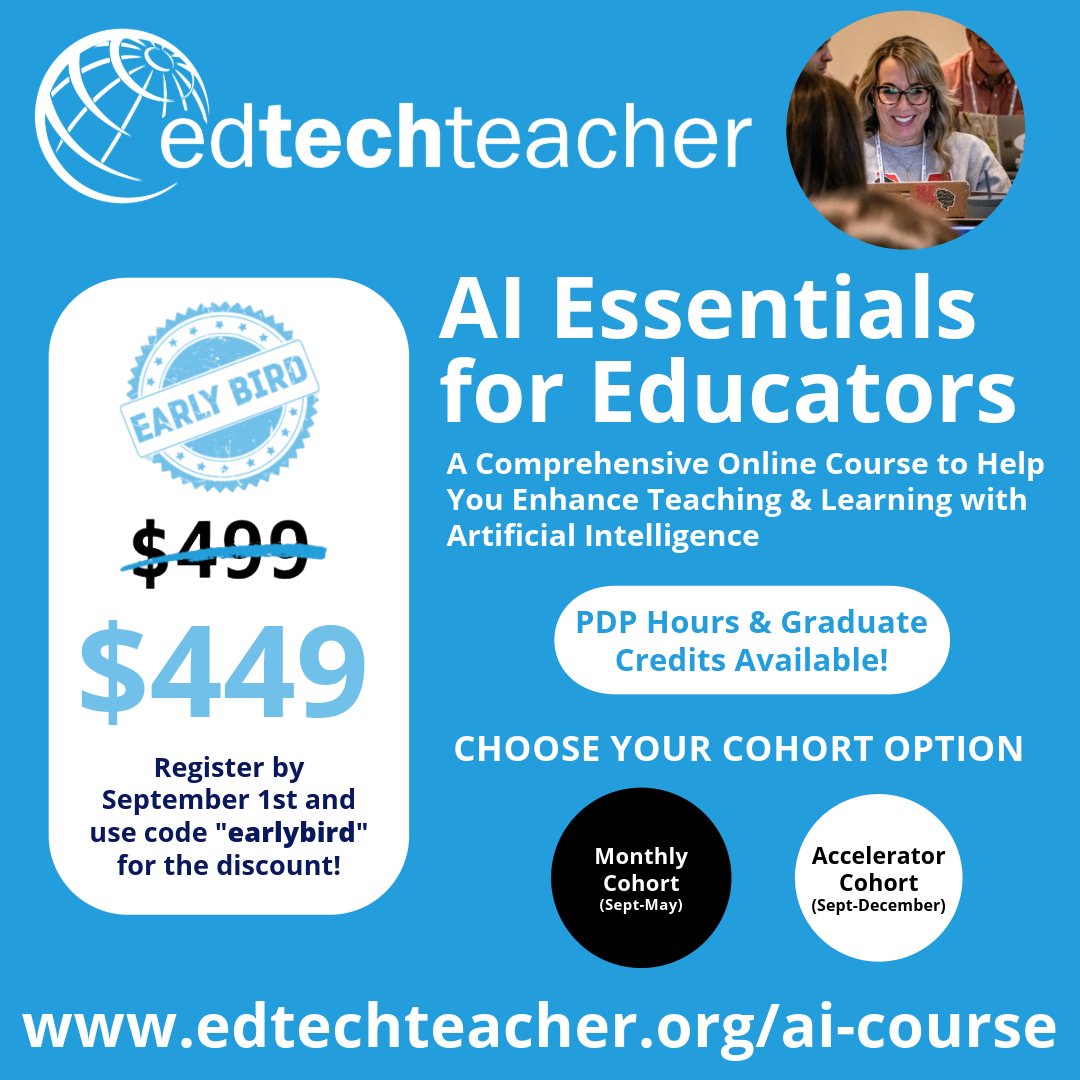
I'm so excited to be running the AI Essentials cohort course with EdTechTeacher again this year! Use code "earlybird" for $50 off. Professional development hours and/or graduate credit available!
Check out the new AI-powered slides generator from https://t.co/wDCoy0EXrJ. This will save us hours of time! #alayna#aiforeducation#aiforteachers https://t.co/pLOoGQY6gV
🌟 We are thrilled to announce that we’ve hit an incredible milestone of 2 MILLION student sessions!
🎉 A huge thank you to our amazing SchoolAI community of educators for making this possible!
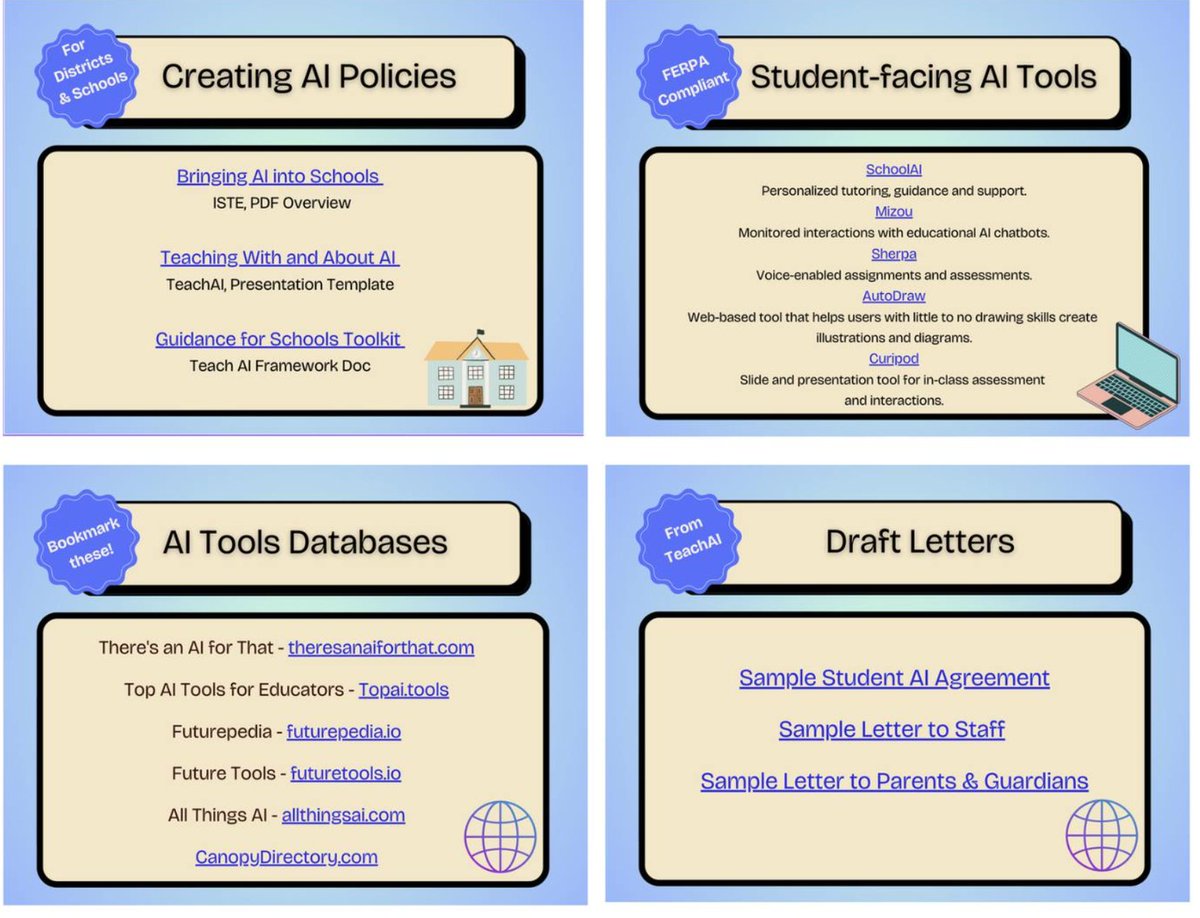
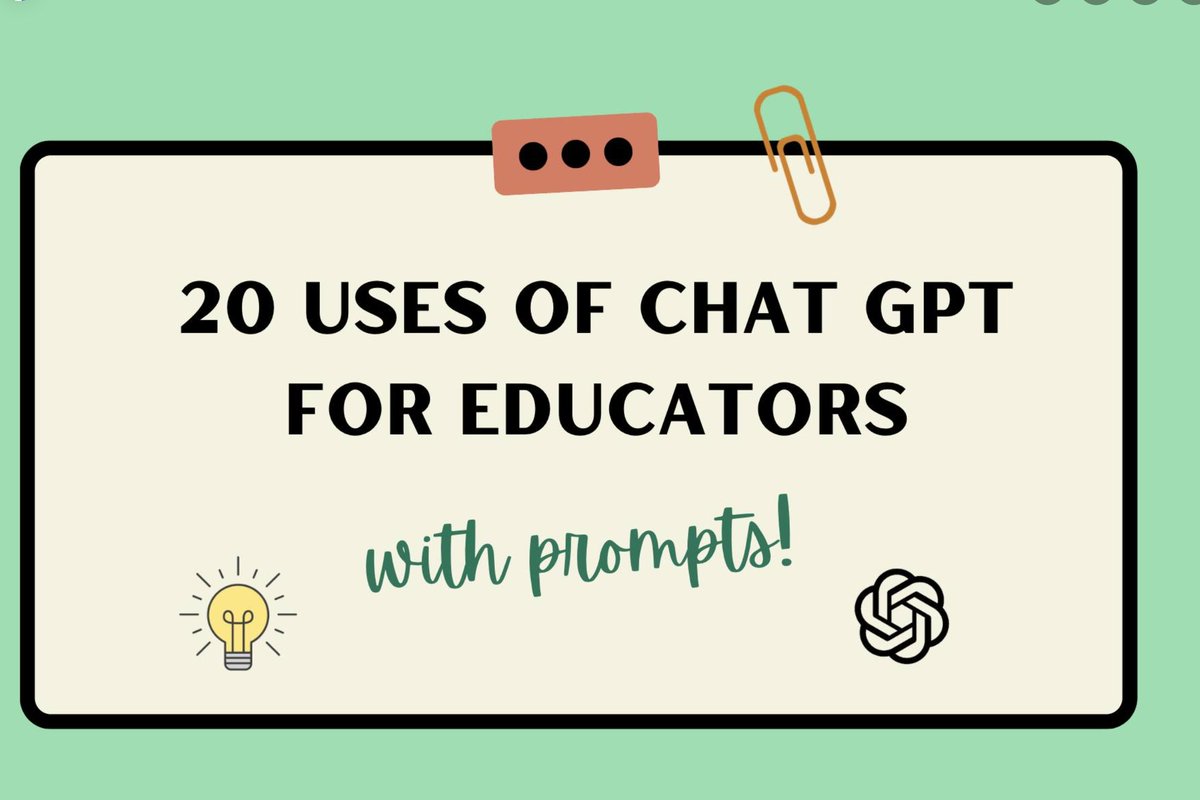
Here are some presentations I made: How ChatGPT can be useful to educators (with sample prompts included) and a Resources PDF that I use and refer to constantly. I hope they are helpful, feel free to use and share! https://t.co/WiygFnrLir & https://t.co/h6i4ac5L0N
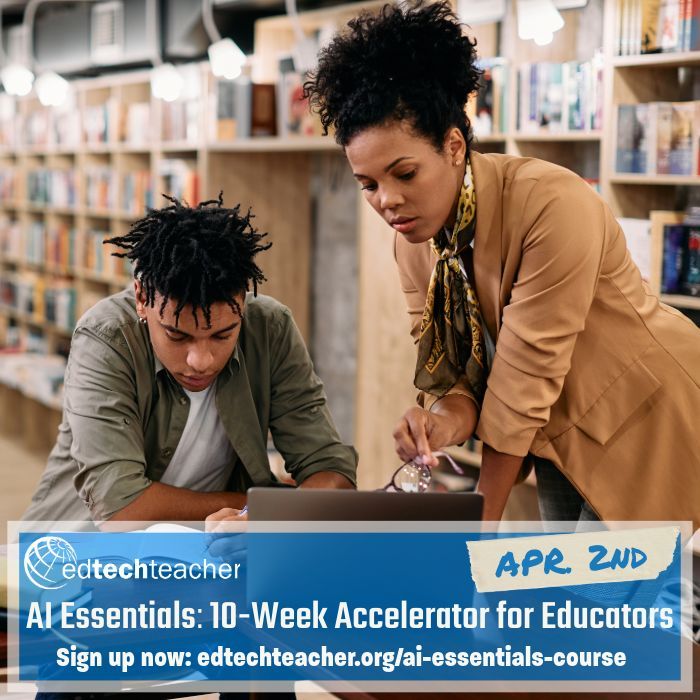
Are you an educator who is interested in learning about AI in Education, but don't know where to start? Well look no further. We have a one-stop shop with our AI Essentials course starting soon in April. #AI#AIinEdu#aiineducation
Info & sign-up: https://t.co/HZHptydMoU
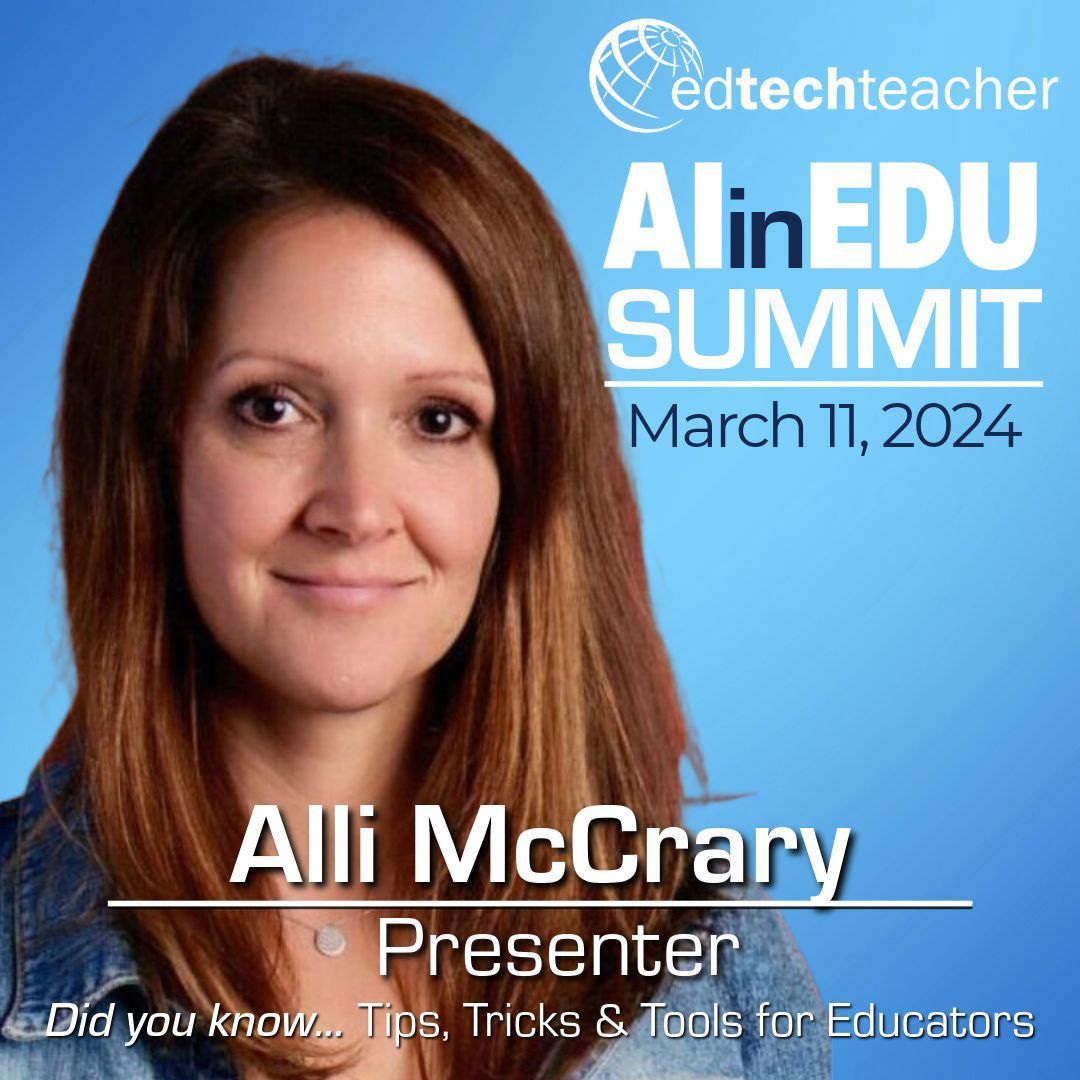
For our AI in Edu Summit, @AlliMcCrary99 will present "Did you know... Tips, Trick & Tools for Educators," a goldmine session of AI tips, tricks & tools that save time, increase productivity & invigorate teaching. #AIinEdu#AI#aiineducation
For details: https://t.co/RnJjrBohIS
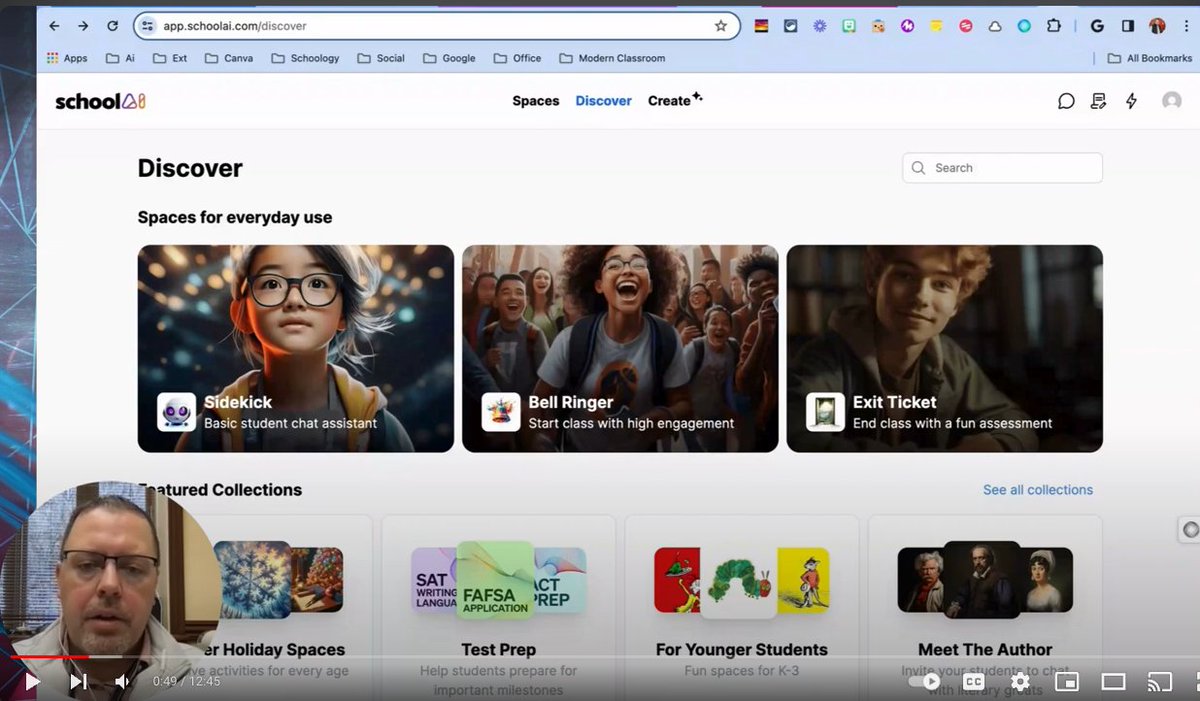
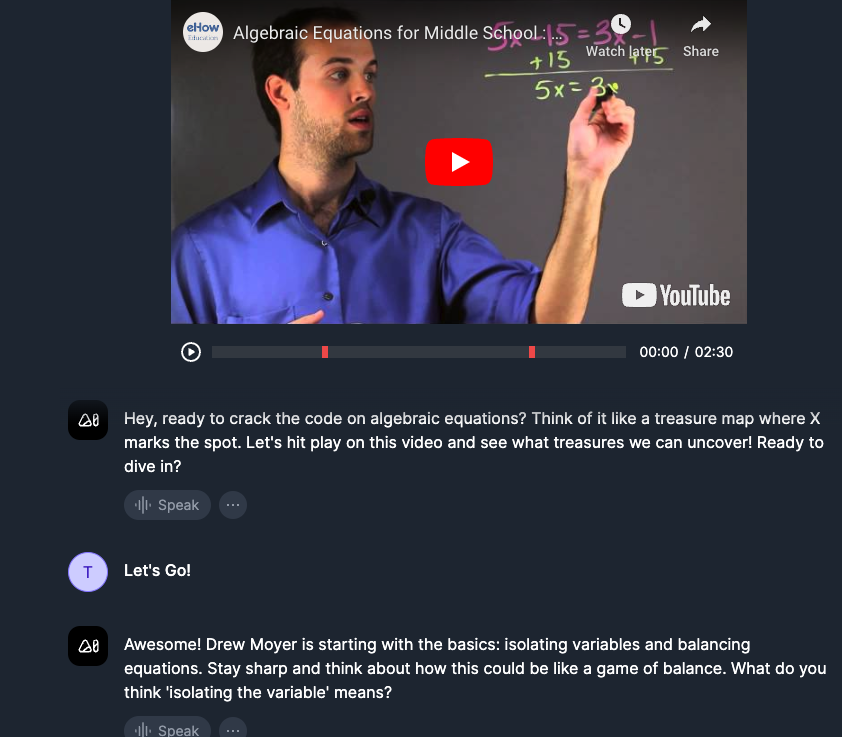
@GetSchoolAI launched a new feature: Video Explorer! Create a custom AI Space based on a YT video & the AI will pause the video at key moments, ask student comprehension questions & give feedback.🤯
https://t.co/KoXyeSrpS2 @AlliMcCrary99@CoachKarle@AnnaDyagileva1@kat_goyette
New obsession - https://t.co/km0G2TT37k. Now this is not perfect but just to show any #edtechnewbie out there how easy it is to create a #chatbot for Ss to use in class, here is a quick📽️. I used CtrlC + CtrlV to speed things along. Honestly..this easy! #AIclassroom
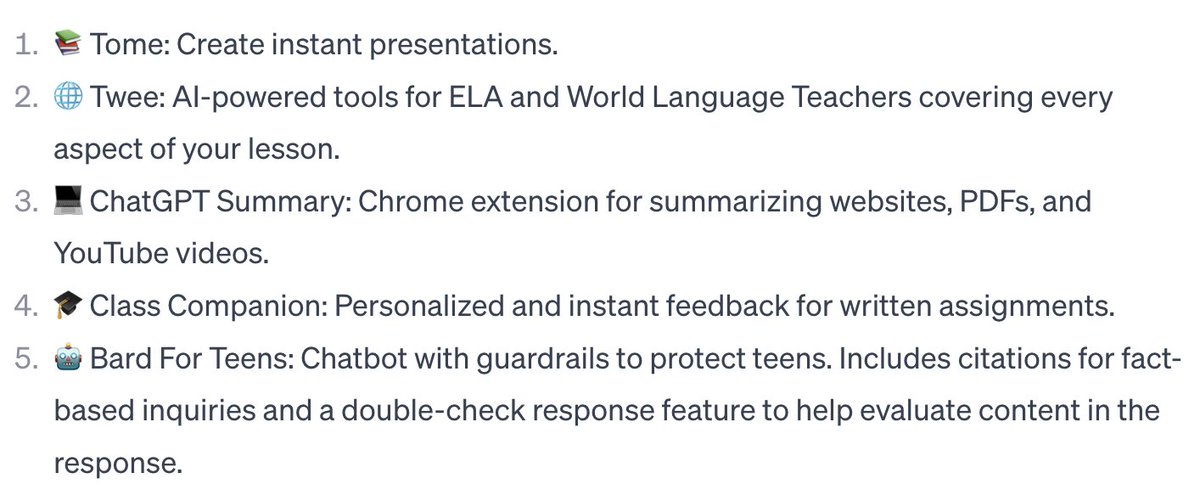
This weeks top 5! #Tome: Instant presentations. #Twee: #AI-powered tools for #ELA and #ESL teachers.#ChatGPT Summary: Summarize websites, PDFs, and YouTube videos.#ClassCompanion: Personalized and instant feedback for written assignments.#Bard For Teens: Chatbot with guardrails!
Educators in the US... you can have #AI find & analyze and visualize publicly available #data about your school and/or district. Check out #zelma@zelma_data
You can now generate AI videos directly in Canva.
And it's just as easy to create as images:
Write a prompt and it generates a corresponding AI video.
To access it, just follow these steps:
1. Create a new Canva design
2. Go to "Apps" in the left-hand menu
3. Select "Magic Media" then "Videos"
All you have to do is type in your prompt, and Runway (the technology behind it) takes care of the rest.
Here's a little trick you can use:
Adjust the angle of the video, for example
Prompt → "Aerial drone footage of a mountain range."
Prompt → "A low angle shot of a man walking down a street."
Obviously, the results aren't perfect, but it's very promising!
Feel free to follow me, I'll keep you informed of future developments.
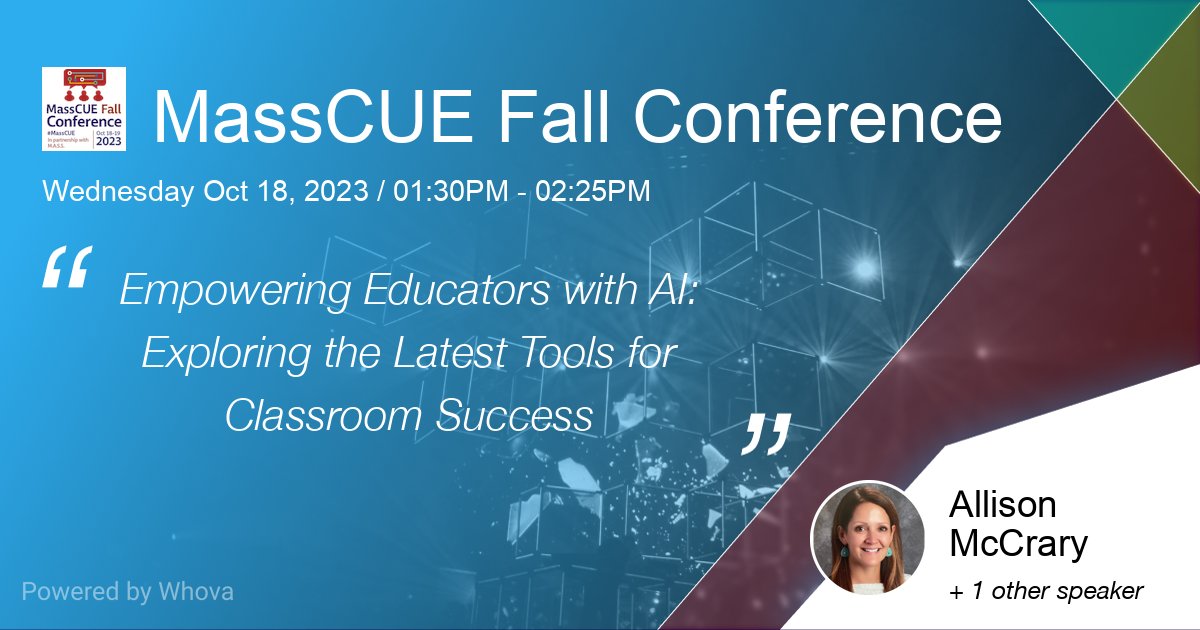
I am excited to be presenting at MassCue this year on my favorite topic of all...AI in Education! Hope to my Mass educator friends there. 🤖 #ai#education#masscue#edtech#edtechteacher
I'm attending How Generative AI Can Support Educators this School Year. Join me on October 4. https://t.co/B1uv5o3cKq
#edtech#ai#teaching # generativeAi
October sessions are now open!
https://t.co/JqD4w6b0Dp
"AI for Educators: Unlocking the Power of ChatGPT & Generative AI Tools" - is a one hour overview to help you feel comfortable using AI and start leveraging this technology to its fullest.
📷Sign up to pick your date!