I am building a Mac app named Shotlight to manage screenshots locally using built-in app intelligence to give screenshots better names, and lot of features to ease managing screenshots,
Everything is done locally without needing the internet.
Visit https://t.co/DFFLeMav4R.
I'm building Shotlight, a Mac app for managing screenshots.
It names each screenshot from what's in it, and ⌥Space finds any of them by a word you remember.
It's privacy-first: it all runs on your Mac and needs no account.
Working on improving this app to be one stop solution
@m_0_r_g_a_n_ Had to iterate multiple times to find the right naming algorithm; still a work in progress toward perfection.
But one interesting thing I found was to grab the app name when the shot is taken, not when the file shows up, as it takes some time to get the screenshot event
I am building a Mac app that helps you manage your screenshots more effectively by giving them a clear name as soon as you take a screenshot, using built-in Apple Intelligence
Do visit the pinned website for more info and feedback.
#BuildInPublic
@m_0_r_g_a_n_ Mostly from what's in it. It reads the text on screen, gives the biggest heading the most weight, skips browser tabs and cookie banners, and then Apple's on-device AI picks the name. The app is just a hint.
Claude extension refused to work on reddit. So, I made claude-unlocked-extension which makes Claude work on any website. Now it works perfectly on reddit without any blocking. link in comments
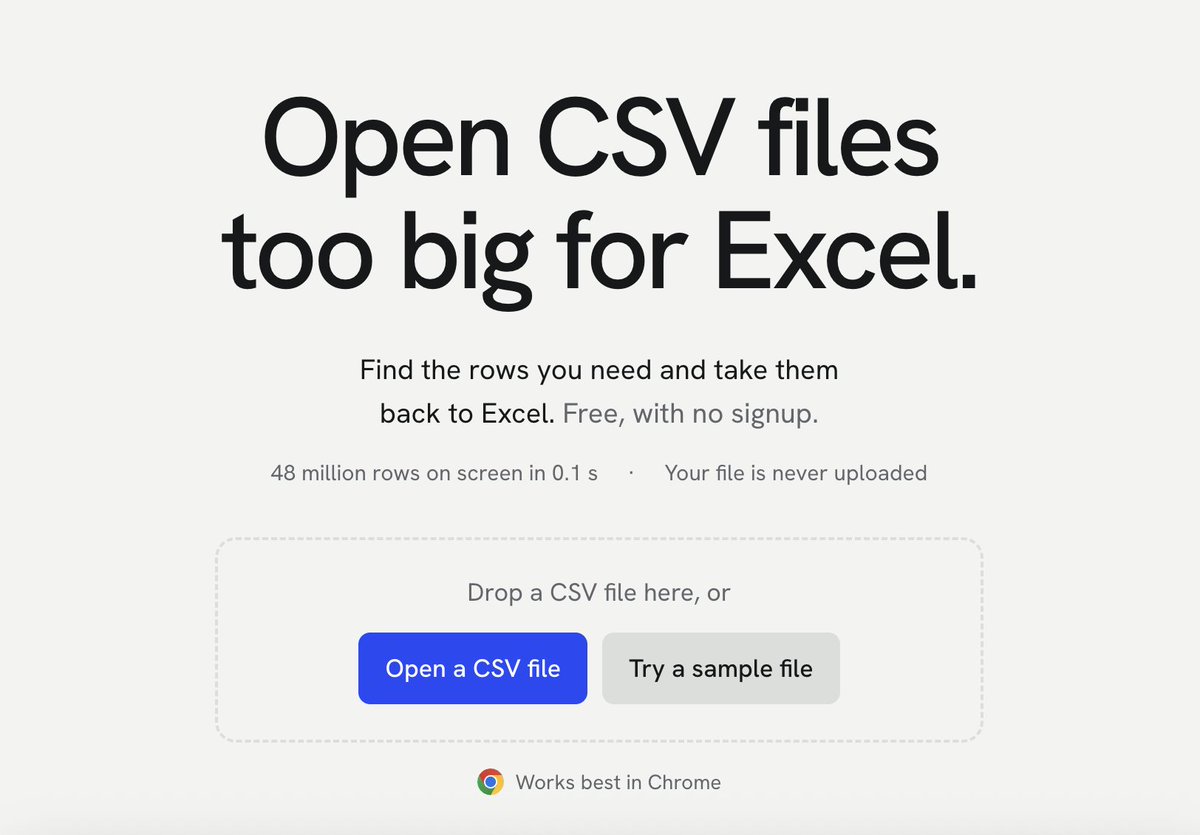
megacsv: my first project using Rust and WASM to view large CSV files (20 GB+) directly into browser.
it works offline and is open source too.
link in comments
@BlakeXu_ Agreed. Naming is half of it. In Shotlight, rules file each screenshot as soon as it’s taken. For example, a rule can say "from Figma, move to Design" or "trash after 30 days."
Hi, everyone
I am building a Mac app which helps you to manage your screenshots more effectively. Whenever you take a screenshot,
Shotlight uses built-in Apple Intelligence and gives your screenshot a better name.
The best thing is that your data never leaves your device.
Hi, everyone
I am building a Mac app which helps you to manage your screenshots more effectively.
Whenever you take a screenshot, shotlight uses built-in Apple Intelligence and gives your screenshot a better name.
The best thing is that your data never leaves your device.
Feature 4:
Rules file screenshots for you, written as plain sentences:
"When text mentions receipt → move to Receipts." "When the app is Slack → move to the Trash after 7 days"
Plus smart folders: save any search, or build one from conditions, and it fills itself.
My Desktop had 200+ files called "Screenshot 19... at 9.41.07 PM.png". I took every one because it mattered, and I could never find any of them again.
So I built Shotlight,a free Mac app that names every screenshot from what's in it, finds any of them by a word you remember🧵.
Feature 3
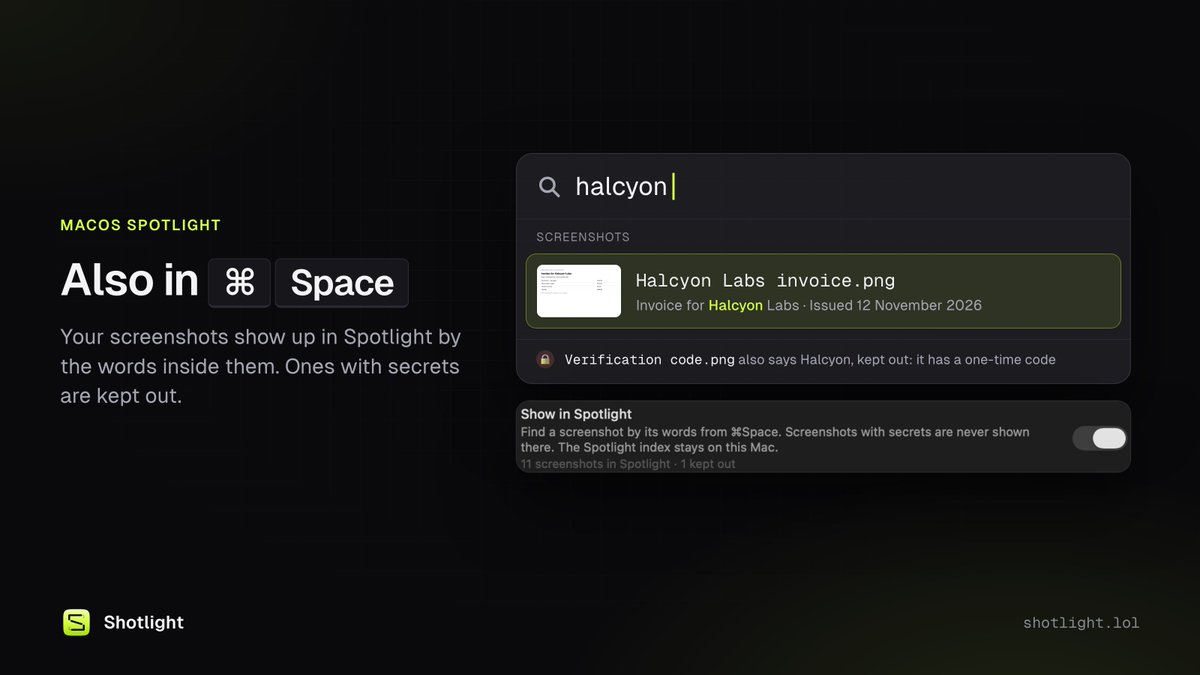
They also appear in macOS Spotlight.
Press ⌘Space, type "invoice" or a word from an error message and the screenshot is there.
Spotlight adds Finder tags code, receipt...) and never changes tags that you have set yourself.
https://t.co/DFFLeMav4R
#buildinginpublic