It’s a AnonZK Airdrop Time!
As announced in the latest Medium post, we prepared a big airdrop of $AZK To Our AnonZK Community!
Our team wish you all the luck ❤️
Follow the link to claim your airdrop
https://t.co/dodxsBKhK0
Gm anon,
You now have the option to purchase a prepaid Mastercard.
This enables you to make purchases where Visa isn't accepted.
Try now: https://t.co/r1sgR8mF35
#zk#eth#zkEVM
Gm anon,
#Polygon now available to use when off-ramping crypto.
You can now choose from either #BSC, #ETH or Polygon
Try it out today via https://t.co/r1sgR8mF35
#zkevm $AZK
Gm anon,
You can now use your visa cards in physical stores by adding them to mobile wallets like Apple Pay or Google Pay
Currently only available for US/CA phone numbers, looking to add support for more soon.
Off-ramp now at https://t.co/r1sgR8mF35
#zk#eth#bsc
How to add a card to Apple Pay?
Go to the "wallet" app and select the + icon in top right
Select "Debit or Credit Card"
Enter the card details
Confirm the SMS code.
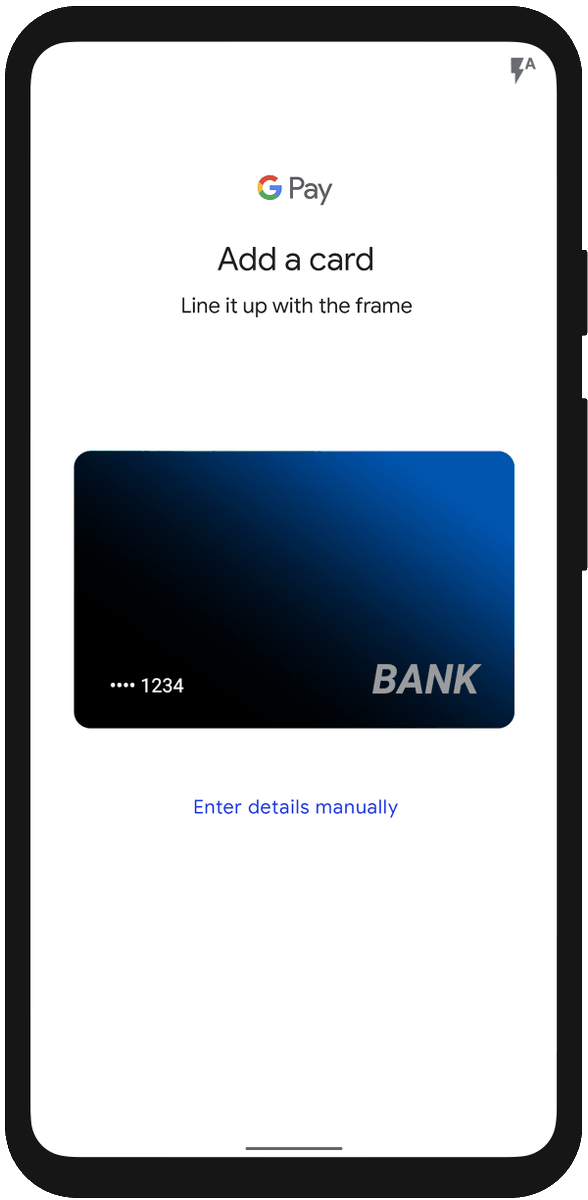
How to add a card to Google Wallet?
Open the Google Wallet app and select "Add to Wallet"
Tap "New Credit or Debit Card"
Confirm SMS code send to added phone number.
Now you can spend your cards in physical stores.