If you’re looking to set up or upgrade your cable internet connection, it’s always better to have a third-party modem over the ISP-supplied unit. Not only does it eliminate the equipment rental fee, but it also offers solid performance and flexibility.
@optimum charges a $10 monthly rental fee for its Gateway 6, which is not worth it considering its limited speeds, range, and customizations. If you want a fast and reliable router to replace it, you’re in the right place.
One of my friends recently moved to a large 5,500 Sq Ft three-story house with a garden and backyard. Since it is a very big house, many spots had zero wireless coverage. He tried to use WiFi extenders, but they didn’t work well.
Are the lights on your @NETGEAR modem blinking or flickering? If that’s the case then knowing the different lights, their states, and the ideal light color can fasten your troubleshooting process. In this article, I’ve listed down different modem lights with their meanings, ...
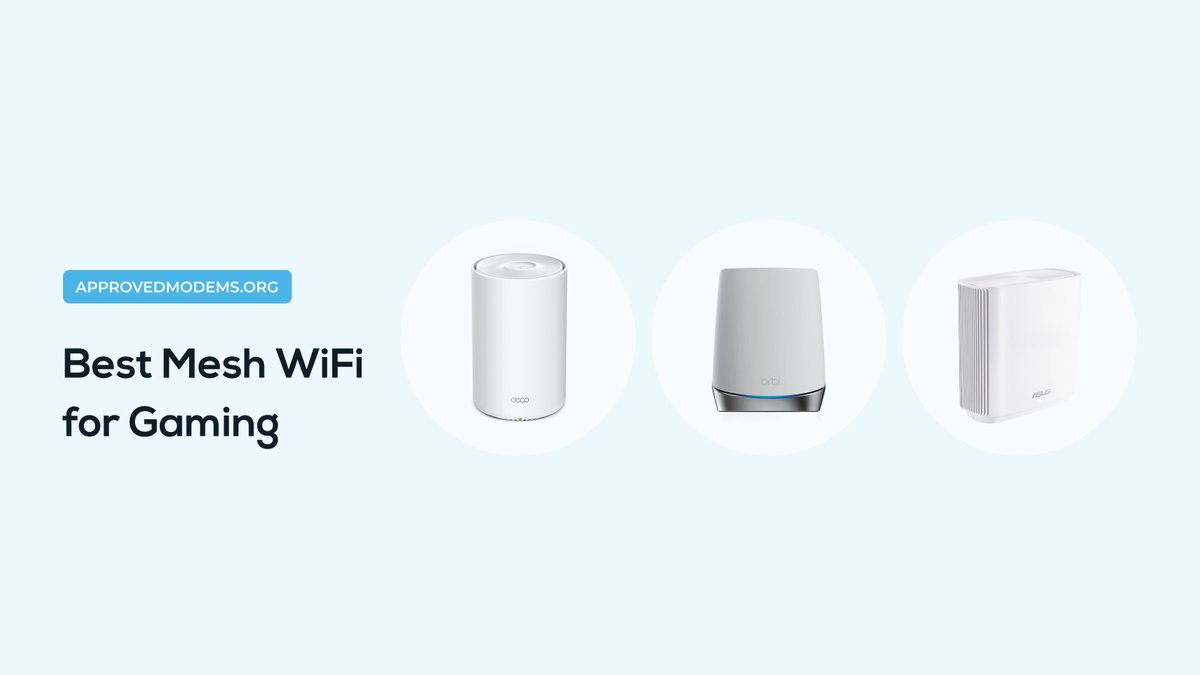
Are you a professional gamer seeking low-latency gaming at every corner of your large house? Are Powerline and MOCA not effective options for you? The best solution, in this case, is getting a mesh WiFi system that’s suitable for gaming. But which one?
Did you recently subscribe to @optimum? Do you feel the professional installation fee is a tad too much? I felt the same. But with a little patience, you can self-install Optimum internet as I did and save 100 to 150 dollars. Irrespective of your familiarity with networking, ...
TP-Link Deco X55 is a dual-band whole home mesh Wi-Fi 6 system. Its 2-pack variant is capable of covering large houses and brings some of the latest features to act for a smart home. With a speed capacity of 3000 Mbps, efficient hardware, and multiple ethernet ports, the AI...
Most @ASUS routers comprise 5-7 LED lights that indicate the status of your Power, 2.4 GHz & 5 GHz WiFi, connected USB drive, and LAN & WPS connections. The behaviour of these can vary depending on their function, with some remaining solid, blinking, and some even turning off
The blinking white light on the Verizon router indicates that the device is trying to boot up and should stabilize in some time. However, if it continues to flash and there is no internet, it means there’s an issue syncing or connecting to the FiOS network.
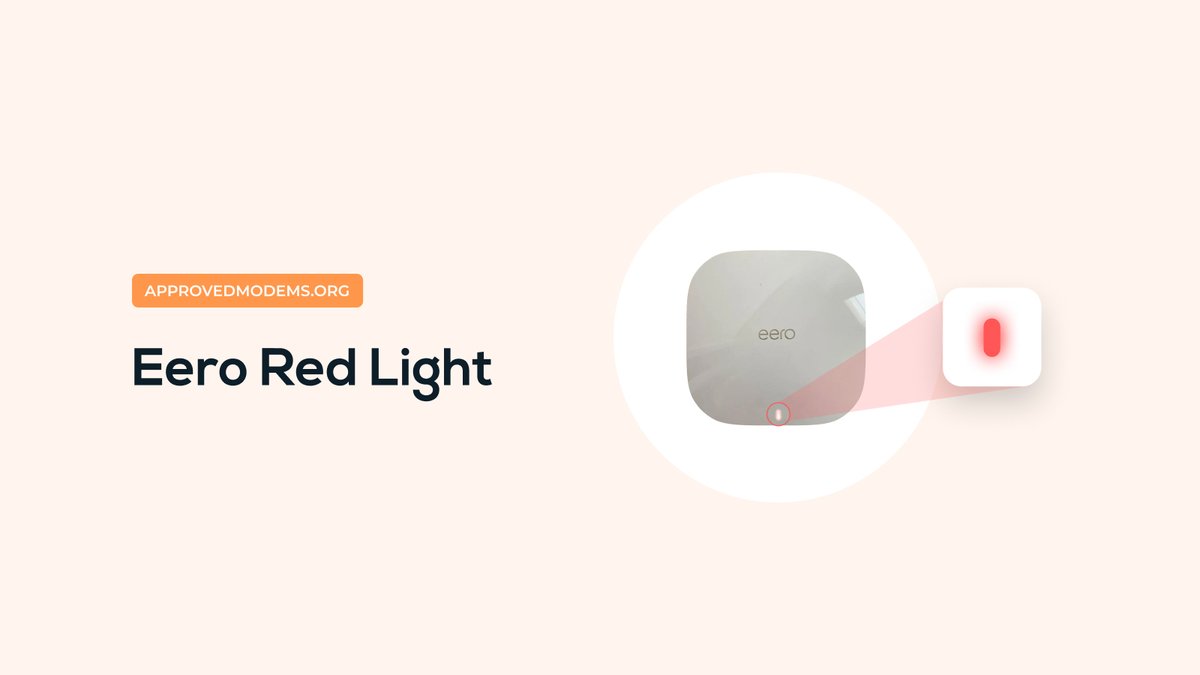
The red light on @geteero mesh WiFi indicates that it can’t connect to the internet and is currently offline. This can happen due to the internet being down or ISP under maintenance, or the cable connections between mesh nodes, modem, or ONT being loose or damaged.