You go to bed. An app you forgot about quietly keeps your Mac awake all night. Battery drained, OLED panel aging, fans warm in the morning.
Built MacRest to fix that. Catches the apps blocking sleep and lets you decide which ones are allowed.
https://t.co/xInznZhmSh
Use community shortcuts built by others to find inspiration and get started in seconds.
This is what your Mac was missing.
🔗 Download: https://t.co/z14guquiJ5
Radial 4.0 is out.
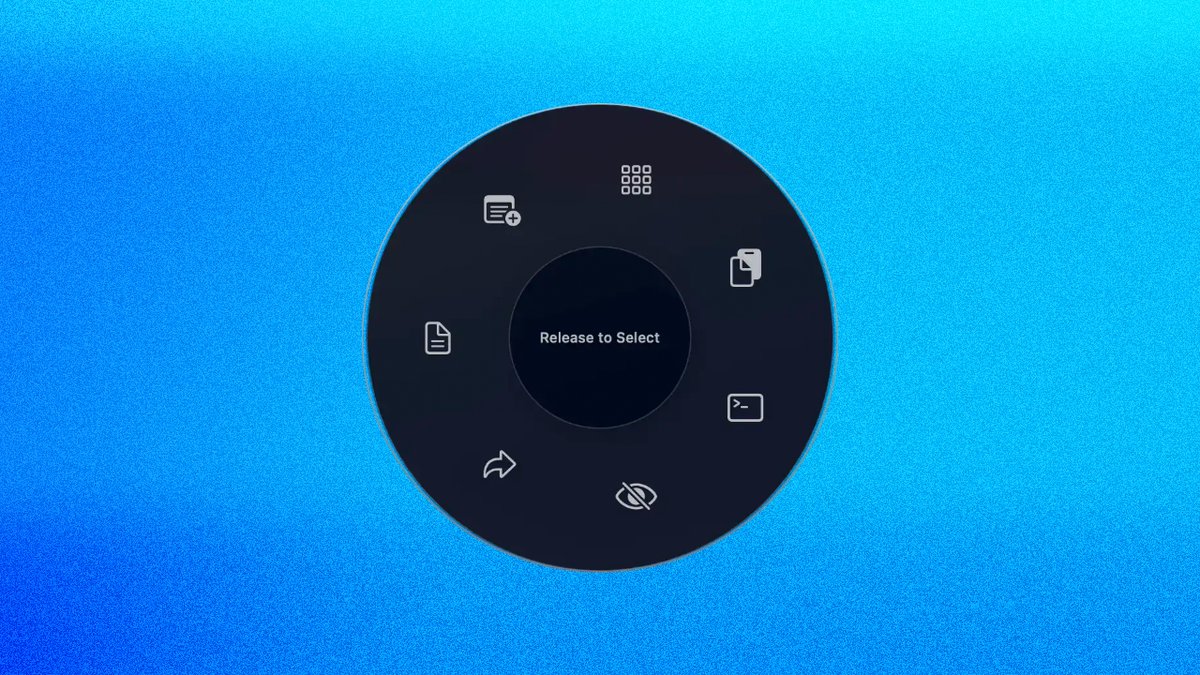
It's a pie menu for macOS that's always one gesture away, accessible from any app, anywhere. Build your own menus with shortcuts, bookmarks, text snippets, AppleScript macros, and automations. Switch between menus instantly.
#macOS#productivity#macapps
Radial 4.0 is out! Our biggest update yet.
Community shortcuts, a Discover page, sub-menus, new trigger gestures, Liquid Glass, new actions, and a completely redesigned interface.
Radial 3.0 is out.
New unified menu, window management, dynamic text snippets, templates, custom icons, full UI redesign, auto updates and more.
The biggest update to Radial yet.
Tired of repeating the same tasks over and over on your Mac?
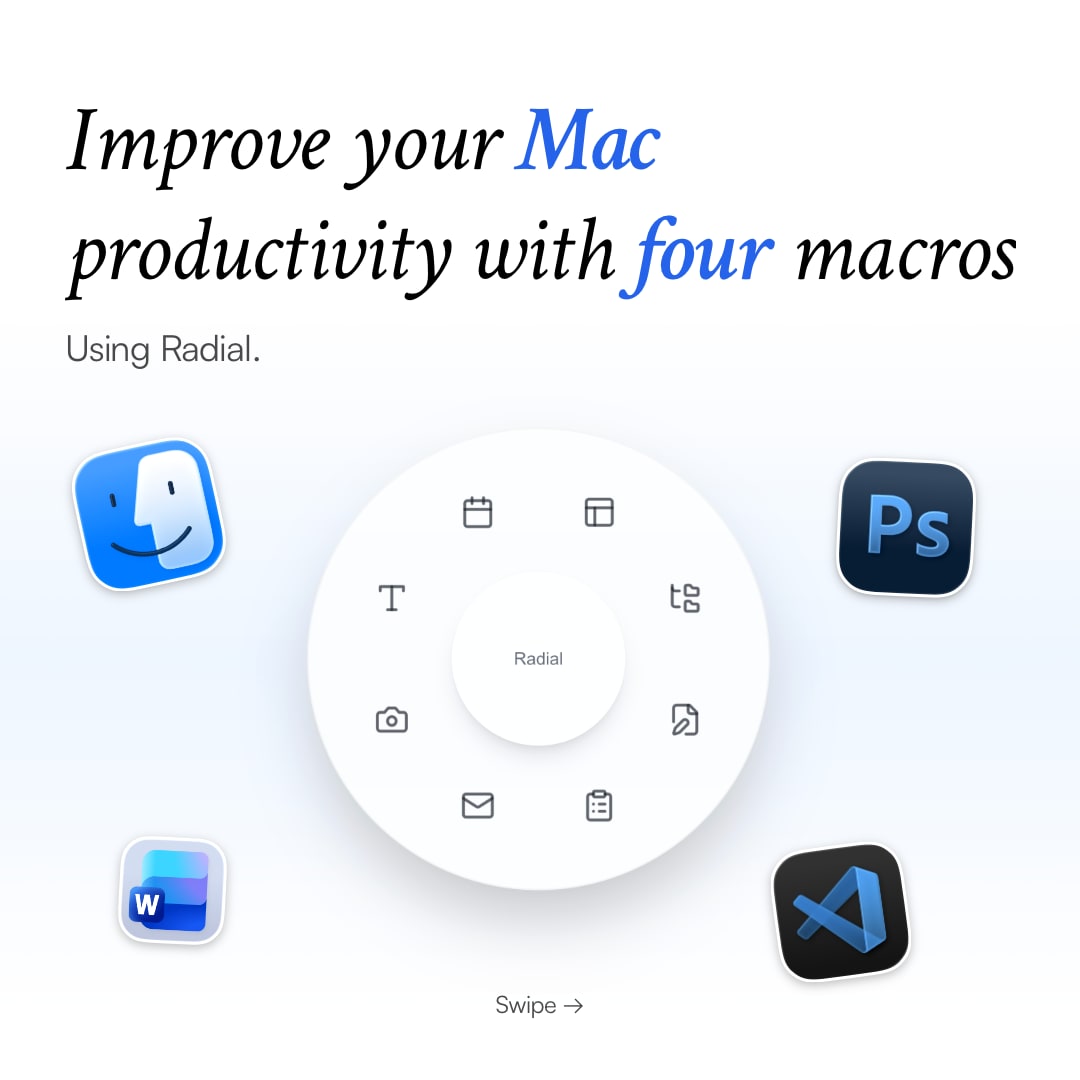
Radial helps you automate repetitive actions with a pie menu at your cursor.
Here are 4 Finder macros that can save you a ton of time every day:
Renaming 20 files one by one is tedious
We built Radial to fix this: turn any repetitive task into one gesture
Batch rename, export routines, canvas setups. If you repeat it, automate it.
Comment "link" to get started
#macOS#ProductivityTips#LifeHacks#Automation
You can automate literally anything on your Mac with Radial's macro editor and nobody's talking about it 🤯
App-specific workflows, custom shortcuts, all triggered from one radial menu.
#macOS#Productivity#Automation#LifeHack