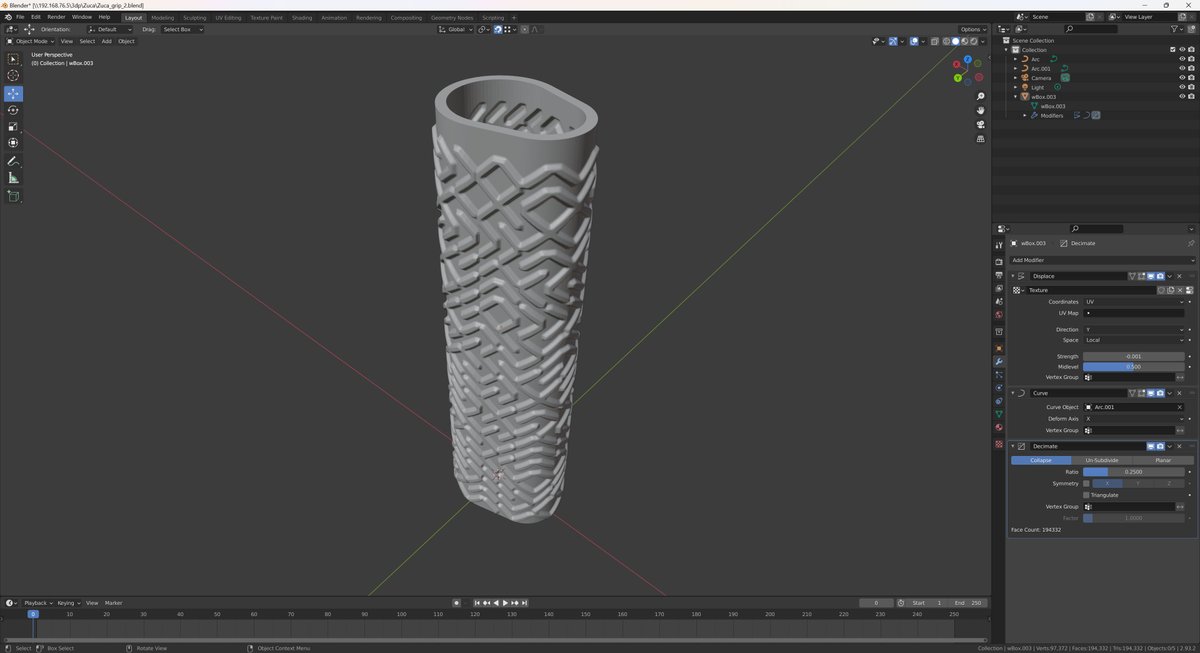
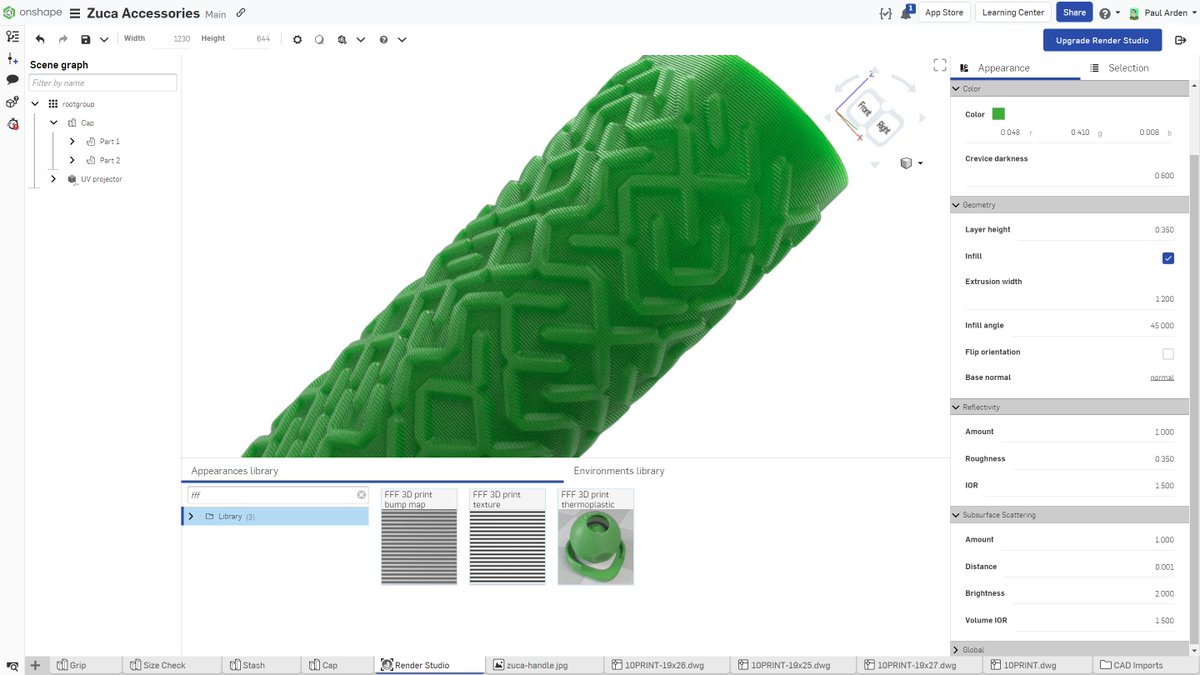
Had lots of fun adding this new feature to @Onshape Render Studio for the latest release. Purely appearance based so not from G-code. While it won't be as accurate or show things like infill you can use it directly with your model to get a feeling for how it will look 3D printed.
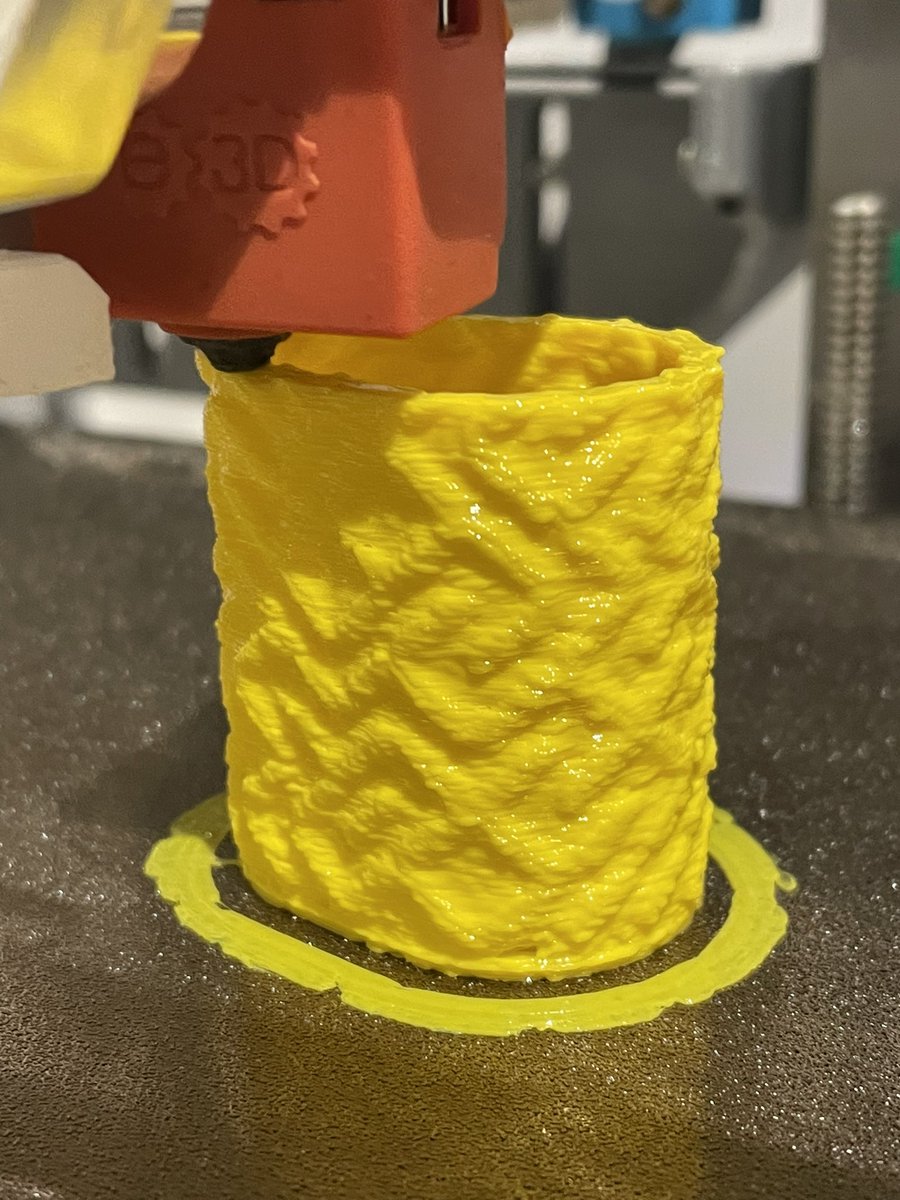
TIL you can get fuzzy skin mode for free if you don’t dry your TPU well enough :-) was drying for quite a long time but then again was stored badly for even longer so it was probably beyond saving easily.
@Lowry3D Currently no cooling but if I were printing longer layer times I would turn the fan on at some fractional amount. In general my strategy is when I think I’m printing TPU too slow half the speed again :-) Of course drying is the other big thing.
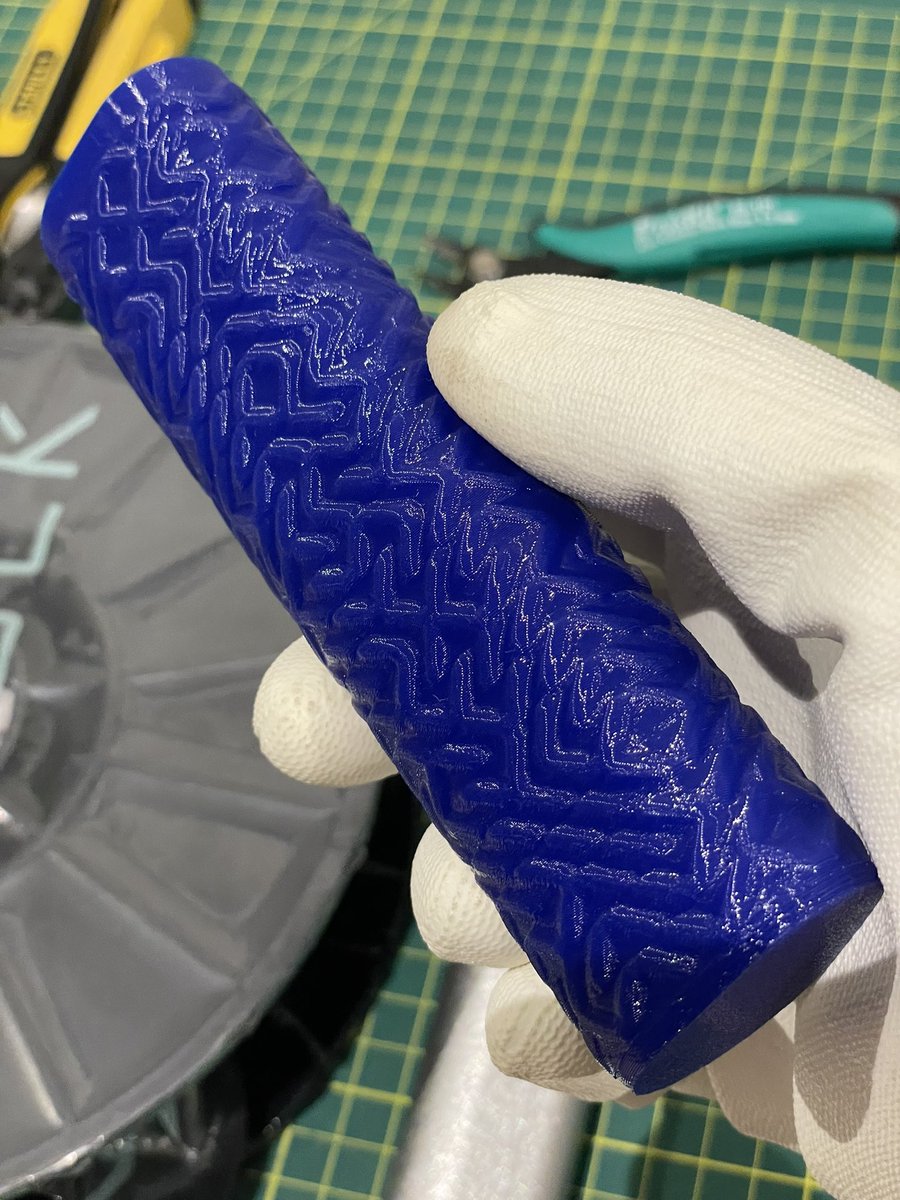
Printed with a 1.2mm nozzle in NinjaFlex 85A, so its about 2.4mm thick on the walls, quite comfortable. Have to print super slow though, even with the Hemera, its just to fast a layer time otherwise.
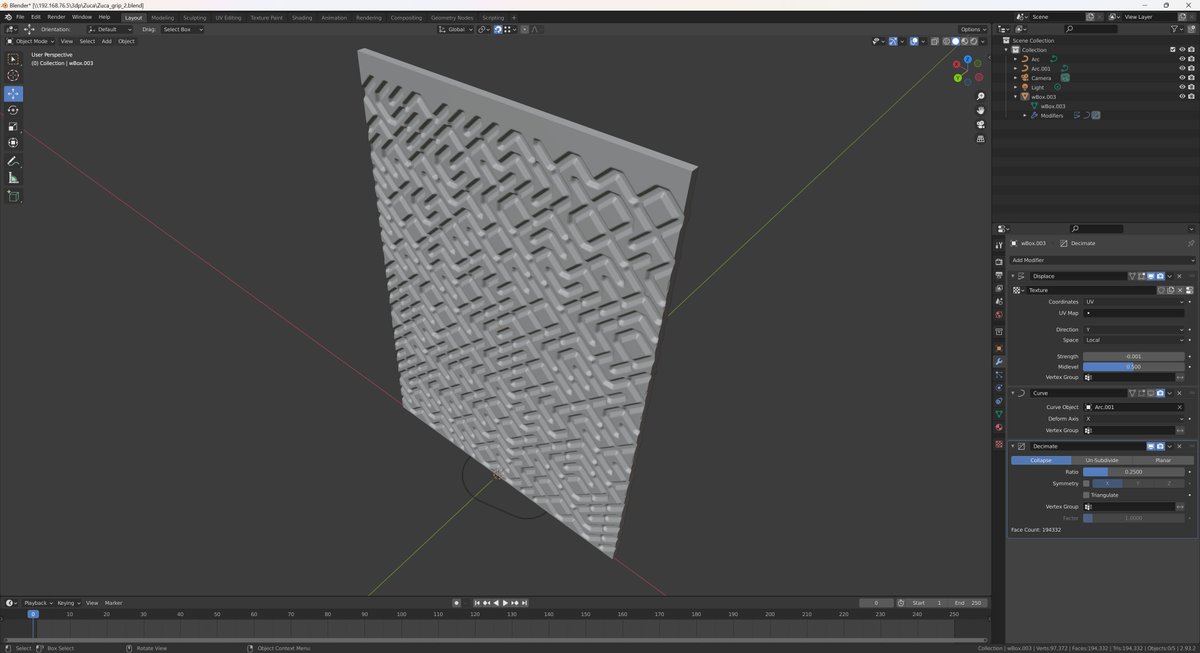
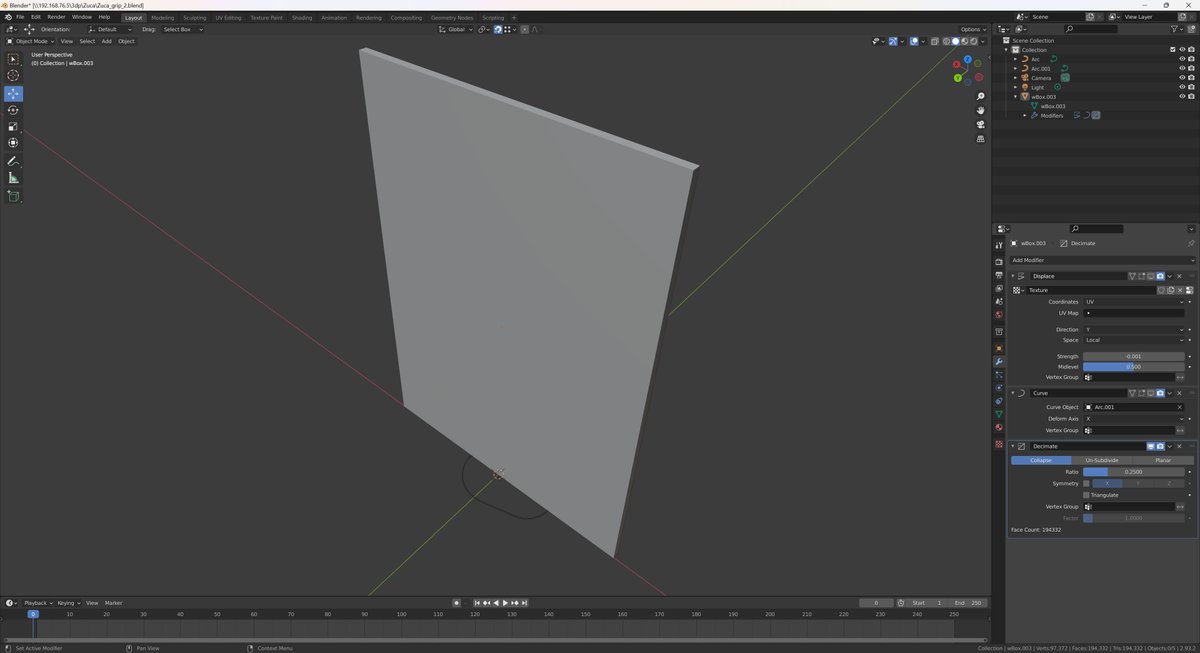
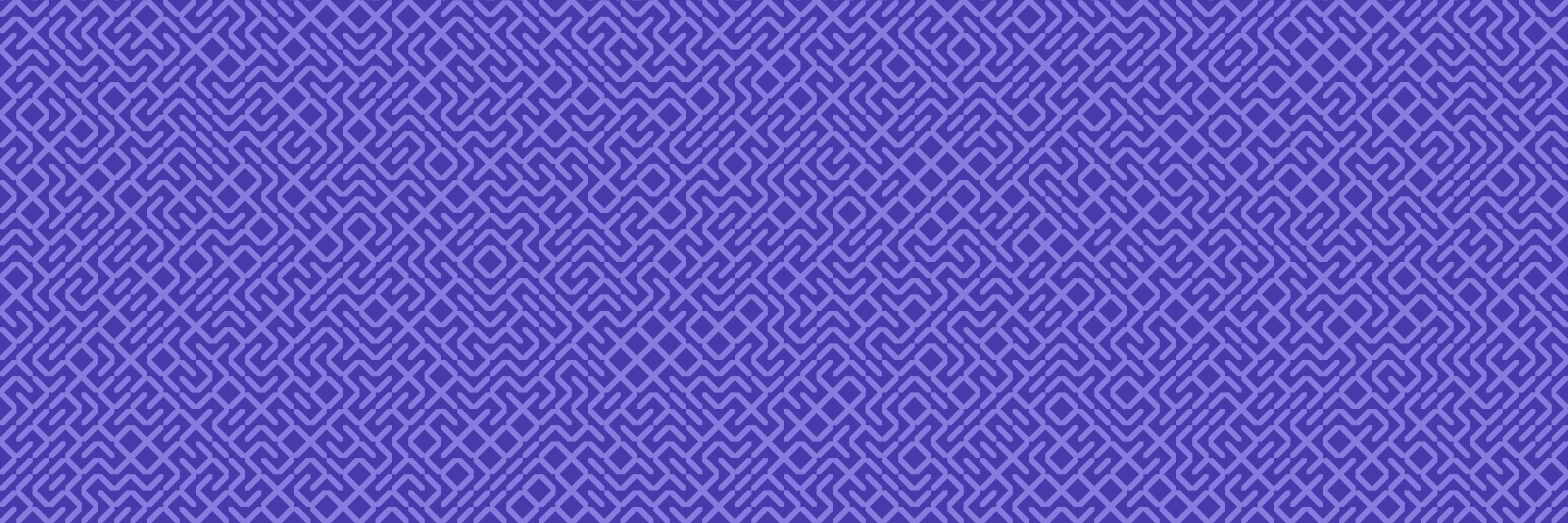
So a very carefully setup wBox gets displaced by a texture from a 10PRINT SVG generator I put together, then bent around the curve of the shape of the grip. It's just a hair short of closing the loop so when you put it in PrusaSlicer and set it up for vase mode, it has no travel.
@greghuber@Siboor3dprinter With the new tophat is there a bit more headroom? That was my main issue with the 0.1 and had to add a “belt” to get enought clearance.
@geerlingguy I always prefer a debugger, but a lot of the time there is a lot of overhead in getting it going and I end up resorting to printing stuff out.