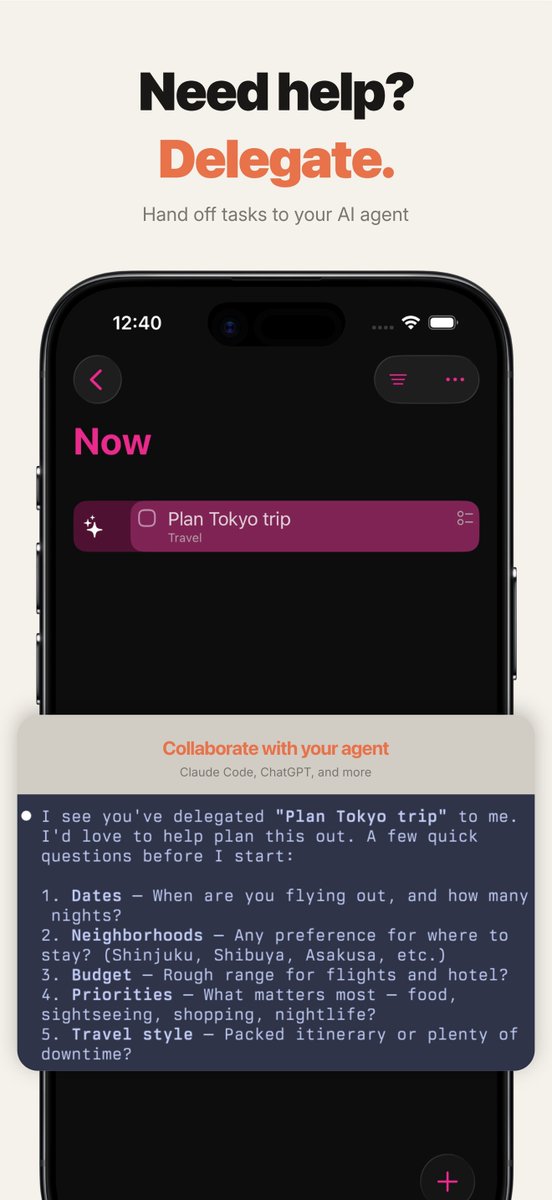
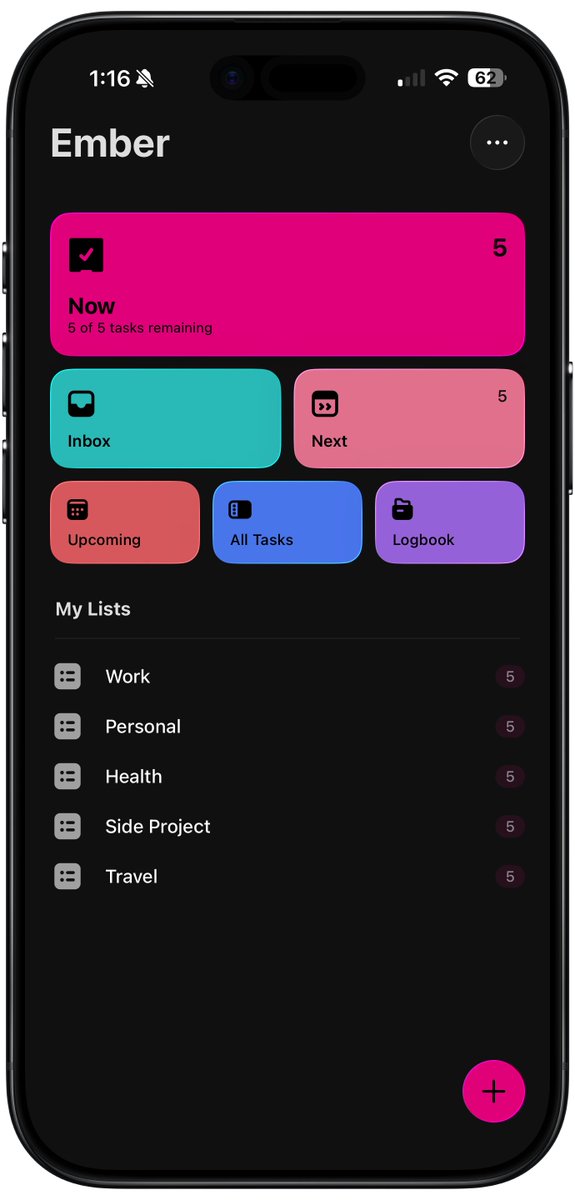
Ember comes with real-time sync, so your devices stay in sync without any delays. Changes from your agent are reflected immediately. There is no lag. You don't have to worry about waiting a few minutes for your system to update. Everything is in real time.
By the way, the Mac application is in progress, and the beta will be available soon for all registered users.
Try it for free - https://t.co/AAjBfYgECh
Why I built Ember: I was trying to use all the task management applications with their MCPs, connectors, etc., but I always ran into challenges because these applications give so much flexibility and control. That worked before, when humans were coming up with their own systems, but it also means I have to be really vigilant, or nanny my agent, to ensure it follows my system, instead of giving it all the controls and knobs, which could lead to a different structure that doesn't work for me.
Ember comes with its own opinionated take on what a system should be, especially for me or anyone who has had these challenges around the wall of shame or ADHD, where you create the perfect system and, since it's new, you stick with it for a few weeks, but then it starts piling up. Now I'm not burdened by refining the system, and I'm not worried about babying or nannying my agent when I ask it to create things for me. Best of all, I can just delegate the tasks to an AI agent while I'm in the process of adding them to Ember, and I know the agent will check with me to get more clarity on the task before executing.
Also, to keep things fresh, I included themes and fonts to make it truly my own, and so anyone else who wants to use it can make it their own too.
Try it for free - https://t.co/AAjBfYgECh
And connect it to your favorite agent - https://t.co/K3c7xRLPE7
GPT 5.5 on high and extra high is pretty good, but I find myself using medium quite frequently because it keeps me in the flow when I'm using it with the fast mode and I feel more productive this way. But if I have something that I can hand off completely like a goal, then high or extra high, depending on the task complexity, is what I use.
iOS: https://t.co/hT5xQE4kJS
Free trial. Try the reset for a week and see what happens.
The app remembers your repeating tasks, subtasks, and lists. You don't have to look at them all at once.
Most task apps quietly turn into walls of shame. Yesterday's unfinished tasks pile up under today's new ones. You open the app on Monday and the first thing you see is what you didn't do last week.
Yesterday's leftovers don't get to decide what matters today. You do.
Your Now stays small on purpose. Next is a holding area where things can sit until they're worth pulling forward.
The more I'm using AI, the more I feel using analog tools like my pen and paper. It helps me think through and slow down before I get to Codex or Claude.
iOS: https://t.co/hT5xQE4kJS
Works with any MCP-compatible agent. I use Claude.
Built it because I wanted my agent to read from my todo list. Not write to its own.
Your todo list and your AI agent live in different apps. So most of the time, you forget you have an agent at all.
Research you could offload. The trip you're planning. The summary you keep meaning to ask for. They stay in your head.
The agent gets better when the system around it is simpler. Two views and explicit handoffs leave less room for interpretation.
Keeping the product simple is what makes the AI usable. Stack on more features and you get a black box.