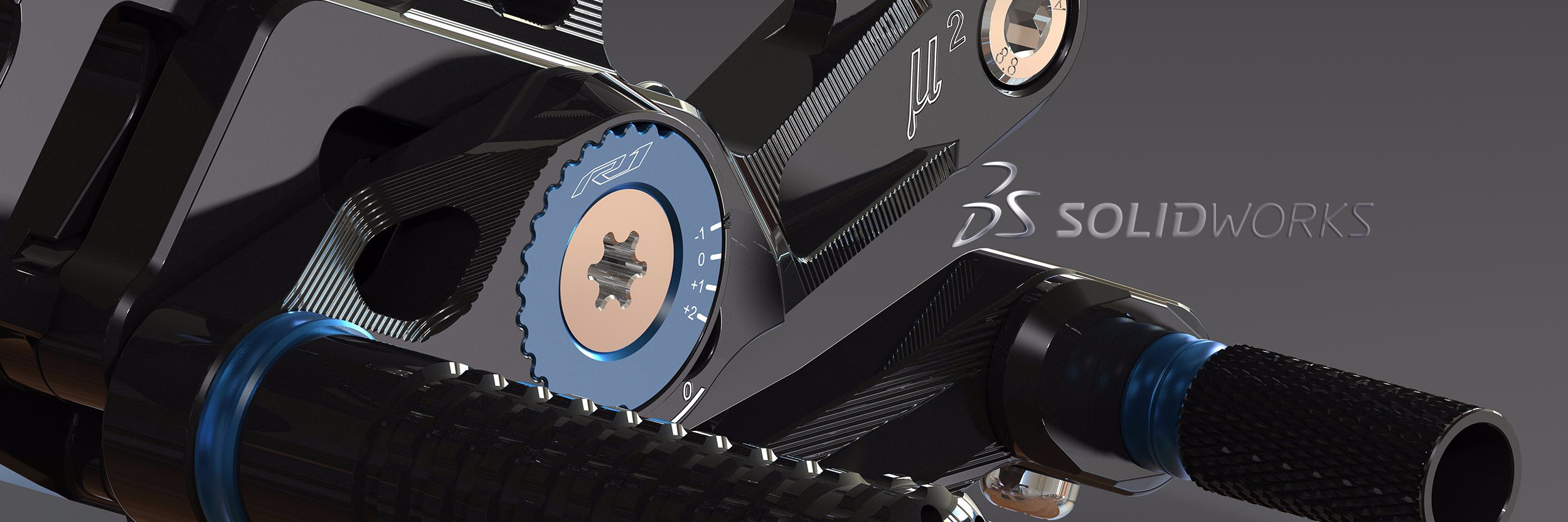
3D Motion Creator is an easy-to-use, Browser-based solution that offers kinematic and dynamic motion capabilities to evaluate and validate your CAD-design.
Here are 10 examples - turbo fast - where things are moving.
#3DMotionCreator#SOLIDWORKS#3DEXPERIENCEWorks#Simulation
Yesterday was the day: 10.000 https://t.co/HwhoO54UAD SOLIDWORKS members.
For >20 years, people have been helping each other and sharing their experiences.
Thanks to the https://t.co/HwhoO54UAD team!
10.000 thanks for the many valuable contributions
@CADdeCommunity#SOLIDWORKS
Great Graphics-Performance Improvements in SWX2023SP2.1
+ When using a 3D-Mouse
+ When toggling between Shaded and Shaded with Edges
+ When using the Shortcuts for View Orientations
(The example assembly has >86,000 Parts, and ~210,000 Bodies and several million Silhouette Edges)
This night was changed to daylight saving time; fortunately our #SOLIDWORKS Watch can do this automatically. Since version 2015, VBA variables (like day, weekday, hours, minutes, seconds, etc.) can be used directly in equations.
#3DEXPERIENCE#CATIA Natural Shape is perfect for modeling on imported parts.
With the Automatic Feature Recognition and the Direct Editing commands, you can quickly modify the geometry. Thanks to the parameters created, subsequent changes are very simple.
Do you like to work productively and quickly with SOLIDWORKS?
Do you appreciate the ingenious and ergonomic user interface?
Comparison 3D Creator xDesign in 140 Sec.
The big advantage of 3D Creator:
Ready to go in the web browser on any device.
#SOLIDWORKS#xDesign#3DEXPERIENCE
Do YOU remember?
You can upload and share with the App 3DDrive directly from #SOLIDWORKS PDM to the Cloud using #3DEXPERIENCE Platform and the Collaborative Business Innovator Role.
@swpdm
GILLES: Our customer builds the best products that combine functionality and design, based on the highest quality materials and most precise machining.
@gilles_tooling#SOLIDWORKS#SWVisualize
#xShape
Create organic shapes and complex surfaces easily with a cloud-based subdivision (Sub-D) modeling solution that runs on the #3DEXPERIENCE platform and works seamlessly with #SOLIDWORKS.
Here a short teaser:
Body Compare and Difference Volume.
This new innovation in #SOLIDWORKS 2020 facilitates work in the areas of reverse engineering and 3D printing.
One customer has already given his feedback.
#SWX2020LAUNCH#SOLIDWORKS2020#sw2020
Do YOU remember?
#SOLIDWORKS RealView has been around for 15 years, the first version was released in 2004, 2007 Enhanced RealView and 2008 Next Generation of Realism.
The advantages: In many cases, complex rendering is no longer required.
#3DEXPERIENCE Social Collaboration Services for #SOLIDWORKS customer
Enable your teams to collaborate online quickly and easily so you can share content directly with members of your organization throughout the design process in real-time.
https://t.co/H0J8XS36jA
Interesse an modernster Softwaretechnologie?
SOLIDWORKS Visualize
Kommen Sie nächste Woche nach Hannover in die Halle 6 / K30
#SOLIDWORKS#HM19#HMI2019#SWVisualize
Interesse an modernster Softwaretechnologie?
SIMULIA Structural Simulation Engineer
Kommen Sie nächste Woche nach Hannover in die Halle 6 / K30
#SOLIDWORKS#3DEXPERIENCE#HM19#HMI2019
Do YOU remember?
Defeature with Silhouette Method = Tight Fit Outline
Valuable innovation in #SOLIDWORKS 2019
Application Case: Pull one body from another by one projection direction.
Until now, this was only possible by manually removing the undercuts.
d