Find out if your tracking is lying to you. Free GA4, Meta Pixel and Google Ads tracking audits for ecommerce, with fixes and monitoring. Built solo in the UK.
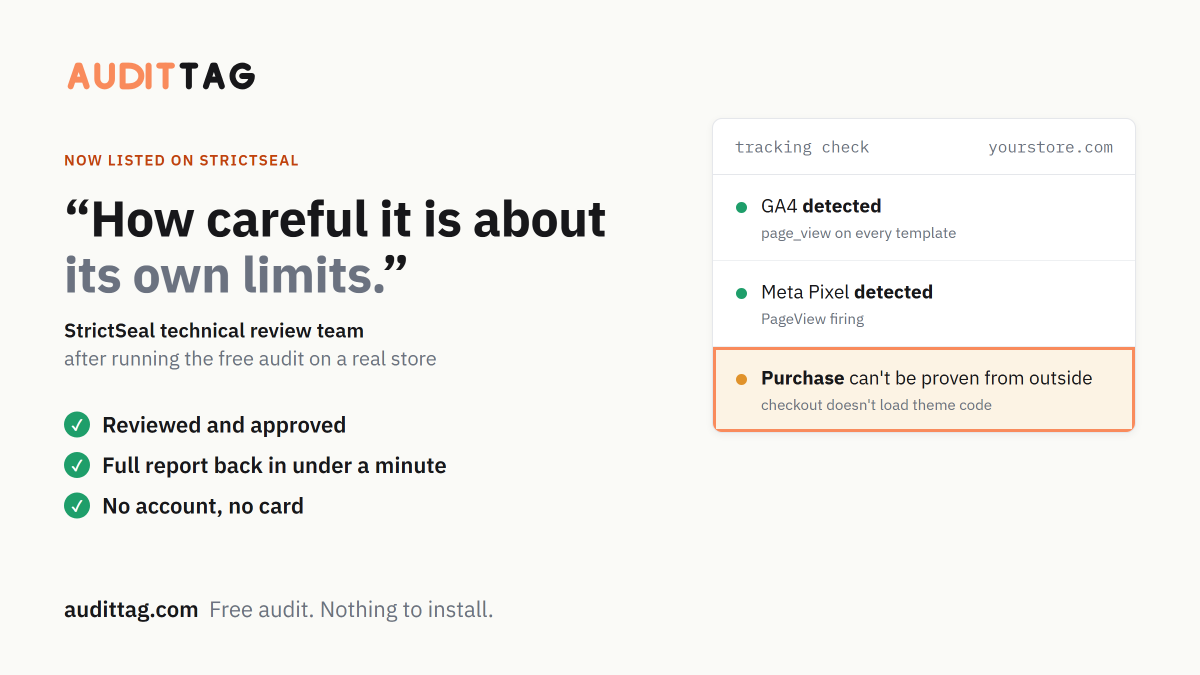
We are now listed on StrictSeal!
Their review team ran the free audit on a real store and liked that it tells you what it can't see, like whether a purchase actually fires.
That is in the report on purpose. Free at https://t.co/0nMi8z9eyM
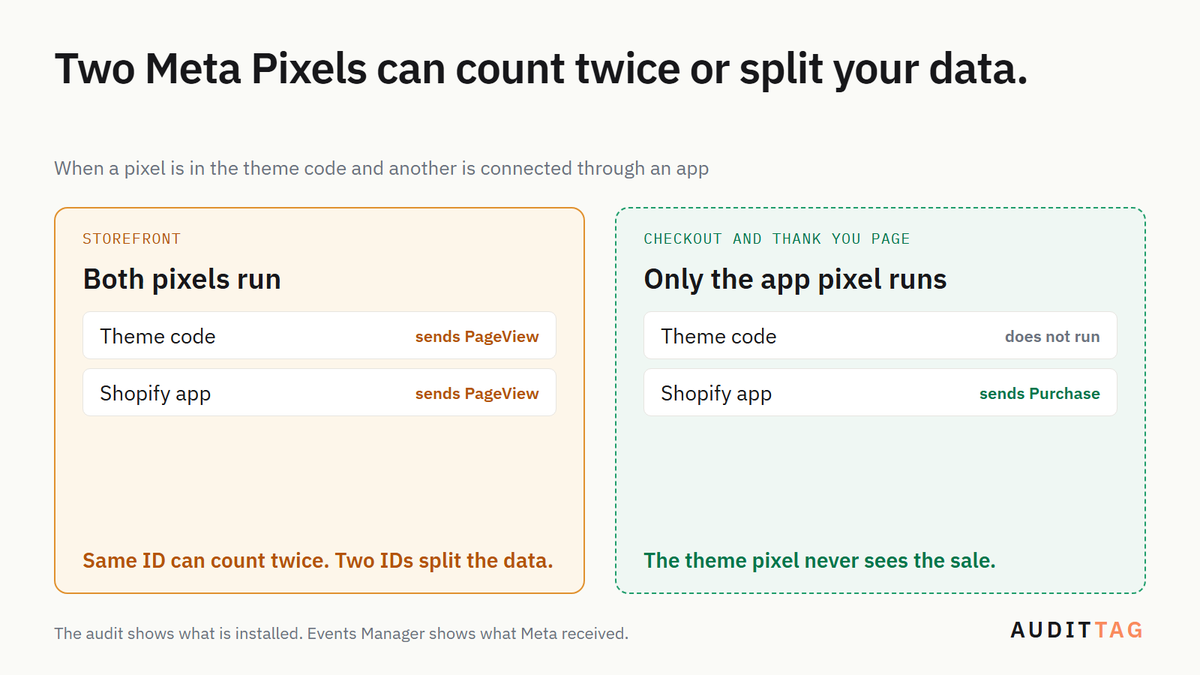
If there are two, keep the app connection, since it covers checkout, then remove the theme pixel. Check which pixel your ads use first.
Send me your store address and I'll reply with whether you have one pixel or two. Free, and nothing gets installed.
If Meta reports more activity than your store really had, one thing to rule out is a second pixel. It's common on Shopify and nothing looks broken.
Here's how it happens, using a made up store so I can show all of it.
To check, compare the pixel ID in your theme code with the one under Settings and then Customer events in Shopify admin.
Then open Test events in Meta, load a page on your store, and see whether one PageView arrives or two. A test order shows the Purchase.
If both are sending, keep the app connection, since it also covers checkout, then remove the theme snippet.
Send me your store address and I'll reply with how your GA4 is installed. Free, and nothing gets installed on your store.
GA4 installed twice can make one page view count twice. It's an easy mistake on Shopify and nothing looks broken.
Here's how it happens, using a made up store so I can show all of it.
To check, search your theme code for your GA4 ID that starts with G, and open Settings and then Customer events in Shopify admin to see which apps have a pixel.
Tag Assistant or DebugView in GA4 will show two page_view events for one page load if both are sending.
If you run a Shopify store, send me the address and I'll reply with what the free audit finds. Presence level, no account, and nothing gets installed on your store.
Or run it yourself at https://t.co/0nMi8z9eyM
Two copies of GA4 on a Shopify store can count one page view twice, so pages per visit look better than they are and nothing looks broken. Usually it's the theme plus an app.
Send me your store address and I'll reply with how your GA4 is installed. Free.
What our 100 store research doesn't show.
It doesn't show these issues cost anyone traffic or sales. It's 100 stores on one day, not all of Shopify. And a store counted as clear may still have the issue on a page we didn't read.
"No analytics detected" can mean two very different things.
The store measures nothing. Or it measures through a setup the page doesn't show, like a server side container on its own domain. From outside the audit can't tell which, so it says what it didn't see and stops there.
The most expensive line in a theme is often a leftover noindex.
It gets added while a page is being built, nobody removes it, and the page stays out of search. Sometimes it's meant to be there, so the audit reports it and never changes it.