Thank you very much for all the support, follows & retweets over the years! 💐
Mrs Ramanandi will be taking over this account as new Head of Computer Science @bristol_free as Mrs Sherman leaves for a new challenge as Assistant Principal in a new school #lovecomputerscience
@MrMountstevens We had everything prepared by June 8th - all marks entered, gave hard copies of the assessments to exams office and digital copies stored centrally - and all evidence has been scanned ready should an appeal be made. Nothing else needs doing by HoDs or teachers.
🤔 Hmmm...this looks right, doesn’t it? We’ll give you a hint - the result is meant to be 36!
Can you find the error in the #python#code? Comment your answer below!
Submitted our entry to the 2020-21 @FutureFound@AWS App Competition today! 🤞 so proud of the team for working on their entry remotely throughout lockdown and following return to school 😀 Fantastic teamwork, resilience and winners in my eyes 🥇@bristol_free
Thank you to everyone for your support with our new "unscripted" series. The next episode, "childhood memories" where we reminisce about our earliest experiences of computers has been recorded and will be released on Monday at 4pm. The second part follows the week after.
@WomenWhoCode Assuming in Python 😊
Line 2: Colon instead of semi colon
Line 3: either both " or both ' around Small - not one of each
Line 4: lower case p and no full stop
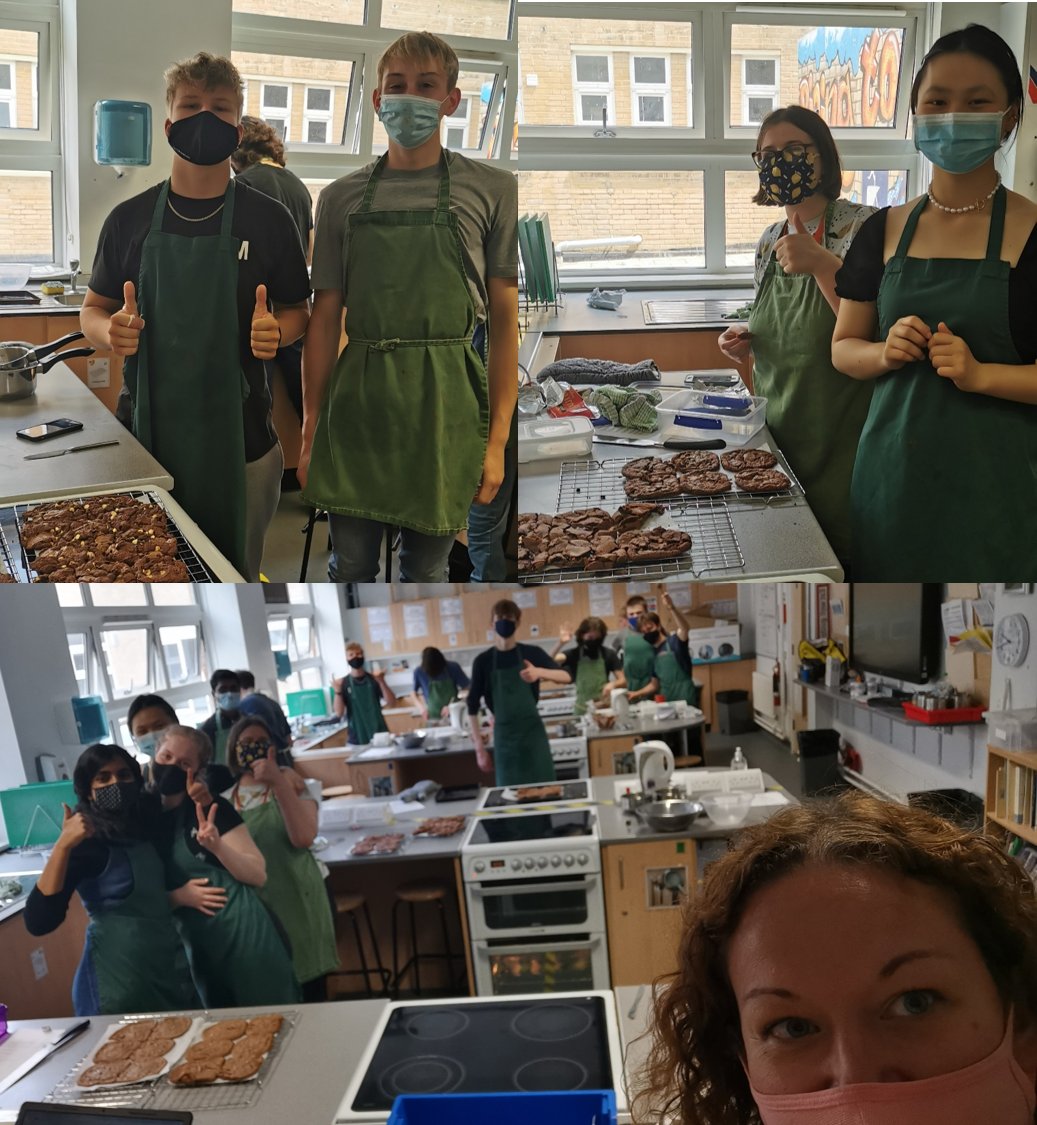
@bristol_free Going to be controversial here...I added Marmite to my batter today....😀 Et chez moi on commence avec une gallette - good old bacon and cheese! 😊
We are so proud of our students for remaining incredibly positive during Term 3. BFS Staff wanted to surprise and share with you our Lockdown Song. Students, we want you back for good! 🎵🎶Let us know what you think, are we as good as @takethat ?
https://t.co/ndMYrlJJeM
@misswestmfl@MissNewnham@basnettj@nearpod 3. Start the live lesson as usual and copy the link into chat - can embed into Teams/GC but I find it easier to do on browser separately. Then have chat open on phone to deal with queries rather than notifications on laptop 🙂
@misswestmfl@MissNewnham@basnettj@nearpod is even better for this! No chance of them typing/editing each others. Can add in your existing PowerPoints and add a draw it slide or other activities such as extended question, collaborate board. Download a report with all work. Done as live or self-guided 😊
@misswestmfl@MissNewnham@basnettj@nearpod 2. Can add other activities into the presentation too and can end with a quiziz/kahoot style task called Time to Climb. The voice answers would be game changer for MFL! Have a look and happy to go through with you or answer any other questions 😊
@misswestmfl@MissNewnham@basnettj@nearpod 1. Very easy to use. Sign up. Click Create. Drag your existing presentation in. Click on a slide you want to make an interactive task. Click Draw It and students can draw directly on that slide with template. The extended question task student scan voice record their answer too..