That's exactly why we started @BitmoLab. At CES 2027, I'd like to invite all media covering AI hardware, investors, founders, and developers to come talk to us at our booth in Eureka Park. I'm sure you'll love our new products. See you in Vegas.
if your inbox is down right now, this is your sign to take a break
i’m going to play something small and dumb on gamebaby. what’s your pick?
#MicrosoftOutage#outlookdown
Not every pixel is made for a game.
“Grandma” turns someone you love into a pixel that never fades —— a heartfelt project about keeping a memory close.
As people who love pixels, we really appreciate the idea behind this game.
Now on Kickstarter:
https://t.co/LRg6Xai6ox
This game started as a prompt. 🤯
We made it with #GameStudio in Codex, loaded it into an emulator on iPhone, and played it with GAMEBABY’s physical buttons.
From text to physical handheld in minutes.
🎮What would you make?
#OpenAI#Codex#GAMEBABY#RetroGaming#gameboy
Notice that the things we use every day do not have to do everything.
Sometimes it is enough that an object has one clear job, feels good in your hand, and earns its place on the desk.
There is something satisfying about a small piece doing exactly what it was made to do. No noise. No extra layers. Just the right interaction at the right moment.
#GAMEBABY#iPhone#gadgets#BitmoLab
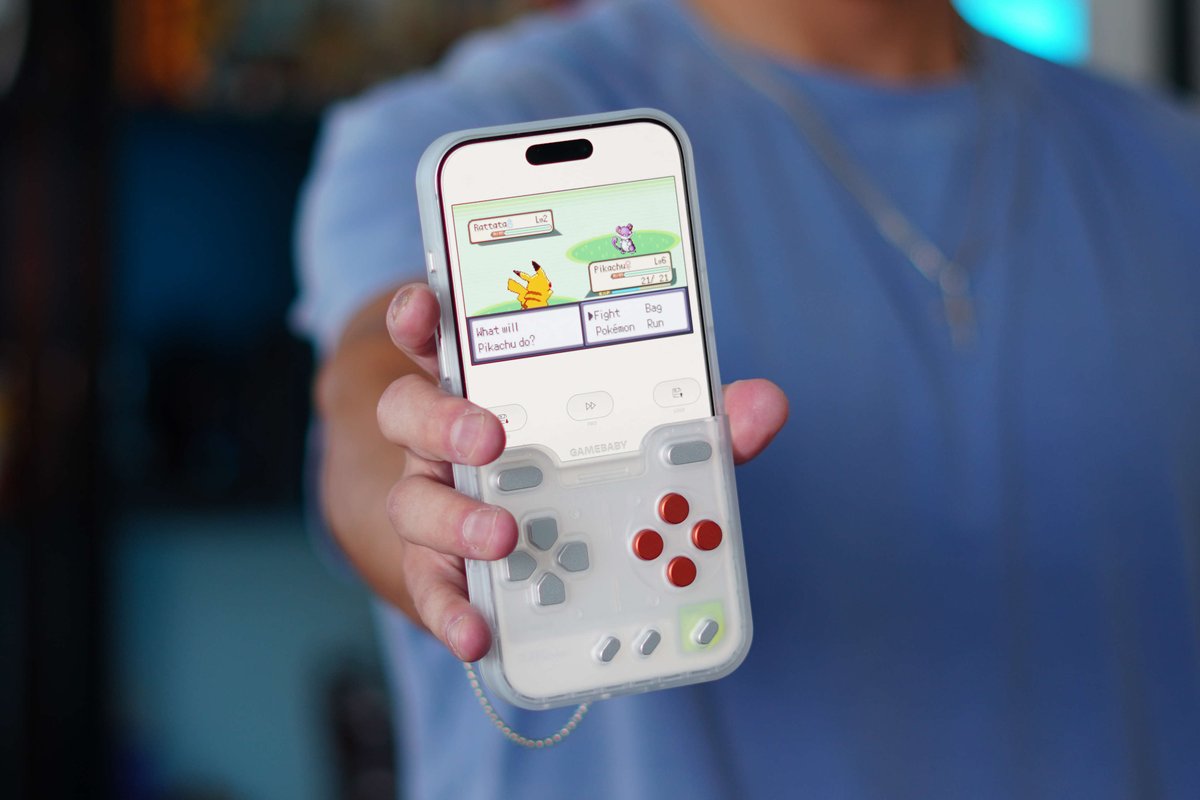
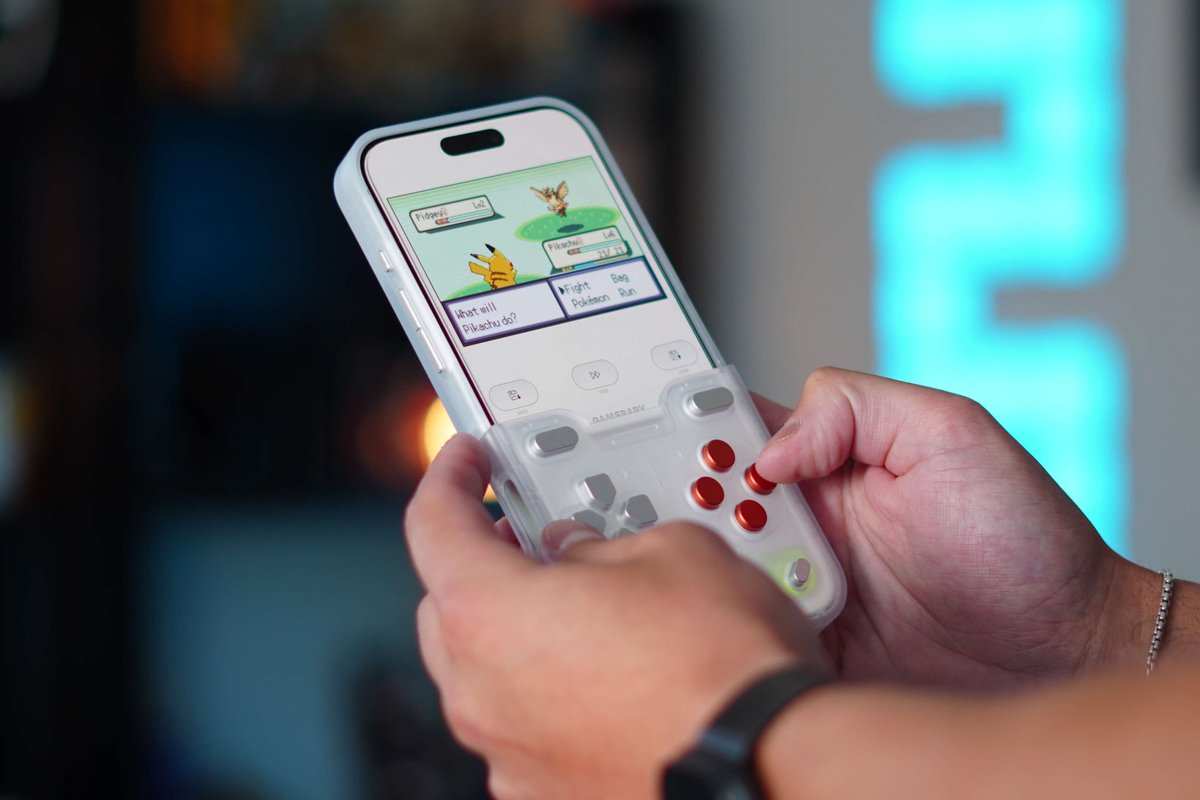
Turn your iPhone into a Game Boy 🎮📱
@BitmoLab GAMEBABY adds physical controls for retro gaming, with no Bluetooth, no battery, and nothing extra to charge.
But is this $25 iPhone case actually worth it? 👀
https://t.co/0nFUcxHIPZ
Physical buttons only feel right when the screen knows where they are.
This is the small step that makes GAMEBABY click: open a compatible emulator app, choose the matched skin, line it up, and test each input before your first session.
No pairing. No battery. Just a phone, a proper layout, and the games you legally own.
A short setup ritual, then back to play.
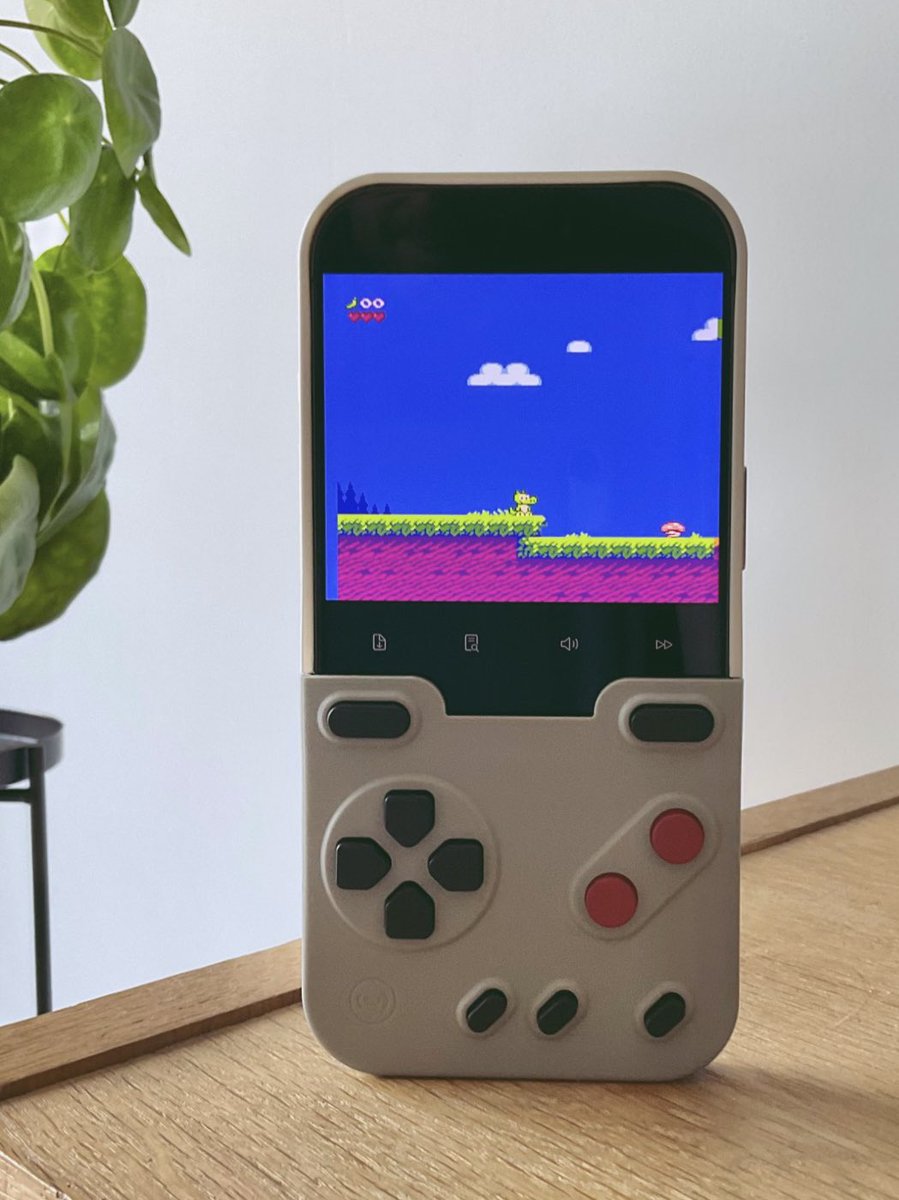
I’ve tried many ways to play my NES homebrew games on iPhone 17, but nothing beats a case with physical buttons! 🎮
With ManicEmu or JOY-Emu, it works great, and Mapper 30 games are supported!
Whenever I have a few minutes to kill, anywhere. ❤️
#NES#NESdev#Homebrew#iPhone
A good retro setup is rarely about adding more. It is about making one small part of the experience feel right again.
Loved seeing how people spend time with GAMEBABY. The case is designed to bring a more tactile, handheld-like rhythm back to compatible mobile play: a phone in your pocket, physical controls when you want them, and the games you already care about close at hand.
📽️tap.mygear
@danielfgom@nandoprince93 Hi Daniel! GAMEBABY can work with the emulator app including Delta to play retro games. If more phone models available in the future, we will let you know!
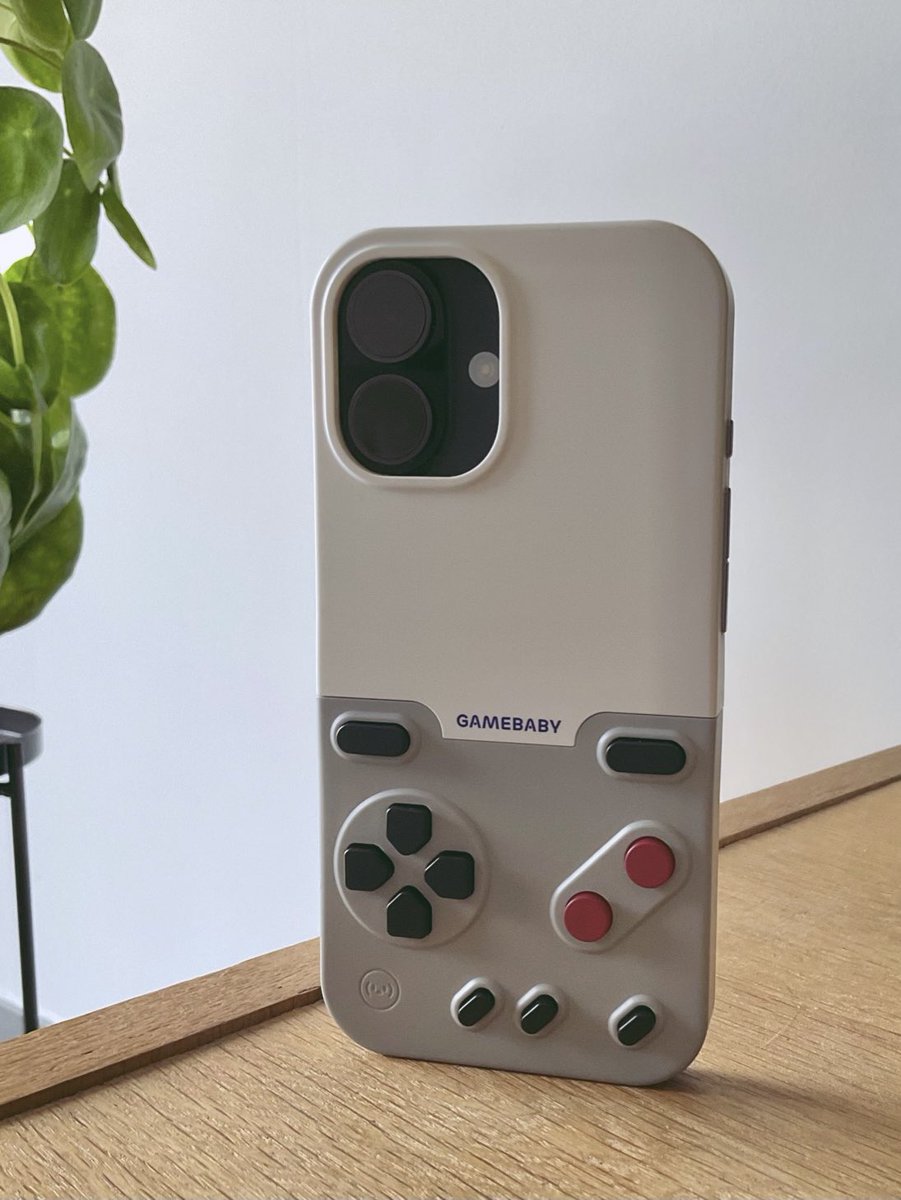
This iPhone case turns your iPhone 17 into a retro gaming handheld 🎮📱
The GAMEBABY gives you:
🕹️ Real physical buttons
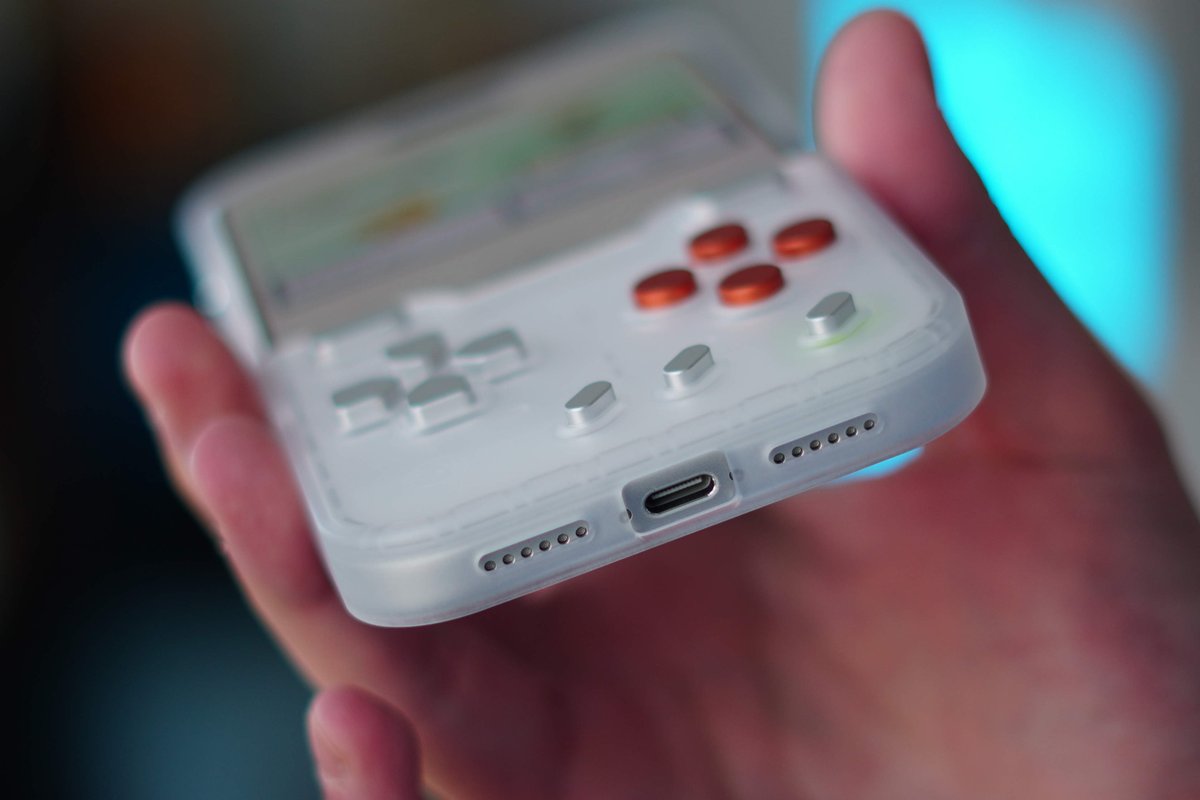
🔋 No battery or charging
📶 No Bluetooth or pairing
🎮 Delta emulator support
🔄 A flip-around design that becomes a normal case
With all these nostalgic Pokémon remakes taking over my feed, the timing couldn’t be better. I loved the previous version, and this new one feels even more refined. Oh, and its only $25...
Would you use this? 👀👇
[BUTTONS TOO HARD?]
A common question: are the buttons too hard or too soft?
GAMEBABY is designed to feel closer to gaming hardware than a soft phone accessory.
A very soft structure cannot really recreate the feeling of classic handhelds. That is why the material direction is firmer: clearer edges, more defined button feedback, and a more stable grip.
The goal is not softness. The goal is a phone case that feels like it was built for play.
[HOW GAMEBABY WORKS]
GAMEBABY does not pair, charge, or connect like a Bluetooth controller.
It works in a simpler way: physical buttons press capacitive contact points against the iPhone screen, just like a finger tap.
That is why the control skin matters. Once the on-screen buttons line up with the physical layout, the flow becomes simple: flip GAMEBABY into play mode, and press real buttons again.
I’ve been using the GameBaby case for my iPhone for the past few days to play my NES homebrew games… with PHYSICAL buttons!
I absolutely love it! 🥰
Anyone else using one, or planning to get one?
#NES#homebrew#nesdev#NESmaker#indiegames#gamedev#ファミコン#同���ゲーム