Bookmark Ninja turned 4 years old in October. There have been many new features and improvements implemented since the 2016 launch so it was time to update the explainer video.
New versions of the Firefox "Add to Ninja" and "Bookmark All Tabs" extensions are now available. For more information, check out this blog post 👉 https://t.co/I9tHl7CCkr
Today's update focuses on improving performance and security and addressing minor issues. Here's a summary of what’s new:
👉 Optimized session manager code for improved security.
👉 Rewritten some parts of the Dashboard code to enhance page loading speed.
👉 Fixed minor bugs.
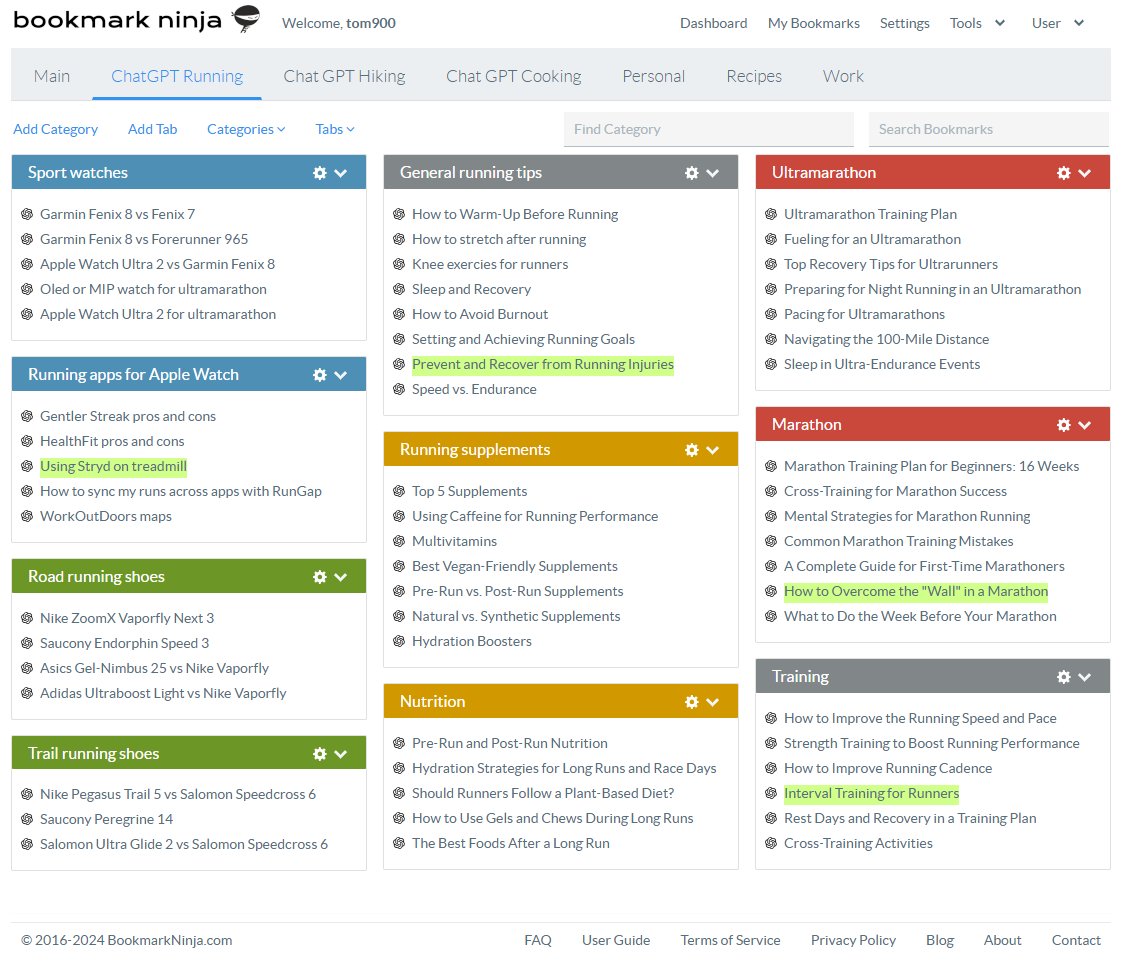
Did you know you can use Bookmark Ninja to organize and save links to your ChatGPT conversations? To learn more, check out this blog post: https://t.co/amAZ9Iqsu2 #chatGTP#AI#Productivity#Technology
Today's update includes important improvements:
👉 Bug fixes for better performance
👉 Security enhancements for stronger protection
👉 Usability tweaks to streamline navigation & boost user experience
I've created a blog post on how to organize your bookmarks, including useful tips and features you might not know about. It's worth a read! 👉 https://t.co/FhAurg590q
Chrome browser extensions have been completely rewritten to comply with the new Chrome API. The new extensions are now available in the Chrome Web Store. Please check this blog post to learn more about the details 👉 https://t.co/aJ2UxHRTqD
New "Add to Ninja" and "Bookmark All Tabs" Chrome extensions are coming soon. You can read about the details in this blog post 👉 https://t.co/ytA8zDJBxb
Today morning, there was a hiccup in the email sending service that prevented users from receiving the 2-factor authentication code and the password reset link. The issue has been resolved. I apologize for any inconvenience caused.
Today's update includes a fix for the error that occurred when importing bookmarks from https://t.co/I5PKN1a6K8. Bookmark files exported from other bookmark managers were not affected by this error.
Today's update includes the fix for the "Add to Ninja bookmarklet doesn't work in Safari on iOS" issue. Please check this blog post for the details 👉 https://t.co/tNNYwEM5zN
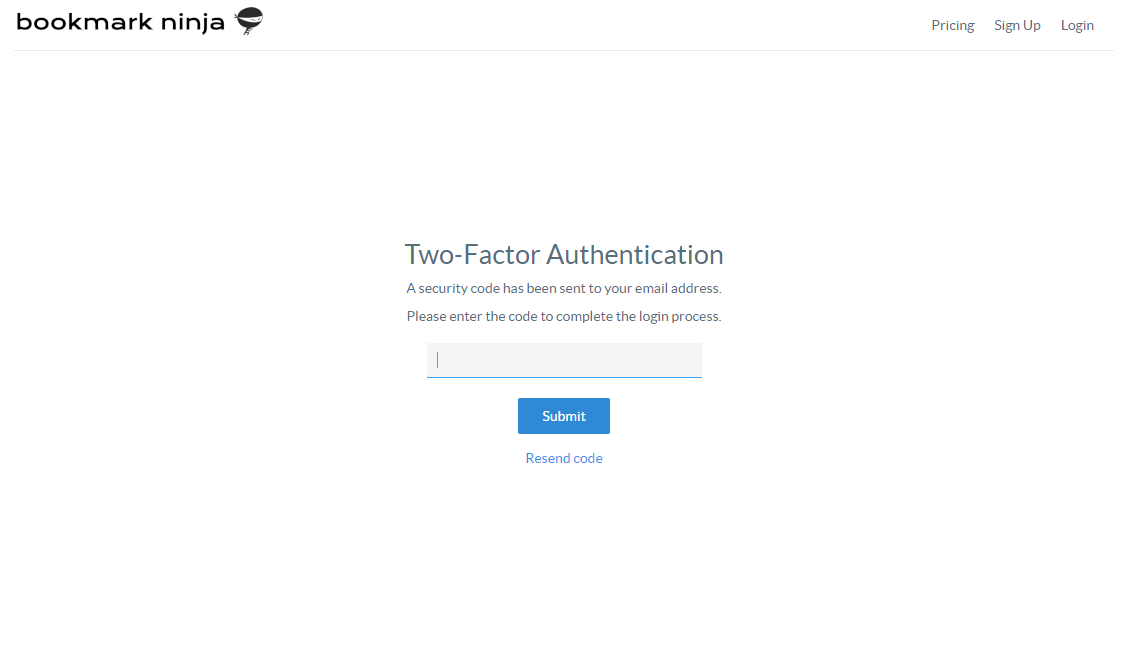
👉👉👉New feature!!!👈👈👈 Two-Factor Authentication (2FA) has been added. Please check this blog post to learn more about 2FA (how does it work and how to turn it on) 👉 https://t.co/EcMXyN26qr
Today's update includes a bug fix for the following issue:
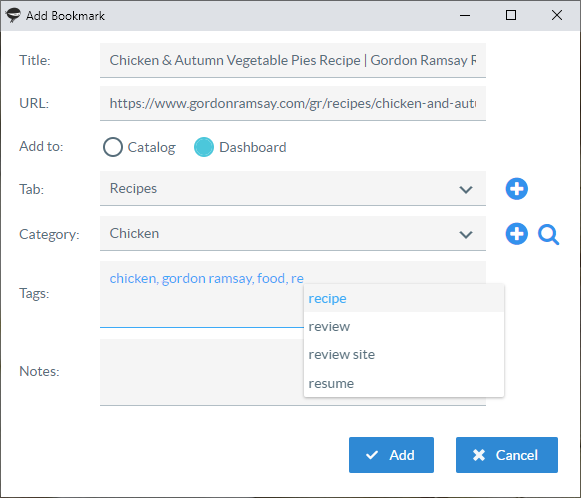
When you entered tags during adding or editing a bookmark, the position of the tag autocomplete popped up panel was sometimes incorrect. It happened only in desktop browsers, in mobile browsers it worked fine.
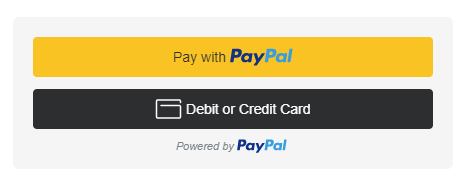
The payment module on the Account page has been replaced with the latest checkout payment module from PayPal. Please check this blog post for the details 👉 https://t.co/XCbB5Xys5c
Today's update contains performance improvements (some code has been optimized), security improvements and an advanced bot detection mechanism that prevents bots from creating fake accounts.
👉👉👉New feature!!!👈👈👈 Tab and Category names are automatically added as tags when a bookmark is moved from the Dashboard to the Catalog. Please check this blog post to learn more about this feature and to find out how to turn it on 👉 https://t.co/qVJ8misNml