Your storage is full. But do you know what's taking up all that space?
Meet ByteSweep.
Find storage hogs, review the results, and choose what to remove.
Mac | Windows | iPhone Find space. Keep control.
https://t.co/gXmrhydKk0
#MacApps#WindowsApps#iPhoneApps
📂 How many copies of the same file are hiding on your computer?
The same document downloaded three times. Photos copied into multiple folders. Old files forgotten in Downloads. Similar images taking up valuable storage.
Duplicate files quietly accumulate until your disk starts running out of space.
Meet ByteSweep — Find the duplicates. Keep what matters.
🔍 Identify Duplicate Files – Find identical files consuming unnecessary disk space.
🖼️ Group Similar Photos – Discover matching and similar photographs in your library.
🗑️ Review Before Deleting – Inspect duplicate groups and decide what should be removed.
ByteSweep helps you identify unnecessary copies instead of manually searching through hundreds of folders.
Available across:
macOS
Windows
Linux
Additional duplicate-folder and similar-video identification is available on Mac.
Stop storing the same files twice. Reclaim your storage intelligently.
Find duplicates with ByteSweep: https://t.co/6SR2fRjknR
#ByteSweep #DuplicateFiles #StorageManagement #MacApps #Windows #Linux #DigitalCleanup
🚨 YOUR PC NEEDS SPACE. Is your C: drive almost full?
Low disk space. Endless storage warnings. Applications consuming gigabytes. Old update packages, duplicate documents, temporary files, and unnecessary application data.
You know your PC is running out of space. But do you know what's actually filling it?
Meet ByteSweep — Find the storage hogs. Take back your space.
🔍 Find Storage Hogs – Identify large files and folders consuming your C: drive.
🗑️ Remove Temporary Files – Review temporary files, old update packages, duplicates, and unnecessary application data.
↩️ 7-Day Undo – Undo cleanup changes within seven days when you need to restore removed items.
Stop guessing. Understand your storage before cleaning.
Designed for Windows 10 and Windows 11.
Your PC needs breathing room. Give it some.
Clean your PC: https://t.co/6SR2fRjSdp
#ByteSweep #Windows11 #Windows10 #PCOptimization #DiskCleanup #StorageManagement
🤖 Running local AI models? Your SSD might be paying the price.
One 7B model. Another 14B model. A few GGUF downloads. Ollama, LM Studio, Hugging Face caches…
Suddenly, 200 GB of your storage is gone.
And the question is: Where did it all go?
Meet ByteSweep — your tool for understanding what is consuming your disk space.
🔍 Find Large AI Models – Locate large model files and downloads.
📂 Analyze Model Directories – Understand which folders are consuming the most storage.
📦 Locate Cache Folders – Find accumulated downloads and cache directories.
ByteSweep helps you investigate storage usage before deciding what needs cleaning.
Useful for local AI enthusiasts, developers, and anyone experimenting with:
Ollama
LM Studio
Hugging Face
Large GGUF model collections
Local model downloads and caches
Your AI models need VRAM. Your downloads need disk space. Know where that space goes.
Find your storage: https://t.co/6SR2fRjknR
Available for Mac, Windows, and Linux.
#LocalAI #Ollama #LMStudio #HuggingFace #AIInfrastructure #ByteSweep #StorageManagement
💻 Your development environment is eating your SSD. Do you know how much space it's taking?
A few Docker images here. Some Xcode DerivedData there. Python environments, build artifacts, node_modules, package caches...
Before you know it, your development machine is running out of storage.
Meet ByteSweep — Find what's consuming your developer storage.
🔍 Find Developer Storage – Discover storage-heavy development directories.
📂 Locate Large Build Files – Identify large build artifacts, Docker images, Xcode data, and Python environments.
🗑️ Identify Unnecessary Caches – Review package caches, temporary files, and accumulated development clutter.
Built for developers working across:
🍎 macOS: Xcode, Docker, Homebrew.
🪟 Windows: Docker, development folders, build caches.
🐧 Linux: Package caches, Python environments, build directories.
Stop guessing where your disk space went. Investigate first. Clean up what you no longer need.
Your code needs space. Find out what's taking it.
Discover ByteSweep: https://t.co/6SR2fRjSdp
#ByteSweep #DeveloperTools #Docker #Linux #macOS #Programming #StorageManagement
Think making files online-only means your Mac has stopped storing everything locally?
Not necessarily.
Google Drive and OneDrive maintain local caches and databases beyond their visible sync folders.
Understand where your Mac storage is going.
Read the guide:
https://t.co/IpDb7PdHUg
#MacOS #GoogleDrive #OneDrive #MacStorage #ByteSweep
💾 WHERE DID YOUR STORAGE GO?
Your disk is filling up. But do you actually know what's consuming all that space?
Applications? Developer files? Downloads? Hidden folders? Large media files?
Stop guessing. Start investigating.
Meet ByteSweep — understand your storage before deciding what to clean.
🔍 Visual Storage Analysis – See how your disk space is distributed.
📂 Find Large Files – Discover files consuming valuable storage.
📊 Understand Folder Sizes – Identify storage-heavy directories and investigate what's inside.
ByteSweep helps you understand your storage usage, review unnecessary files, and make informed cleanup decisions.
Available across:
macOS
Windows
Linux
Your disk has a story. Find out what's taking up the space.
Try ByteSweep: https://t.co/6SR2fRjSdp
#ByteSweep #StorageManagement #MacApps #Windows #Linux #DiskCleanup #Productivity
Took 20 photos of the same Diwali moment?
You probably don't need all 20.
ByteSweep groups similar photos and helps identify the best shot to keep.
Review the rest before deciding what goes.
Your memories deserve better.
https://t.co/Z3Wme6UpJe
#iPhone#DiwaliPhotos #PhotoCleaner #iPhoneStorage #ByteSweep
Happy Diwali! 🪔
Before capturing new memories, make room on your phone.
Find similar photos, large videos, old screenshots and unnecessary media saved by apps.
Review first. Clean only what you choose.
Celebrate with ByteSweep.
https://t.co/eyib4LLCfd
#HappyDiwali #Diwali2026 #Android #StorageCleaner #ByteSweep #Android
Linux cleanup shouldn't mean blindly deleting files.
ByteSweep shows what's filling your disk and explains what removing each item changes.
You choose what goes.
Cleaned files can be restored for 7 days.
Available for .deb, .rpm and AppImage.
https://t.co/yF8OGasUEG
#Linux #LinuxDesktop #OpenSource #ByteSweep #linux
Your Diwali photos deserve to be everywhere you need them. 🪔
Send photos, videos and files from your Windows PC to your phone directly over Wi-Fi.
Encrypted. Checked. No cloud. No account.
Celebrate and share your memories with ByteSweep.
https://t.co/hZnBCK7kOn
#Diwali #Windows #FileTransfer #ByteSweep #Windows11
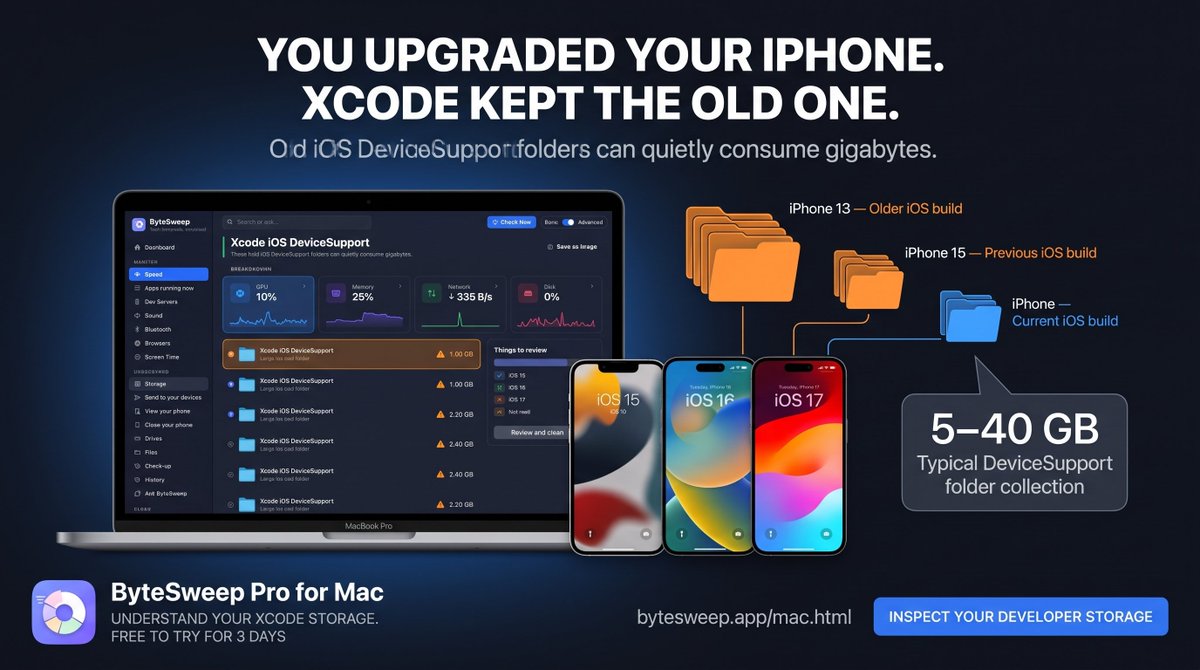
iOS developers: Xcode remembers every device and iOS build you connect.
Your old iOS DeviceSupport folders may still be occupying storage long after you've upgraded your iPhone.
Inspect your Xcode storage with ByteSweep.
Learn more:
https://t.co/P1gfStDqtI
#Xcode#iOSDev #Swift #MacDeveloper #ByteSweep
This Diwali, capture every moment. 🪔
But what about the thousands of photos already sitting on your iPhone?
Find similar photos, large videos, screenshots and more.
Review what you no longer need and make room for new memories.
https://t.co/Z3Wme6TRTG
#Diwali#iPhone #iPhoneStorage #PhotoManagement #ByteSweep
Diwali is tomorrow! 🪔
New photos. Family videos. Beautiful memories.
Is your phone ready?
Find large videos, similar photos, duplicate files and old screenshots with ByteSweep.
Make room for new memories.
https://t.co/eyib4LLCfd
#Diwali#Android#PhoneStorage#PhotoCleaner #ByteSweep
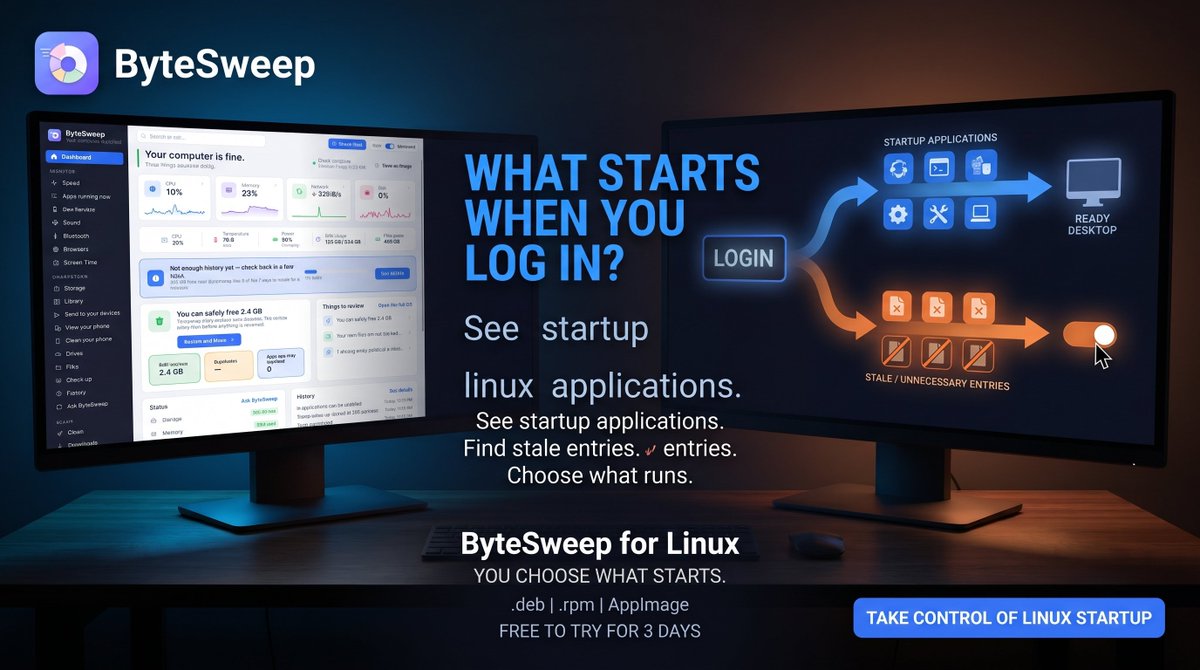
What happens when you log into Linux?
Several applications may start automatically.
ByteSweep shows what starts with your session, which entries point to removed applications and lets you control each one.
You decide what runs.
https://t.co/yF8OGasUEG
#Linux#LinuxDesktop #GNOME #KDE #ByteSweep
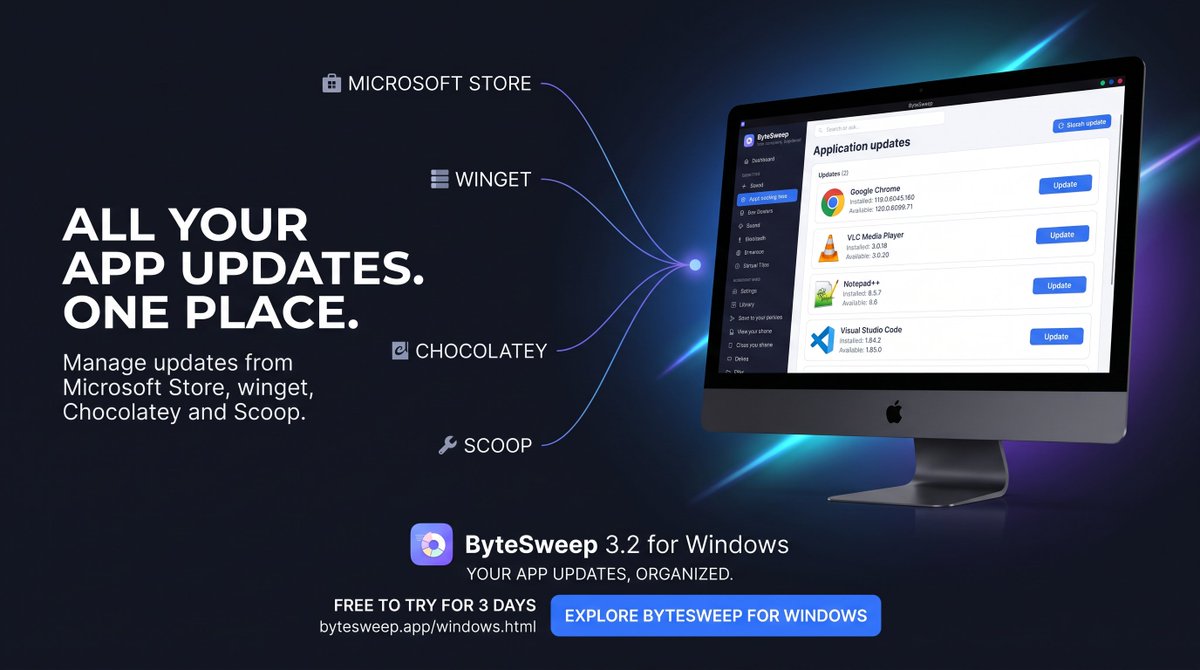
How many places do you check for app updates?
Microsoft Store. winget. Chocolatey. Scoop.
ByteSweep brings supported app updates into one list.
Updates are installed only after their signatures check out.
Try ByteSweep free for 3 days.
https://t.co/hZnBCK7kOn
#Windows11 #Winget #Chocolatey #SoftwareUpdates #ByteSweep
Xcode developers: your DerivedData folder may be holding build data from projects you moved or abandoned.
DerivedData can grow to 20–60 GB on working iOS development Macs.
ByteSweep helps you inspect Xcode and other developer storage.
Find what is taking up space before cleaning.
https://t.co/yrJigUcZBi
#Xcode #iOSDev #Swift #MacDeveloper #ByteSweep #macos
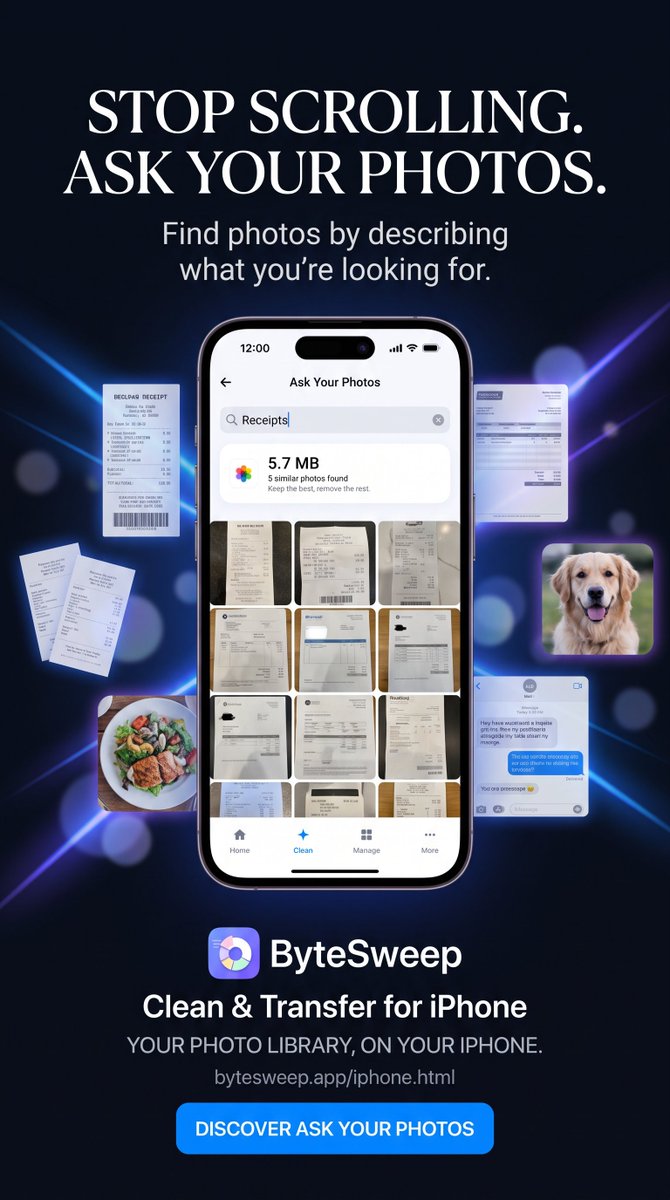
Looking for that one photo from months ago?
Stop scrolling through your entire camera roll.
With Ask Your Photos, describe what you're looking for and find matching photos.
Receipts. Documents. Food. Pets. Screenshots.
Find your photos differently.
https://t.co/Z3Wme6UpJe
#iPhone #PhotoSearch #iOSApps #ByteSweep
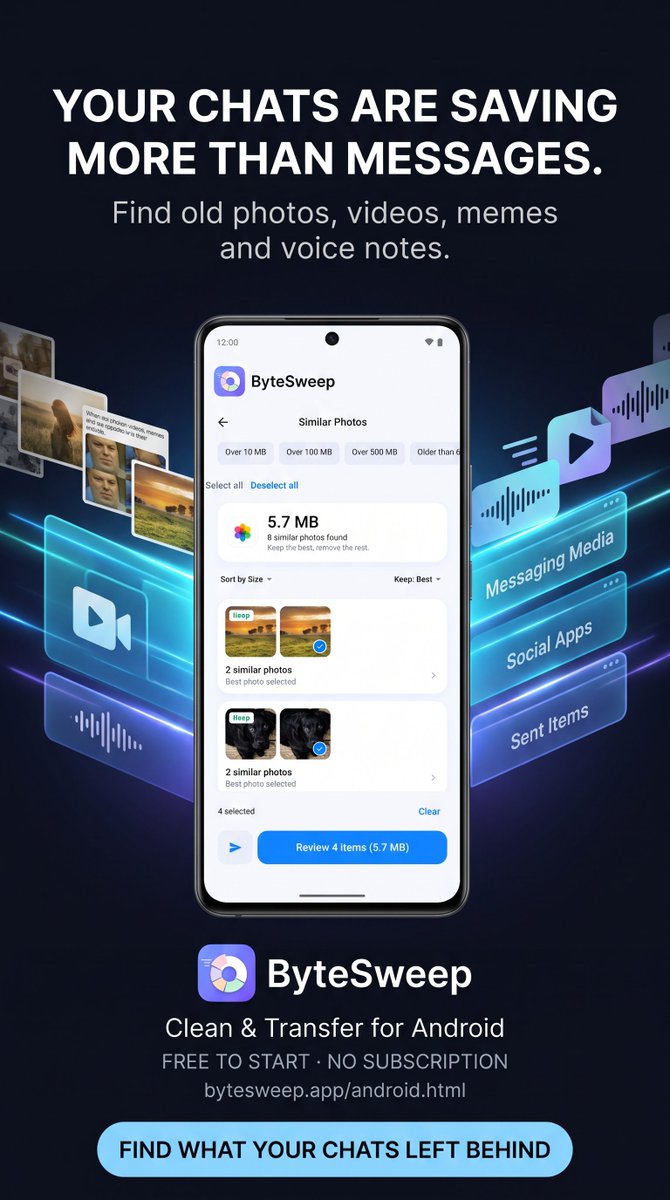
Your chats leave more behind than messages.
Forwarded photos, memes, videos, voice notes and old media can accumulate on your phone.
ByteSweep lists media saved by your apps so you can review and clean what you no longer need.
https://t.co/eyib4LL4pF
#Android#WhatsAppStorage #PhoneCleaner #ByteSweep #Android18
Arch Linux users: pacman keeps downloaded package versions.
Over time, /var/cache/pacman/pkg can become surprisingly large.
Inspect your storage. Review your package cache. Keep a sensible rollback path.
ByteSweep for Linux.
https://t.co/KLcMZIz6MT
#ArchLinux#Manjaro#Linux #Pacman #ByteSweep #linux
Not every file on your PC is junk.
ByteSweep helps you understand what you're cleaning:
Safe to clear.
Review first.
Keep.
You stay in control, with a 7-day restore option for cleaned items.
Try ByteSweep free for 3 days.
https://t.co/hZnBCK7SDV
#Windows11#PCCleaner #WindowsTips #ByteSweep #Windows11 #window