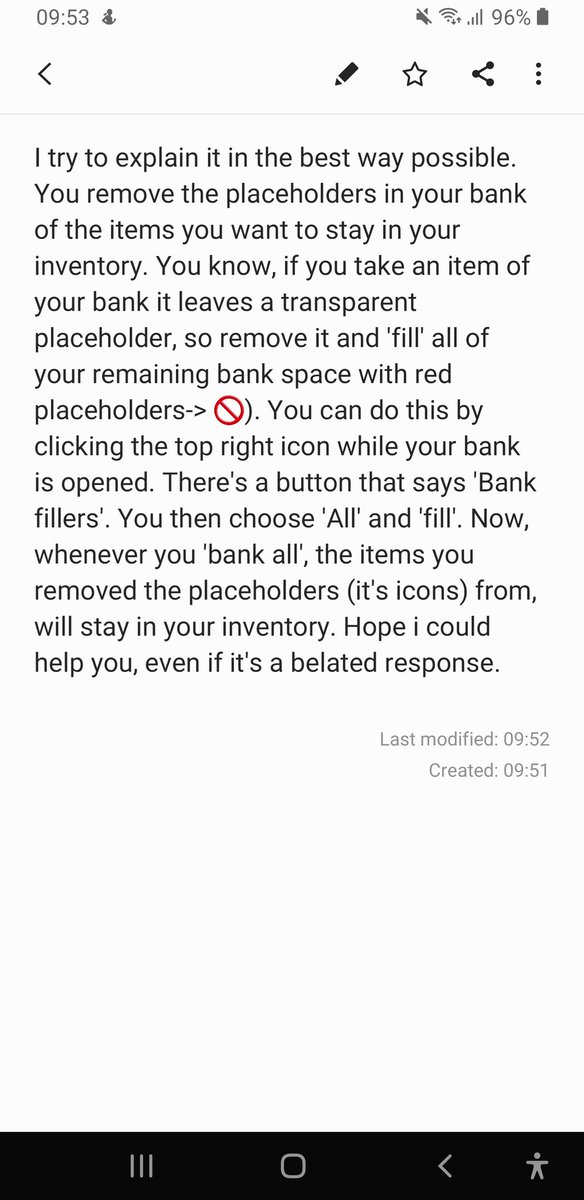
@JohnnyCrew12@PlayBlackDesert Oh, I see. That's really odd since there's no real option to toggle them on and off on xbox IIRC.. Hope a dev is gonna respond to this #BlackDesert
@JohnnyCrew12@PlayBlackDesert Hello there! You gotta press start and go to 'Ring Menu Setting'. Press 'RB' two times. You should have different icons in front of you now (Inventory, Black Spirit, World Map etc.). There you also find the Quest Icon (Scroll Icon). Just assign it to a slot and you're g2g :-)