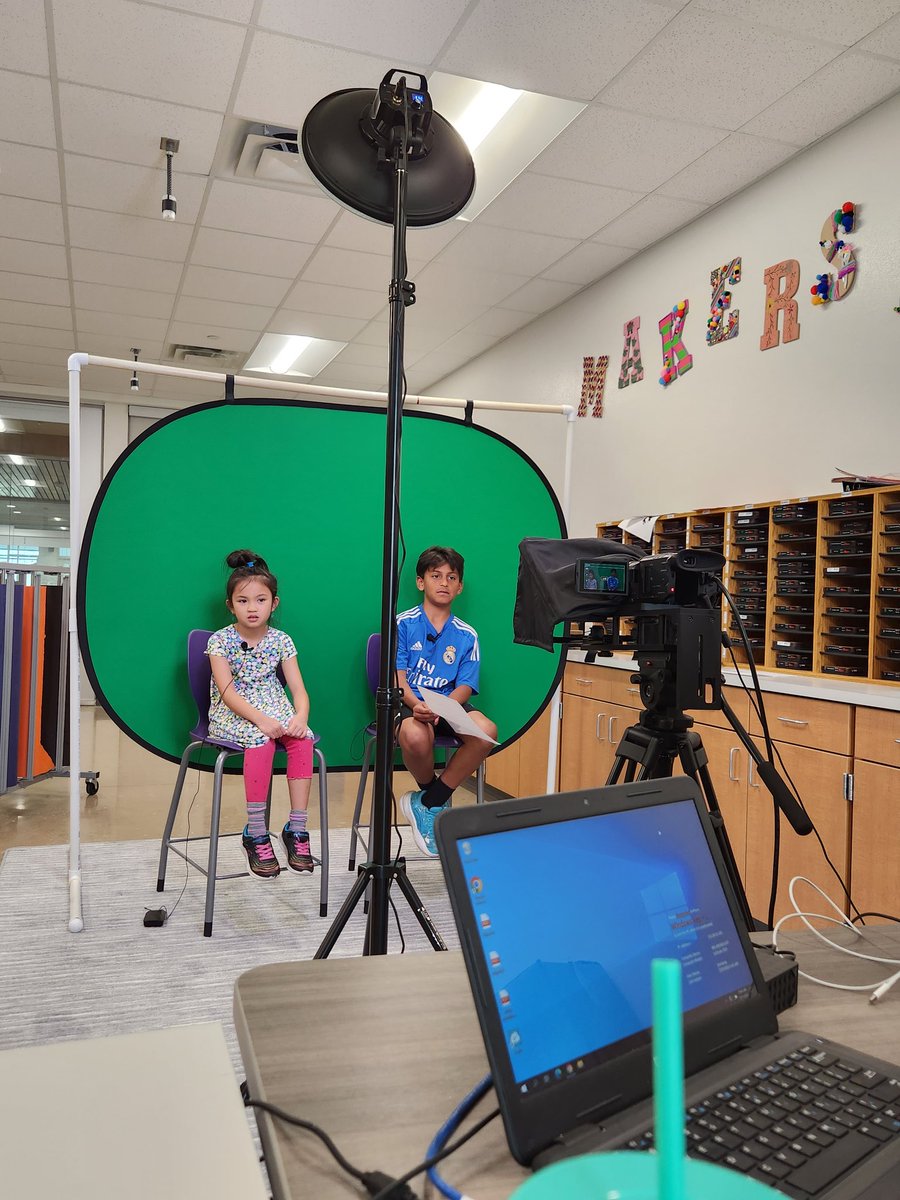
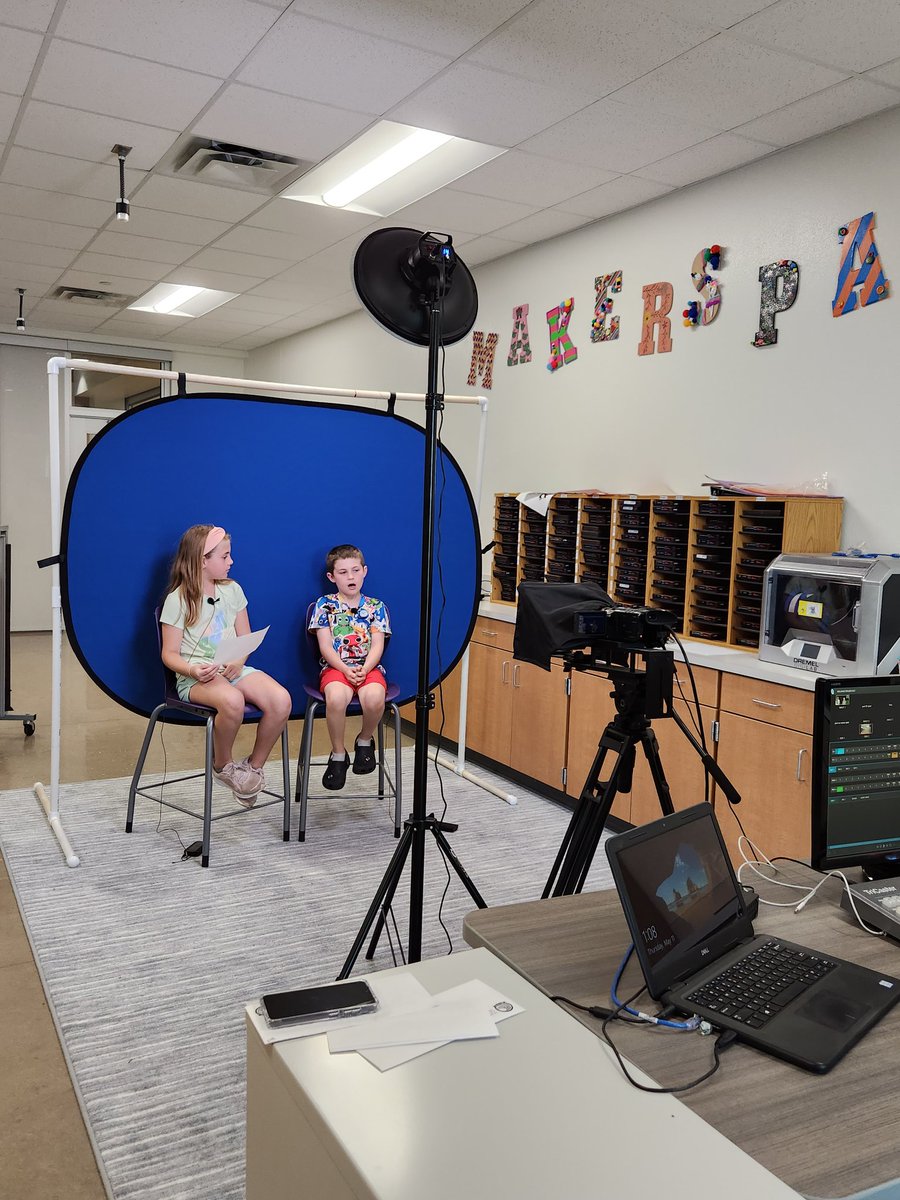
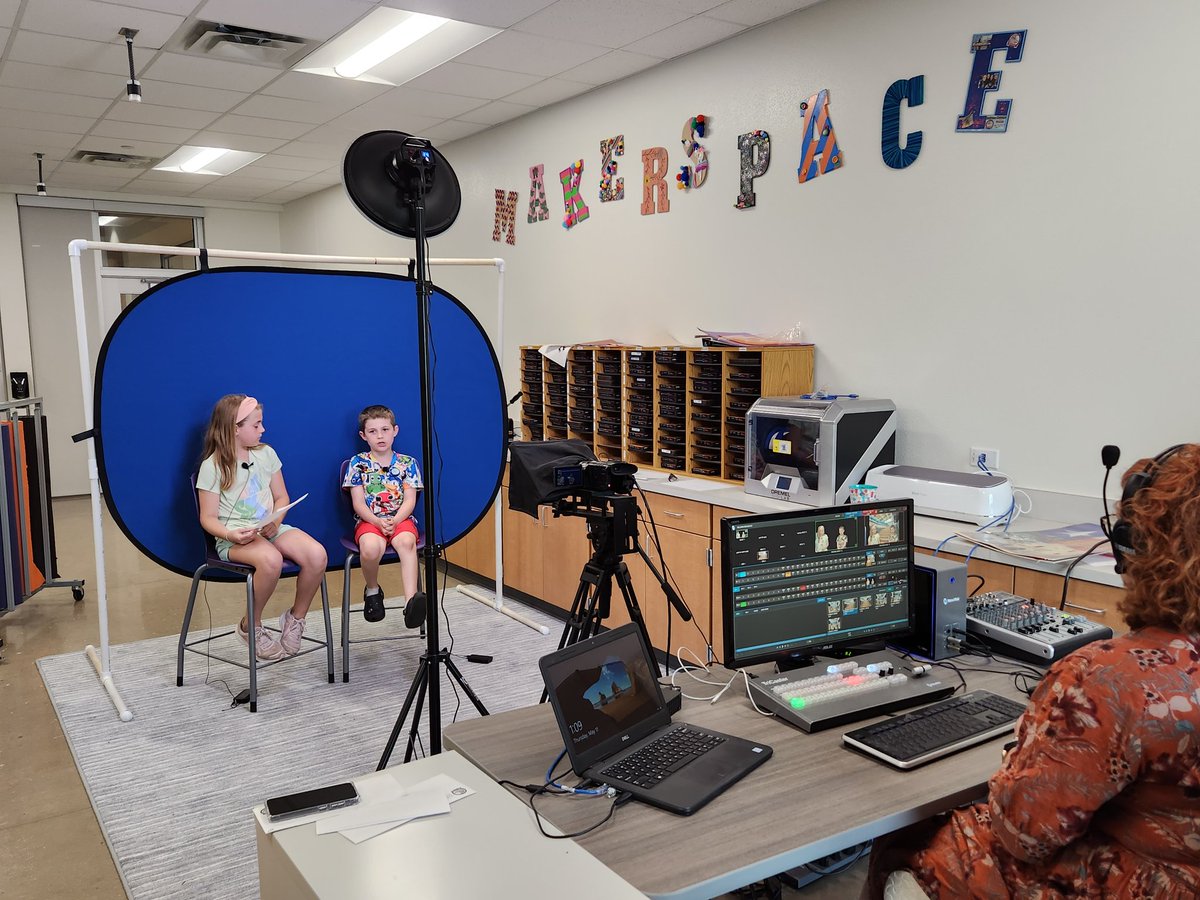
This amazing collaboration with our @GISDDigiLearn team & elementary librarians provides an opportunity for students across the district to come together & create, explore with robotics, coding, arts & crafts, green screen, stop Motion & literary stories & snacks @GeorgetownISD
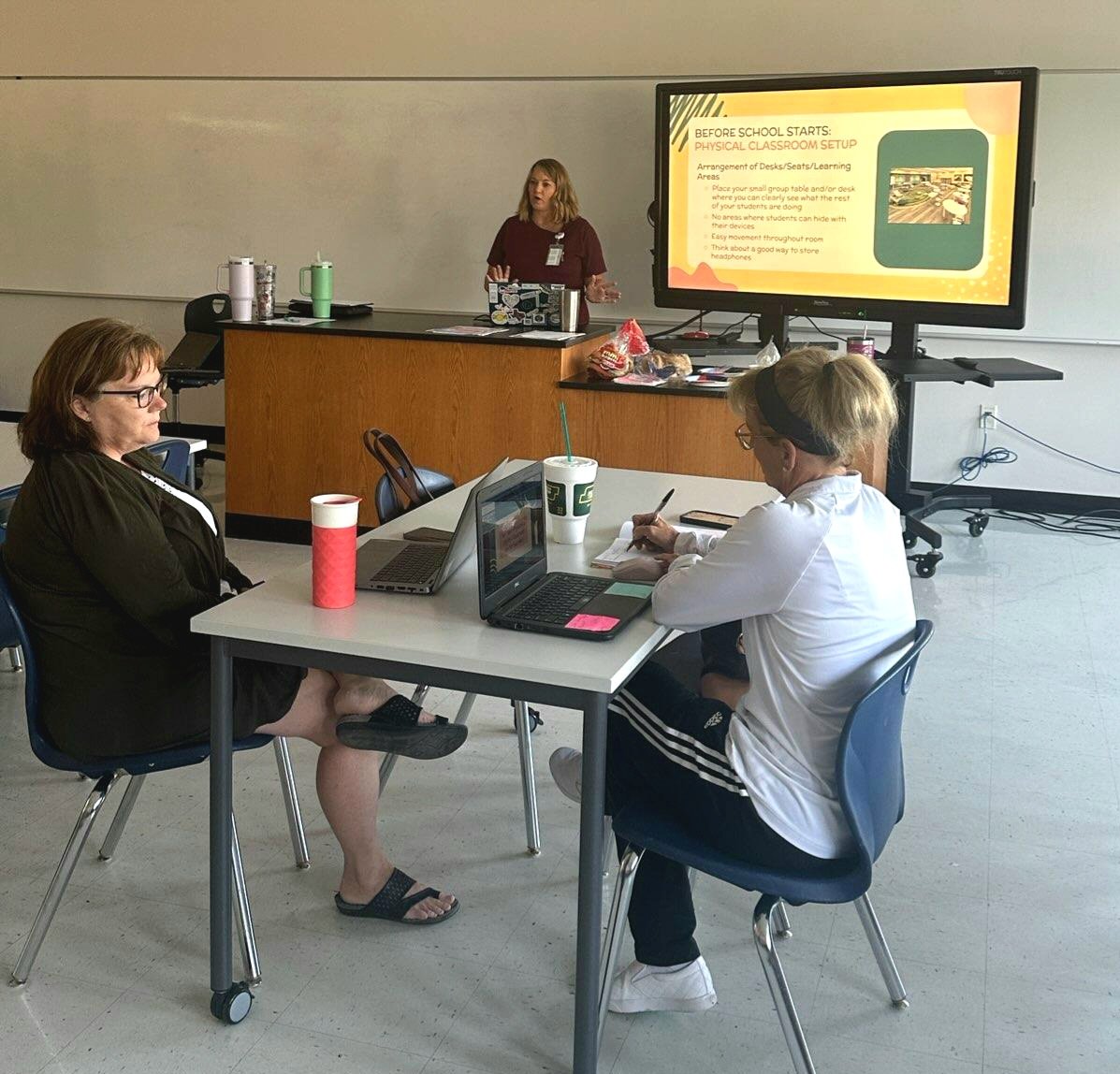
My elementary colleagues and I presented a summer session to some fantastic elementary teachers today on #ImpactfulTechnology strategies to start the new school year off right. It was an amazing day of learning!! ❤️@GISDDigiLearn@HeatherRSolis@pierce_janae
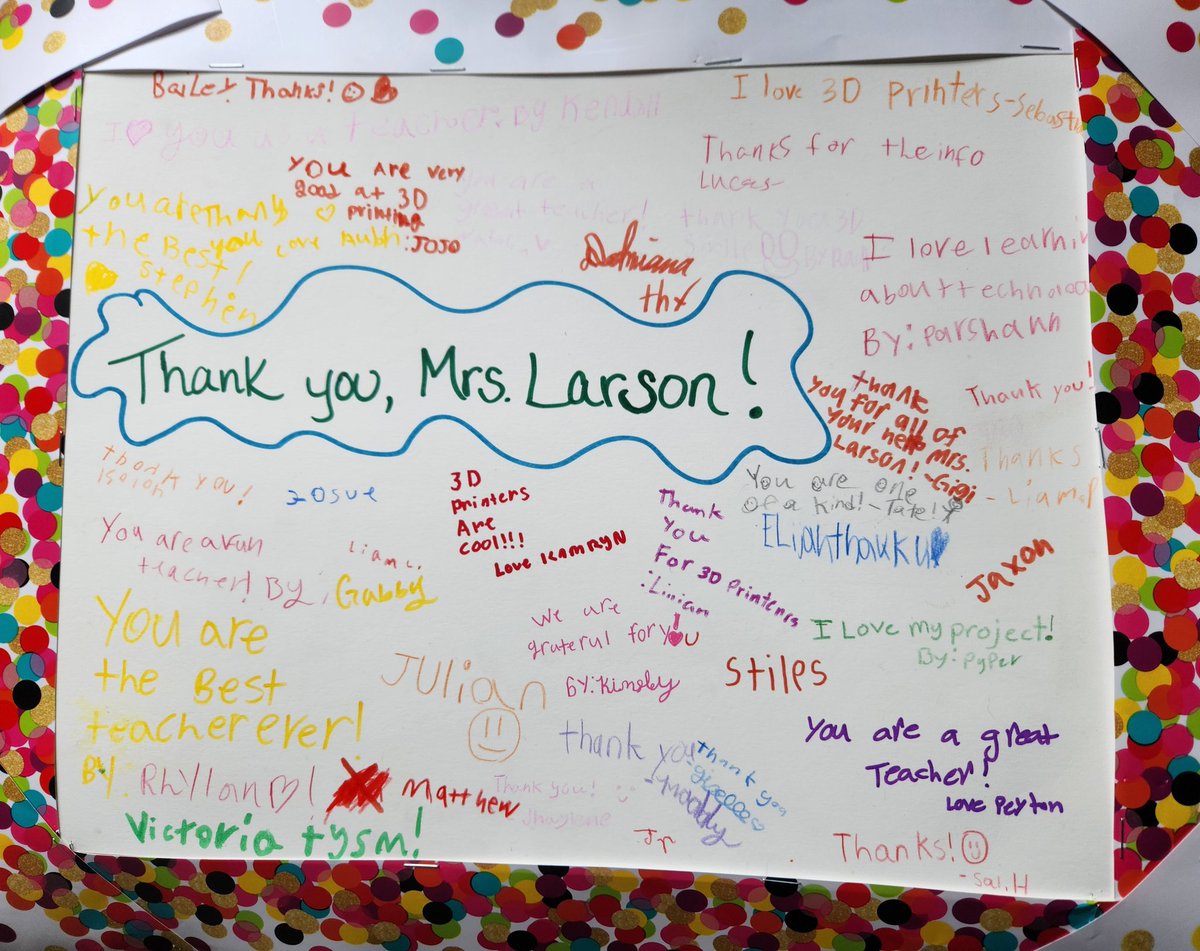
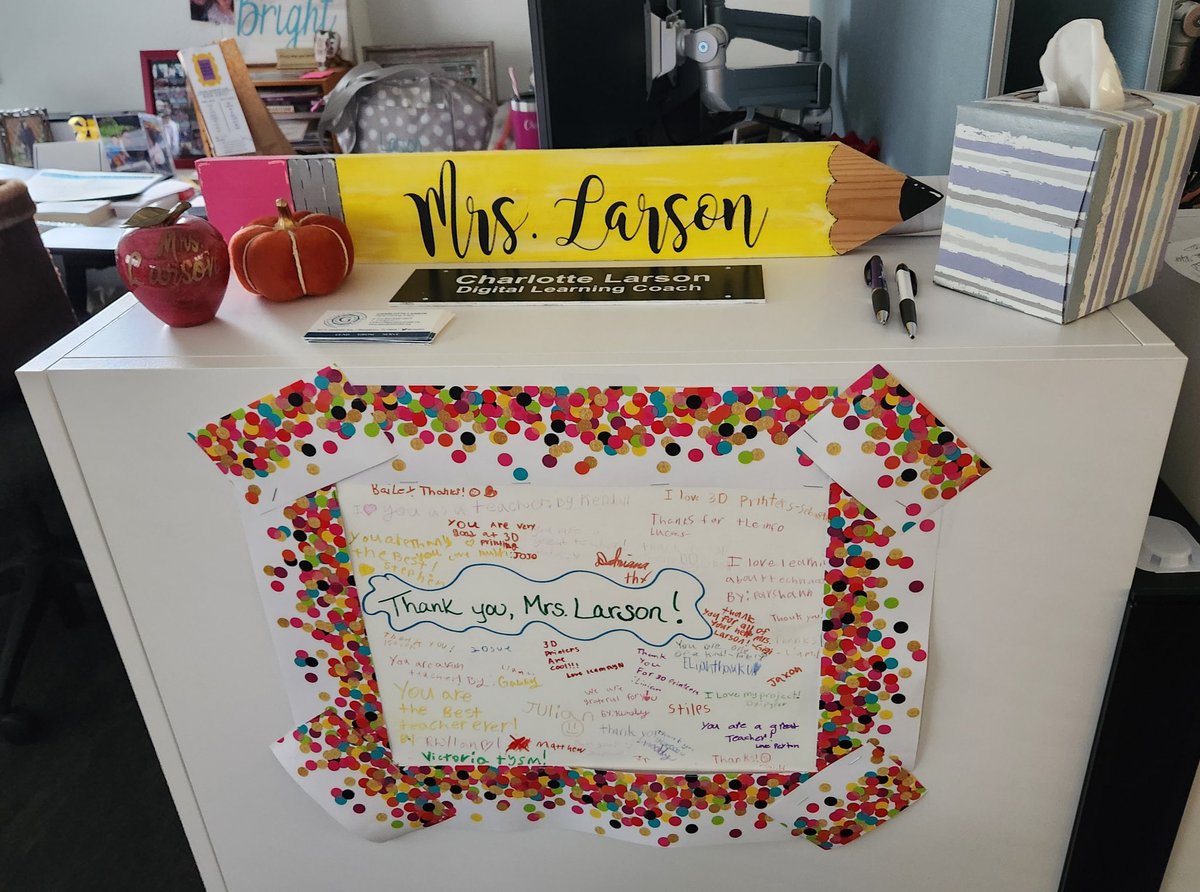
My desk was made brighter today with this AMAZING thank you poster from Ms. Nielson's 4th grade class @MitchellMavs! It warms my heart and has been such a blast helping them create 3D prints of their hand drawn Texas artifacts with #Tinkercad this week. @GISDDigiLearn
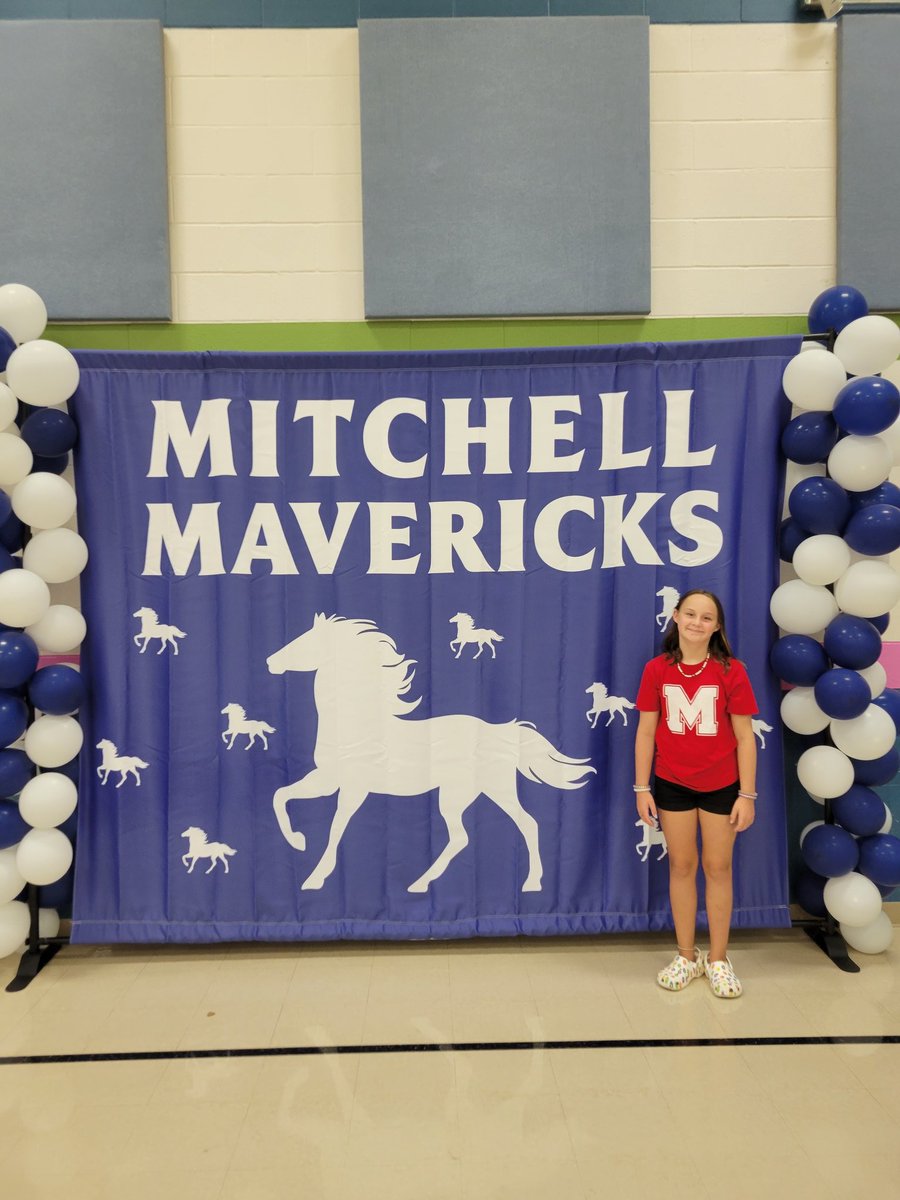
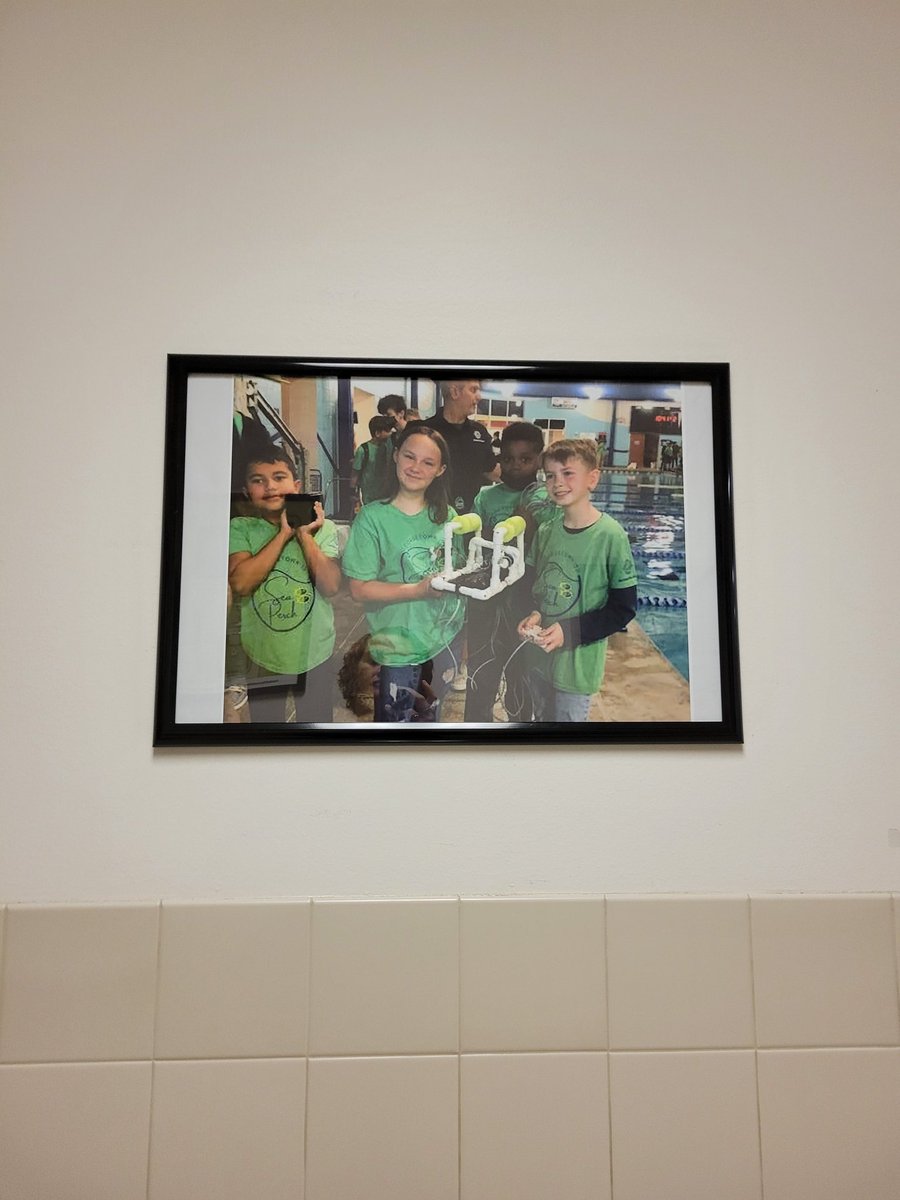
Got to spend my morning cheering on my kiddo and the @MitchellMavs#SeaPerch team at their ROV competition. Zoey was the navigator of the ROV for the obstacle course & did GREAT!! Kudos to coaches Ms. Garcia & Ms. Felix for a job well done. 👏
@GISDDigiLearn@GISD_SeaPerch
It was a successful evening sharing technology infused literacy ideas at the @MitchellMavs Family Literacy Night this evening!! Thanks for lending a hand @Amy_HeilGISD@GISDDigiLearn
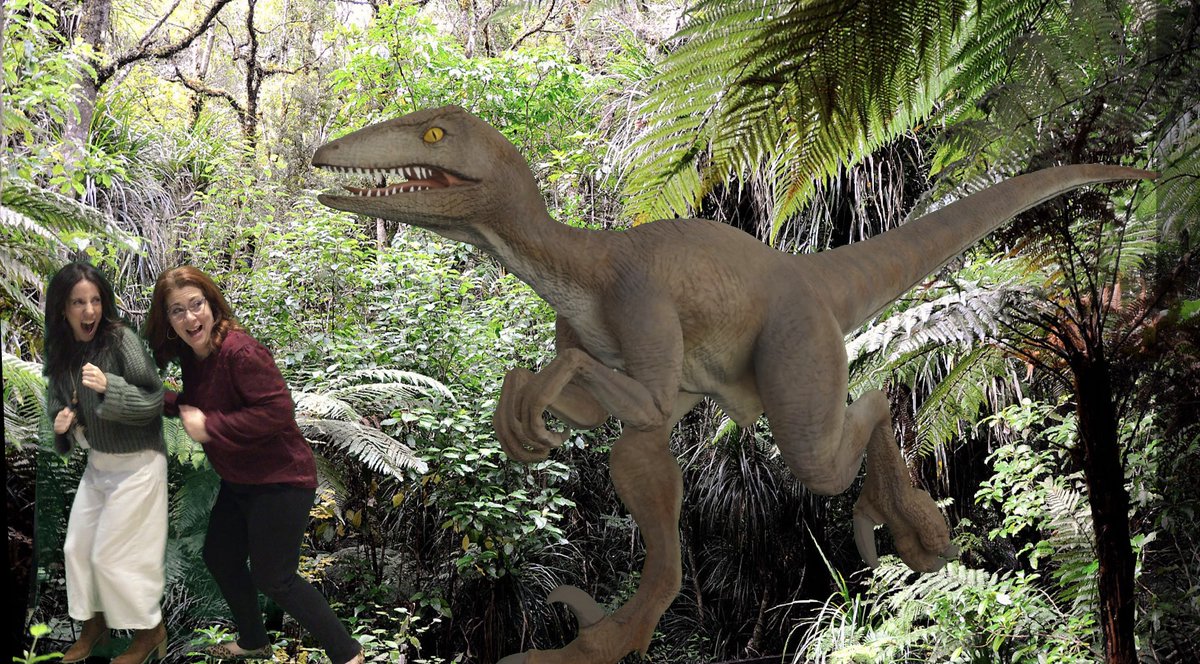
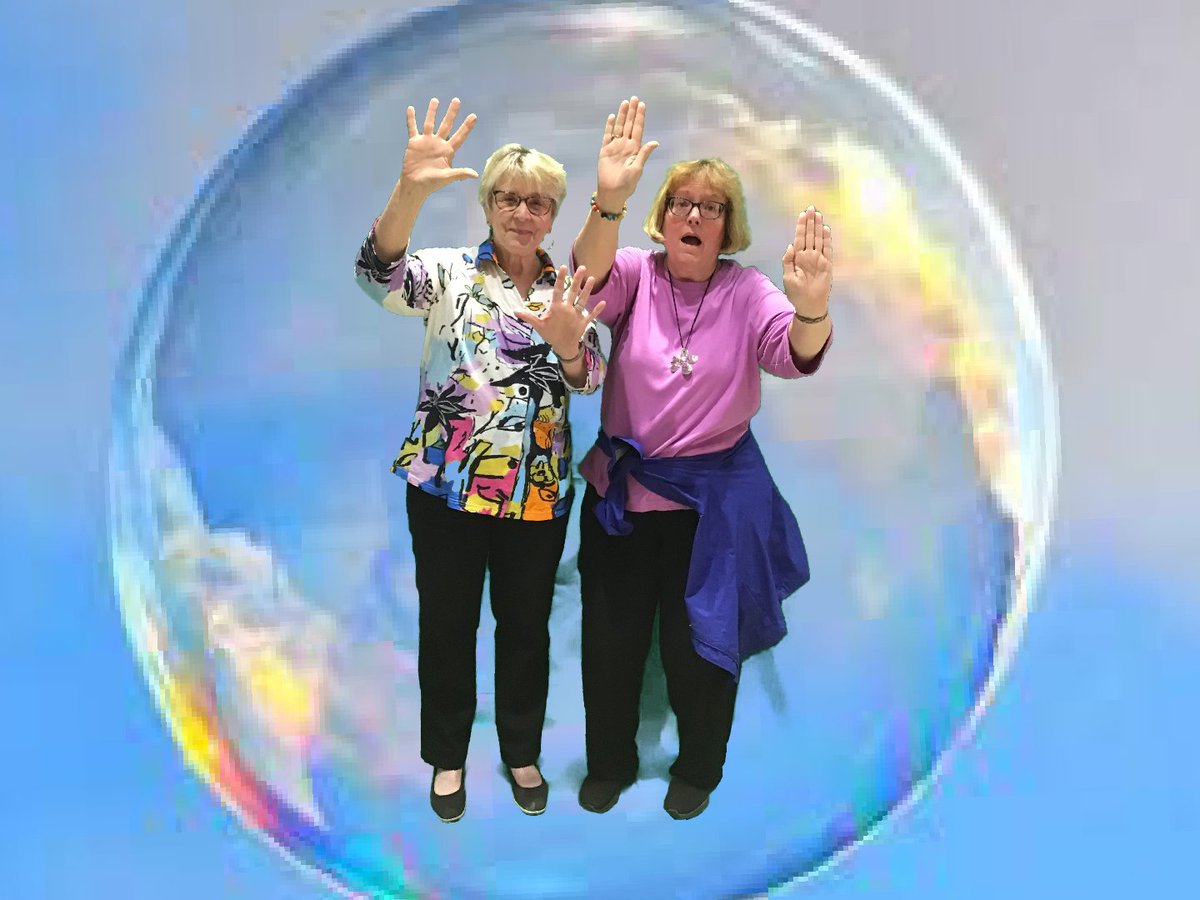
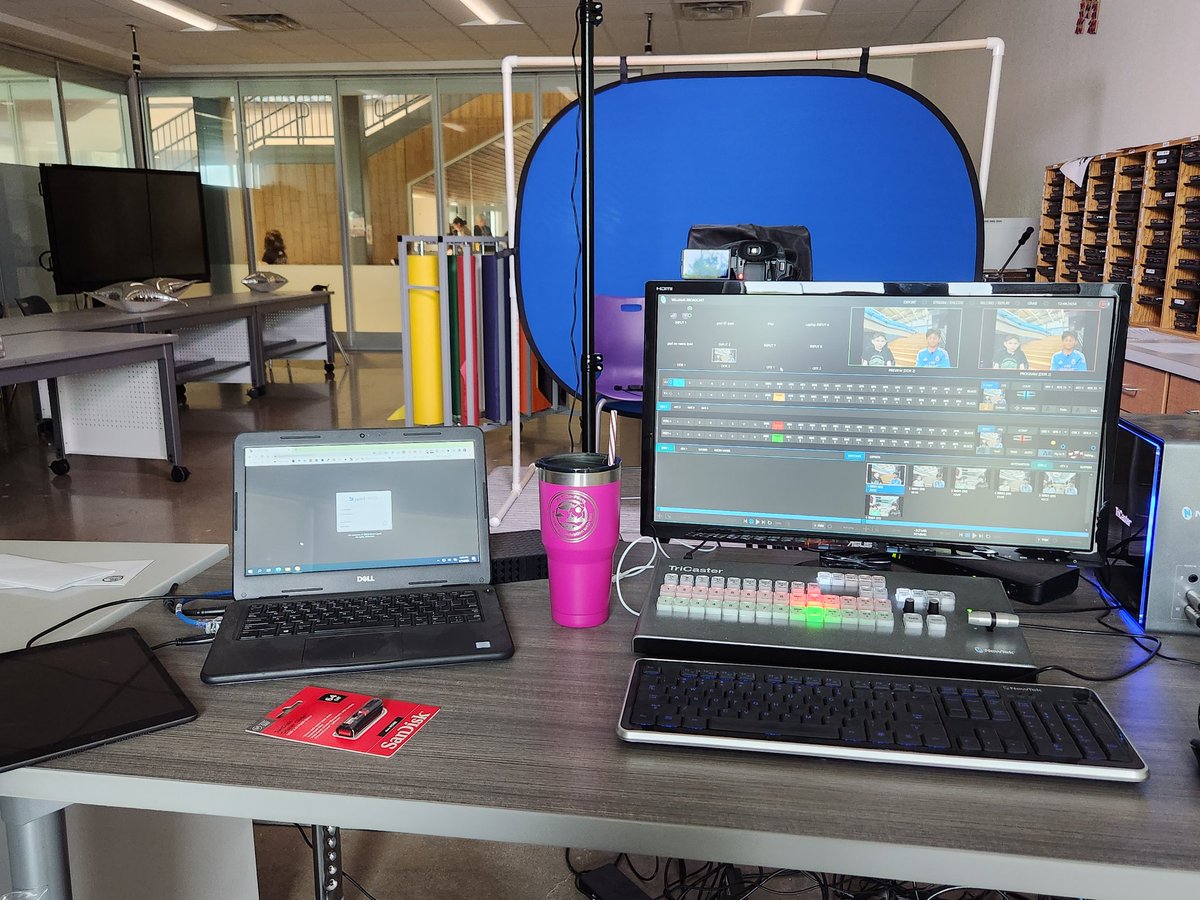
Had such a fun time showcasing our Georgetown Education Foundation funded Library green screen technology using the DoInk app with @DLCoachSandy today at our State of the District event!! Here are some of my favorite shots of the day.
@DoInkTweets#GISDSOTD@GISDDigiLearn
Wowsers! What a find! Have you browsed https://t.co/fPnz1DOlhg yet?
You can search for videos to use in your classroom that has been vetted. Did we mention there are filter capabilities within the search?
We are looking for an educator passionate about using technology in teaching and learning. Is that person you? Apply today to #LeadGrowServe with us as a member of our @GeorgetownISD Digital Learning Team! https://t.co/uCbLxYZb7d #edtech#txed
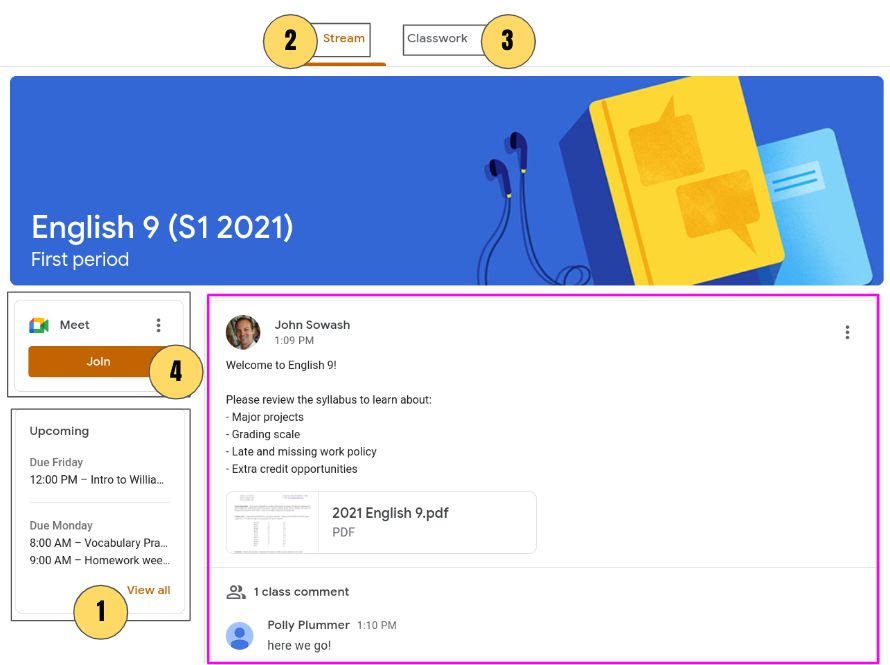
Want to know how #GoogleClassroom add-ons work?
See examples from teacher view AND student view using one of my fave add-ons, @AdobeExpress!
📺Tutorial video
🎨10 creative activities to try with it
... and more!
https://t.co/whEjDyQ3AI #adobeeducreative#sponsored#ditchbook
Can you score 100% on my #GoogleClassroom quiz?: https://t.co/nF4JVtEB5w
I assign this open-book quiz at the beginning of the school year to make sure my students can navigate Classroom effectively.
Copy my template here: https://t.co/1JpCEd6U4s
#teaching#GoogleEDU#edTech
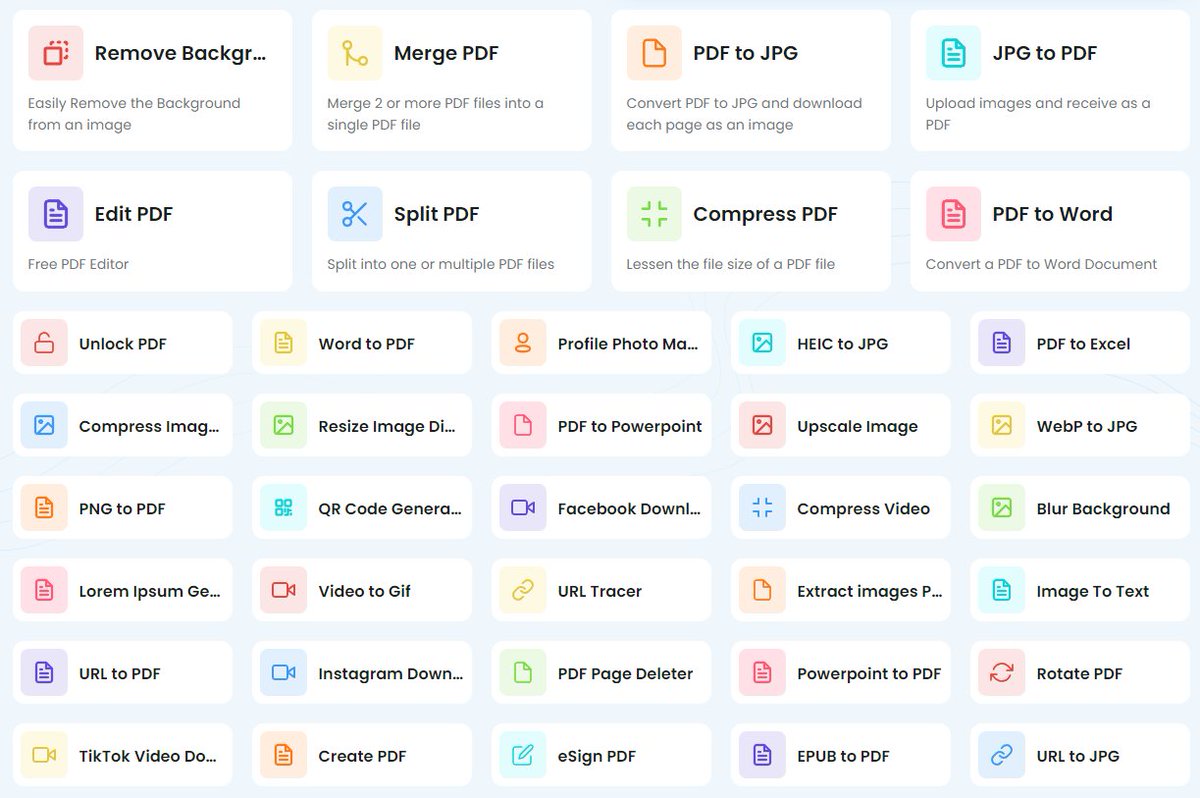
😲 TinyWow is a free website with loads of tools for editing and converting PDFs, images, videos, files, and more, as well as background removers, meme makers, QR code generators, and more.
https://t.co/yUzvP7dgnq
#edtech#EduTwitter
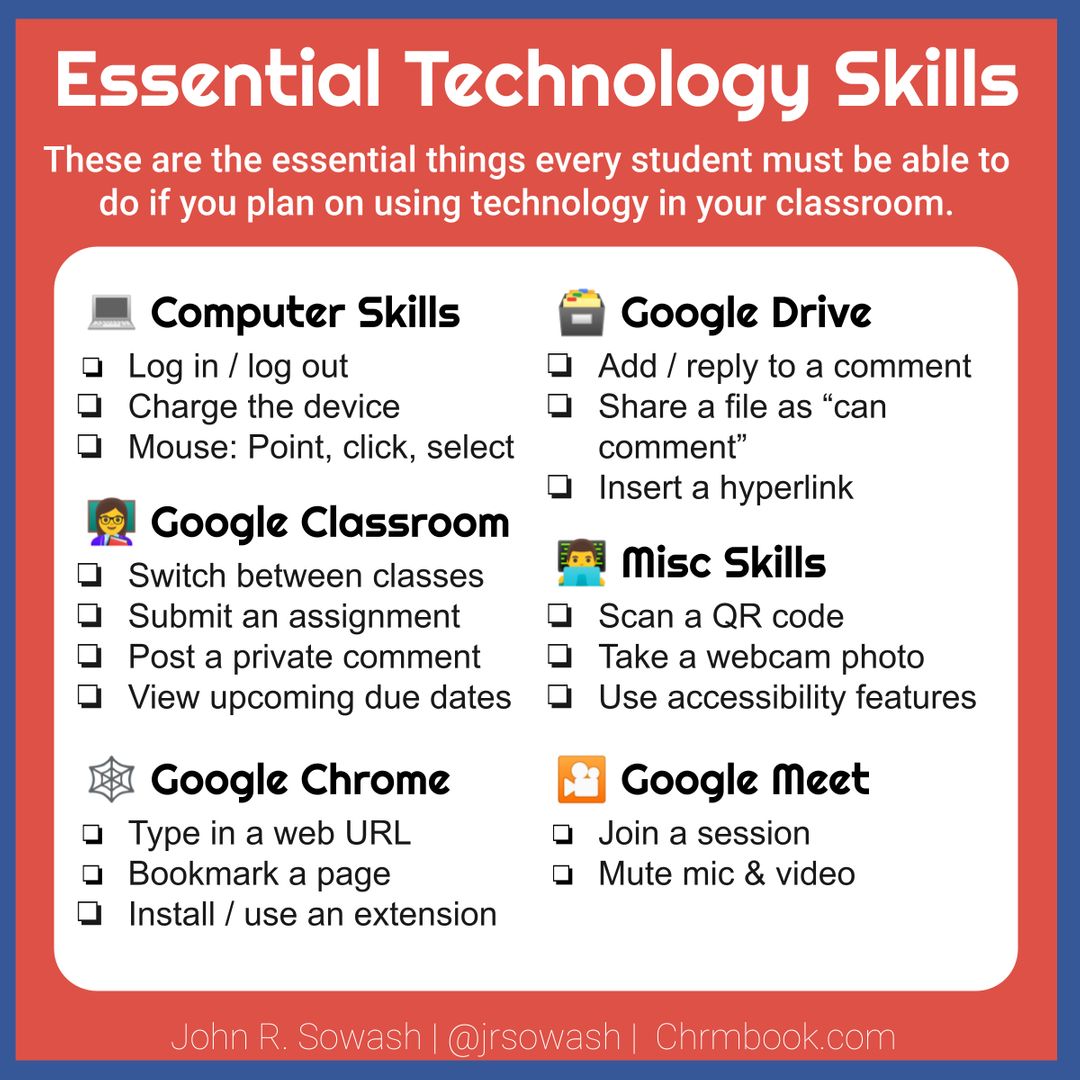
There are some basic things that your students MUST be able to do if you plan on using technology as a teaching tool.
You can download my full essential skills checklist here: https://t.co/V8NMAXdmTo
#elementary#teaching#backtoschool22